Podcast editing
Cut dialogue, remove filler and retakes, clean audio, add show notes and export a finished episode from one transcript-led workspace.
Independent tool overview
Descript is an all-in-one audio and video editor that turns recordings into editable transcripts and combines recording, captions, cleanup, clips, AI speech and generative video in one workspace.
Visit the official Descript site ↗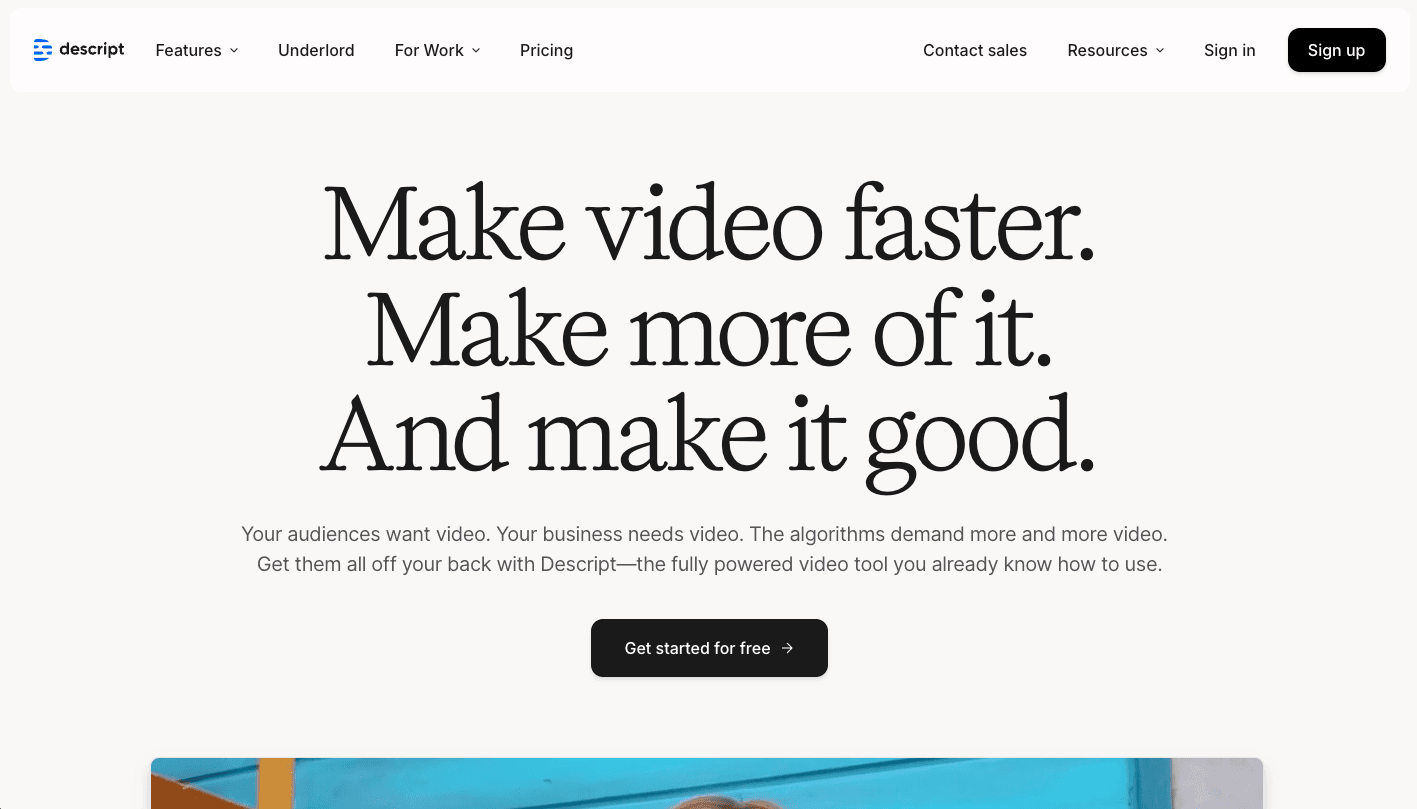
Overview
Descript makes spoken-media editing feel more like editing a document. Import or record a podcast, interview, screen capture or video; Descript transcribes it and links each word to the underlying media. Deleting text cuts the corresponding audio and video, which is especially useful for dialogue-heavy projects where a traditional timeline slows down rough cuts.
The product now pairs that transcript workflow with Underlord, an agentic co-editor that can perform multi-step edits, plus tools for audio cleanup, filler-word and retake removal, captions, multicam switching, social clips, AI voices, avatars, translations and generated media. It can cover an entire creator workflow, but AI credits and media minutes make usage planning important, and complex visual storytelling may still be better finished in a dedicated nonlinear editor.
Use cases
The strongest fit depends on the job you need the product to complete, not the size of its feature list.
Cut dialogue, remove filler and retakes, clean audio, add show notes and export a finished episode from one transcript-led workspace.
Turn long recordings into polished edits with captions, scene layouts, multicam switching and social clips.
Combine screen recording, webcam, narration, text-based corrections and reusable layouts.
Collaborate on scripts and projects while keeping brand assets, comments, recordings and exports together.
Complete most editorial cuts in the transcript and use the timeline only when finer visual or audio control is needed.
Capabilities
Edit words in a transcript to cut, rearrange or rewrite the linked audio and video.
Describe a multi-step task conversationally, such as tightening a video, making clips, changing layouts or preparing translations.
Record screen, camera and microphone locally or capture remote podcast and video sessions with cloud backups.
Generate speaker-aware transcripts and captions in the supported languages, with a glossary available on higher-tier workflows.
Apply Studio Sound, remove filler words and retakes, shorten gaps and regenerate awkward speech edits.
Create an authorized clone of your own voice or use stock voices for narration and text-based corrections.
Apply Eye Contact, Green Screen, automatic multicam, smart zoom, transitions and other assisted visual edits.
Find highlight moments and reformat them as shorter, captioned social videos.
Create images, video, AI presenters and regenerated sections using selectable models and plan credits.
Translate captions and create dubbed versions, with more advanced multilingual workflows on Business.
Share layouts, fonts, colors and templates while inviting editors, project collaborators and commenters with different permissions.
Automate imports and Underlord edits or control Descript from supported assistants and integration tools.
Process
Step 1
Capture the session in Descript or upload source files, keeping independent backups for irreplaceable recordings.
Step 2
Review speaker labels, names, technical terms and quotations before using text edits or captions as the source of truth.
Step 3
Remove false starts, filler and tangents in the transcript, then confirm that edits preserve meaning and natural pacing.
Step 4
Apply cleanup, multicam, layouts, captions, clips or generative elements while watching the media-minute and credit budget.
Step 5
Check every cut, caption, stock asset, AI voice, avatar and generated visual for accuracy, consent, licensing and brand fit.
Step 6
Export at the plan's supported resolution, publish a review link if needed and retain original media plus a final master outside the project.
Cost
Current Descript plans use two shared resource pools: media minutes for uploaded or recorded media and AI credits for Underlord and AI tools. Paid allocations are added per editor seat, but seats are billed separately. Unused monthly minutes and credits do not roll over.
$0
For testing recording and transcript-based editing on a small project.
$16/person/month annual or $24 monthly
For a solo creator producing a modest amount of 1080p content.
$24/person/month annual or $35 monthly
For higher-volume creators and small teams that need advanced AI and 4K output.
$50/person/month annual or $65 monthly
For teams that need brand controls, larger allowances and multilingual production.
Custom pricing
For organizations requiring custom capacity, security, procurement and support.
Pricing checked . Check current pricing at the source ↗
Assessment
Compare
The right alternative depends on the specific output, workflow, controls and budget your project requires.
Content Creator
Choose Riverside when high-quality remote recording and guest capture are the primary need, with editing as a secondary workflow.
Explore Riverside →Content Creator
Choose VEED for a browser-first video creation suite with templates and social production workflows.
Explore VEED →Content Creator
Choose CapCut for fast, visually driven short-form editing and effects across desktop and mobile.
Explore CapCut →Content Creator
Choose Auphonic when automatic loudness, leveling and audio post-production matter more than transcript-based video editing.
Explore Auphonic →Questions
Descript is an audio and video editor that links a transcript to the underlying media, letting users cut recordings by editing text and apply recording, cleanup, captions, clips, AI speech and video tools in one project.
Underlord is Descript's agentic co-editor. You describe an editing or creation task, and it can coordinate supported actions such as rough cuts, clips, layouts, captions, translations and generated content.
Descript has a Free plan. Paid annual rates currently start at $16 per person per month for Hobbyist, $24 for Creator and $50 for Business; monthly billing is higher. Enterprise is custom.
They measure uploaded or recorded media, including Rooms and screen recordings. A one-hour multi-guest Room session counts as one hour, not one hour per participant. Unused monthly minutes do not roll over.
Underlord chats and actions plus tools such as Studio Sound, Green Screen, Eye Contact, AI speech, avatars, dubbing and generated media. Tool and model costs vary, and unused monthly credits do not roll over.
Yes. AI Speakers can create an authorized custom voice from a short recording and generate or repair speech. Use only voices you own or have explicit permission to use, and disclose synthetic speech when context requires it.
For many dialogue-led podcasts, tutorials and social videos, it may cover the full edit. Projects needing advanced grading, animation, mixing or frame-level control may be better finished in a dedicated nonlinear editor.
Pilot one representative month and track imported media, Underlord messages, AI effects, export resolution, storage and editor seats. Choose from actual usage rather than the number of features listed.
Bottom line
Descript remains one of the clearest ways to make podcast and talking-head editing accessible to people who think in words rather than timelines. The combination of transcript edits, Underlord, cleanup, clips and AI speech can replace several creator tools. Its new two-pool pricing is easier to understand, but teams should measure real credit use and retain human control over transcripts, consent, voice cloning and final quality.
Visit Descript website ↗
Get access to all our AI courses, hundreds of real-world AI use cases, live expert-led workshops, an exclusive network of AI early adopters, and more.
Get unlimited access to all of our current & upcoming industry-specific AI courses for the duration of your subscription.
To keep up with the rapid pace of AI, our team publishes AI implementation guides daily. Our library contains 300+ practical use cases to automate real-world work.
Join weekly, live, interactive sessions with industry leaders who are at the forefront of AI for hands-on implementation guidance and exclusive insights.
Network with an exclusive community of AI-first professionals who are working smarter with AI. Learn how early adopters are using AI in their work and businesses.
.avif)

.avif)