Motion designers
Co-direct a brief-driven first pass, then tune layout and timing in an editable composition.
Independent tool overview
Desktop workspace for agent-built, editable HTML-to-video projects.
Visit the official Hyperframes Studio site ↗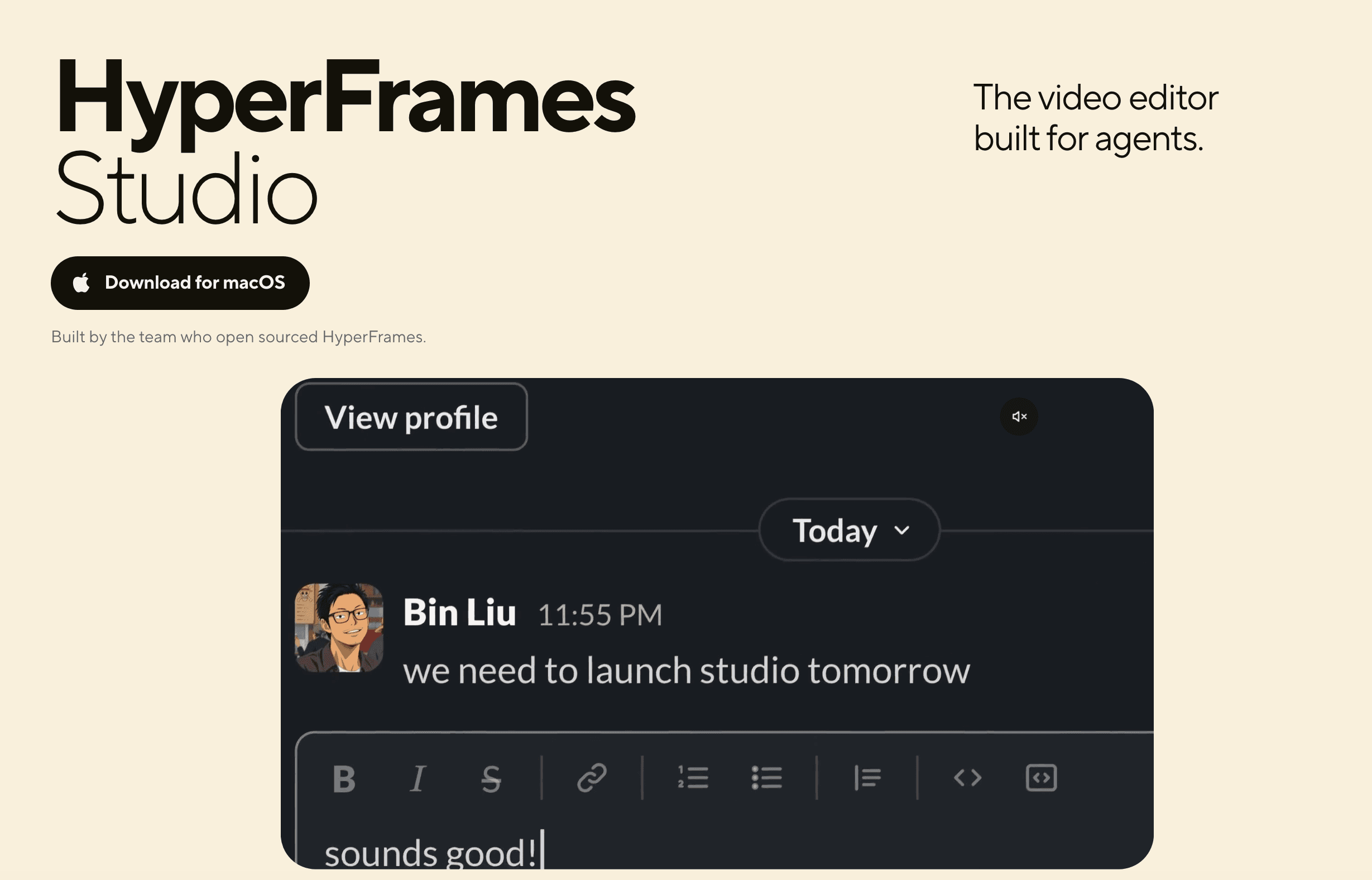
Overview
HyperFrames is HeyGen's open-source framework that turns HTML, CSS, and JavaScript compositions into video. HyperFrames Studio is its Mac and Linux desktop workspace: an agent can build an editable project from a brief, while the creator adjusts frames, timing, motion, captions, and output in a visible editor. It is a different proposition from a one-click text-to-video generator because the project files remain accessible to the agent and ordinary tools.
The official workflow includes previewing the complete film, running project checks, rendering a file, and watching the exported result. Studio can render the same project as the CLI. The framework is open source, but the documentation does not publish a single all-in Studio subscription price; third-party agents, generated media, cloud rendering, and HeyGen-connected services can carry separate costs. Verify those before planning a large production batch.
Use cases
The strongest fit depends on the job you need the product to complete, not the size of its feature list.
Co-direct a brief-driven first pass, then tune layout and timing in an editable composition.
Create product videos, explainers, captions, or motion graphics with repeatable visual elements.
Keep video projects in files and use the CLI for checks, rendering, or batch output.
Learn by doing
Explore the latest step-by-step AI guides from The Rundown University.
Capabilities
Describe the desired video and let an agent create web-based composition files.
Studio supports selecting elements, changing design, and editing timing or keyframes.
Agent, Studio, and CLI all work with the same editable project folder.
HyperFrames documents lint and broader browser, runtime, layout, motion, and contrast checks.
The docs describe MP4 for normal delivery and other formats for overlays or professional editing.
Process
Step 1
Download the Mac or Linux Studio app and use the documented HeyGen sign-in flow.
Step 2
Specify audience, duration, visual references, assets, and the one action a viewer should take.
Step 3
Review the full preview, then adjust canvas, timeline, audio, and captions in Studio or by asking the agent.
Step 4
Run checks, render to the needed format, and watch the exported file before sharing.
Cost
The HyperFrames framework is described as open source. Official Studio docs require HeyGen sign-in but do not state a definitive standalone Studio price or bundled media allowance. Budget separately for any connected generation, cloud, or agent services used in a workflow.
License available in public repository
Local project and rendering path.
Check current account terms
Desktop Studio uses HeyGen sign-in; a published all-in price was not verified.
Pricing checked . The previously reviewed pricing source is no longer available.
Assessment
Compare
The right alternative depends on the specific output, workflow, controls and budget your project requires.
Content Creator
Consider a visual video-generation platform with its own editing surface.
Explore Runway Creative →Content Creator
Consider transcript-led editing for spoken-word and podcast videos.
Explore Descript →Agents
Consider a broader agent workspace that includes a video editor.
Explore Manus →Questions
It is a desktop editor for HyperFrames projects, an HTML-to-video framework; linked HeyGen services may be separate.
The Studio guide says an agent can build from a description, while advanced users can edit project files directly.
The installation guide lists macOS and Linux.
The framework is open source, but the reviewed official docs did not establish an all-in Studio or connected-media price.
Bottom line
HyperFrames Studio is best for creators who want an agent to accelerate video construction without losing editability. Its source-first workflow and technical checks are strong advantages; confirm service charges and review the full render before using it for client delivery.
Visit Hyperframes Studio website ↗
Get access to all our AI courses, hundreds of real-world AI use cases, live expert-led workshops, an exclusive network of AI early adopters, and more.
Get unlimited access to all of our current & upcoming industry-specific AI courses for the duration of your subscription.
To keep up with the rapid pace of AI, our team publishes AI implementation guides daily. Our library contains 300+ practical use cases to automate real-world work.
Join weekly, live, interactive sessions with industry leaders who are at the forefront of AI for hands-on implementation guidance and exclusive insights.
Network with an exclusive community of AI-first professionals who are working smarter with AI. Learn how early adopters are using AI in their work and businesses.