Marketing teams
Create product explainers and campaign variants where an avatar presentation is appropriate.
Independent tool overview
HeyGen lets teams create presenter videos with stock or custom avatars, edit scenes and localize videos into other languages.
Visit the official HeyGen site ↗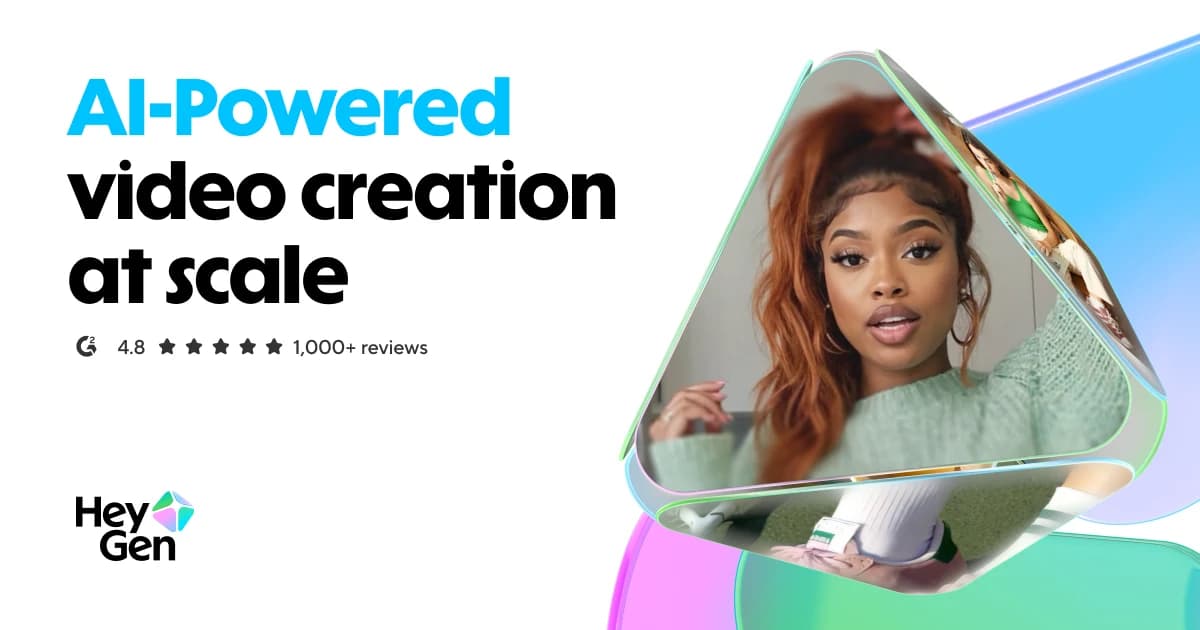
Overview
HeyGen’s broader product includes an AI Studio, avatars, voice options, translation and a Video Agent that can plan scenes from a prompt. A creator can draft a script, choose an avatar, add visual assets and export a video without filming every version. The brand system can store assets and translation rules for repeatable production.
This parent listing covers the platform, distinct from the directory’s focused HeyGen Video Agent, GPT and LiveAvatar entries. Generated people, cloned voices and translations create approval obligations. A responsible workflow confirms rights and consent, reviews every localized script with a fluent speaker, and checks that the finished video is accurate for its audience. The regular subscription and API have separate billing models.
Use cases
The strongest fit depends on the job you need the product to complete, not the size of its feature list.
Create product explainers and campaign variants where an avatar presentation is appropriate.
Produce consistent onboarding or internal education videos in several languages.
Publish presenter-style videos without repeated camera sessions.
Capabilities
Presents scripts through supplied or authorized personal avatars.
Assembles scenes, narration, text and visual media into an editable video.
Creates localized speech and scripts, with proofreading controls on eligible plans.
Can plan and assemble an editable video from a brief as a specialized part of HeyGen.
Stores recurring visual and translation choices for a team.
Process
Step 1
Check claims, timing, audience and permission to use names, likenesses and voice assets.
Step 2
Choose a stock or authorized custom avatar and assemble scene materials.
Step 3
Render a draft, fix timing, pronunciation, captions and visuals.
Step 4
Review each language with a competent reviewer, export at the permitted resolution and track credit use.
Cost
HeyGen’s public individual pricing lists Free, Creator at $29/month and Pro at $49/month on the monthly toggle. Creator and Pro include credit allowances; higher plans and business terms differ. The API is separately pay as you go and does not include free API credits in the 2026 help guide.
$0
Short, limited tests of the video workflow.
$29/month
Solo production with credits and longer exports.
$49/month
Higher solo allowance and advanced options.
Separate terms
Team seats and API consumption are priced differently.
Pricing checked . Check current pricing at the source ↗
Assessment
Compare
The right alternative depends on the specific output, workflow, controls and budget your project requires.
Marketing
Choose another avatar-video platform with a strong enterprise training focus.
Explore Synthesia →Content Creator
Choose a broader generative video toolkit when cinematic scenes matter more than talking avatars.
Explore Runway Creative →Content Creator
See the focused listing for HeyGen’s prompt-to-video agent.
Explore HeyGen Video Agent →Questions
The public Free plan currently allows three videos a month, each up to one minute.
Yes. Video translation is a documented capability, but language support, editing controls and credits vary by plan.
No. HeyGen’s help center describes API credits as a separate pay-as-you-go product.
Only use voice or likeness assets when you have the rights and consent required by HeyGen’s terms and applicable rules.
Bottom line
HeyGen is a practical choice for recurring presenter and localization video, especially when a team can standardize scripts and approvals. Evaluate a complete sample including captions, translation and export, not only the first generated clip. Budget for credits and human language review.
Visit HeyGen website ↗
Agent-run video editor with draw-to-edit frames and templates
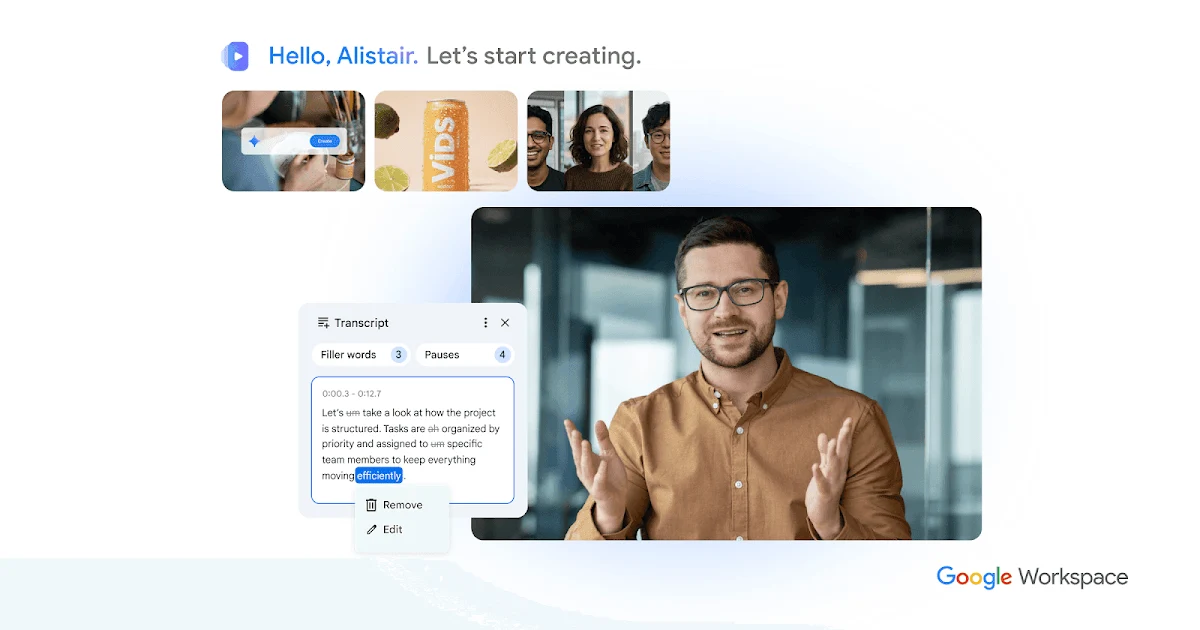
Collaborative video creation and editing app in Google Workspace.
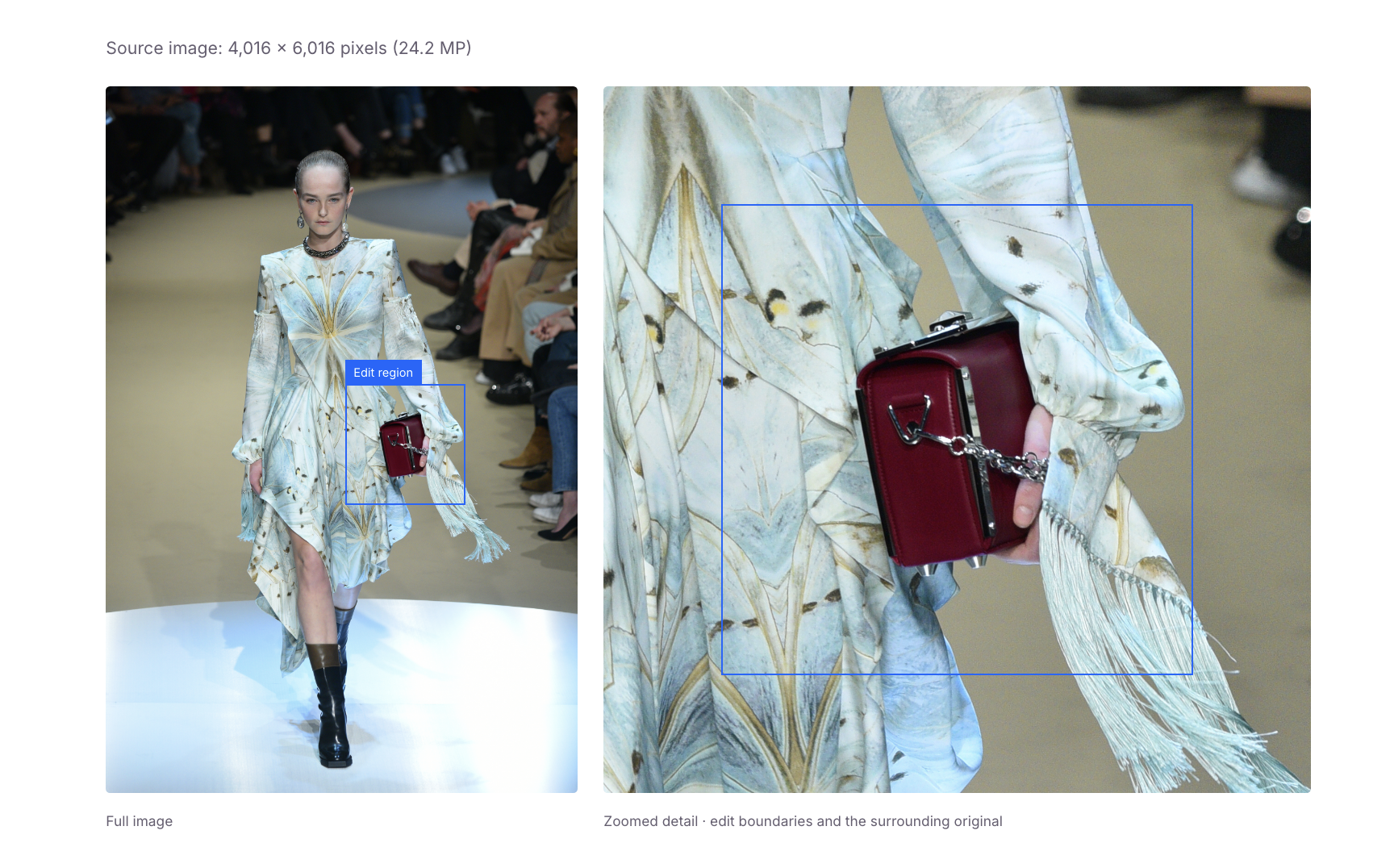
Ideogram's new AI image editing model that holds up through repeated changes
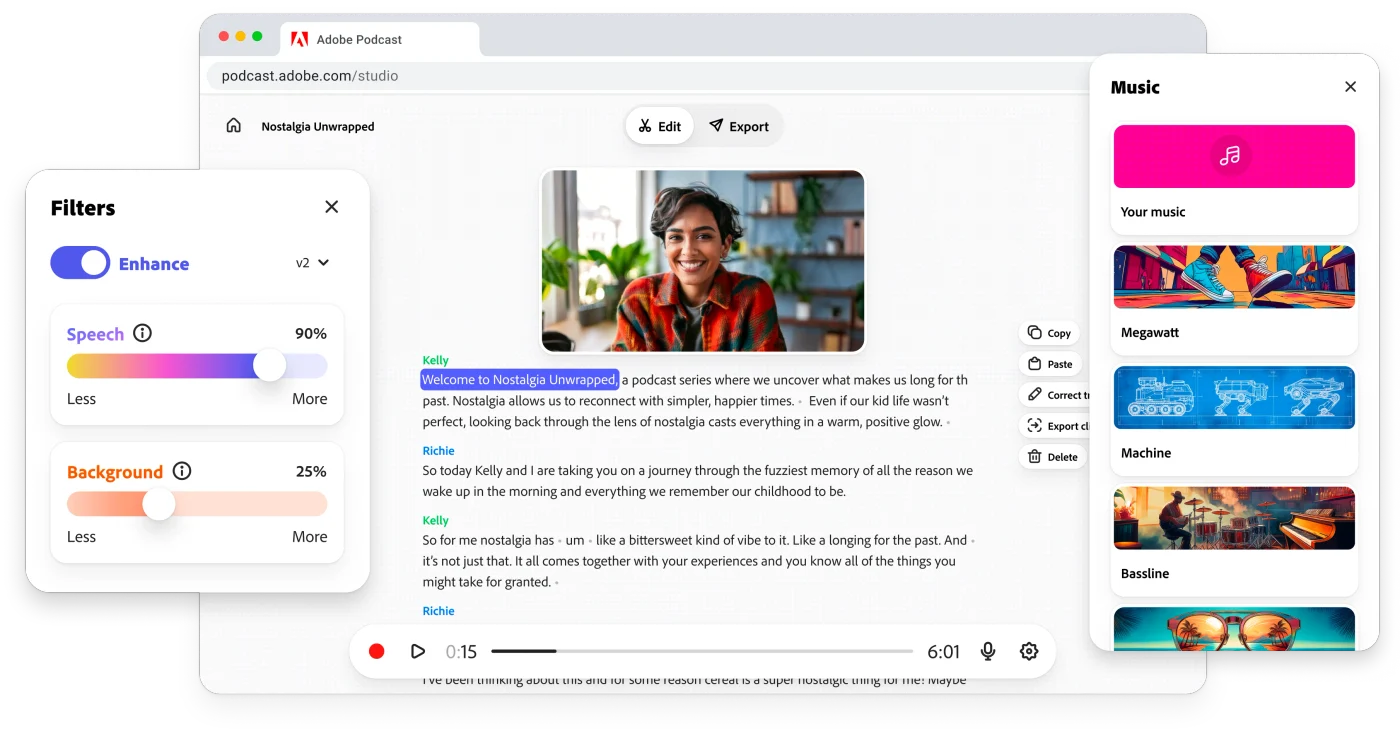
Record, edit and enhance spoken-word audio in the browser with Adobe Podcast Studio and Enhance Speech.

Get access to all our AI courses, hundreds of real-world AI use cases, live expert-led workshops, an exclusive network of AI early adopters, and more.
Get unlimited access to all of our current & upcoming industry-specific AI courses for the duration of your subscription.
To keep up with the rapid pace of AI, our team publishes AI implementation guides daily. Our library contains 300+ practical use cases to automate real-world work.
Join weekly, live, interactive sessions with industry leaders who are at the forefront of AI for hands-on implementation guidance and exclusive insights.
Network with an exclusive community of AI-first professionals who are working smarter with AI. Learn how early adopters are using AI in their work and businesses.