Explainer videos
Turn a product, process or lesson into a narrated, scene-based video without manually building every visual.
Independent tool overview
HeyGen Video Agent turns a prompt or script into an editable video with a plan, scenes, narration, avatars, B-roll, motion graphics, captions and brand styling.
Visit the official HeyGen Video Agent site ↗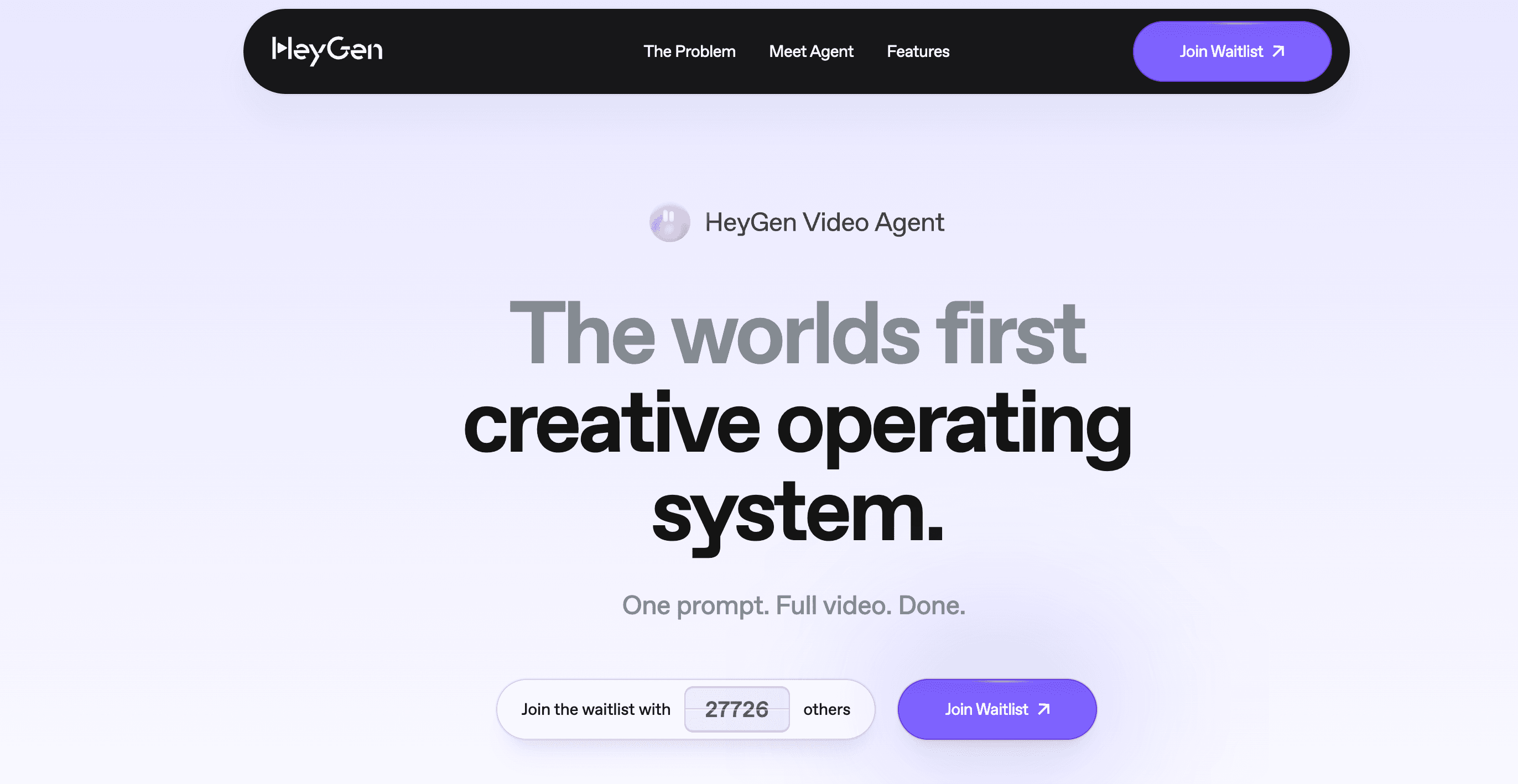
Overview
HeyGen Video Agent is the fastest end-to-end creation path inside HeyGen. It interprets a prompt, drafts a script and scene blueprint, selects or generates visuals, adds voiceover and an optional avatar, and assembles the result into a produced video.
Unlike a one-shot text-to-video clip generator, the Agent creates a structured project. Users can preview the plan, refine the direction conversationally and edit text, timing, layout, colors, media and other elements in HeyGen's studio rather than regenerating the entire video for every small change.
Video Agent is available on the Free plan for limited testing and uses the shared credit balance on paid plans. HeyGen's current credit guide lists Standard mode at 40 credits per output minute and Seedance mode at 120, so model choice can materially change how much video a plan produces.
Use cases
The strongest fit depends on the job you need the product to complete, not the size of its feature list.
Turn a product, process or lesson into a narrated, scene-based video without manually building every visual.
Generate a complete first cut with a hook, avatar or presenter footage, captions, B-roll and motion graphics for rapid testing.
Apply a Brand Kit so typography, colors and visual treatment stay more consistent across a series.
Create a master video in HeyGen, then use its translation and voice tools to produce localized versions.
Capabilities
Breaks an idea into a script and scene-by-scene creative plan that can be reviewed before final generation.
Combines voiceover, captions, transitions, A-roll, B-roll, motion graphics and visual overlays into one narrative.
Uses stock avatars, photo avatars or consented custom Digital Twins with multilingual synthetic narration.
Accepts feedback about the script, tone, pacing or visuals and can revise the plan through a multi-turn agent session.
Keeps project elements editable in AI Studio, including text, timing, position, colors, layouts and selected media.
Can apply saved brand settings and supports one-shot or conversational Video Agent sessions through HeyGen's API.
Process
Step 1
Specify the audience, goal, format, duration, aspect ratio, tone, call to action and claims the video must or must not make.
Step 2
Select a stock or consented custom avatar, voice, Brand Kit and any product media or reference files the Agent should use.
Step 3
Inspect the proposed script, scene sequence and visual direction before spending credits on the full render.
Step 4
Create the draft, then fix claims, pronunciation, pacing, captions, B-roll and layout at the element level in AI Studio.
Step 5
Confirm consent for every likeness, verify licensed media and factual claims, and disclose AI-generated material where law or context requires it.
Cost
HeyGen offers limited Free creation plus Creator at $29 per month with 600 credits, Pro from $49 with 1,000, Business at $149 with 1,500, and custom Enterprise terms. The newest credit guide lists Video Agent Standard at 40 credits per minute and Seedance mode at 120; HeyGen displays the expected cost before supported generations.
$0
For short trials of HeyGen and Video Agent.
$29/month
For individual creators producing regular 1080p videos.
From $49/month
For individuals who need higher usage tiers and 4K export.
$149/month
For teams that need collaboration, governance and reloadable credits.
Custom
For larger deployments requiring tailored controls and support.
Pricing checked . Check current pricing at the source ↗
Assessment
Compare
The right alternative depends on the specific output, workflow, controls and budget your project requires.
Marketing
Choose Synthesia for a training and enterprise-communications workflow centered on controlled avatar presentations.
Explore Synthesia →Marketing
Choose Arcads when rapid UGC-style advertising with AI actors is the primary output.
Explore Arcads →Content Creator
Choose VEED when browser-based recording and hands-on timeline editing matter more than agent-led production.
Explore VEED →Questions
It is HeyGen's prompt-native creation workflow that plans, scripts and produces an editable video with narration, visuals, avatars, motion graphics, captions and transitions.
The Free plan includes limited trial access and typically 1 to 3 short videos depending on region. HeyGen's current terms limit Free-plan output to personal, non-commercial and internal evaluation use.
HeyGen's current credit guide lists Standard mode at 40 credits per output minute and Seedance mode at 120 credits per minute. Costs can change by feature or model, and the product shows an estimate before supported generations.
Yes. The project can be refined conversationally and opened in AI Studio, where text, timing, layout, colors, media and other elements remain editable.
Yes. It can use eligible custom avatars, but HeyGen requires explicit consent from the depicted person and a consent recording for video-based Digital Twins.
Yes. HeyGen's API supports a generate mode for one-shot production and a chat mode for multi-turn decisions and revisions.
Bottom line
HeyGen Video Agent is a strong production shortcut for teams that want a complete first cut rather than isolated AI clips. Its value comes from the editable blueprint-to-studio workflow; the main constraints are credit cost, factual review and the consent and data obligations attached to synthetic people.
Visit HeyGen Video Agent website ↗
Higgsfield Soul - A new “high-aesthetic” photo model with advanced realism and 50+ presets for easy style optimization

Co-STORM - Write Wikipedia-like articles from scratch based on AI search

Runway: Offers ai video, image, and text generation tools for creatives to produce high-quality content at scale.

Veo 3 - Google's SOTA video generation model

Get access to all our AI courses, hundreds of real-world AI use cases, live expert-led workshops, an exclusive network of AI early adopters, and more.
Get unlimited access to all of our current & upcoming industry-specific AI courses for the duration of your subscription.
To keep up with the rapid pace of AI, our team publishes AI implementation guides daily. Our library contains 300+ practical use cases to automate real-world work.
Join weekly, live, interactive sessions with industry leaders who are at the forefront of AI for hands-on implementation guidance and exclusive insights.
Network with an exclusive community of AI-first professionals who are working smarter with AI. Learn how early adopters are using AI in their work and businesses.