Multi-tab research
Turn a scattered set of sources into a more navigable interface for comparing and using the material.
Independent tool overview
Disco is a Google Labs browsing experiment that uses Gemini to turn open tabs and a stated goal into custom, interactive web apps called GenTabs.
Visit the official Disco site ↗
Overview
Disco is Google Labs' test bed for new AI-native web experiences. Its headline feature, GenTabs, reads the context of a browsing task—including open tabs and chat history—and generates an interactive app tailored to the user's goal. Google shows examples such as trip planning, meal planning, gardening, and exploring the solar system.
The experiment goes beyond summarizing tabs. GenTabs can organize source material into a purpose-built interface, while Disco's AI-Enabled Pointer can answer questions about selected page content, move the user to relevant sections, open related tabs, and add useful material to a GenTab. It remains an early-access experiment rather than a general-purpose replacement for a mature browser.
Use cases
The strongest fit depends on the job you need the product to complete, not the size of its feature list.
Turn a scattered set of sources into a more navigable interface for comparing and using the material.
Build a temporary app around research-heavy work such as travel, meals, gardens, or learning projects.
Test Google's early ideas for browsing, source-aware generation, and interfaces created from natural-language goals.
Capabilities
Generates a custom interactive web app from the user's open tabs, chat context, and stated goal.
Lets users describe the tool they need and refine the generated experience without writing code.
Google says generated elements connect back to the original web sources so users can inspect supporting material.
Provides quick answers about selected content without requiring the user to leave the page.
Can jump to relevant passages, highlight information, and open related tabs in response to a question.
Allows useful information discovered while browsing to be added to and used within an existing GenTab.
Process
Step 1
Request access through the official Google Labs Disco page; availability is limited.
Step 2
Gather the webpages that contain the information needed for the task.
Step 3
Tell Disco what kind of tool or outcome would make the browsing session useful.
Step 4
Inspect the generated GenTab, follow its source links, and use natural-language requests to improve the interface.
Step 5
Use the pointer and side panel to investigate pages and add the most useful material back into the GenTab.
Cost
Google does not publish a price for Disco. The experiment is currently offered through a limited waitlist rather than a standard paid plan.
No published price
Waitlist access to Google's experimental Disco browser and GenTabs experience.
Pricing checked . Check current pricing at the source ↗
Assessment
Compare
The right alternative depends on the specific output, workflow, controls and budget your project requires.
Agents
Perplexity's AI-first browser is a more broadly positioned option for assisted search and web tasks.
Explore Comet →Students
Opera includes an AI assistant directly within an established consumer browser.
Explore Opera AI (formerly Aria) →Agents
Adds agentic Claude assistance to Chrome without switching to a separate experimental browser.
Explore Claude in Chrome →Questions
Disco is a Google Labs browsing experiment for testing AI-native web features. Its first major feature is GenTabs.
GenTabs are custom interactive apps generated from a user's open tabs, chat context, and goal.
No. Google currently asks users to join a waitlist and says testing begins with a limited cohort on macOS.
Google has not published pricing for the experiment as of the review date.
Google says GenTabs link generated elements back to their original web sources. Users should still open those sources and verify important claims.
Google presents GenTabs as generated browsing experiences for completing tasks, not as a conventional development, hosting, or production deployment platform.
Bottom line
Disco is a compelling preview of browsing interfaces that adapt to the task instead of forcing users to manage dozens of tabs. GenTabs' source-linked approach is especially promising, but limited access and its experimental status make it best suited to exploration rather than critical workflows today.
Visit Disco website ↗
Gemini Deep Research Agent - Google's SOTA agent for long-running context gathering and synthesis tasks
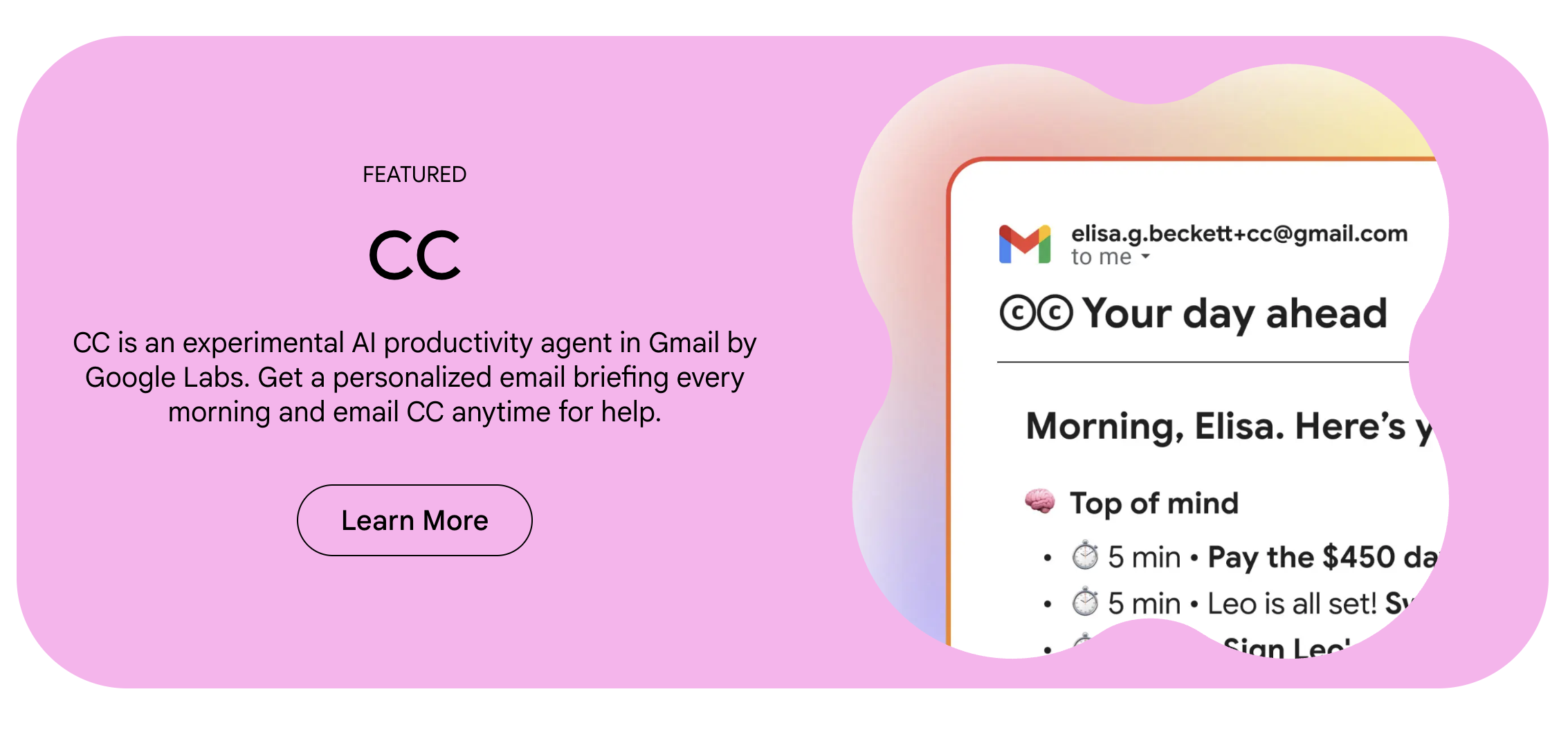
CC - Google Labs’ experimental AI productivity agent in Gmail
GPT-5.2 - OpenAI's most advanced model family
Gemini 3 Flash - Google's powerful, cost-effective frontier reasoning model

Get access to all our AI courses, hundreds of real-world AI use cases, live expert-led workshops, an exclusive network of AI early adopters, and more.
Get unlimited access to all of our current & upcoming industry-specific AI courses for the duration of your subscription.
To keep up with the rapid pace of AI, our team publishes AI implementation guides daily. Our library contains 300+ practical use cases to automate real-world work.
Join weekly, live, interactive sessions with industry leaders who are at the forefront of AI for hands-on implementation guidance and exclusive insights.
Network with an exclusive community of AI-first professionals who are working smarter with AI. Learn how early adopters are using AI in their work and businesses.