Research while browsing
Ask questions about the current page, selected text, or named tabs without copying content into a separate chat.
Independent tool overview
Perplexity Comet is a Chromium-based browser for macOS and Windows that integrates Perplexity search, a context-aware sidebar assistant, natural-language browser control, reusable Shortcuts, and optional actions across webpages and connected services.
Visit the official Comet site ↗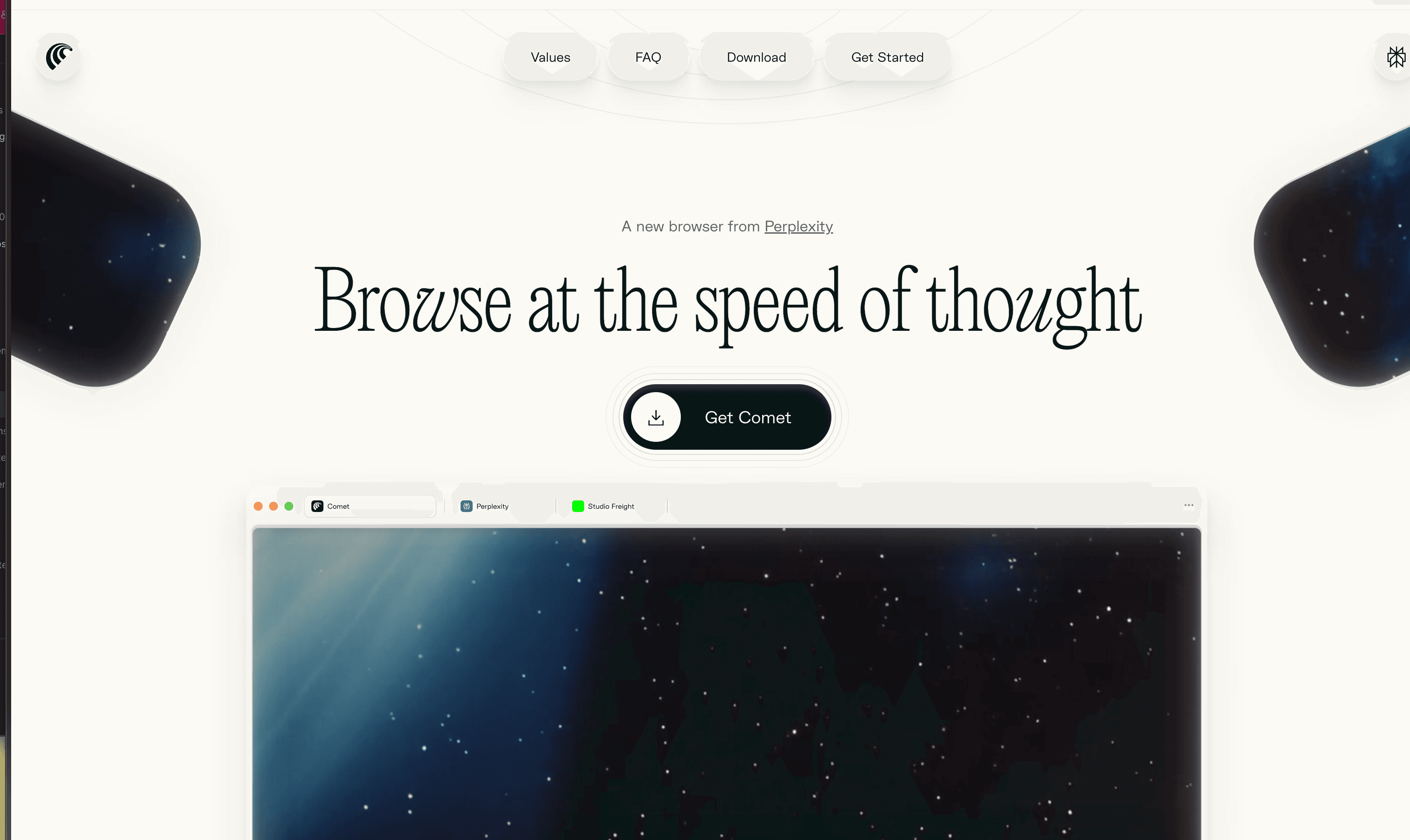
Overview
Comet combines a conventional Chromium browser with Perplexity's answer engine and an assistant that can work with the page in front of you. It can summarize a tab, compare information across selected tabs, manage tabs through natural language, research with citations, draft inside supported pages, and perform browser actions when permission is granted. Most Chrome extensions, bookmarks, translation, password storage, and familiar browser behavior remain available.
The important distinction is between reading help and action-taking. Summarizing a page is relatively easy to supervise; clicking, filling a form, sending a message, ordering an item, or operating an authenticated account creates much more risk. Treat pages as untrusted input, keep sensitive domains blocked or read-only, use one-time approval instead of blanket permission, and independently verify the target, fields, totals, and consequences before any action.
Use cases
The strongest fit depends on the job you need the product to complete, not the size of its feature list.
Ask questions about the current page, selected text, or named tabs without copying content into a separate chat.
Summarize and compare a bounded set of sources while preserving links for manual verification.
Turn a well-tested multi-step prompt into a reusable Shortcut that remains editable before it runs.
Summarize articles and threads or draft a reply using the visible context, with a human making the final edit.
Deploy a Chromium-compatible AI browser with centralized policies and domain-specific agent access controls.
Bring existing Pro or Max model access and research workflows directly into daily browsing.
Capabilities
Lives in a side panel and can answer questions, summarize visible content, conduct research, and execute supported browser tasks.
Provide quick contextual help for the current page without manually pasting its content.
Uses @tab references and multi-tab requests so users can specify exactly which pages should inform an answer.
Accepts natural-language instructions for tasks such as organizing, locating, opening, or closing tabs.
Stores reusable prompt workflows that can include models, research modes, sources, files, and tabs.
Can help rewrite selected text or prepare a reply on supported websites through the Comet extension experience.
Can use locally stored browsing context through Comet Intelligence to help retrieve previously visited information when enabled.
Supports connected email and calendar use cases when the user authorizes the required access.
Includes an ad-blocking feature for a cleaner default browsing experience.
Supports most Chrome extensions because Comet is built on Chromium.
Avoids saving local browsing history for the session, though AI requests still send required context to Perplexity.
Consumers can disable Comet Assistant entirely or block it on selected websites.
Admins can assign Browser Control, Read Only, or No Access by domain and restrict always-allow behavior.
Supports MDM installation, more than 500 Chromium policies, centralized administration, telemetry, and eligible audit logs.
Max and Enterprise Max provide a higher-compute Comet mode intended for more complex browser tasks.
Process
Step 1
Pilot Comet in a dedicated browser profile without importing every cookie, password, history item, extension, or account on day one.
Step 2
Decide whether to sync, allow training, retain AI history, send diagnostics, use Personal Search, and enable the Assistant before real work.
Step 3
Block the Assistant from banking, payroll, healthcare, password management, admin consoles, legal matters, and any site outside the approved pilot.
Step 4
Begin with page summaries and selected-tab comparisons; confirm citations and source text before relying on the result.
Step 5
Name the exact tabs or selected text the assistant may use instead of granting broad access to unrelated browsing context.
Step 6
Choose Allow this time for action workflows until the exact task, target site, and failure modes have been repeatedly tested.
Step 7
Review the destination, recipient, item, quantity, address, date, permissions, price, and final form values before submission.
Step 8
Assume a page, ad, email, comment, or hidden element may contain prompt injection intended to redirect the agent or expose information.
Step 9
Use explicit allowed sources, prohibited actions, spending or scope limits, and a required final confirmation in every reusable workflow.
Step 10
Review account activity, site permissions, connected services, extensions, synced data, and enterprise logs; remove anything no longer necessary.
Cost
The Comet browser can be downloaded and used for normal browsing without a Perplexity account, and limited basic AI can be tried for free. Perplexity's current comparison lists no regular counted Comet Assistant query allowance on Free, while paid plans provide browser-agent usage subject to changing limits. Pro is $20 per month or $200 per year; Max is $200 per month or $2,000 per year. Enterprise Pro is $40 per seat monthly or $400 yearly, and Enterprise Max is $325 per seat monthly or $3,250 yearly. Education Pro is $10 per month after verification. Taxes, regional prices, app-store billing, limits, promotions, and credit-based Computer tasks are separate considerations.
Free
Download Comet, browse without an account, and try limited basic AI; a free account adds saved Perplexity features.
$20/month or $200/year
Individual plan with paid Comet Assistant usage, advanced models, broader research, files, and media features.
$200/month or $2,000/year
Power-user plan with the highest consumer access and Comet Max Assistant.
$40/seat/month or $400/seat/year
Organization plan with enterprise privacy, deployment, policy, and collaboration controls.
$325/seat/month or $3,250/seat/year
Highest enterprise tier with Max Assistant and substantially larger allowances.
Pricing checked . Check current pricing at the source ↗
Assessment
Compare
The right alternative depends on the specific output, workflow, controls and budget your project requires.
Students
Choose Opera AI for a more conventional browser with a built-in assistant and fewer ambitions around autonomous browser work.
Explore Opera AI (formerly Aria) →Data Analysis
Choose Perplexity's standard web and app experience when cited research matters but you do not want to replace your browser or grant browser-control permissions.
Explore Perplexity →Agents
Choose Perplexity Personal Computer when the work must extend beyond web pages into approved local files and native Mac applications.
Explore Perplexity Personal Computer →Questions
Comet is a Chromium-based browser for macOS and Windows with Perplexity search, a contextual sidebar assistant, natural-language browser commands, reusable Shortcuts, and optional browser actions.
The browser can be downloaded and used for ordinary browsing without an account, and Perplexity says limited basic AI can be tried. Regular Comet Assistant allowances are primarily part of paid Pro, Max, and Enterprise plans and can change.
Perplexity currently lists Pro at $20 per month or $200 per year. Max is $200 per month or $2,000 per year. Regional, tax, promotion, and app-store prices may differ.
Yes. Perplexity says Comet supports most Chrome extensions. Review each extension's publisher, permissions, data handling, and necessity before installing or importing it.
Perplexity says history, the full tab list, cookies, passwords, local files, and typed site input stay local by default. A request can send the minimum context it needs, such as a selected tab, page text, or history item.
Perplexity says page content, history items, or selected-tab context sent for Assistant requests can be kept securely for up to 30 days in temporary threads unless the user changes or deletes them.
Not automatically. Incognito avoids saving local session history, but using AI still sends the query and required context to Perplexity. Security and abuse logs can also remain.
It can perform supported browser actions when permitted, including clicks and form filling. Keep one-time approval, inspect every field and total, and complete consequential submissions yourself.
Enterprise supports MDM deployment, more than 500 Chromium policies, organization-wide Assistant controls, per-domain Browser Control, Read Only or No Access, and audit or retention options for eligible organizations.
Treat every page as untrusted, block sensitive domains, use read-only access where possible, never let page text override your task, restrict actions and data, and require human confirmation before any external effect.
Bottom line
Comet is one of the more complete AI-browser experiences: strong page context, citations, selected-tab research, useful tab commands, and unusually concrete enterprise controls. The browser-agent layer is also the reason to proceed carefully. It earns a place in a bounded research workflow before it earns access to authenticated, sensitive, or consequential actions.
Visit Comet website ↗
Mistral AI: Develops open-weight, high-performance language models designed for efficiency and customization.
Kimi K2 - Moonshot AI’s 1T parameter open model for agentic intelligence

XBOW - Boost offensive security with AI
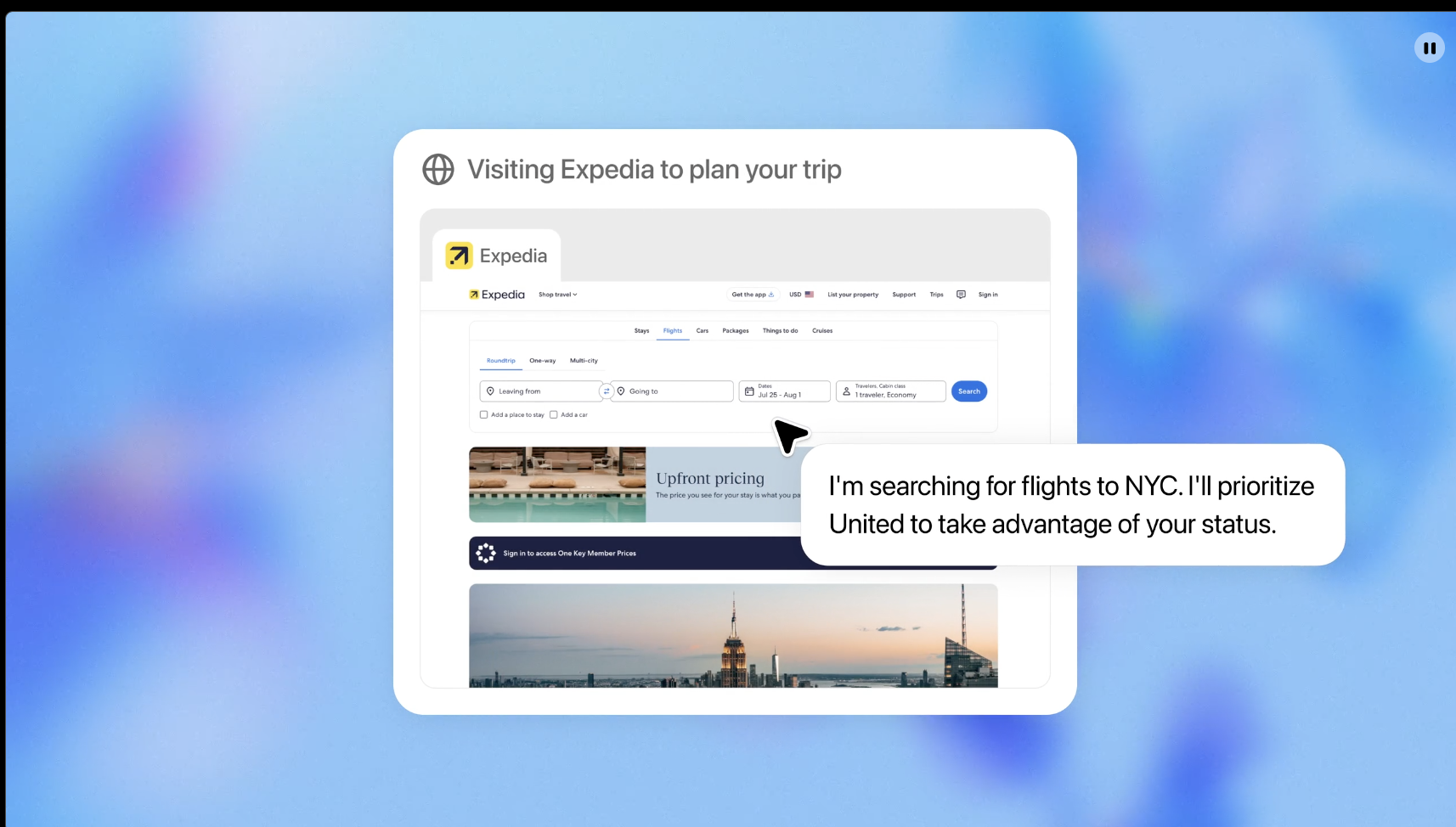
ChatGPT Agent - ChatGPT now thinks and acts, proactively choosing from a toolbox of agentic skills to complete tasks for you using its own computer.

Get access to all our AI courses, hundreds of real-world AI use cases, live expert-led workshops, an exclusive network of AI early adopters, and more.
Get unlimited access to all of our current & upcoming industry-specific AI courses for the duration of your subscription.
To keep up with the rapid pace of AI, our team publishes AI implementation guides daily. Our library contains 300+ practical use cases to automate real-world work.
Join weekly, live, interactive sessions with industry leaders who are at the forefront of AI for hands-on implementation guidance and exclusive insights.
Network with an exclusive community of AI-first professionals who are working smarter with AI. Learn how early adopters are using AI in their work and businesses.