Brand and product visuals
Use several approved references to constrain identity, composition, palette, materials, lighting, or visual style across campaign assets.
Independent tool overview
Luma UNI-1.1 is the current version of Luma's reasoning-based image model. It creates and edits 2K images, accepts up to nine visual references, and is available in the Luma app or through pay-as-you-go and provisioned APIs. Its strongest fit is reference-heavy professional creative work, but teams should compare the app's credit economics with the much clearer API per-image pricing.
Visit the official Uni-1 site ↗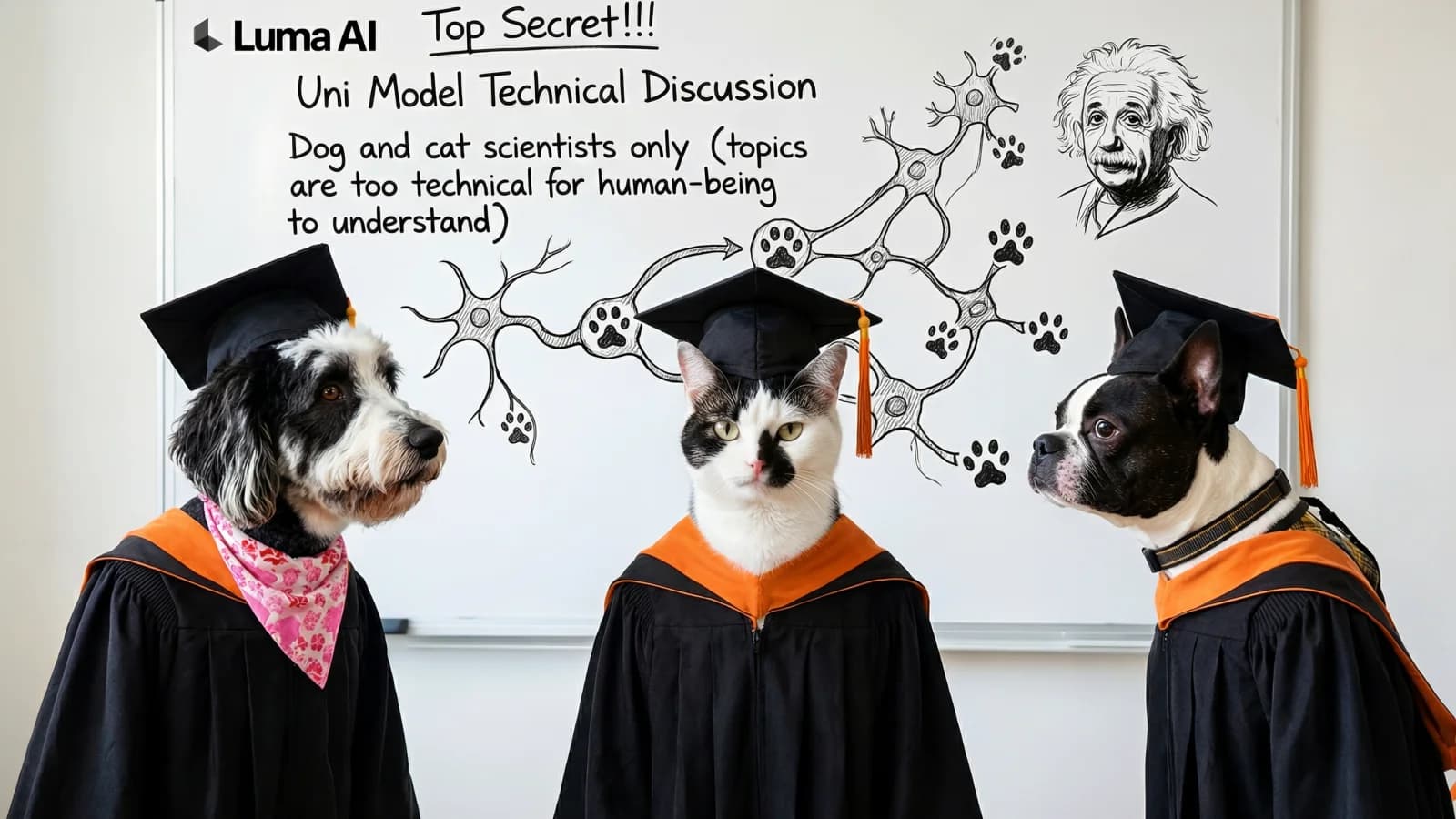
Overview
Luma describes UNI as a unified multimodal model in which text and image tokens share one sequence, allowing the model to reason about a visual brief before generating pixels. In practice, UNI-1.1 supports text-to-image creation, reference-guided generation, and natural-language image editing rather than video generation.
The model is designed for creative direction: users can specify composition, preserve a character or product, transfer style and lighting, or combine several visual references. Create mode accepts up to nine references; Modify mode accepts up to eight because the source image occupies one input slot. API output is 2K and supports PNG or JPEG.
The naming is easy to misread. Luma's original product page still says UNI-1, while its current official model guidance calls UNI-1.1 the active image model. The public API identifiers remain "uni-1" and "uni-1-max". This page treats UNI-1.1 as the current product generation and preserves the original Uni-1 slug for continuity.
Use cases
The strongest fit depends on the job you need the product to complete, not the size of its feature list.
Use several approved references to constrain identity, composition, palette, materials, lighting, or visual style across campaign assets.
Carry a character's appearance across new scenes by assigning clear roles to reference images and refining a selected result.
Change backgrounds, lighting, color, objects, or styling while explicitly telling the model which parts of a source image to preserve.
Integrate a fixed 2K image model through REST, Python, JavaScript or TypeScript with per-image billing or reserved throughput.
Capabilities
Processes language and visual tokens together so the model can resolve multi-constraint creative direction before rendering.
Create makes a new composition from a brief and optional references; Modify edits a specific source while preserving requested structure.
Use references for character identity, product appearance, style, composition, color palette, lighting, texture, or mood.
Refine an existing generation with follow-up instructions instead of restarting from a blank prompt.
Use seeds, common aspect ratios, structured instructions, sketches, and labeled layout directions for controlled iteration.
The API exposes uni-1 as the lower-cost default and uni-1-max as a higher-quality drop-in option with the same request format.
Process
Step 1
Use Create when the result should be a new composition; use Modify when it should remain a version of a supplied image.
Step 2
State whether each image controls identity, style, composition, color, lighting, texture, or another constraint.
Step 3
Specify the subject, output purpose, framing, environment, lighting, mood, and non-negotiable details early in the instruction.
Step 4
Tell UNI exactly what to change and what to keep, then iterate on a chosen image instead of regenerating the whole concept.
Step 5
Check identity, text, hands, logos, source rights, disclosure requirements, and cost per accepted asset before scaling.
Cost
UNI-1.1 is available inside Luma's subscription app and through a separate developer API. App use consumes credits; the current pricing page lists UNI-1 Create or Modify at 30 credits per image. API Build pricing is pay-as-you-go with no minimum, while Scale reserves capacity under a substantial monthly commitment.
$30 monthly or $300 yearly
The entry individual app plan with Luma and third-party models.
$90 monthly or $900 yearly
A higher-usage individual app plan.
$300 monthly or $3,000 yearly
The largest published individual app plan.
From $0.0404 per image
Pay-as-you-go API access with shared capacity and no minimum commitment.
From $3,800 per capacity unit monthly
Provisioned throughput for teams requiring reserved capacity and a latency SLA.
Pricing checked . Check current pricing at the source ↗
Assessment
Compare
The right alternative depends on the specific output, workflow, controls and budget your project requires.
Design
Choose Nano Banana Pro when Google ecosystem access, strong text rendering, and world-knowledge-assisted editing are more important.
Explore Nano Banana Pro →Design
Consider Seedream 5.0 Pro for design-aware image generation, infographics, typography, and precise edits.
Explore Seedream 5.0 Pro →Content Creator
Use Krea when a broader multi-model creative workspace and real-time exploration matter more than direct API integration.
Explore Krea →Design
Consider OpenArt for another browser-based multi-model workspace spanning image creation, editing, characters, and filmmaking tools.
Explore OpenArt →Questions
UNI-1 is Luma's unified multimodal image-model family for creation, reference-guided generation, and natural-language editing. Luma currently identifies UNI-1.1 as the active product generation.
UNI-1 is the family and original product name; UNI-1.1 is the current version. Luma's public API still uses the model identifiers uni-1 and uni-1-max.
Pay-as-you-go uni-1 pricing starts at $0.0404 for a 2K text-to-image result. Editing or using one reference costs $0.0434, and each additional reference adds $0.0030. uni-1-max starts at $0.1000.
Create mode supports up to nine references. Modify mode supports up to eight references because the source image occupies the ninth image slot.
Yes. Modify mode accepts a source image and natural-language instructions. Luma recommends stating both what should change and what must remain unchanged to reduce drift.
Luma lists commercial use on its paid Plus, Pro, and Ultra app plans. API use is governed by separate API terms, so businesses should confirm input rights, output restrictions, and prohibited uses for their workflow.
Luma's API terms state that API input and output are not used to train or fine-tune Luma models. That commitment applies to API access and does not automatically extend to use through other Luma interfaces.
Bottom line
UNI-1.1 is a strong candidate for teams that need more than one-shot image prompting, especially when character, product, style, or composition references must survive repeated edits. Developers get unusually transparent per-image pricing, while app subscribers should calculate the credits consumed per accepted asset. Test the cheaper uni-1 tier on a representative brief, compare it with uni-1-max only where quality differences matter, and route sensitive work through terms that match the required data protections.
Visit Uni-1 website ↗
Arrow 1.0 - QuiverAI's new top-ranked SVG generation model, now in public beta
Wan2.7-Image - Alibaba's unified image model for generation, editing, and 12-language text rendering
Reve v1.5 - Reve's updated text-to-image model with 4k resolution outputs

Claude Design - Anthropic's new design tool for collaborating with Claude to create polished visual work like designs, prototypes, slides, one-pagers, and more.

Get access to all our AI courses, hundreds of real-world AI use cases, live expert-led workshops, an exclusive network of AI early adopters, and more.
Get unlimited access to all of our current & upcoming industry-specific AI courses for the duration of your subscription.
To keep up with the rapid pace of AI, our team publishes AI implementation guides daily. Our library contains 300+ practical use cases to automate real-world work.
Join weekly, live, interactive sessions with industry leaders who are at the forefront of AI for hands-on implementation guidance and exclusive insights.
Network with an exclusive community of AI-first professionals who are working smarter with AI. Learn how early adopters are using AI in their work and businesses.