GLM-5.3 coding workflows
Use Z.ai's current coding model through the first-party harness and account-based Coding Plan connection.
Independent tool overview
ZCode is a free desktop agentic development environment from Z.ai, built around long-running coding tasks and deeply integrated with GLM-5.3 while also supporting compatible third-party model services.
Visit the official ZCode site ↗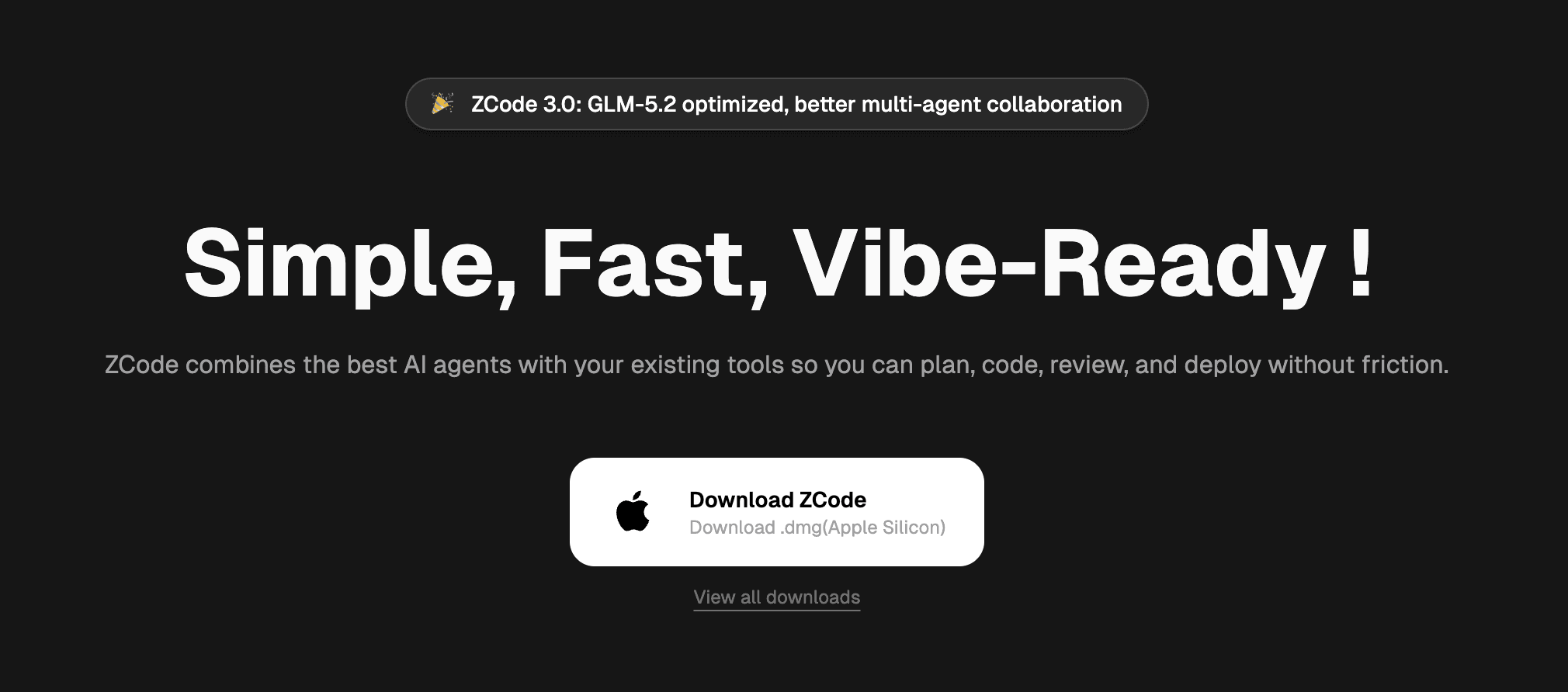
Overview
ZCode is an agent-first development environment rather than a conventional editor with autocomplete added. Users open a workspace, describe a goal, and let the ZCode Agent inspect files, edit code, run terminal commands, preview the result, use Git, and iterate through a task.
The product originally emphasized GLM-5.2, but the current release is the official harness for GLM-5.3. Z.ai also includes GLM-5.3-Flash for screenshot understanding and image analysis, and it allows compatible third-party models or team-managed services through OpenAI- and Anthropic-style connections.
Goal Mode is designed for larger work: it plans subtasks, tracks progress, executes changes, tests, verifies the target, and can recover task state. Subagents, skills, plugins, MCP servers, hooks, automations, memory, browser tools, and remote control extend the core workflow.
The desktop application is free, but model inference is separate. The simplest path is a GLM Coding Plan connected to a Z.ai account; users can instead supply an API key, connect another compatible provider, or use a team-approved private model service.
ZCode's autonomy can materially change files and run commands. Its four permission modes range from approval before every change to Full access. The default is safer, and production repositories should keep sandboxing, least privilege, review, tests, and deployment controls outside the model.
Use cases
The strongest fit depends on the job you need the product to complete, not the size of its feature list.
Use Z.ai's current coding model through the first-party harness and account-based Coding Plan connection.
Break a complex goal into tracked tasks that can span repository inspection, implementation, tests, and verification.
Delegate bounded subtasks to subagents while one task retains the overall goal and workspace context.
Connect approved GLM, Claude, GPT, Kimi, or compatible model services instead of depending on one endpoint.
Monitor or steer work away from the desktop through supported mobile and bot channels.
Combine file edits, terminal work, live browser preview, screenshots, and multimodal models in one loop.
Capabilities
A first-party agent that combines workspace context, file references, terminal tools, Git state, permissions, and model output.
Plans and tracks complex objectives through implementation and verification, with state recovery for longer tasks.
Exposes Low, High, and Max reasoning levels and is tuned for GLM-5.3's long-context, multi-turn coding behavior.
Built-in option for screenshot understanding, image analysis, visual questions, and related interface work.
Supports Z.ai and BigModel accounts, direct API keys, compatible OpenAI or Anthropic protocols, and team-managed channels.
Lets users require approval for every change, auto-apply edits, approve a plan first, or allow broader continuous execution.
Includes file management, terminal access, Git commits, browser automation, live preview, review, edit history, and remote development.
Supports subagents, skills, plugins, MCP servers, commands, hooks, automations, memory, and project-specific extensions.
Shows local application activity plus Coding Plan quota, token use, tool calls, context composition, and available quota resets.
Offers phone and bot-channel supervision plus gradually rolling idle-time tasks that can use spare capacity without plan quota.
Process
Step 1
Choose the signed installer for the correct macOS, Windows, or Linux architecture and keep the application updated.
Step 2
Sign in with a Z.ai or BigModel Coding Plan, enter an API key, or use a team-managed compatible provider.
Step 3
Use a clean branch or worktree, confirm repository instructions, and exclude secrets, unrelated directories, and production credentials.
Step 4
State the desired behavior, constraints, acceptance criteria, tests, protected areas, and what evidence should establish completion.
Step 5
Use Plan or Ask before changes for risky work, and lower the thought level only when speed matters more than depth.
Step 6
Review commands, paths, file changes, network requests, proposed dependencies, and any question the agent may otherwise auto-continue.
Step 7
Run tests, type checks, builds, security checks, and browser or runtime inspection appropriate to the change.
Step 8
Inspect the diff, Git status, dependency changes, test evidence, remaining risks, and deployment plan independently of the agent's summary.
Cost
The ZCode desktop application is free, but users need model access. The current GLM Coding plans are credit-based with weekly limits: Lite lists $18 per month, Pro $80, and Max $168. ZCode currently displays discounted prices of $12.60, $56, and $117.60 respectively. Pro provides 6× Lite usage and Max 14×; verify the live checkout because promotional prices and quota rules can change.
$0
The desktop agent environment is free to download and use with a connected model service.
$12.60/month shown; $18 list
Entry credit plan for lightweight iteration on smaller repositories.
$56/month shown; $80 list
Higher-volume plan for regular development on mid-sized repositories.
$117.60/month shown; $168 list
Largest published individual plan for sustained work on mid-to-large repositories.
Pricing checked . Check current pricing at the source ↗
Assessment
Compare
The right alternative depends on the specific output, workflow, controls and budget your project requires.
Coding
Choose Cursor 3 when comparing a mature agent-first editor with broad model access and parallel agents across repositories.
Explore Cursor 3 →Coding
Choose Devin Desktop, formerly Windsurf, for a coding environment tied closely to Devin's agent and cloud execution ecosystem.
Explore Devin Desktop (formerly Windsurf) →Coding
Choose the Codex app when OpenAI models, long-running tasks, skills, worktrees, and the ChatGPT ecosystem are the priority.
Explore Codex App →Coding
Choose Claude Code when a terminal-first workflow and Anthropic's coding models are a better fit than a desktop ADE.
Explore Claude Code →Questions
ZCode is Z.ai's free desktop agentic development environment. Its agent can inspect a workspace, edit files, run commands, use Git and browser tools, and work through multi-step coding goals.
The application is free. Model usage is not: connect a GLM Coding Plan, an API key, a compatible provider, or a team-managed model service.
It can support GLM-5.2, but the current first-party experience is centered on GLM-5.3 and GLM-5.3-Flash. The older description that presents ZCode primarily as a GLM-5.2 environment is outdated.
ZCode currently shows Lite at $12.60 per month against an $18 list price, Pro at $56 against $80, and Max at $117.60 against $168. Confirm checkout because promotions and quotas can change.
Yes. ZCode supports compatible third-party providers through Anthropic- or OpenAI-style connections, but available reasoning levels, images, context handling, and request parameters depend on the model and protocol.
Goal Mode manages a larger objective through planning, code changes, tool use, progress tracking, testing, verification, and state recovery.
Ask before changes is the default mode. Users can also auto-apply edits, approve a plan before implementation, or use Full access. Keep the stricter modes for sensitive repositories and production configuration.
ZCode's privacy policy says services are generally provided from Singapore and data is generally processed there. Connected third-party model providers can process data under their own policies.
Its optimization program is disabled by default. If a user actively opts in, ZCode says de-identified input, output, and usage data may be used for product and model improvement.
Bottom line
ZCode is a serious option for developers who want an agent-first desktop environment and are open to the GLM ecosystem. Its current strengths are long-running Goal Mode, visible permissions, provider flexibility, and a free client. The tradeoffs are credit-based model costs, a fast-changing product surface, and the usual risk of giving an agent terminal and repository access. Start with a clean branch, Ask or Plan mode, and representative evaluation tasks before allowing broader autonomy.
Visit ZCode website ↗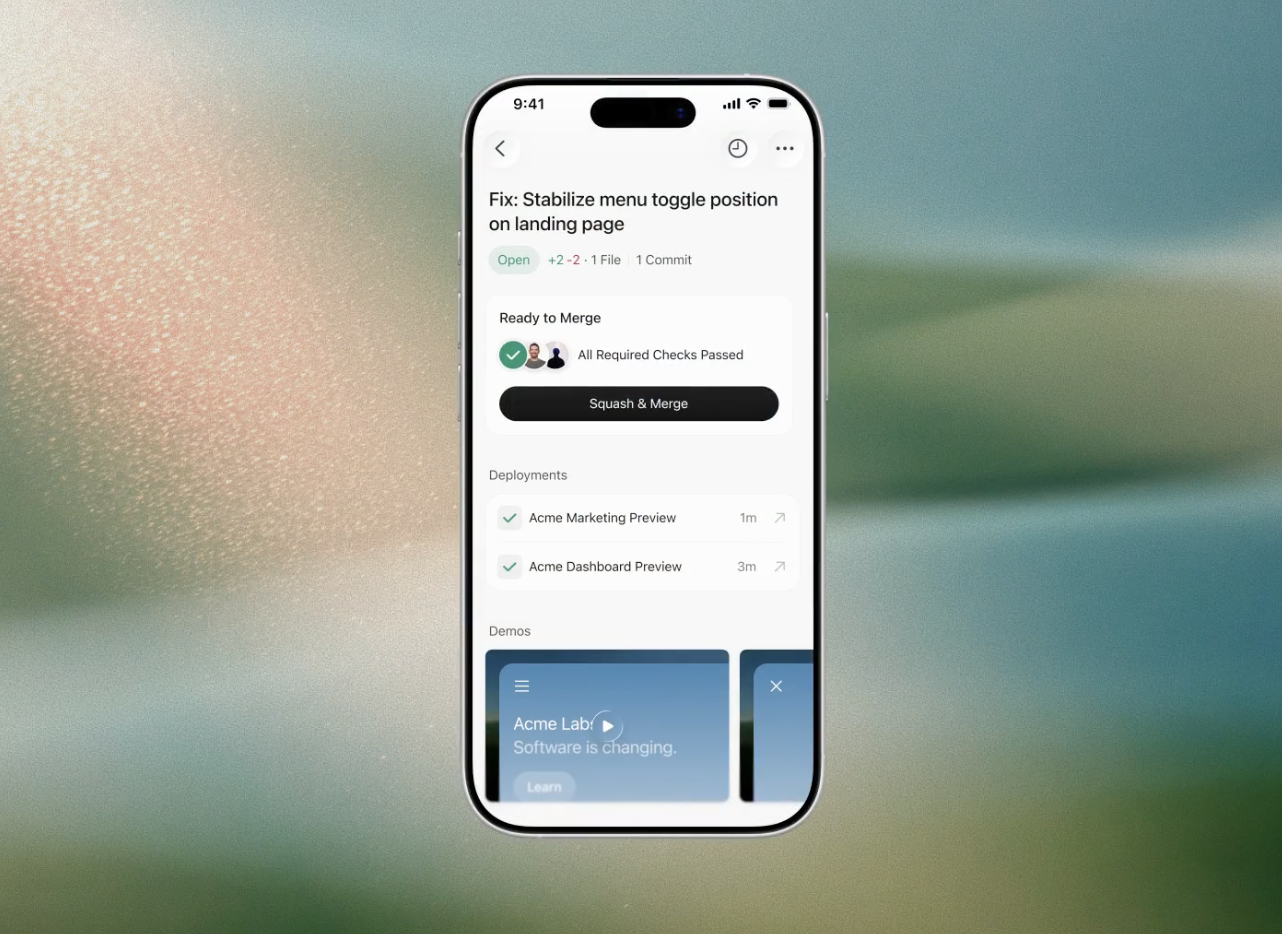
Cursor for iOS - Cursor's new mobile experience for coding on-the-go
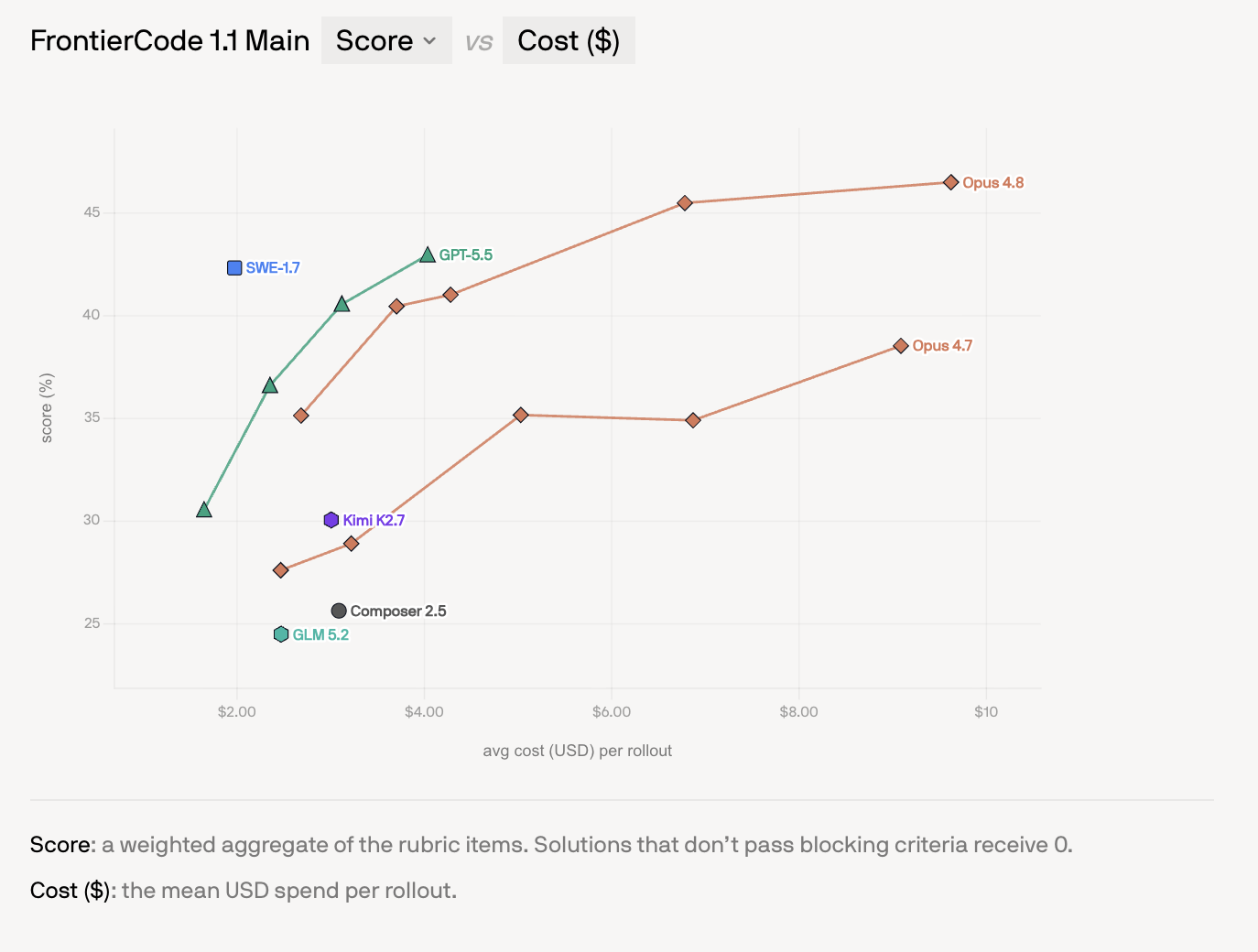
SWE-1.7 - Cognition's cheap, near-frontier coding model

Devin Fusion - Cognition's multi-model, cost-cutting coding harness
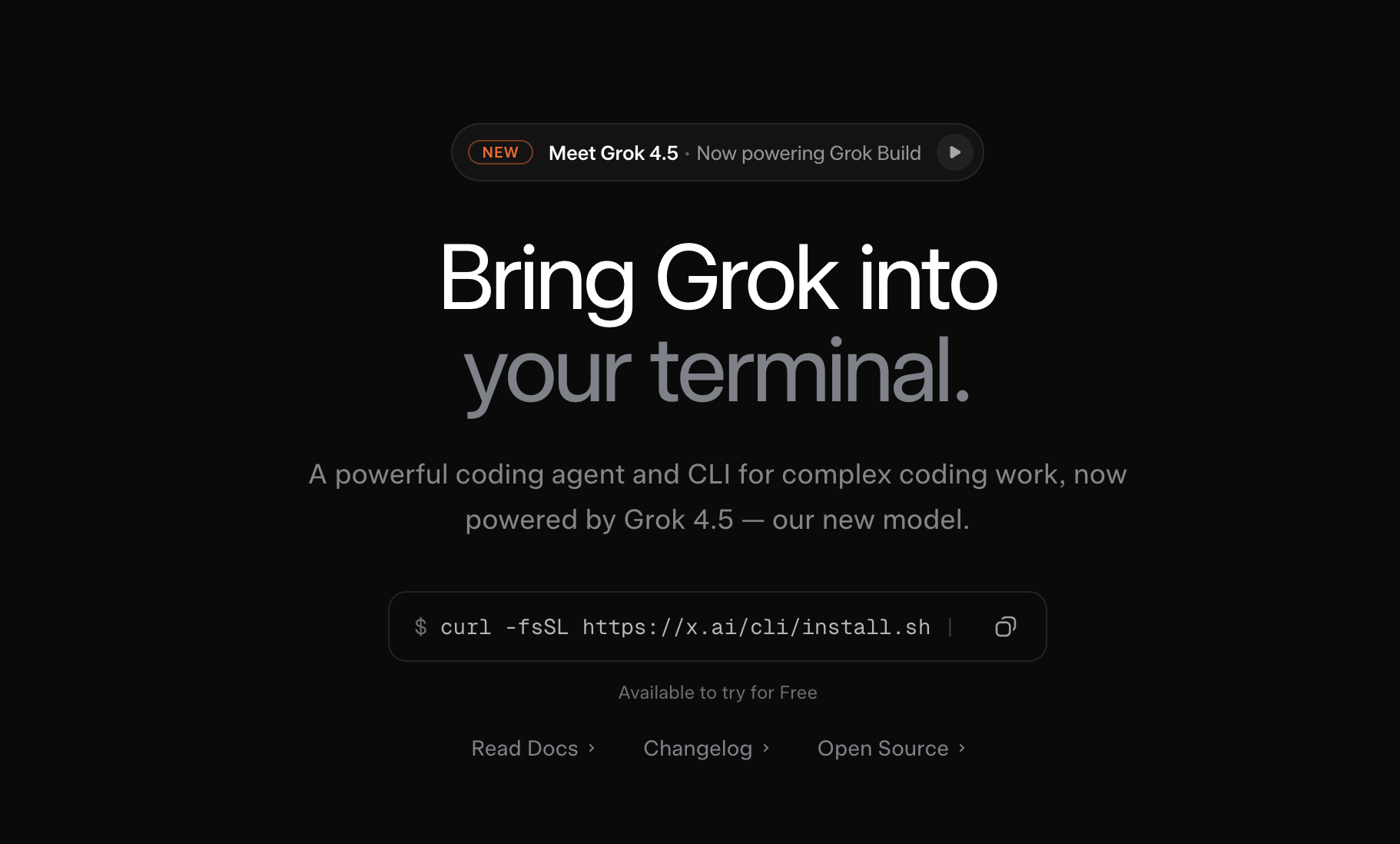
Grok Build - SpaceXAI's newly open-sourced coding agent and CLI for complex coding work

Get access to all our AI courses, hundreds of real-world AI use cases, live expert-led workshops, an exclusive network of AI early adopters, and more.
Get unlimited access to all of our current & upcoming industry-specific AI courses for the duration of your subscription.
To keep up with the rapid pace of AI, our team publishes AI implementation guides daily. Our library contains 300+ practical use cases to automate real-world work.
Join weekly, live, interactive sessions with industry leaders who are at the forefront of AI for hands-on implementation guidance and exclusive insights.
Network with an exclusive community of AI-first professionals who are working smarter with AI. Learn how early adopters are using AI in their work and businesses.