Logo and icon exploration
Generate editable vector directions that can be refined in an SVG-compatible design tool.
Independent tool overview
Arrow 1.0 is QuiverAI's first released SVG model for generating editable vector graphics from prompts and converting raster references into SVG code.
Visit the official QuiverAI Arrow 1.0 site ↗
Overview
Arrow 1.0 is a specialized vector-generation model from QuiverAI. Instead of returning a flat raster image, it produces SVG markup whose paths, shapes, colors, gradients, and other elements can be inspected, edited, and scaled without losing resolution.
The model remains available in QuiverAI's web app and API for text-to-SVG generation and image vectorization. It can serve logos, icons, illustrations, calligraphy, technical drawings, and other assets where editable vectors matter more than photorealism.
Arrow 1.0 is no longer QuiverAI's default recommendation. Arrow 1.1 costs fewer credits and is documented as better at prompt following, structure, precision, and editability, while Arrow 1.1 Max targets higher-fidelity work.
Use cases
The strongest fit depends on the job you need the product to complete, not the size of its feature list.
Generate editable vector directions that can be refined in an SVG-compatible design tool.
Create scalable vector artwork from a prompt or convert a raster reference into structured SVG output.
Integrate programmatic SVG generation or vectorization through a documented REST API and Node.js SDK.
Capabilities
Turns a written subject, style, palette, composition, and text instruction into vector markup.
Converts a raster or SVG reference into a new structured SVG through the vectorization endpoint.
Produces SVG elements rather than a single flattened bitmap, preserving the main benefit of vector workflows.
Provides a browser playground for creating visuals, reviewing finished work, sharing it, and reopening recent generations.
Offers authenticated endpoints for generation, vectorization, model discovery, and streamed progress events.
Paid app plans add PNG, JPEG, and WebP export alongside SVG; supported browsers can also expose MP4 for animated work.
Process
Step 1
Start from a written concept for a new SVG or upload a reference image to convert.
Step 2
Specify the subject, visual style, color palette, composition, and any text that needs to appear.
Step 3
Use Arrow 1.0 when you specifically need the original model, or choose Arrow 1.1 for QuiverAI's current general-purpose recommendation.
Step 4
Inspect the generated SVG in Gallery, download the permitted format, then refine paths, typography, spacing, and accessibility in the target design workflow.
Cost
Arrow 1.0 uses 30 credits per successful generation or vectorization, listed as $0.30. App plans provide weekly credits; API calls use a separate prepaid credit balance.
$0/month
Try Arrow 1.0 and Arrow 1.1 with 200 weekly app credits.
$20/month
Adds more weekly capacity and access to Arrow 1.1 Max.
$40/month
Raises the weekly pool for regular professional use.
Custom
Adds organization controls and custom deployment options.
Pricing checked . Check current pricing at the source ↗
Assessment
Compare
The right alternative depends on the specific output, workflow, controls and budget your project requires.
Design
Consider Recraft V4 when you want a broader design model spanning raster and vector-oriented creative assets.
Explore Recraft V4 →Design
Consider FLORA for a node-based visual workflow that can incorporate multiple creative models, including Arrow integrations.
Explore Flora AI →Design
Consider Logo Muse for a simpler conversational workflow focused specifically on logo ideation.
Explore Logo Muse →Questions
Arrow 1.0 is QuiverAI's original released model for generating SVG graphics from text and vectorizing reference images.
Yes. QuiverAI still lists Arrow 1.0 in its app and API. However, its documentation recommends Arrow 1.1 for most current use cases.
A successful Arrow 1.0 generation or vectorization uses 30 credits, listed as $0.30. The free app plan includes 200 weekly credits, while API credits are purchased separately.
QuiverAI says Arrow 1.1 improves prompt following, SVG structure, detail, and cost efficiency. It costs 20 credits for generation and 15 for vectorization, compared with 30 credits for either Arrow 1.0 operation.
Yes. The current model pricing lists Arrow 1.0 for vectorization as well as generation.
The SVGs are editable and scalable, but designers should still review paths, type, spacing, accessibility, licensing risk, and behavior at different sizes before publishing.
Bottom line
Arrow 1.0 remains a useful entry point into QuiverAI's editable SVG workflow, especially for comparing the original model with later releases. For new production work, Arrow 1.1 is the stronger default because QuiverAI documents better quality and lower credit use.
Visit QuiverAI Arrow 1.0 website ↗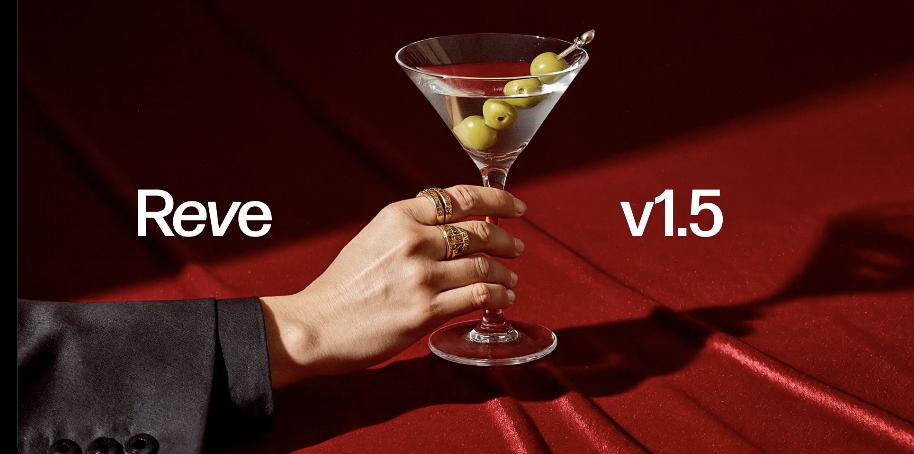
Reve v1.5 - Reve's updated text-to-image model with 4k resolution outputs
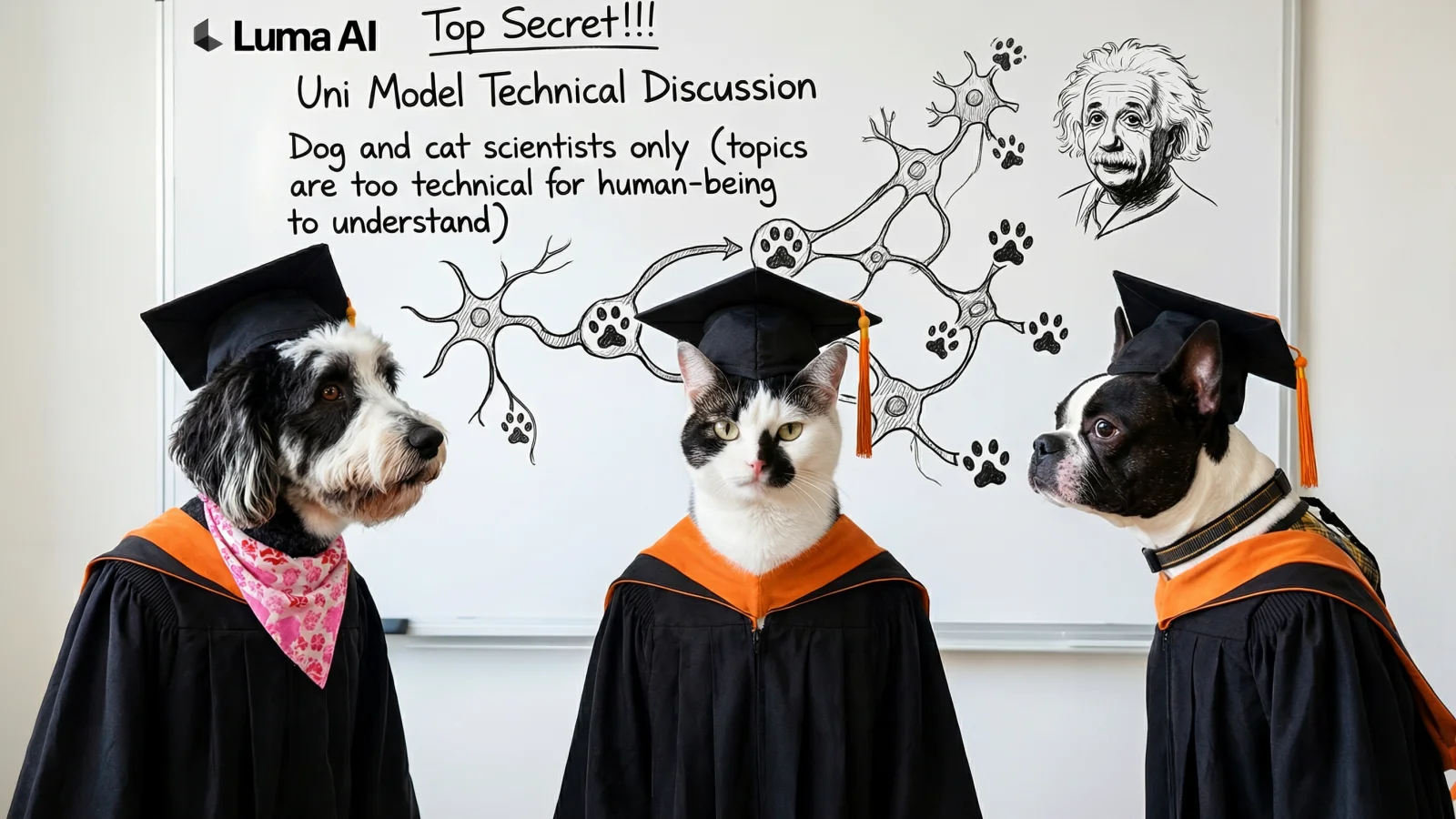
Uni-1- Luma's unified model that reasons, generates, and understands across text and images

Seedream 5.0 Lite - ByteDance's updated text-to-image model with style control and real-time trend generation
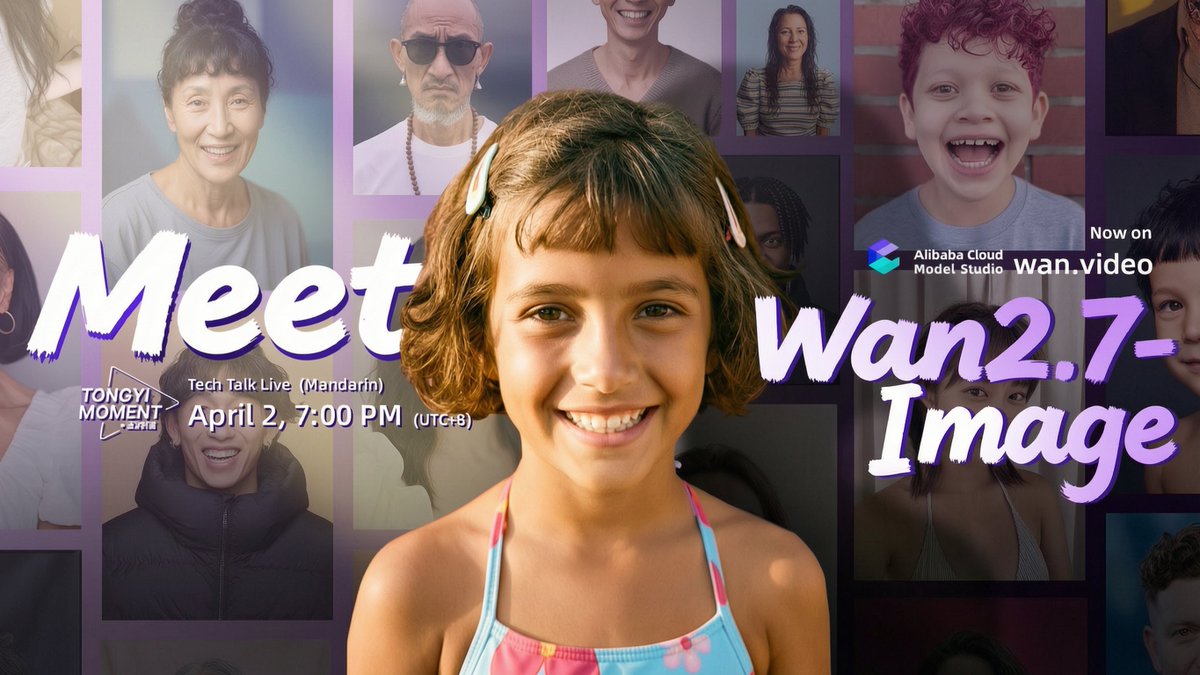
Wan2.7-Image - Alibaba's unified image model for generation, editing, and 12-language text rendering

Get access to all our AI courses, hundreds of real-world AI use cases, live expert-led workshops, an exclusive network of AI early adopters, and more.
Get unlimited access to all of our current & upcoming industry-specific AI courses for the duration of your subscription.
To keep up with the rapid pace of AI, our team publishes AI implementation guides daily. Our library contains 300+ practical use cases to automate real-world work.
Join weekly, live, interactive sessions with industry leaders who are at the forefront of AI for hands-on implementation guidance and exclusive insights.
Network with an exclusive community of AI-first professionals who are working smarter with AI. Learn how early adopters are using AI in their work and businesses.