People with reading differences
Listen while following highlighted text as one possible support for dyslexia, ADHD, visual fatigue or other reading-access needs.
Independent tool overview
Speechify is a cross-platform text-to-speech reader that turns web pages, documents, books and photographed text into spoken audio.
Visit the official Speechify site ↗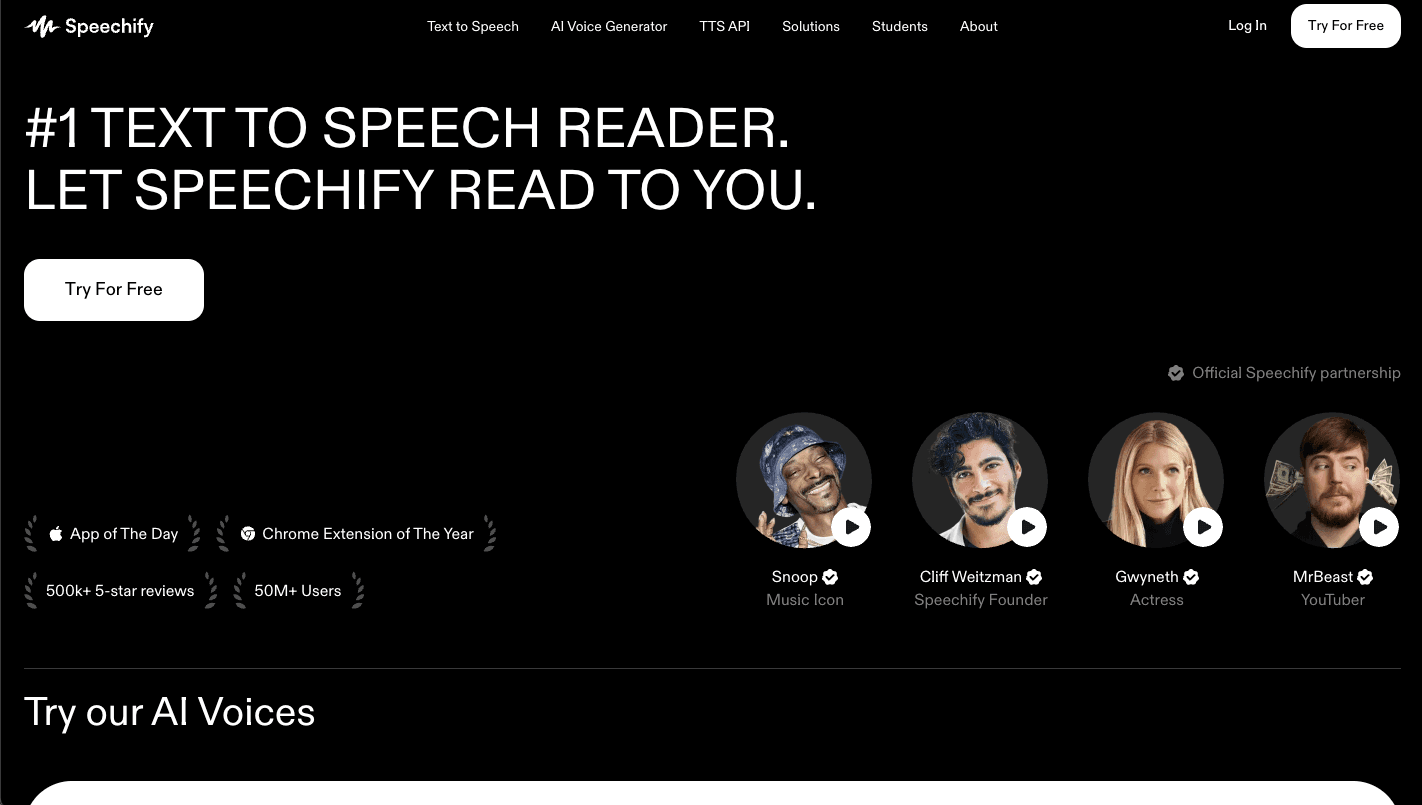
Overview
Speechify is built for listening to material that already exists. Import a PDF, DOCX, EPUB or text file, open an article in a browser extension, paste text into the web app or photograph a printed page, then choose a voice and playback speed. A synced library lets users continue listening across the web, desktop and mobile apps.
The core Reader should not be confused with Speechify Studio or the Speechify API. Reader is for personal reading, studying and accessibility; Studio is a separate subscription for producing distributable voiceovers and dubbed content; the API is for developers embedding speech in another product. Speechify Premium now also bundles AI summaries, document chat, voice typing, AI podcasts and a voice assistant around the reading experience.
Use cases
The strongest fit depends on the job you need the product to complete, not the size of its feature list.
Listen while following highlighted text as one possible support for dyslexia, ADHD, visual fatigue or other reading-access needs.
Turn course readings, PDFs, notes and photographed pages into audio for review away from a desk.
Listen to reports, articles, emails and documents while commuting, exercising or handling low-attention tasks.
Hear text across more than 60 languages and adjust the voice and speed to practice listening and pronunciation.
Start a document on a computer and continue from a synced place on a phone or tablet.
Capabilities
Upload PDF, DOCX, TXT and EPUB files or paste text directly into Speechify for spoken playback.
Use the Chrome or Edge extension and web app to hear articles, emails, Google Docs and other browser content.
Use a mobile camera and optical character recognition to convert printed pages and images into readable text and audio.
The free plan reaches 1.5x, while Premium advertises listening speeds up to 5x.
Premium lists more than 1,000 natural voices across more than 60 languages, accents, ages and styles.
Save documents and listening position to an account so a user can continue across supported devices.
Premium connects with Google Drive, Dropbox and Microsoft OneDrive for faster document access.
Ask questions about a document or generate a shorter overview before deciding which sections need full attention.
Dictate new text through Speechify's voice-typing feature instead of using the keyboard.
Premium can recast source material as a conversational audio format and support spoken questions about a website or book.
Process
Step 1
Open a web page, upload a document, paste text, connect cloud storage or scan a printed page.
Step 2
Correct OCR mistakes, remove navigation clutter and confirm that headings, tables and special terms were captured properly.
Step 3
Preview a voice that matches the source language and choose a comfortable accent and speaking style.
Step 4
Begin near normal speed and increase gradually; dense or unfamiliar material often needs slower playback than casual articles.
Step 5
Use synchronized text, highlighting, saved position and notes as appropriate for the reading task.
Step 6
Return to the source text for names, numbers, formulas, citations, legal language and any decision that depends on exact wording.
Cost
Speechify Reader has a permanent Free plan and a Premium subscription. Speechify lists Premium at $29 when billed monthly; a current Speechify pricing explainer lists $139 per year, or about $11.58 per month paid upfront. Speechify Studio and its developer API are separate products with separate pricing.
$0
Basic personal text-to-speech listening across supported devices.
$139/year
The lower effective monthly price for regular listeners.
$29/month
The same current Premium feature set without an annual commitment.
Pricing checked . Check current pricing at the source ↗
Assessment
Compare
The right alternative depends on the specific output, workflow, controls and budget your project requires.
Students
Choose NotebookLM when source-grounded research, document questions and generated Audio Overviews matter more than continuous read-aloud playback.
Explore Gemini Notebook (formerly NotebookLM) →Marketing
Use ElevenLabs when the goal is producing and publishing polished voice content rather than listening to personal reading material.
Explore ElevenLabs →Miscellaneous
Consider Gemini 3.1 Flash TTS when developers need a controllable speech API to build into their own application.
Explore Gemini 3.1 Flash TTS →Content Creator
Use Async, formerly Podcastle, for an editing and production workflow centered on podcasts and creator audio.
Explore Async (formerly Podcastle) →Questions
Speechify reads written content aloud. It can handle web pages, PDFs, documents, ebooks, pasted text and photographed pages across browser, desktop and mobile apps.
Yes. The Free plan includes 10 standard voices, listening across supported devices and playback up to 1.5x. Natural Premium voices and advanced AI features require a paid plan.
Speechify lists Premium at $29 per month or $139 per year. The annual price works out to about $11.58 per month but is paid upfront.
Speechify guarantees at least 150,000 Premium-voice words per month. For calendar year 2026, it has extended that allowance to 1 million words per month for Premium subscribers.
Yes. It accepts PDF and other common document formats, and its mobile Scan and Listen feature uses OCR on photographed text. Complex layouts and low-quality scans should be checked for extraction errors.
Many people with dyslexia, ADHD and other reading differences find text-to-speech and synchronized highlighting helpful. Individual needs vary, and the app should complement rather than replace any formal accommodation plan.
No. Reader is for listening to existing text. Studio is a separate creator product for voiceovers, dubbing and downloadable commercial media, and the Speechify API is a separate developer offering.
The personal Reader usage policy restricts commercial distribution without permission. Use Speechify Studio, the API or an appropriate business agreement when audio will be published, resold or broadcast.
Bottom line
Speechify is one of the most complete cross-device tools for people who want to listen to almost anything they would otherwise read. Its free tier is enough to test the habit, while Premium's natural voices, 5x playback, scanning and AI features make the biggest difference for daily listeners. The annual plan is far better value than monthly billing, but buyers should understand the Premium word allowance and the separate pricing and rights for Studio, API and commercial distribution.
Visit Speechify website ↗
Zapier: Connects your favorite apps and automates workflows with no-code simplicity.

Grok: Is an ai chatbot developed by xai that delivers conversational search with wit and sarcasm.

Fireflies AI: Records, transcribes, and analyzes meetings with automated summaries and searchable notes.

DeepSeek: Provides open-source language models optimized for research and enterprise-grade applications.

Get access to all our AI courses, hundreds of real-world AI use cases, live expert-led workshops, an exclusive network of AI early adopters, and more.
Get unlimited access to all of our current & upcoming industry-specific AI courses for the duration of your subscription.
To keep up with the rapid pace of AI, our team publishes AI implementation guides daily. Our library contains 300+ practical use cases to automate real-world work.
Join weekly, live, interactive sessions with industry leaders who are at the forefront of AI for hands-on implementation guidance and exclusive insights.
Network with an exclusive community of AI-first professionals who are working smarter with AI. Learn how early adopters are using AI in their work and businesses.