3D vision research
Evaluate single-image reconstruction on cluttered, occluded, and otherwise difficult real-world scenes.
Independent tool overview
SAM 3D is Meta's pair of research models for reconstructing textured objects, scene layout, and full-body human meshes from a single image.
Visit the official Sam 3D site ↗
Overview
SAM 3D is not one general-purpose 3D generator. It is a paired release: SAM 3D Objects reconstructs selected objects with shape, texture, pose, and scene layout, while SAM 3D Body estimates an articulated human mesh, including the body, feet, and hands. Both are designed for difficult natural images rather than only isolated product shots.
The easiest way to understand the release is Meta's Segment Anything Playground. Developers and researchers can also request model checkpoints and run the published inference code locally. The models are useful for reconstruction, research, prototyping, AR previews, robotics perception, and motion or pose analysis, but their output still needs inspection before production use.
Use cases
The strongest fit depends on the job you need the product to complete, not the size of its feature list.
Evaluate single-image reconstruction on cluttered, occluded, and otherwise difficult real-world scenes.
Turn a photographed object into a reconstruction for view-in-room, camera exploration, or early interaction tests.
Estimate object shape, pose, and layout from natural images as one component in a larger perception system.
Recover a promptable full-body mesh from one photo, including hands and feet, using SAM 3D Body.
Create reference reconstructions from photographs before an artist performs topology, cleanup, rigging, and optimization.
Capabilities
SAM 3D Objects infers full object shape, appearance, pose, and layout from one selected region in a photograph.
The model is designed for small objects, indirect views, occlusion, clutter, and other conditions common outside studio images.
Published notebooks show how to process multiple masked objects and place their individual reconstructions in a common scene.
The official object inference example saves its result as a PLY Gaussian splat for downstream viewing or processing.
SAM 3D Body estimates a full human mesh and can accept segmentation masks and 2D keypoints as guidance.
The body model uses Meta's MHR representation to separate skeletal structure from soft-tissue shape.
Meta provides a notebook for aligning SAM 3D Body and SAM 3D Objects outputs in the same frame of reference.
Meta publishes repositories, setup instructions, example notebooks, and checkpoint download links for both model families.
The Segment Anything Playground offers a lower-friction way to select people or objects and inspect a reconstruction.
The release includes papers, evaluation materials, a 3D Artist Object Set, and a public leaderboard for comparing object reconstruction work.
Process
Step 1
Use SAM 3D Objects for physical objects and scene elements; use SAM 3D Body for an articulated human reconstruction.
Step 2
Use a clear source you are allowed to process, then identify the target with a mask or supported prompt.
Step 3
Test a few representative images in Meta's web experience before committing time and compute to a local setup.
Step 4
For local work, accept the model terms, obtain gated Hugging Face access, and follow the official Python and GPU setup.
Step 5
Execute the appropriate notebook or demo, inspect the camera and pose, and export the reconstruction in the supported format.
Step 6
Check hidden surfaces, scale, collisions, hand pose, topology, texture, and scene alignment before using the asset downstream.
Cost
Meta does not sell SAM 3D as a metered commercial API. The playground, code, and model checkpoints are available without a listed subscription price, but local use requires compatible hardware and is governed by the SAM License.
Free
A hosted way to experiment with SAM 3D on uploaded images.
Free download; infrastructure costs apply
Run the published code and gated checkpoints in your own environment.
Pricing checked . Check current pricing at the source ↗
Assessment
Compare
The right alternative depends on the specific output, workflow, controls and budget your project requires.
Design
Choose Rodin for a commercial text-and-image-to-3D asset workflow with hosted generation and production-oriented export options.
Explore Rodin →Design
Consider Seed 3D for research focused on simulation-ready scene and asset reconstruction.
Explore Seed 3D →Design
Consider Hunyuan 3D PolyGen when professional polygon topology and artist-oriented asset generation are the priority.
Explore Hunyuan 3D Smart Topology (PolyGen) →Design
Choose Meshcapade when the central requirement is controllable digital humans and body models rather than general object reconstruction.
Explore Meshcapade →Questions
SAM 3D is a pair of Meta research models: SAM 3D Objects reconstructs selected objects and scene layout from one image, while SAM 3D Body recovers an articulated human mesh.
No. SAM 3 focuses on promptable concept segmentation in images and video. SAM 3D uses a selected object or person to produce a three-dimensional reconstruction.
Meta lists no subscription price for the playground, code, or checkpoints. Local inference still incurs hardware and engineering costs, and use is governed by the SAM License.
Yes. It can infer a textured object reconstruction or human mesh from one image. Geometry that is hidden in the photograph is estimated, so it should not be treated as an exact scan.
Yes. SAM 3D Body estimates the body, feet, and hands using the Momentum Human Rig and can be guided with masks or 2D keypoints.
Yes. Meta publishes code and gated Hugging Face checkpoints for both model families. The official setup requires a technical Python and GPU environment.
SAM 3D Objects can reconstruct multiple selected objects and their layout, but it predicts objects individually and does not fully reason about physical contact or collisions.
Usually not without review and additional work. Depending on the use case, an artist may need to fix geometry, topology, scale, materials, rigging, intersections, and performance.
Bottom line
SAM 3D is one of the most useful research releases for testing grounded 3D reconstruction from ordinary photos, especially because Meta provides both an interactive demo and local code. It is best treated as a reconstruction and prototyping foundation—not an automatic replacement for scanning, production asset work, or validated human measurement.
Visit Sam 3D website ↗
Mistral AI Studio - A platform for companies to move from AI prototypes to production with built-in tools for performance tracking, testing, and security.
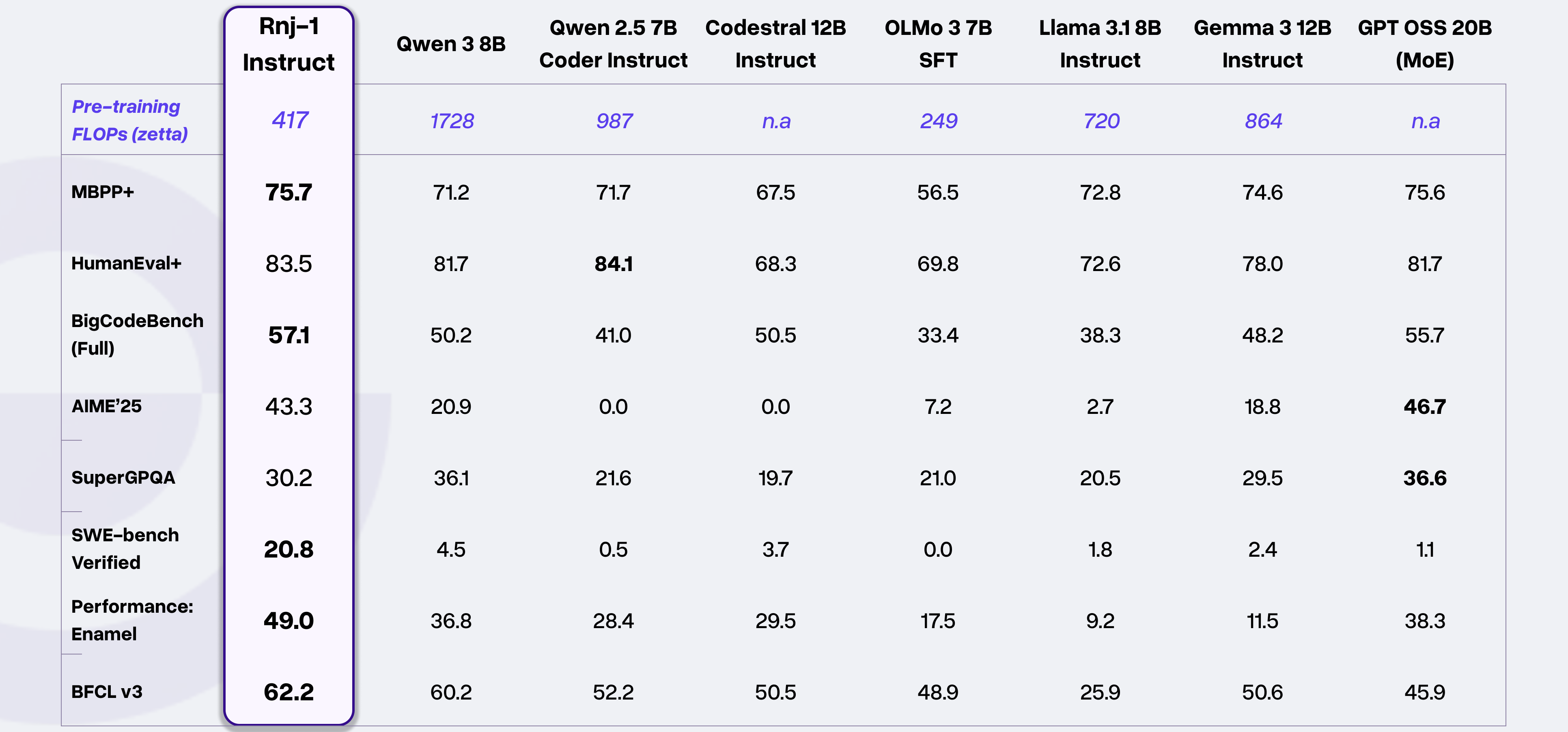
Rnj-1 - Essential AI's open-source 8B parameter model that matches or outperforms similar-sized rivals

HunyuanWorld-Mirror - Generate 3D worlds from text, image, or video inputs
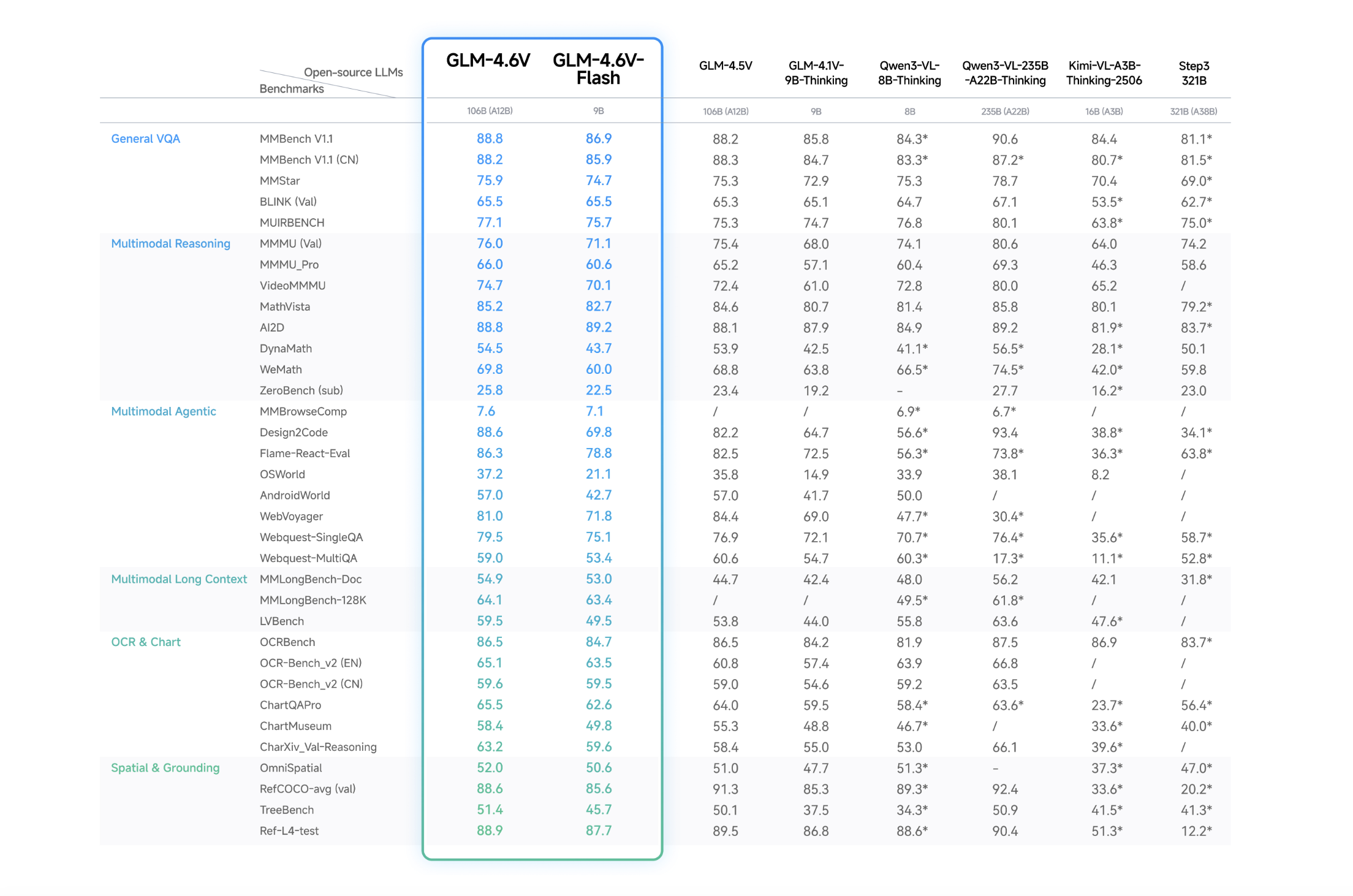
GLM-4.6V - Zhipu AI's open-source multimodal model family with native tool use capabilities

Get access to all our AI courses, hundreds of real-world AI use cases, live expert-led workshops, an exclusive network of AI early adopters, and more.
Get unlimited access to all of our current & upcoming industry-specific AI courses for the duration of your subscription.
To keep up with the rapid pace of AI, our team publishes AI implementation guides daily. Our library contains 300+ practical use cases to automate real-world work.
Join weekly, live, interactive sessions with industry leaders who are at the forefront of AI for hands-on implementation guidance and exclusive insights.
Network with an exclusive community of AI-first professionals who are working smarter with AI. Learn how early adopters are using AI in their work and businesses.