Apple-first founders
Build a native iPhone or multi-device Apple product without first assembling a local Xcode project and SwiftUI codebase.
Independent tool overview
Rork Max is Rork's premium AI app builder for generating native SwiftUI projects for Apple platforms from conversational prompts. It runs Xcode and Apple simulators on cloud Macs, supports advanced device APIs, and can submit builds to TestFlight and the App Store, but production apps still require engineering, security, privacy, and App Review work.
Visit the official Rork Max site ↗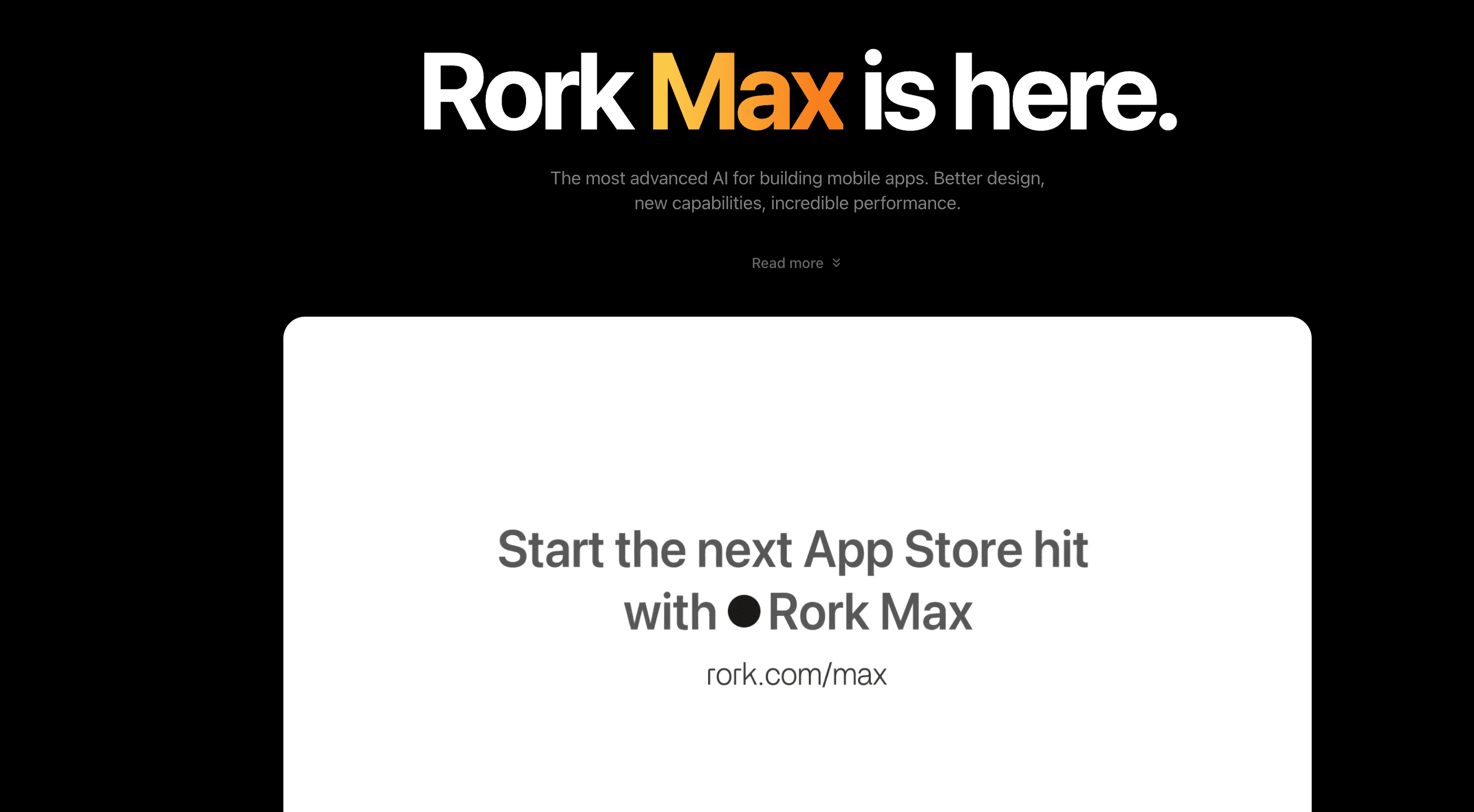
Overview
Rork Max is distinct from Rork Pro. Pro generates cross-platform React Native and Expo projects for iOS, Android, and web, while Max generates native SwiftUI code compiled with Xcode for Apple's ecosystem.
The Max workflow happens in a browser, but the build is not a web wrapper. Rork says a cloud Mac runs Xcode, the agent writes SwiftUI, compiles the project, reads build errors, iterates, and streams a real iOS Simulator back to the browser.
Rork's current Max page advertises iPhone, iPad, Apple Watch, Apple TV, Vision Pro, iMessage, widgets, Live Activities, Siri intents, HealthKit, HomeKit, ARKit, SceneKit, Metal, camera and vision features, and native games.
Rork can reduce the setup and compilation burden, not the responsibility of shipping software. Authentication, data models, backend rules, secret handling, privacy manifests, permissions, accessibility, testing, payments, entitlement configuration, and Apple review compliance still need explicit validation.
Use cases
The strongest fit depends on the job you need the product to complete, not the size of its feature list.
Build a native iPhone or multi-device Apple product without first assembling a local Xcode project and SwiftUI codebase.
Prototype widgets, Live Activities, Watch apps, Siri actions, AR, HealthKit, HomeKit, camera, sensors, or native games.
Use Max to accelerate the first implementation, then sync the SwiftUI project to GitHub for professional review and continued development.
Capabilities
Describe screens and behavior in plain language while the agent writes and revises native Swift code.
Rork runs Xcode on cloud Macs, compiles the project, reads errors, and iterates without requiring the user to manage the local toolchain.
Interact with a real iOS Simulator streamed to the browser rather than relying only on a static or web preview.
Rork advertises support for ARKit, SceneKit, Metal, HealthKit, HomeKit, widgets, Live Activities, Dynamic Island, Siri, camera, and vision features.
Install a development build on an iPhone from the browser or Rork Companion flow for hardware testing.
Build and submit through Rork, invite TestFlight users, and monitor the build process.
Export and continue the native Xcode project in a standard development environment on paid plans.
Process
Step 1
Choose Max only when the product is Apple-first or relies on Apple-only APIs; use a cross-platform builder when Android or web parity matters.
Step 2
Implement a complete path such as onboarding through one core action, including the real data and permission model.
Step 3
Check the supported iPhone, iPad, Watch, TV, or Vision hardware, including permissions, background behavior, offline states, accessibility, and performance.
Step 4
Inspect generated code, dependencies, privacy declarations, entitlements, signing, StoreKit behavior, analytics, crash reporting, and App Review materials before submission.
Cost
Rork offers a free trial and lower-priced Pro plans, but its current FAQ places Rork Max on plans starting at $200 per month. Rork's subscription documentation lists scale tiers based on monthly credits. Credits cannot currently be purchased à la carte; users upgrade or wait for reset. Apple Developer Program fees, backend or third-party services, and app operations are separate.
$0
Entry tier for public projects and limited experimentation.
$25-$100/month
Cross-platform React Native and Expo plans, not full Rork Max.
$200/month
Starting tier for native SwiftUI and the Apple platform feature set.
$500-$1,800/month
Additional monthly credits for heavier building volume.
Contact Rork
Custom plan for organizations that need a different credit or support arrangement.
Pricing checked . Check current pricing at the source ↗
Assessment
Compare
The right alternative depends on the specific output, workflow, controls and budget your project requires.
Coding
Consider FlutterFlow when visual building and cross-platform iOS, Android, and web output matter more than SwiftUI-native Apple depth.
Explore FlutterFlow →Coding
Consider Lovable for fast web application development when an Apple-native binary is not the primary requirement.
Explore Lovable →Coding
Consider Bolt for browser-based full-stack prototyping with broader web technology flexibility.
Explore Bolt.new →Questions
Rork Max is an AI builder that generates native SwiftUI projects for Apple platforms. It runs Xcode on cloud Macs, streams an Apple simulator to the browser, and supports device installation and App Store submission.
Rork Pro uses React Native and Expo for cross-platform iOS, Android, and web apps. Rork Max uses SwiftUI and Xcode for Apple-only apps with deeper access to Apple APIs and device features.
Rork's current FAQ says Max is available on $200-and-up monthly plans. Its subscription documentation lists a 1,000-credit plan at $200 per month and higher scale tiers for more credits.
You can prototype and install certain development builds without paying for Apple membership, but Rork's publishing guidance says an Apple Developer account is required to submit to TestFlight and the App Store.
It can generate a real native project and submission build, but that is not the same as a production guarantee. Review the code, data permissions, authentication, payments, privacy, accessibility, device behavior, and App Review compliance before release.
Bottom line
Rork Max is a strong specialized choice when the product is intentionally Apple-first and needs SwiftUI or deep native capabilities. Its cloud Xcode workflow is genuinely differentiated, but the $200-plus price and production risk make it most sensible for teams that will test on hardware, export the code, and apply real release engineering.
Visit Rork Max website ↗
GPT 5.3 Codex Spark - OpenAI’s ultra-fast model for real-time coding

Glaze - Raycast’s new tool to create local desktop apps from AI chat
M2.5 - Minimax's new open-source frontier model with powerful coding capabilities

Code Review - Anthropic's multi-agent PR review system for Claude Code

Get access to all our AI courses, hundreds of real-world AI use cases, live expert-led workshops, an exclusive network of AI early adopters, and more.
Get unlimited access to all of our current & upcoming industry-specific AI courses for the duration of your subscription.
To keep up with the rapid pace of AI, our team publishes AI implementation guides daily. Our library contains 300+ practical use cases to automate real-world work.
Join weekly, live, interactive sessions with industry leaders who are at the forefront of AI for hands-on implementation guidance and exclusive insights.
Network with an exclusive community of AI-first professionals who are working smarter with AI. Learn how early adopters are using AI in their work and businesses.