Business presenters
Turn a clear story outline into a polished deck with less manual layout adjustment.
Independent tool overview
Beautiful.ai helps users generate and edit slide decks with Smart Slides that adapt layout as content changes.
Visit the official Beautiful.ai site ↗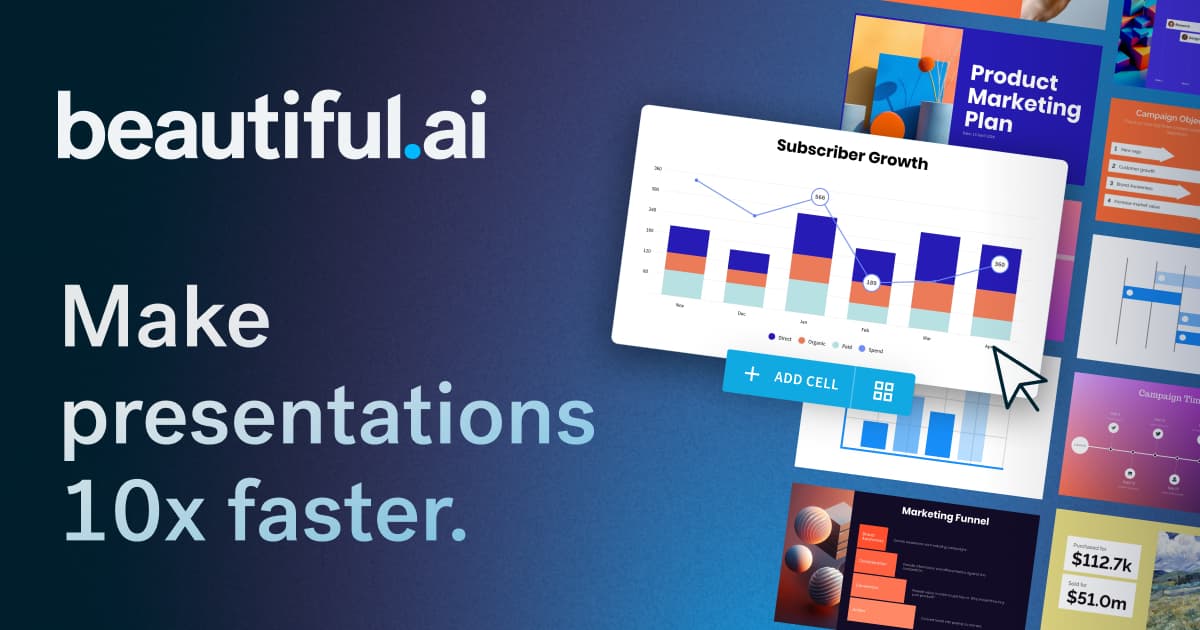
Overview
Beautiful.ai is a presentation editor built around Smart Slides and automated formatting. Users can begin with an AI prompt, a template or individual slides, then edit text, media, charts and themes. The layout system aims to keep slides aligned as content changes, reducing manual arrangement work for frequent business presentations.
The product’s current plans distinguish an individual Pro subscription, a collaborative Team workspace and custom Enterprise controls. AI-generated slides still need a narrative, verified numbers, copyright-cleared visuals and an accessibility pass. Imported PowerPoint content or exported decks can also shift in fidelity, so a team should test its actual handoff format. In particular, inspect charts, custom fonts, speaker notes and animation after export when another person will present the file.
Use cases
The strongest fit depends on the job you need the product to complete, not the size of its feature list.
Turn a clear story outline into a polished deck with less manual layout adjustment.
Reuse brand assets, approved slide libraries and deck templates across collaborators.
Create visual teaching decks while still checking readability and factual accuracy.
Capabilities
Auto-arranges elements through responsive layout types.
Builds draft slide content from prompts, files or links on eligible plans.
Applies colors, typography, logos and shared styles.
Supports visual data displays, image/icon libraries and embedded media.
Team plans add shared workspaces, editing controls and viewer engagement tools.
Process
Step 1
Define audience, claim, structure and source for every quantitative slide.
Step 2
Start from an AI brief, a template or Smart Slides and select an appropriate theme.
Step 3
Replace weak copy, verify charts and adjust layouts for the real screen size.
Step 4
Check presenter flow, permissions and PowerPoint/PDF output before distribution.
Cost
The official page lists a 14-day trial. Pro is $12/month when billed annually or $25 month to month. Team is $40/user/month annually or $50 monthly for two to 20 seats. Enterprise is custom. Confirm the checkout cycle and current terms.
14 days
Time-limited access to evaluate deck creation.
$12/month annually or $25 monthly
Individual slide creation and AI tools.
$40/user/month annually or $50 monthly
Collaboration for 2–20 seats.
Custom quote
Larger deployment with additional controls.
Pricing checked . Check current pricing at the source ↗
Assessment
Compare
The right alternative depends on the specific output, workflow, controls and budget your project requires.
Consulting
Choose an alternative AI-first deck builder with a different card-based workflow.
Explore Gamma →Content Creator
Choose an option embedded in PowerPoint or Google Slides workflows.
Explore Plus AI PowerPoint maker →Design
Choose a broader design suite when decks are only one of many asset types.
Explore Canva AI →Questions
The official page advertises a 14-day trial followed by paid Pro, Team or custom Enterprise plans.
It is a layout that adjusts design placement as content changes, reducing manual alignment.
PowerPoint import and export are listed on the current Pro feature page; test fidelity for your specific deck.
Yes. The Team plan adds shared workspaces, brand assets and collaborative editing for two to 20 users.
Bottom line
Beautiful.ai is best for teams whose deck production is slowed by formatting rather than by lack of source material. It can produce a good-looking first draft quickly, but the final narrative, data checks and audience fit remain editorial work. Try one representative deck and its required export before choosing seats.
Visit Beautiful.ai website ↗
AI image, video and design generation workspace.

Dora: AI-powered 3D website generator and editor.
Turn creative briefs into images, campaign assets and video concepts, then refine them on Lovart’s shared design canvas.

60secsite - Create stunning landing pages in just 60 seconds.

Get access to all our AI courses, hundreds of real-world AI use cases, live expert-led workshops, an exclusive network of AI early adopters, and more.
Get unlimited access to all of our current & upcoming industry-specific AI courses for the duration of your subscription.
To keep up with the rapid pace of AI, our team publishes AI implementation guides daily. Our library contains 300+ practical use cases to automate real-world work.
Join weekly, live, interactive sessions with industry leaders who are at the forefront of AI for hands-on implementation guidance and exclusive insights.
Network with an exclusive community of AI-first professionals who are working smarter with AI. Learn how early adopters are using AI in their work and businesses.