Repeatable social formats
Turn a proven editing process into a reusable Skill for recurring clips, ads, and series.
Independent tool overview
Palmier Pro is a local-first, open-source Mac video editor that lets Claude, Codex, Cursor, or its built-in assistant generate media and directly edit a multi-track timeline.
Visit the official Palmier site ↗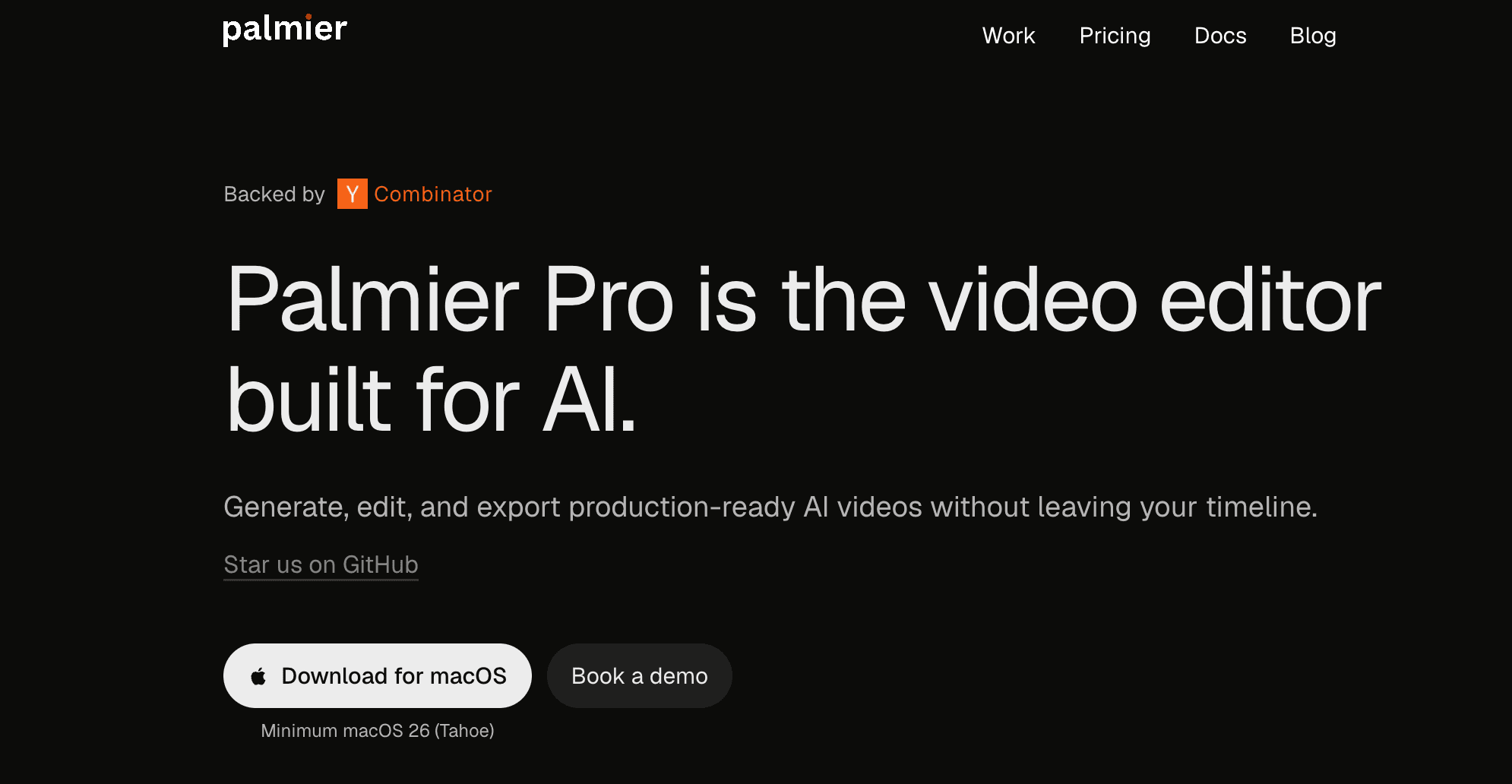
Overview
Palmier Pro is a Swift-native nonlinear video editor built around AI agents and generative media. Editors can import footage, cut manually, or let a connected agent inspect the project and perform timeline operations through Palmier's local MCP server.
AI generation lives inside the project instead of a separate website. Palmier can create images, video, voiceovers, music, sound effects, dubs, and upscales with models from multiple providers, place the result on the timeline, preserve generation settings, and regenerate variations in context.
The full editor, local transcription, MCP connection, rendering, and NLE XML export are free with no account. Paid plans add generation credits, more accurate cloud transcription, and built-in Palmier chat. Palmier currently requires Apple Silicon and macOS 26 Tahoe.
Use cases
The strongest fit depends on the job you need the product to complete, not the size of its feature list.
Turn a proven editing process into a reusable Skill for recurring clips, ads, and series.
Let an AI organize footage, trim, split, reorder, caption, and assemble a first pass for review.
Combine camera footage with AI video, images, voice, music, and effects in one timeline.
Keep source projects and ordinary editing on the Mac while opting into external processing only for selected AI tasks.
Prototype or automate in Palmier, then continue in Premiere Pro, DaVinci Resolve, or Final Cut through XML export.
Capabilities
Supports video, audio, images, text, trimming, splitting, transforms, opacity, speed, keyframes, and color work.
Lets connected agents read project context and add, trim, split, reorder, adjust, and generate timeline assets.
Creates image, video, audio, voice, and effects directly in the media library and timeline.
Integrates current media models from providers including Kling, Google, Runway, OpenAI, ByteDance, ElevenLabs, and others.
Sets opening and closing frames, references, resolution, duration, and aspect ratio for supported video models.
Captures an approved process so an agent can apply the same editing rules to the next project.
Includes local footage search and transcription for free, with a more accurate cloud option on paid plans.
Renders H.264, H.265, or ProRes and exports NLE XML for Premiere Pro, Resolve, and Final Cut.
Process
Step 1
Verify an Apple Silicon Mac is running macOS 26 Tahoe before adopting the workflow.
Step 2
Keep source media in a clear local project structure and let Palmier index or transcribe it.
Step 3
Enable Palmier's local MCP server and connect Claude, Codex, Cursor, or another compatible client with scoped permissions.
Step 4
Provide the format, target length, story beats, brand rules, captions, assets, and examples of an approved result.
Step 5
Choose models deliberately, set references and output controls, and monitor credit use for each variation.
Step 6
Check every cut, caption, voice, image, licensed asset, disclosure, and generated detail before export.
Step 7
Turn repeatable steps into a Skill, render a master, or export XML to the team's finishing NLE.
Cost
The editor and MCP are free. Paid plans buy cloud AI usage rather than a different editing application. Credit consumption varies substantially by media model, duration, and resolution; unused credits may expire at renewal.
$0
Complete local editor and agent connection without an account.
$29/month promotional price; normally $49
For regular media generation inside the editor.
$69/month promotional price; normally $99
For heavier image, video, audio, upscaling, transcription, and chat use.
Custom quote
For teams needing volume, procurement, billing, and workflow help.
Pricing checked . Check current pricing at the source ↗
Assessment
Compare
The right alternative depends on the specific output, workflow, controls and budget your project requires.
Content Creator
Choose CapCut for broader platform support, consumer templates, social-first features, and a more established mobile workflow.
Explore CapCut →Content Creator
Use Descript for transcript-led podcast and talking-head editing with mature text-based workflows.
Explore Descript →Content Creator
Consider Runway when AI media generation and model experimentation matter more than a local open-source NLE.
Explore Runway Creative →Content Creator
Use VEED for a browser-based collaborative editor that does not require an Apple Silicon Mac on Tahoe.
Explore VEED →Questions
It is a local-first Mac video editor where AI agents can inspect and edit a real multi-track timeline and generate media inside the project.
Yes. The editor, local transcription, MCP connection, rendering, and NLE XML export are free without an account. Paid plans add cloud generation, cloud transcription, and Palmier chat credits.
The current official requirement is an Apple Silicon Mac running macOS 26 Tahoe or later.
While Palmier is open, its local MCP server lets Claude, Codex, Cursor, or another compatible agent read the project and make reviewable timeline edits.
Pro is currently promoted at $29 per month with 5,000 credits, and Max at $69 with 12,000. The listed regular prices are $49 and $99.
Credits pay for image, video, and audio generation, upscaling, cloud transcription, and Palmier chat. Editing and export stay free.
The editor, MCP server, and agent chat are GPLv3 open source. Palmier says the generative AI processing component is closed source.
Palmier says it does not use customer content to train its own or third-party general-purpose models. Optional AI requests are forwarded to the selected external provider, whose retention policies may differ.
Bottom line
Palmier Pro is one of the more coherent implementations of agentic video editing because the AI works on a genuine timeline and the underlying editor remains free. It is particularly attractive for repeatable social and ad formats that can become Skills. The constraints are equally clear: Tahoe-only Apple Silicon support, variable generation-credit economics, and third-party processing for optional AI features. Test the free editor and MCP on one recurring format before buying credits.
Visit Palmier website ↗
🎥 Ray3.2 - Luma's new video model upgrade with richer control, continuity, and cinematic direction.
OpenArt Director - Vibe-directing tool that builds five-minute films from chat

Stable Audio 3.0 - Stability's open-weight, fully-licensed audio model family
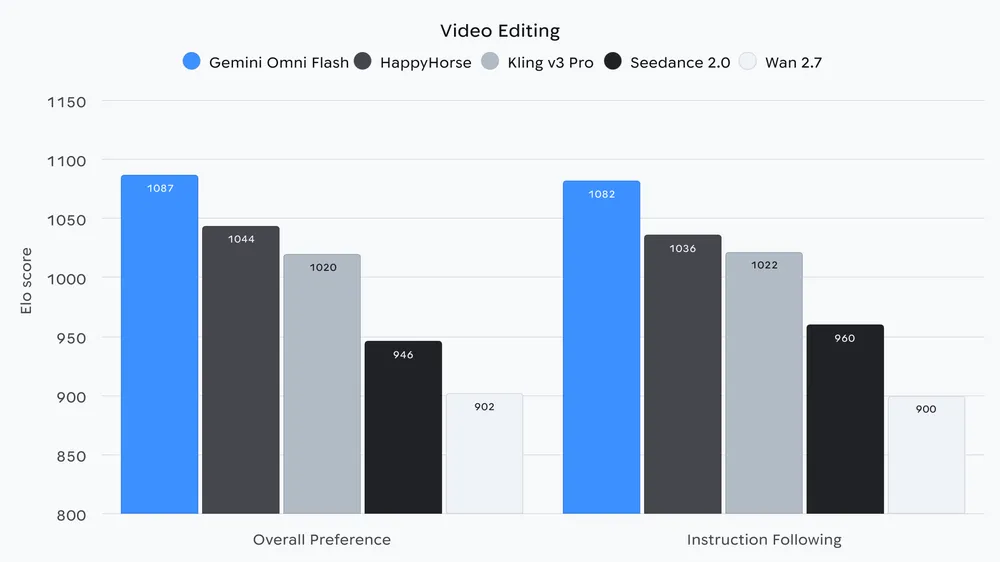
Gemini Omni Flash - Google's API video model fo video generation and editing

Get access to all our AI courses, hundreds of real-world AI use cases, live expert-led workshops, an exclusive network of AI early adopters, and more.
Get unlimited access to all of our current & upcoming industry-specific AI courses for the duration of your subscription.
To keep up with the rapid pace of AI, our team publishes AI implementation guides daily. Our library contains 300+ practical use cases to automate real-world work.
Join weekly, live, interactive sessions with industry leaders who are at the forefront of AI for hands-on implementation guidance and exclusive insights.
Network with an exclusive community of AI-first professionals who are working smarter with AI. Learn how early adopters are using AI in their work and businesses.