Social and marketing teams
Producing captioned clips, product explainers, campaign variants, and platform-specific exports with templates and brand controls.
Independent tool overview
VEED is a browser-based video creation suite that combines recording, timeline and transcript editing, captions, translation, generative media, avatars, voice tools, templates, and team workflows.
Visit the official VEED site ↗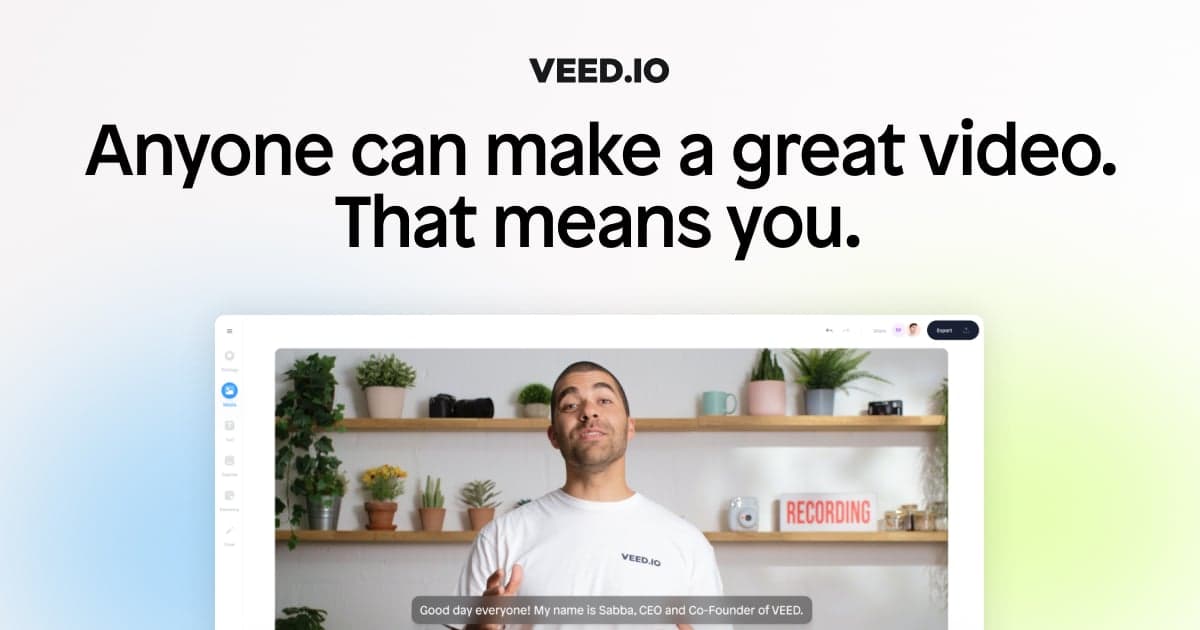
Overview
VEED is an online video workspace for recording, editing, captioning, translating, and publishing video without a traditional desktop editing suite. It covers quick social clips, tutorials, marketing videos, podcasts, internal communications, and training content in one browser-based workflow.
Its current product extends beyond basic editing into transcript-based cuts, screen and webcam recording, teleprompters, automatic subtitles, dubbing, text-to-speech, voice cloning, stock and personal avatars, image and video generation, eye-contact correction, audio cleanup, templates, stock media, brand kits, and collaboration. Features and allowances vary materially by plan.
The strongest use case is faster production of repeatable business and creator video, not unattended publishing. Captions and translations need language review; generated visuals need factual and brand review; and any cloned voice, personal avatar, employee, customer, stock asset, music, or third-party footage needs valid rights, consent, and disclosure.
Use cases
The strongest fit depends on the job you need the product to complete, not the size of its feature list.
Producing captioned clips, product explainers, campaign variants, and platform-specific exports with templates and brand controls.
Recording screen-led tutorials, training material, presentations, and multilingual versions with subtitles or dubbing.
Recording remote or camera content, cleaning audio, editing from a transcript, and repurposing longer material into clips.
Combining simple editing, recording, stock media, subtitles, AI generation, review, and export in one accessible workspace.
Creating disclosed avatar or cloned-voice content when the depicted person has explicitly approved the identity, script, channel, and reuse.
Capabilities
Trims, crops, resizes, layers, transitions, text, audio, effects, and other common edits in the browser.
Lets editors navigate and remove spoken sections through generated transcript text.
Combines screen, webcam, slides, teleprompter, and recording tools for tutorials, pitches, and presentations.
Automatically transcribes speech, creates styled captions, and supports manual correction and timing edits.
Produces translated subtitles, speech, and lip-synced or dubbed versions using plan-based translation minutes.
Offers stock presenters and consent-controlled personal avatar workflows for scripted talking-head video.
Creates text-to-speech voiceovers and can clone the user's own recorded voice for supported languages and plan limits.
Creates visual assets and short generated sequences from prompts using plan-based AI credits and model availability.
Includes noise cleanup, eye-contact correction, background removal, and other assistive enhancements.
Paid tiers add reusable brand assets, shared workspaces, comments, templates, and broader organizational controls.
Process
Step 1
Write down the viewer, goal, channel, format, length, aspect ratio, call to action, accessibility target, and approval owner.
Step 2
Confirm rights and releases for footage, music, stock assets, scripts, logos, locations, trademarks, customer data, employees, and likenesses before upload.
Step 3
Capture screen, camera, or audio with a test recording, or build a shot list and clearly label any proposed generated or synthetic segments.
Step 4
Arrange the narrative, remove dead sections, verify claims against source material, and keep an untouched master copy of original media.
Step 5
Check every name, number, product term, speaker, sound cue, timestamp, line break, reading speed, and meaningful non-speech event.
Step 6
Have a qualified speaker review translated captions, dubbed speech, cultural meaning, pronunciation, on-screen text, timing, and local legal requirements.
Step 7
Use only authorized voices and avatars, approve the exact script and context, prevent impersonation, and add clear AI disclosure where viewers could be misled.
Step 8
Check factual accuracy, rights, privacy, brand, accessibility, safety, policy, audio levels, color, framing, captions, links, and the final call to action.
Step 9
Watch the entire exported file on the target device and platform, check compression and captions, preserve the approved project version, and record who signed off.
Cost
VEED offers a watermark-limited Free plan, self-serve paid plans, and Enterprise contracts. The public editor says paid plans start at $9 per month when billed yearly or $19 month to month, but plan names, prices, feature bundles, taxes, currencies, and experiments can vary in live checkout. Billing is per seat, AI credits do not roll over, and separate VEED Lite purchases follow different rules.
$0
Tests the editor and selected AI tools with a VEED watermark and tighter limits.
From $9/month yearly or $19 month to month
Removes the watermark and raises editing, export, subtitle, storage, and AI allowances.
See live regional checkout
Targets frequent creators and professional workflows with higher AI and brand allowances.
See live regional checkout
Adds larger team and content allowances under VEED's current offer structure.
Custom
Contracted deployment for organizations that need procurement, security, enablement, governance, or custom limits.
Pricing checked . Check current pricing at the source ↗
Assessment
Compare
The right alternative depends on the specific output, workflow, controls and budget your project requires.
Content Creator
Descript is a strong alternative for transcript-led podcast and talking-head editing with recording and audio workflows.
Explore Descript →Content Creator
CapCut emphasizes fast social-video templates, mobile editing, effects, and creator-oriented publishing workflows.
Explore CapCut →Marketing
Synthesia is more specialized around governed avatar-led training, enablement, and multilingual business video.
Explore Synthesia →Questions
VEED is a browser and mobile video creation suite for recording, editing, captioning, translating, generating, collaborating on, and exporting video.
Yes. The Free plan supports basic editing and limited AI trials, but exports carry a VEED watermark and limits apply to resolution, storage, duration, subtitles, and generation.
VEED's public editor says paid plans start at $9 per month billed yearly or $19 month to month. Exact plan names, regional prices, taxes, features, seat totals, and experiments can differ, so confirm the live checkout.
Yes. Paid plans are billed per seat, every person in the workspace can count, and VEED says pending invitations may also count until removed.
Free exports include a VEED watermark. Paid plans remove it, subject to the active plan's terms.
Yes, but automatic captions require manual review for words, names, numbers, speakers, timing, line breaks, reading speed, and meaningful sound cues.
Yes. Translation and dubbing are plan-limited, consume translation allowances, and need native-language review for accuracy, tone, pronunciation, cultural meaning, and on-screen text.
No. VEED's published rules require proper authorization and prohibit impersonation. Its voice-cloning page tells users to clone their own voice and disclose AI-generated audio.
VEED offers a personal-avatar workflow with explicit consent controls. The depicted person should approve enrollment, the exact script, context, audience, channels, and reuse.
VEED's terms say content uploaded under a Free subscription grants VEED rights to improve its applications and products, including training and developing AI models. Review the current contract before uploading confidential or restricted material.
No. VEED's pricing FAQ says AI credits refresh monthly or yearly according to the billing cycle and do not carry over.
VEED describes subtitle generation on paid plans as unlimited subject to a 50-hour monthly fair-use limit. Translation minutes remain a separate allowance.
It can handle many professional social, marketing, training, podcast, and internal workflows. Advanced color, audio, motion graphics, multicamera, long-form, or codec-intensive finishing may need a desktop editor.
No. VEED Lite is a separate iOS app with its own projects and App Store subscription. A Lite-only purchase does not unlock the full web product; verify the exact app and entitlement before paying.
Bottom line
VEED is a capable all-in-one choice for teams that value speed, accessibility, captions, localization, and repeatable short-form or business-video production more than deep desktop finishing. Test the real export workflow, calculate every paid seat, inspect credit and translation limits, and put human review around language, facts, rights, privacy, accessibility, and all synthetic identities.
Visit VEED website ↗
Toasty AI effortlessly generates show notes, transcripts, and more.

Convert marketing assets into repurposed content effortlessly.

Upload, download with automatically blurred backgrounds.

Incredible storytelling brought to life with interactive characters.

Get access to all our AI courses, hundreds of real-world AI use cases, live expert-led workshops, an exclusive network of AI early adopters, and more.
Get unlimited access to all of our current & upcoming industry-specific AI courses for the duration of your subscription.
To keep up with the rapid pace of AI, our team publishes AI implementation guides daily. Our library contains 300+ practical use cases to automate real-world work.
Join weekly, live, interactive sessions with industry leaders who are at the forefront of AI for hands-on implementation guidance and exclusive insights.
Network with an exclusive community of AI-first professionals who are working smarter with AI. Learn how early adopters are using AI in their work and businesses.