Commercial creative teams
Develop campaign shots, product variations, environments, and visual treatments from a controlled source clip.
Independent tool overview
Ray 3.2 is Luma AI's production-focused video model for generating and transforming shots with detailed control over motion, structure, continuity, framing, and delivery format.
Visit the official Ray 3.2 site ↗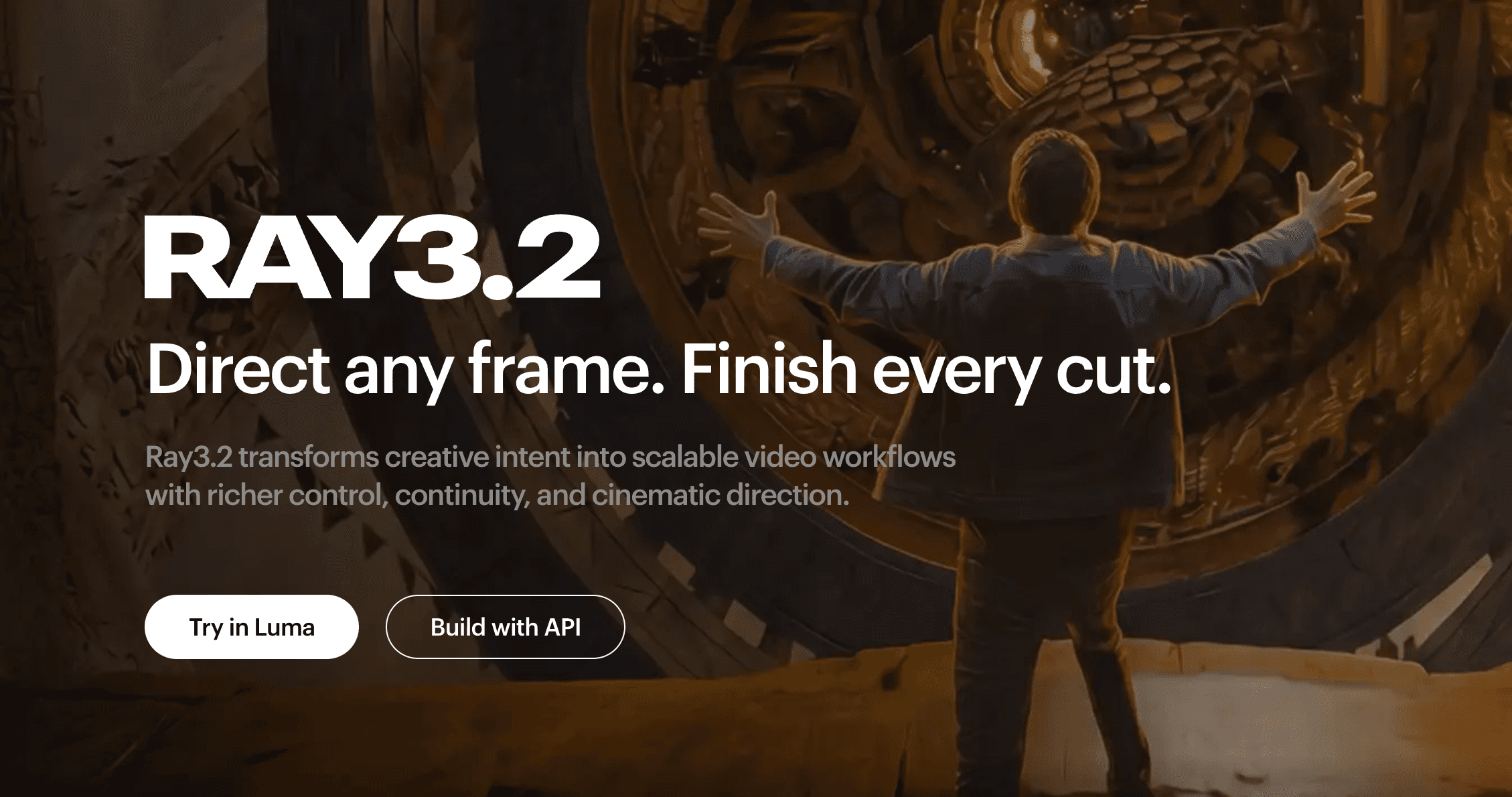
Overview
Ray 3.2 is Luma AI's current video model for creators and production teams working on advertising, entertainment, games, product visuals, and visual effects. It combines text- and image-guided generation with a stronger production workflow for modifying existing footage.
Its standout capability is controlled video-to-video transformation. Creators can preserve the movement and composition of a source clip while changing characters, products, environments, lighting, camera behavior, or visual style. Multi-Keyframe guidance and separate motion and structure controls provide more direction than a single prompt.
Ray 3.2 is available through the Luma App and API. It is best treated as a shot-generation and transformation system rather than a complete editor: teams still need to select outputs, check continuity and rights, and finish sound, timing, compositing, and color in their usual post-production tools.
Use cases
The strongest fit depends on the job you need the product to complete, not the size of its feature list.
Develop campaign shots, product variations, environments, and visual treatments from a controlled source clip.
Transfer performances, alter characters or settings, reframe shots, and generate production-ready HDR or EXR material for further finishing.
Explore cinematic sequences and character performances while guiding important moments with keyframes.
Add Ray 3.2 generation, modification, reframing, and production controls to an application through Luma's API.
Capabilities
Transforms an existing source clip while preserving its duration and selectively following its motion, structure, camera movement, and performance.
Uses multiple visual reference points to guide changes across a shot. Luma's launch and API materials document up to 16 keyframes, while its current detailed Modify guide documents a larger set in that specific app workflow.
Separate adherence settings let creators decide how closely a result should follow movement versus scene geometry and composition.
Character locks, pose guidance, and expressive face controls help transfer performances and maintain subjects across a transformation.
Expands or adapts generated and source footage to a different aspect ratio while reconstructing the surrounding frame.
Supports native HDR and 16-bit EXR in ACES2065-1 for workflows that require more latitude in compositing and color finishing.
A lower-cost draft mode supports quicker iteration before creators spend more credits on a high-resolution render.
Luma exposes Ray 3.2 through its API for teams that need programmatic generation or want to build the model into an internal product workflow.
Process
Step 1
Start with a prompt or image for a new shot, or upload a source video when the goal is to preserve and transform an existing performance, camera move, or composition.
Step 2
Describe the subject, environment, style, lighting, and intended transformation clearly. Add reference frames or keyframes where continuity matters.
Step 3
Adjust motion and structure controls to preserve the useful parts of the source without preventing the requested visual change.
Step 4
Test direction, timing, and keyframes at a lower credit cost before rendering the selected approach at 720p or 1080p.
Step 5
Inspect faces, hands, product details, continuity, frame edges, and rights before exporting SDR, HDR, or EXR material into the final edit and sound workflow.
Cost
Luma combines paid workspace plans with generation credits. Ray 3.2 costs vary by resolution, duration, and operation: for example, text- or image-to-video starts at 20 credits for a 5-second Draft render and reaches 400 credits for 5 seconds at 1080p. Video-to-video is charged per second, and HDR or HDR plus EXR applies a 2x or 3x multiplier. API billing is separate from Luma App subscriptions.
$30/month or $300/year
Entry paid plan for individual creators using the Luma App.
$90/month or $900/year
Higher-usage plan for professional creators.
$300/month or $3,000/year
High-usage plan for intensive production workflows.
Contact sales
Custom access and support for organizations.
Usage varies by output
Credits depend on mode, duration, and resolution.
Pricing checked . Check current pricing at the source ↗
Assessment
Compare
The right alternative depends on the specific output, workflow, controls and budget your project requires.
Content Creator
A strong alternative for teams that want a broad browser-based AI video creation and editing suite.
Explore Runway Gen-4.5 →Content Creator
Better suited to creators who want rapid visual exploration across multiple image and video models in one interface.
Explore Krea →Agents
Worth considering for stylized cinematic generation and camera-driven social or advertising creative.
Explore Higgsfield Supercomputer →Questions
Ray 3.2 is Luma AI's current production-focused video model for generating shots and transforming existing footage with controls for motion, structure, keyframes, framing, and output format.
Yes. Modify Video V2 uses a source clip and can change subjects, environments, lighting, style, camera behavior, and other visual elements while preserving selected motion and structure.
Luma documents Modify Video V2 outputs up to 20 seconds at 1080p. Other generation modes and product surfaces may use different duration options.
Luma's launch, model, and API materials advertise up to 16 keyframes. Its detailed current Modify Video guide documents up to 64 arbitrary keyframes in that particular app workflow, so the available limit depends on the surface being used.
Yes. Ray 3.2 supports native HDR and 16-bit EXR in ACES2065-1, although those delivery options increase credit usage.
Luma App plans start at $30 per month. Each generation consumes credits based on mode, duration, resolution, and whether HDR or EXR is selected. API usage is billed separately.
Yes. Luma offers Ray 3.2 through its API with controls for generation, modification, keyframes, reframing, and production output.
Bottom line
Ray 3.2 is most compelling for teams that already think in shots, reference frames, performances, and post-production rather than one-click text-to-video. Its controlled video transformation, multi-keyframes, Reframe, and HDR or EXR delivery make it unusually production-oriented, but the short clip limit and rapidly increasing high-resolution credit costs mean disciplined iteration is essential.
Visit Ray 3.2 website ↗
Stable Audio 3.0 - Stability's open-weight, fully-licensed audio model family

Palmier - Generate, edit, and export production-ready AI videos without leaving your timeline
Gemini Omni - Google's multimodal video model that edits through conversation
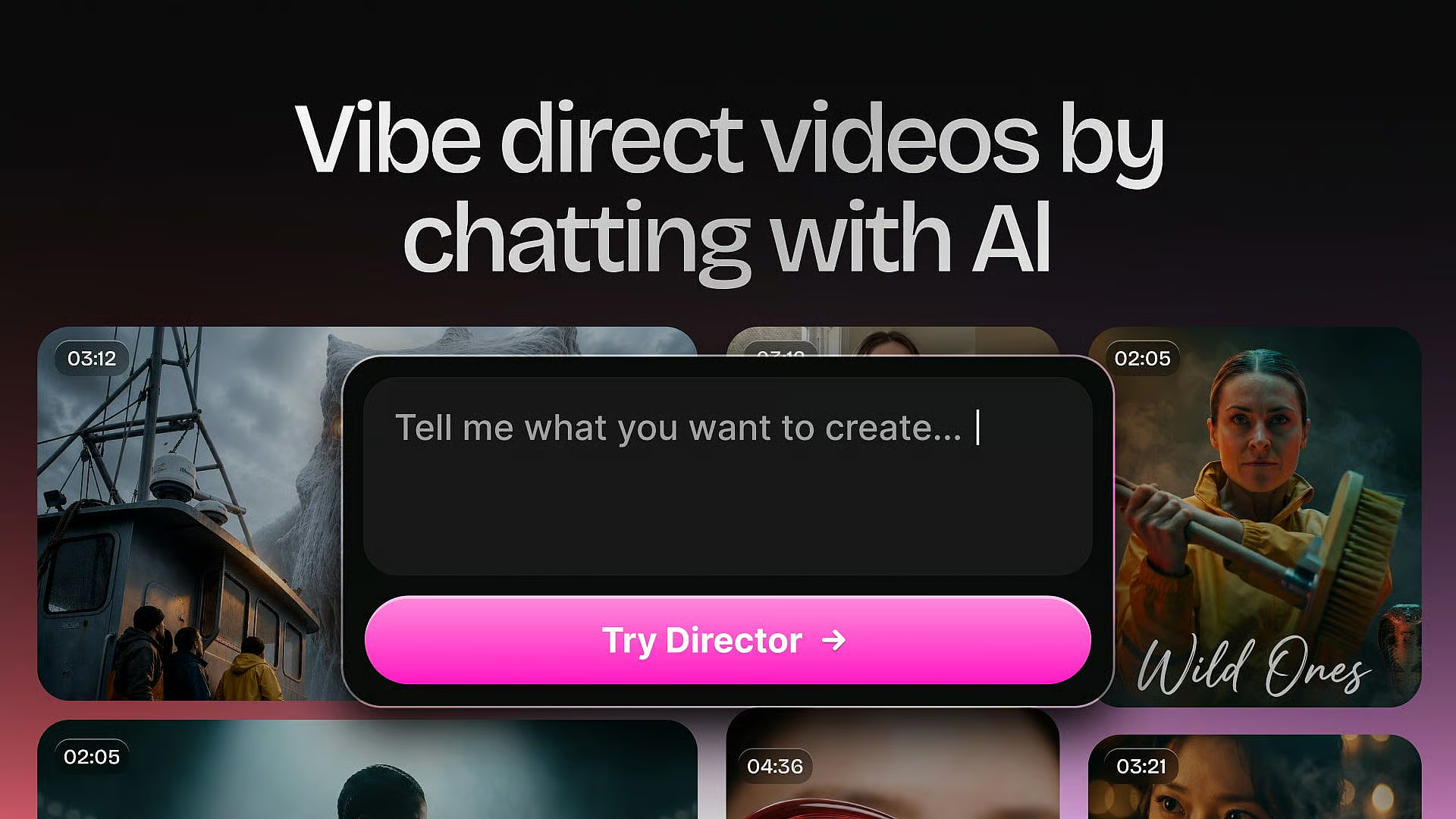
OpenArt Director - Vibe-directing tool that builds five-minute films from chat

Get access to all our AI courses, hundreds of real-world AI use cases, live expert-led workshops, an exclusive network of AI early adopters, and more.
Get unlimited access to all of our current & upcoming industry-specific AI courses for the duration of your subscription.
To keep up with the rapid pace of AI, our team publishes AI implementation guides daily. Our library contains 300+ practical use cases to automate real-world work.
Join weekly, live, interactive sessions with industry leaders who are at the forefront of AI for hands-on implementation guidance and exclusive insights.
Network with an exclusive community of AI-first professionals who are working smarter with AI. Learn how early adopters are using AI in their work and businesses.