Technical personal automation
People who want one self-hosted assistant across messages, email, calendar, files, browser tasks and scheduled workflows.
Independent tool overview
OpenClaw 2.0 is the August 2026 release of the open-source personal-agent gateway, tagged v2026.8.1. It makes first use substantially easier by detecting existing ChatGPT, Claude, API-key and local-model access, trimming initial configuration and rebuilding the browser Control UI around immediate conversation. It also turns team use into a first-class experience: shared sessions carry creator, owner, participant and live-presence information so trusted teammates can watch, steer and hand off work with context intact. The software is free under the MIT license, but users still pay for model subscriptions or API tokens, always-on hardware, cloud workers and connected services. OpenClaw can access email, calendars, files, browsers, messaging channels and shell tools, so its value and danger come from the same delegated authority. Run one Gateway per trust boundary, keep it off the public internet, isolate each external sender's session, use least-privilege tools and dedicated accounts, audit every configuration change and require confirmation before sending, purchasing, deleting, deploying or creating commitments.
Visit the official Openclaw 2.0 site ↗
Overview
OpenClaw 2.0 is the name used for release v2026.8.1, published August 30, 2026, and described by the project as its largest update.
OpenClaw is an open-source, self-hosted Gateway that connects AI models to chat channels, memories, skills, automations, browsers, computers and local or remote tools.
Version 2.0 simplifies onboarding by detecting AI access already present on the computer, including ChatGPT or Claude subscriptions, API keys and local models, then proving inference with a real completion.
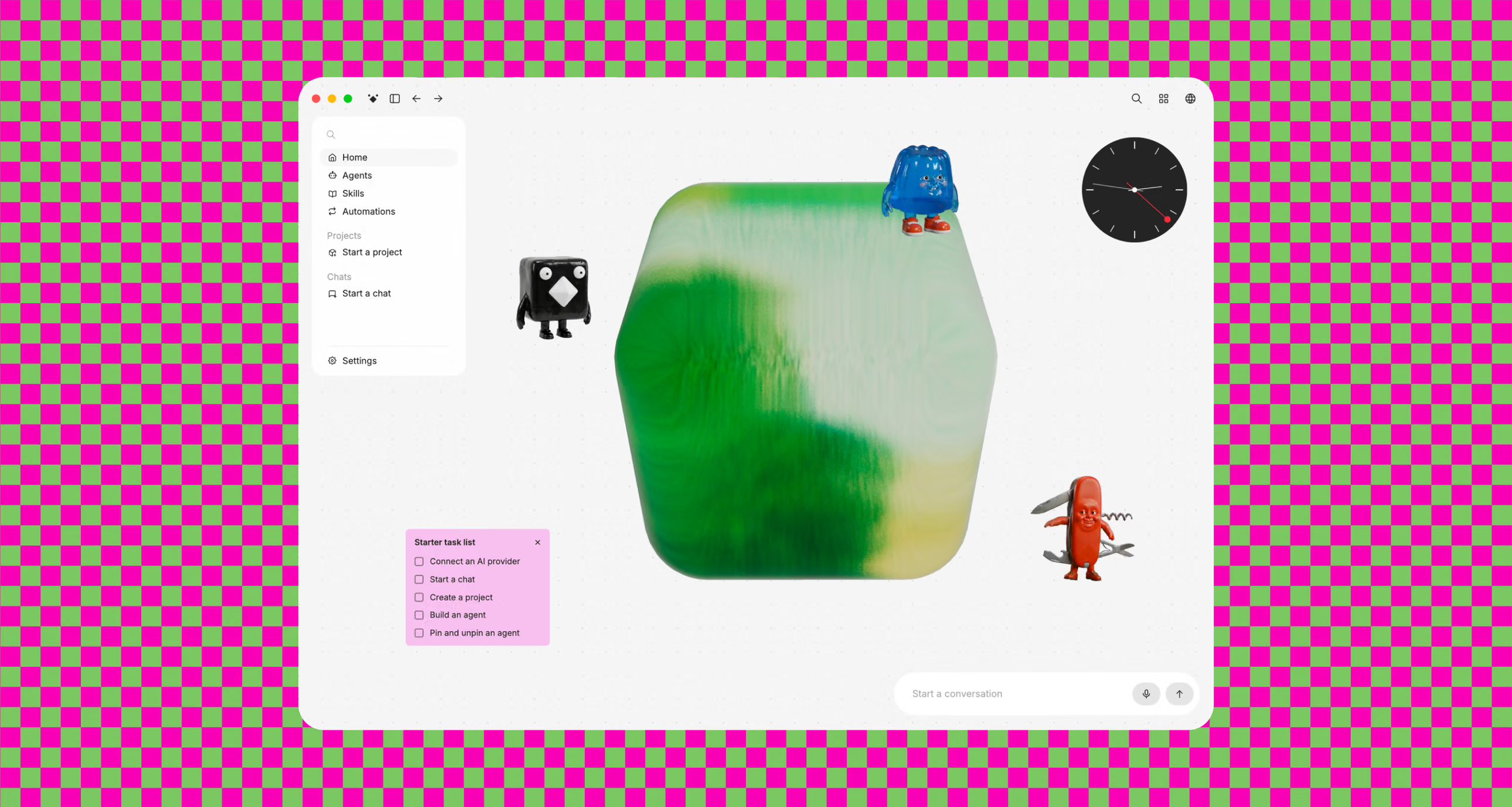
The browser app was rebuilt as a first-class Control UI where users can start a conversation, finish setup, return to work and observe a running agent.
Multi-user mode adds immutable session creator, assignable owner, participant history, live presence and filters. Trusted teammates can continue or take over a session without copying its context.
Shared-session ownership and avatars are collaboration features, not security isolation. Everyone able to operate an agent can exercise that agent's delegated authority.
Cloud Sessions can execute coding work on the Gateway, a paired machine or disposable cloud worker while the Gateway retains the transcript, credentials, placement history and reconciled worktree.
OpenClaw supports many hosted providers as well as local inference through options such as Ollama, LM Studio, llama.cpp, vLLM and SGLang. Running the Gateway locally does not make a hosted model's inference local.
Its messaging surfaces include major services such as WhatsApp, Telegram, Signal, Slack, Discord, Google Chat, Microsoft Teams, iMessage, Matrix and others through bundled or plugin channels.
Normal host installs bind the Gateway to loopback and unknown direct-message senders receive pairing challenges by default. Some containers or workspace channels have different defaults and must be reviewed.
OpenClaw stores sensitive tokens, provider profiles, channel credentials, MCP OAuth sessions, memory and runtime state under its local state directory. Protect that host with encryption, restricted permissions and a dedicated operating-system user.
The model can be manipulated by untrusted email, webpages, documents and messages. OpenClaw's own security guidance says to assume model manipulation and limit blast radius rather than trust the model to resist every injection.
Use cases
The strongest fit depends on the job you need the product to complete, not the size of its feature list.
People who want one self-hosted assistant across messages, email, calendar, files, browser tasks and scheduled workflows.
Teams whose members share one security boundary and need to observe, steer, assign and hand off live agent sessions.
Users who want to switch among subscriptions, API providers and local models without changing the entire assistant layer.
Dedicated Mac mini, Linux server, VPS or Windows Hub installations that can run scheduled and messaging workflows continuously.
Developers dispatching work to paired build machines or disposable cloud workers while retaining one session and transcript.
Technical users prepared to inspect and maintain plugins, skills, channel integrations and custom workflows.
Capabilities
Detects existing model access, verifies it with a real response and defers nonessential configuration until after the first conversation.
Centers setup, chat, session history, live work and administrative controls in a first-class web experience.
Tracks creator, owner, participants and live presence and supports view, suggestion and write collaboration modes.
Lets another trusted operator or an authenticated terminal continue existing work with Gateway-owned context.
Connects one agent to common personal and workplace chat surfaces with sender, group and mention policies.
Keeps customizable workspace context, memories, prompts and reusable skill instructions on the user's host.
Supports a large hosted catalog, ChatGPT/Codex and Claude subscription routes, API billing and local inference.
Places sessions on the Gateway, owned devices or disposable workers while keeping credentials at the Gateway.
Can view and operate supported desktops or browsers under the configured tool and sandbox policy.
Creates background sub-agents, sends work between sessions and tracks durable goals.
Checks trust-model drift, public access, permissions, plugins, skills and live Gateway state and offers narrow safe fixes.
Offers signed macOS and Windows applications, with mobile nodes and channel clients extending camera, screen and voice workflows.
Process
Step 1
Choose one person or mutually trusting team per Gateway; give separate gateways and operating-system identities to untrusted users or organizations.
Step 2
Use a separate machine, VM, VPS or operating-system account with full-disk encryption and no personal password-manager profile.
Step 3
Prefer signed desktop releases or review downloaded scripts before execution; record the installed release and channel.
Step 4
Decide whether each workflow can use a hosted provider or requires local inference, and confirm provider retention and training terms.
Step 5
Connect the minimum channel and read-only source needed to prove value before adding email sends, calendars, browser control or shell access.
Step 6
Keep direct messages on pairing or explicit allowlists and require mentions in groups unless every member is fully trusted.
Step 7
Set per-channel-peer or per-account-channel-peer DM scope so different senders do not share the personal main-session context.
Step 8
Require per-user sandboxing, workspace-scoped files and denied host execution for guests and external message surfaces.
Step 9
Use dedicated service accounts, narrow OAuth scopes, recipient allowlists and no production credentials unless the workflow truly needs them.
Step 10
Assume email, websites, documents and chat messages can contain prompt injection and never let their text redefine security policy.
Step 11
Keep a human gate for sending, deleting, purchasing, publishing, deploying, changing permissions, booking travel or making commitments.
Step 12
Execute the normal and deep audit after installation and every change to channels, plugins, reverse proxies, roles, tools or remote access.
Step 13
Use a VPN such as Tailscale, authentication and a tested proxy configuration instead of binding the Gateway directly to the public internet.
Step 14
Set provider and cloud budgets, back up encrypted state, test credential revocation and practice restoring sessions without exposing secrets.
Cost
OpenClaw 2.0 is free, MIT-licensed software with no required OpenClaw subscription. A user must separately supply model access through a compatible subscription, a metered API key or local inference. Real operating cost therefore depends on model tokens or subscription limits, an always-on computer or VPS, optional disposable cloud workers, storage, external APIs, messaging services and maintenance time. Local models can avoid hosted inference fees but require suitable hardware and electricity. Shared production automation is generally more predictable with dedicated API credentials and explicit budgets than personal subscription reuse. Costs and access paths were checked August 31, 2026.
Free
Install the MIT-licensed Gateway, browser UI, apps and core agent framework.
Provider plan price
Reuse supported ChatGPT/Codex, Claude or other subscription-style access within provider limits.
Usage-based
Pay the selected provider directly for tokens, tools, media and other API services.
Hardware and electricity
Run supported local providers when data locality matters more than frontier-model convenience.
Infrastructure usage
Optional VPS, cloud-worker, storage, phone, search, media and third-party API costs.
Pricing checked . Check current pricing at the source ↗
Assessment
Compare
The right alternative depends on the specific output, workflow, controls and budget your project requires.
Agents
A competing open-source persistent-memory agent with cross-platform messaging for users comparing personal-agent architectures.
Explore Hermes Agent →Agents
A managed alternative for users who want agentic browser and task execution without operating their own Gateway.
Explore ChatGPT Agent →Agents
A hosted always-on environment for deploying agents and applications without maintaining the full local control plane.
Explore Manus Cloud Computer →Business Operations
Better for deterministic workflow automation where explicit nodes and triggers matter more than a conversational personal assistant.
Explore n8n →Questions
It is OpenClaw release v2026.8.1, a major update with simpler onboarding, a rebuilt browser app and first-class multi-user sessions.
Yes. The software is MIT-licensed and free, but model access, hardware, cloud workers and connected APIs can cost money.
OpenClaw supports ChatGPT/Codex subscription OAuth and Claude CLI subscription reuse, subject to each provider's current limits and permitted-use rules.
The Gateway, state and a supported local model can run on your hardware. Any hosted model, search, messaging or external tool still sends relevant data to that provider.
The headline changes are faster model-first setup, a rebuilt Control UI and multiplayer sessions with creator, owner, participant, presence and handoff support, plus broad improvements across the stack.
Yes, when every member is in the same trust boundary. Mutually untrusted people or different organizations should use separate Gateways and hosts.
No. They control collaboration and scope inside one trusted domain. Anyone who can operate an agent can potentially exercise that agent's tool authority.
OpenClaw supports macOS, Linux and Windows. Version 2.0 has signed macOS downloads and stable Windows Hub applications.
Do not expose the Gateway directly. Keep loopback defaults, use strong authentication and a private VPN or carefully configured proxy, then run a deep security audit.
Use pairing or allowlists and set session.dmScope to per-channel-peer or per-account-channel-peer so users do not share one direct-message context.
It applies narrow remediations such as allowlists and file permissions. It does not rotate tokens, remove plugins, disable tools or redesign network exposure.
Not by default. Require explicit human confirmation for consequential, external or irreversible actions and use dedicated accounts, caps and allowlists.
Bottom line
OpenClaw 2.0 is a meaningful usability leap for one of the most capable open personal-agent systems: setup no longer needs to front-load every decision, the browser is a real home, and shared sessions turn agent work into something a trusted team can watch and inherit. That polish should not make users casual about authority. OpenClaw can become a control plane for private communications and real actions, and one misconfigured shared Gateway collapses those boundaries. The right rollout is one low-risk workflow on a dedicated host, private network access, a minimal toolset, deep security audits and human approval until logs demonstrate reliable behavior.
Visit Openclaw 2.0 website ↗
Get access to all our AI courses, hundreds of real-world AI use cases, live expert-led workshops, an exclusive network of AI early adopters, and more.
Get unlimited access to all of our current & upcoming industry-specific AI courses for the duration of your subscription.
To keep up with the rapid pace of AI, our team publishes AI implementation guides daily. Our library contains 300+ practical use cases to automate real-world work.
Join weekly, live, interactive sessions with industry leaders who are at the forefront of AI for hands-on implementation guidance and exclusive insights.
Network with an exclusive community of AI-first professionals who are working smarter with AI. Learn how early adopters are using AI in their work and businesses.