Busy individuals
Delegate bounded research, planning and routine browser chores while reviewing consequential actions.
Independent tool overview
Muse is Meta’s personal AI agent for ongoing tasks, browser work and connected apps, available through its own app, the web and WhatsApp in its initial rollout.
Visit the official Muse site ↗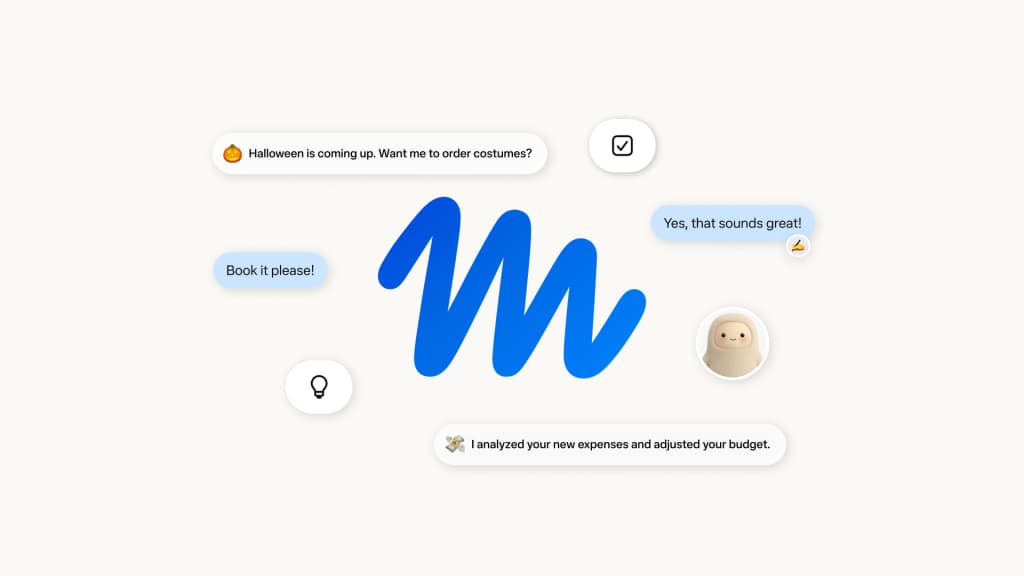
Overview
Meta introduced Muse in September 2026 as an agent that can keep working after the conversation closes. A person can ask it to plan a project, organize information or complete browser steps, and it returns when progress changes or approval is needed. Meta says each person’s agent runs in a dedicated Muse Secure VM with a browser and stored connection credentials. This is more persistent than an ordinary question-and-answer chat, but it also means access choices matter: the agent can see and act on connected accounts within the permissions granted.
The launch describes approval before sensitive actions such as sending an email or making a purchase, an audit trail and controls to disconnect services or delete remembered details. Those are product claims rather than an independent security assessment. Muse began rolling out on iOS, Android and muse.ai in the United States, with Meta later describing availability in Canada for small-business users. Access, supported integrations and subscription limits can vary by account and region.
Use cases
The strongest fit depends on the job you need the product to complete, not the size of its feature list.
Delegate bounded research, planning and routine browser chores while reviewing consequential actions.
Let Muse maintain context and return with progress or questions rather than restarting a chat each time.
Evaluate connected app work with explicit limits on what can be read, sent, published or spent.
Learn by doing
Put Muse to work with step-by-step guides from The Rundown University.
Capabilities
Meta says a dedicated cloud virtual machine hosts the agent, browser and account data.
Muse can navigate websites and fill forms to carry out authorized tasks.
It can remember supplied preferences and continue a longer goal between conversations.
Users choose connections and can limit capabilities such as read versus send access.
The launch says email sending and purchases require user approval, with an activity trail.
Process
Step 1
Describe the desired result, budget, deadline and point at which Muse should stop for review.
Step 2
Connect the few accounts required, inspect read/write scope, and avoid unnecessary sensitive data.
Step 3
Check recipient, amount, destination and source information before approving sends or purchases.
Step 4
Inspect the activity trail and actual outcome, then revoke connections no longer needed.
Cost
Meta says Muse is free for most ordinary use and offers subscriptions for greater use, but the introductory announcement does not publish a Muse-specific price or complete allowance table. Do not confuse Meta One social-app bundles with confirmed Muse agent entitlements.
Free, subject to limits
Meta describes most ordinary Muse use as free.
Price not publicly confirmed
Paid plans are described for people who need more.
Pricing checked . Check current pricing at the source ↗
Assessment
Compare
The right alternative depends on the specific output, workflow, controls and budget your project requires.
Agents
Compare another consumer agent with browser-based task execution and approval steps.
Explore ChatGPT Agent →Agents
Compare an agent oriented toward multi-step web and computer work.
Explore Perplexity Computer →Agents
Compare a workspace-focused assistant for document and task workflows.
Explore Claude Cowork →Questions
No. Meta describes a persistent agent that can use a browser and connected apps and continue tasks after the app closes.
Meta says sensitive actions including purchases and sending email require approval; inspect the proposed transaction carefully before approving.
Meta says most ordinary use is free and that subscription plans are available for more. The launch post does not establish a fixed Muse-specific subscription price.
The initial launch says Muse was rolling out in the United States on mobile and web; check account eligibility for current geography and platform support.
Bottom line
Muse is most promising for a person willing to delegate multi-step tasks and actively review permissions and approvals. Start with a low-stakes project, verify every external action, and expand access only after its behavior is predictable for your needs.
Visit Muse website ↗
Open-source personal agent, rebuilt with easier setup and multiplayer sessions
Google's new voice models that think while they talk
Search API that lets agents query and learn from the live web
Manus’ agent platform upgrade with video editing, game building, and automations

Get access to all our AI courses, hundreds of real-world AI use cases, live expert-led workshops, an exclusive network of AI early adopters, and more.
Get unlimited access to all of our current & upcoming industry-specific AI courses for the duration of your subscription.
To keep up with the rapid pace of AI, our team publishes AI implementation guides daily. Our library contains 300+ practical use cases to automate real-world work.
Join weekly, live, interactive sessions with industry leaders who are at the forefront of AI for hands-on implementation guidance and exclusive insights.
Network with an exclusive community of AI-first professionals who are working smarter with AI. Learn how early adopters are using AI in their work and businesses.

