Private local experimentation
Run compatible models without sending prompts to a hosted provider, provided the entire workflow stays local.
Independent tool overview
Ollama is an MIT-licensed model runner and developer platform for downloading, serving, customizing, and integrating open models locally, with optional hosted cloud models for larger workloads.
Visit the official Ollama site ↗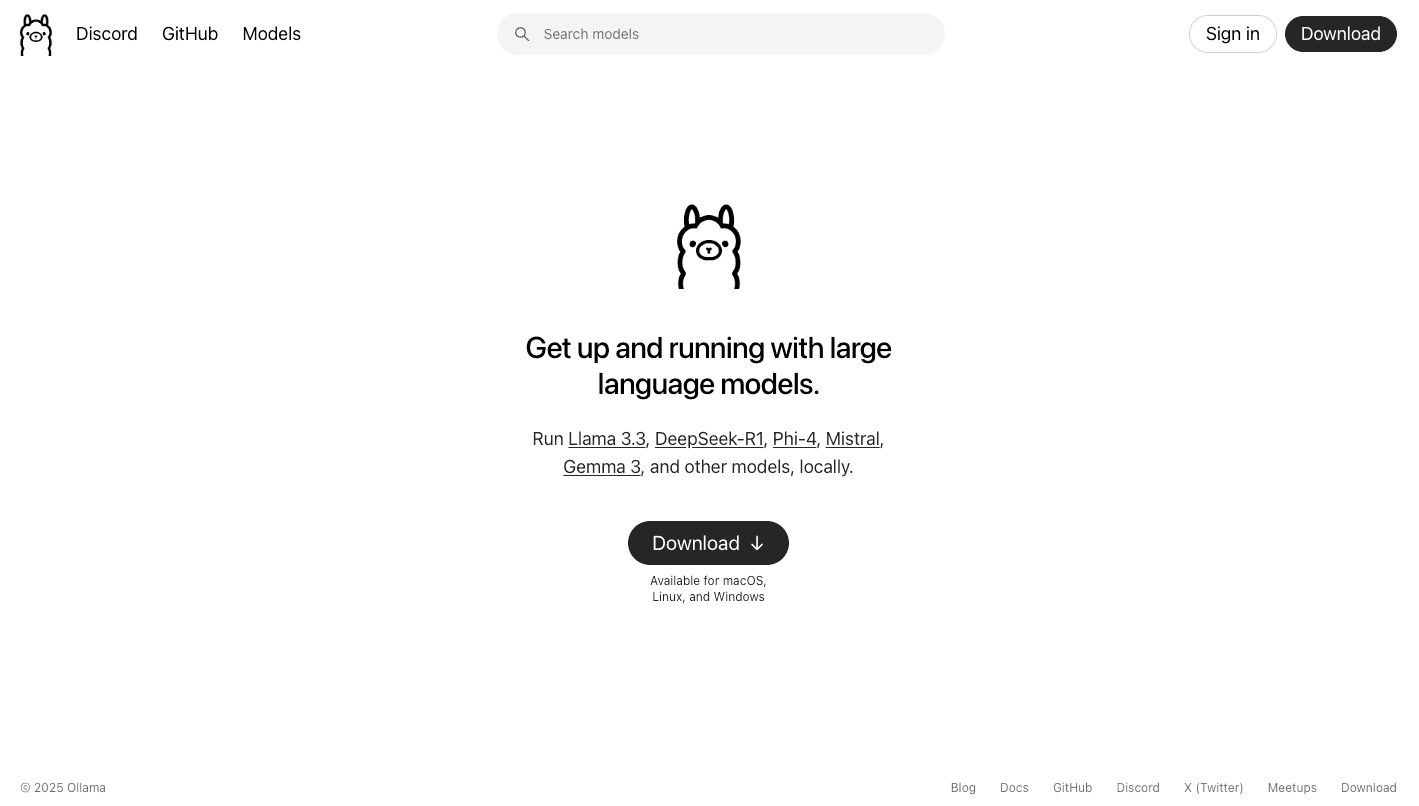
Overview
Ollama makes open models feel closer to installing ordinary software. It provides desktop apps and a command-line interface for pulling and running models, plus a local REST API, official Python and JavaScript libraries, and partial OpenAI API compatibility for connecting existing tools.
Local inference is still the core advantage: prompts and outputs can remain on the machine, use is not metered, and apps can call an endpoint on localhost. Ollama now also offers cloud models through the same interface, allowing larger models and higher concurrency without owning a powerful GPU.
Ollama itself is not an AI model and does not make every model open source. Each downloaded model has its own weights, license, context window, hardware needs, and capabilities. Teams need to review those terms and test quality, speed, memory use, and security for every model they deploy.
Use cases
The strongest fit depends on the job you need the product to complete, not the size of its feature list.
Run compatible models without sending prompts to a hosted provider, provided the entire workflow stays local.
Build against a straightforward REST API or official SDK and switch among installed models.
Point supported Chat Completions or Responses API clients at Ollama’s compatibility endpoint with some code changes.
Connect tools such as editors, coding agents, automation platforms, and local chat interfaces to open models.
Keep smaller or sensitive work on local hardware and invoke larger cloud models through the same Ollama tools when needed.
Capabilities
Pull, run, list, inspect, copy, create, push, and remove models through the CLI and desktop experience.
Serves generation, chat, embeddings, model-management, and other capabilities on localhost after installation.
Official client libraries make it easier to embed Ollama into applications without constructing every HTTP request manually.
Implements supported portions of Chat Completions, Completions, Models, Images, and Responses interfaces for easier migration.
Use a Modelfile to set a base model, system prompt, parameters, templates, adapters, and context configuration.
Compatible models can request one or several functions, including streamed agent loops where the application executes tools.
Run compatible multimodal models on images and create vector embeddings for search and retrieval workflows.
Local models can generate JSON or follow a supplied JSON Schema; Ollama’s current cloud documentation says cloud models do not yet support this feature.
Offload larger models to Ollama’s hosted infrastructure while keeping the same CLI, API, and integrations.
Ollama advertises more than 40,000 community integrations spanning coding, chat, automation, and agent tools.
Process
Step 1
Estimate RAM, VRAM, storage, operating-system support, and acceptable latency before choosing a model size and quantization.
Step 2
Use the official download or documented installer for macOS, Windows, or Linux and keep it updated.
Step 3
Review its upstream license, parameter size, quantization, context window, capabilities, and publisher before pulling it.
Step 4
Start with a smaller model, measure response quality and resource use, and confirm whether inference stays on CPU or GPU.
Step 5
Use runtime settings or a Modelfile when the default 4,096-token context or default prompt template is not suitable.
Step 6
Call the native local API, an official SDK, or the supported OpenAI-compatible interface.
Step 7
Keep the unauthenticated local endpoint bound to trusted interfaces and add network controls or a protected gateway before any remote access.
Step 8
Sign in only when a cloud model is needed and account for hosted-region, usage, privacy, and model-specific compute limits.
Cost
Local Ollama use is free and unlimited on the user’s hardware. Cloud Free includes light usage; Pro costs $20 monthly or $200 yearly; Max remains $100 monthly but new sign-ups are paused. Team is waitlisted at $25 per seat monthly with a five-seat minimum, and Enterprise is custom.
$0
Run unlimited local models and receive light access to hosted cloud models.
$20/month or $200/year
For regular cloud use and larger hosted models.
$100/month; new sign-ups paused
For existing subscribers with sustained hosted workloads.
$25/seat/month; 5-seat minimum
A waitlisted shared plan starting at $125 per month.
Custom
Custom commercial and deployment support for larger organizations.
Pricing checked . Check current pricing at the source ↗
Assessment
Compare
The right alternative depends on the specific output, workflow, controls and budget your project requires.
Coding
Choose GPT4All for another privacy-oriented local model experience with a desktop-first focus.
Explore GPT4All →Business Operations
Use ChatGPT when convenience, managed frontier models, and hosted features matter more than local control.
Explore ChatGPT →Coding
Explore Meta’s Llama models when selecting an upstream open-weight model family; Ollama is one way to run compatible versions.
Explore Meta Llama Models →Questions
Ollama downloads, runs, customizes, and serves open models. Developers use it for local chat, coding assistants, agents, embeddings, vision, and application backends.
Yes for unlimited local use on your own hardware. Ollama also offers optional paid cloud plans for larger hosted models and more usage.
Pro costs $20 per month or $200 per year and includes 50 times more cloud usage than Free, three concurrent cloud models, and private model sharing.
Many models can run on CPU, but performance and feasible model size depend on available memory and processor speed. A supported GPU can improve throughput substantially.
Yes after the required software and model files are available locally. Cloud-tagged models and web-based tools still require a network connection.
Local prompts can remain on the machine if the model and every connected tool are local. Cloud models send requests to hosted infrastructure, where Ollama says prompt and response data is not logged or used for training.
The core Ollama repository is MIT-licensed. Individual model weights are separate works with their own licenses and restrictions.
Yes. The native API is served locally at http://localhost:11434/api by default, and a remote cloud API is available with authentication.
It supports portions of OpenAI’s APIs, which can ease migration, but not every endpoint, field, stateful behavior, model capability, or output will match.
The selected model may be too large for available memory, may be falling back to CPU, or may use a demanding context length. Test a smaller or more heavily quantized model and inspect hardware utilization.
Bottom line
Ollama is one of the most practical ways to start building with open models locally, and its API makes it useful far beyond a desktop chat. Begin with Free and a small, well-licensed model, benchmark on the actual machine, and secure the local service before connecting other devices. Pay for Pro only when larger cloud models or concurrency become routine; local privacy claims no longer apply in the same way once a request is intentionally offloaded.
Visit Ollama website ↗
Replit Agent: Is your ai coding companion for building, debugging, and deploying code directly in replit.

Google Firebase: Firebase helps developers build and scale apps with backend infrastructure, analytics, and real-time databases.

Observability platform for managing LLM performance.

Warp 2.0: All-in-one agentic development platform

Get access to all our AI courses, hundreds of real-world AI use cases, live expert-led workshops, an exclusive network of AI early adopters, and more.
Get unlimited access to all of our current & upcoming industry-specific AI courses for the duration of your subscription.
To keep up with the rapid pace of AI, our team publishes AI implementation guides daily. Our library contains 300+ practical use cases to automate real-world work.
Join weekly, live, interactive sessions with industry leaders who are at the forefront of AI for hands-on implementation guidance and exclusive insights.
Network with an exclusive community of AI-first professionals who are working smarter with AI. Learn how early adopters are using AI in their work and businesses.