Mobile and web apps
Teams that want managed authentication, realtime data, push messaging, storage, server logic, monitoring, and releases through one ecosystem.
Independent tool overview
Firebase is Google's managed application platform for mobile and web backends, databases, authentication, hosting, serverless functions, storage, messaging, analytics, testing, releases, observability, experiments, and client-side generative AI. It is excellent for shipping quickly and using one integrated SDK and console, but production success depends on database access patterns, Security Rules, App Check, environment separation, cost monitoring, and an intentional path into the underlying Google Cloud services.
Visit the official Google Firebase site ↗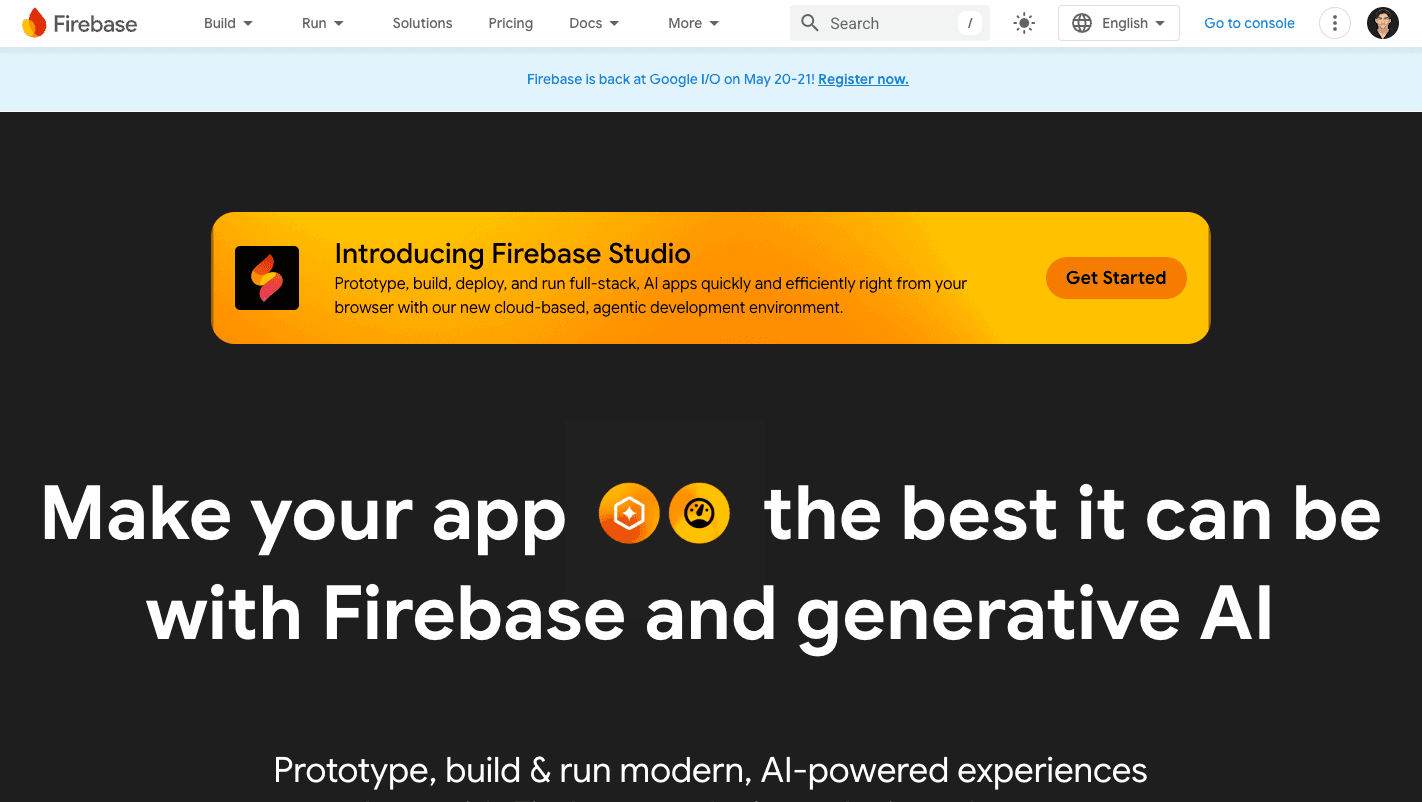
Overview
Firebase is not one backend product. It is a layer of app-focused SDKs, consoles, deployment tools, and managed services on top of Google Cloud. Teams can combine only what they need: Authentication, Cloud Firestore or Realtime Database, SQL Connect with PostgreSQL, Cloud Storage, Cloud Functions, static Hosting, dynamic App Hosting, Cloud Messaging, Remote Config, Crashlytics, Performance Monitoring, Analytics, Test Lab, App Distribution, and Firebase AI Logic.
The two classic databases serve different models. Cloud Firestore is a document database with collections, expressive indexed queries, offline SDKs, realtime listeners, and billing based on operations, index reads, storage, and egress. Realtime Database stores a JSON tree and synchronizes connected clients with billing centered on storage and downloaded data. New SQL Connect provides strongly typed client SDKs over Cloud SQL for PostgreSQL when relations, joins, and SQL fit better.
Firebase's greatest advantage is integrated delivery. Authentication can feed Security Rules; client SDKs synchronize data; App Check attests real app instances; Hosting and App Hosting deploy web experiences; Cloud Functions or Cloud Run handle trusted server logic; Crashlytics and Performance expose failures; Remote Config and A/B Testing support gradual releases; and Analytics ties behavior to product changes.
The Spark plan lets prototypes use many products without a payment method, while Blaze links the project to Google Cloud Billing and charges underlying usage above free allowances. Blaze is required for services such as Cloud Functions, App Hosting, multiple databases, backup features, and most production scaling. There is no universal flat Firebase subscription and budget alerts do not cap spend.
A secure Firebase app cannot rely on a hidden client API key. Client configuration is distributed with the app; authorization lives in Security Rules, IAM, server code, and App Check. Start databases and storage in deny-by-default mode, test rules in the Local Emulator Suite, keep separate development, staging, and production projects, enforce App Check, scope IAM, protect secrets, and monitor both abuse and billing.
Use cases
The strongest fit depends on the job you need the product to complete, not the size of its feature list.
Teams that want managed authentication, realtime data, push messaging, storage, server logic, monitoring, and releases through one ecosystem.
Chat, presence, dashboards, multiplayer state, live feeds, and shared experiences that benefit from realtime client SDKs.
Developers who prefer product infrastructure and operational integrations over assembling and operating every backend component.
Teams that already use Google Cloud IAM, Cloud Run, Cloud SQL, BigQuery, logging, security, billing, and compliance controls.
Products that benefit from Remote Config, rollouts, A/B Testing, Analytics, Crashlytics, Performance Monitoring, App Distribution, and Test Lab.
Authorized apps that need supported Firebase AI Logic SDKs with App Check, rate controls, safety settings, and model-specific Google API billing.
Capabilities
Managed document database with realtime listeners, offline support, indexed queries, multiple editions, backups, point-in-time recovery, and client Security Rules.
Low-latency synchronized JSON database with native persistent connections and straightforward presence or live-state patterns.
Connects apps to Cloud SQL for PostgreSQL using a GraphQL-defined schema, approved queries and mutations, and generated strongly typed SDKs.
Email, social, anonymous, custom, and phone sign-in, with optional Identity Platform features such as MFA, multi-tenancy, SAML, OIDC, enhanced logging, and SLA.
Rules authorize client access to Firestore, Realtime Database, and Storage; App Check verifies that requests come from registered, authentic app instances.
Runs trusted backend code for events, APIs, scheduled work, integrations, secrets, and logic that must never depend on the client.
Static Hosting provides global CDN delivery, SSL, previews, GitHub integration, and rollback; App Hosting builds dynamic web apps on Cloud Build, Cloud Run, CDN, and Secret Manager.
Stores user files and app assets with Firebase SDKs, Security Rules, resumable transfers, and Google Cloud infrastructure.
Cloud Messaging, In-App Messaging, Remote Config, A/B Testing, and Analytics support notifications, segmentation, experimentation, and gradual changes.
Crashlytics, Performance Monitoring, App Distribution, and Test Lab help teams detect crashes, measure performance, test devices, and distribute prerelease builds.
Client SDKs integrate Gemini models directly into Apple, Android, web, Flutter, and Unity apps with App Check and provider-specific model billing.
An open-source framework in the Firebase ecosystem for server-side AI flows, structured output, tools, retrieval, evaluation, and deployment.
Prebuilt integrations accelerate common tasks, while the same project can use BigQuery, Cloud Tasks, Pub/Sub, Secret Manager, Cloud Armor, and other Google Cloud services.
Process
Step 1
Use Firestore for document and realtime client patterns, Realtime Database for simple synchronized JSON and presence, or SQL Connect when relationships, joins, constraints, and PostgreSQL tooling are central.
Step 2
Use distinct Google Cloud/Firebase projects for development, staging, and production with separate credentials, data, billing, domains, quotas, OAuth configuration, and IAM.
Step 3
Begin Firestore, Realtime Database, and Storage in production or locked mode. Write least-privilege rules for every collection, path, role, tenant, owner, field, and operation as the data model is created.
Step 4
Use the Local Emulator Suite for supported services and automated rule tests. Seed realistic data and verify permitted access, denied access, query behavior, offline sync, retries, and migrations.
Step 5
Put payments, authorization decisions, secrets, admin operations, external credentials, webhooks, privileged writes, and high-impact AI actions in Functions, Cloud Run, or another protected backend.
Step 6
Observe metrics, register every production app, configure real attestation providers, update outdated clients, and then enforce App Check service by service so unverified requests are rejected.
Step 7
Estimate Firestore documents and index entries read, listener fan-out, writes, storage, egress, function duration, build minutes, logs, auth MAUs, SMS, AI tokens, and Remote Config fetches. Test worst-case and abusive patterns.
Step 8
Create Google Cloud budgets and alerts, per-service dashboards, log-based metrics, quotas where available, rate limits, abuse detection, billing export, and an incident runbook. Remember that a budget alert is not a hard cap.
Step 9
Deploy previews, run integration and device tests, monitor Crashlytics and Performance, use Remote Config rollouts or A/B tests, and keep rollback procedures for rules, code, config, data, and hosting.
Step 10
Enable and test backups, point-in-time recovery, exports, restore procedures, and data migration where the product supports them. Document region, RTO, RPO, and ownership.
Step 11
Watch hot documents, large listeners, fan-out, index growth, query limitations, connection behavior, regional latency, egress, and cross-service complexity. Move workloads to SQL, Cloud Run, BigQuery, or another system when the model no longer fits.
Cost
Firebase has a no-cost Spark plan and a Blaze pay-as-you-go plan. Spark requires no payment method but imposes product-specific quotas and does not support every production service. Blaze preserves applicable free allowances and bills additional usage at Firebase or underlying Google Cloud rates; eligible new Cloud customers may receive $300 in credit. Costs are component-based, not a fixed monthly Firebase fee. As of September 1, 2026, Remote Config introduces daily fetch pricing above 100,000 direct requests, with transition grace periods for existing projects.
No cost; no payment method required
Prototype and small-app plan with fixed quotas across supported Firebase products.
Pay as you go
Production plan connected to Google Cloud Billing, with applicable no-cost allowances followed by usage charges.
Included on one database per project
Daily allowance available before location-specific Standard or Enterprise edition charges.
Cloud SQL plus SQL Connect usage
Typed PostgreSQL access with separate service and database charges.
Blaze only; underlying Google Cloud usage
Dynamic web deployment built on Cloud Build, Cloud Run, Cloud CDN, Artifact Registry, Logging, and Secret Manager.
100,000 direct fetches/day free, then usage rates
New daily request pricing with migration grace periods for existing projects.
Pricing checked . Check current pricing at the source ↗
Assessment
Compare
The right alternative depends on the specific output, workflow, controls and budget your project requires.
Coding
Choose Replit when an all-in-one coding workspace and managed deployment experience matters more than assembling a dedicated mobile/backend service stack.
Explore Replit →Coding
Choose Lovable when the main goal is rapidly generating and deploying a web app through conversation rather than directly engineering backend infrastructure.
Explore Lovable →Design
Choose Vercel v0 for AI-assisted frontend generation and Vercel-oriented deployment when Firebase's mobile SDKs, databases, and engagement services are unnecessary.
Explore Vercel v0 →Coding
Choose a PostgreSQL-first workflow when relational constraints, SQL, joins, and portability matter more than Firebase's realtime client SDKs and integrated app services.
Explore Postgres Sandbox →Coding
Choose Genkit as a focused server-side AI framework when the requirement is model flows, tools, retrieval, and evaluation rather than the full Firebase application platform.
Explore Genkit →Questions
Firebase is Google's managed app-development platform for databases, authentication, storage, hosting, serverless compute, messaging, analytics, testing, monitoring, experiments, releases, and generative AI. A Firebase project is also a Google Cloud project.
The Spark plan is free and needs no payment method, but every product has quotas and some services are unavailable. Blaze is pay as you go and retains applicable free allowances before billing additional usage.
There is no single monthly price. Cost depends on services and usage: database operations and egress, storage, functions, hosting, builds, logs, auth users and SMS, AI tokens, device tests, backups, and other Google Cloud resources.
Firestore stores documents in collections, offers indexed queries, and bills operations plus storage and egress. Realtime Database stores a JSON tree, emphasizes low-latency synchronization and presence, and bills mainly storage and downloaded data.
SQL Connect links client apps to Cloud SQL for PostgreSQL through a GraphQL-defined schema, approved queries and mutations, and generated type-safe SDKs. It is useful when relational data and SQL fit better than a document database.
Firebase client configuration is shipped in apps and should not be treated as the authorization boundary. Protect resources with deny-by-default Security Rules, Authentication, IAM, server-side checks, App Check, and API restrictions.
No. App Check attests that a request appears to come from a registered app or genuine device. Authentication identifies a user, and Security Rules or server logic decide what that user may do.
Yes. Unbounded reads, listeners, function scaling, egress, logs, AI calls, SMS, bugs, or abuse can create charges. Budget alerts notify but do not cap spend, so use quotas where available, App Check, rate limits, monitoring, and incident automation.
Yes, but scale depends on service limits, schema and query design, regional placement, rules, hot spots, listener fan-out, functions, cost controls, and operational practices. Test the actual workload rather than relying on the managed label.
Direct Remote Config fetches become usage-priced above 100,000 requests per project per day on Blaze, while Spark can eventually throttle above that threshold. Existing projects receive transition grace periods described in Google's pricing notice.
It can be. Client SDK behavior, Security Rules, Firestore data models, Cloud Functions triggers, Analytics, and engagement tools are Firebase-specific. Use clear interfaces, export and restore tests, portable domain logic, and a documented migration plan for critical systems.
Bottom line
Firebase remains one of the fastest ways to assemble a serious mobile or web product when realtime data, authentication, push, hosting, monitoring, experiments, and Google Cloud integration are valuable together. The platform is most successful when teams resist its deceptively simple first-run experience: choose the right database, write and test authorization with the schema, isolate environments, enforce App Check, keep trusted logic server-side, model costs from access patterns, and practice recovery. Choose a PostgreSQL-first or more portable stack when relational complexity, predictable infrastructure, self-hosting, or provider independence outweighs Firebase's integration.
Visit Google Firebase website ↗
Ollama: Lets you run open-source llms locally for privacy-friendly and high-performance ai experiences.

Warp 2.0: All-in-one agentic development platform

Replit Agent: Is your ai coding companion for building, debugging, and deploying code directly in replit.

Gemini CLI - Google's open-source terminal agent with high free usage limits

Get access to all our AI courses, hundreds of real-world AI use cases, live expert-led workshops, an exclusive network of AI early adopters, and more.
Get unlimited access to all of our current & upcoming industry-specific AI courses for the duration of your subscription.
To keep up with the rapid pace of AI, our team publishes AI implementation guides daily. Our library contains 300+ practical use cases to automate real-world work.
Join weekly, live, interactive sessions with industry leaders who are at the forefront of AI for hands-on implementation guidance and exclusive insights.
Network with an exclusive community of AI-first professionals who are working smarter with AI. Learn how early adopters are using AI in their work and businesses.