Existing OCR 3 pipelines
Keep a stable, lower-priced production model while validating quality, output changes, and cost before migrating to OCR 4.1.
Independent tool overview
Mistral OCR 3 is a managed document-extraction model that converts PDFs and images into structured Markdown, tables, embedded images, hyperlinks, and optional schema-constrained annotations for downstream search, analytics, and automation.
Visit the official Mistral OCR 3 site ↗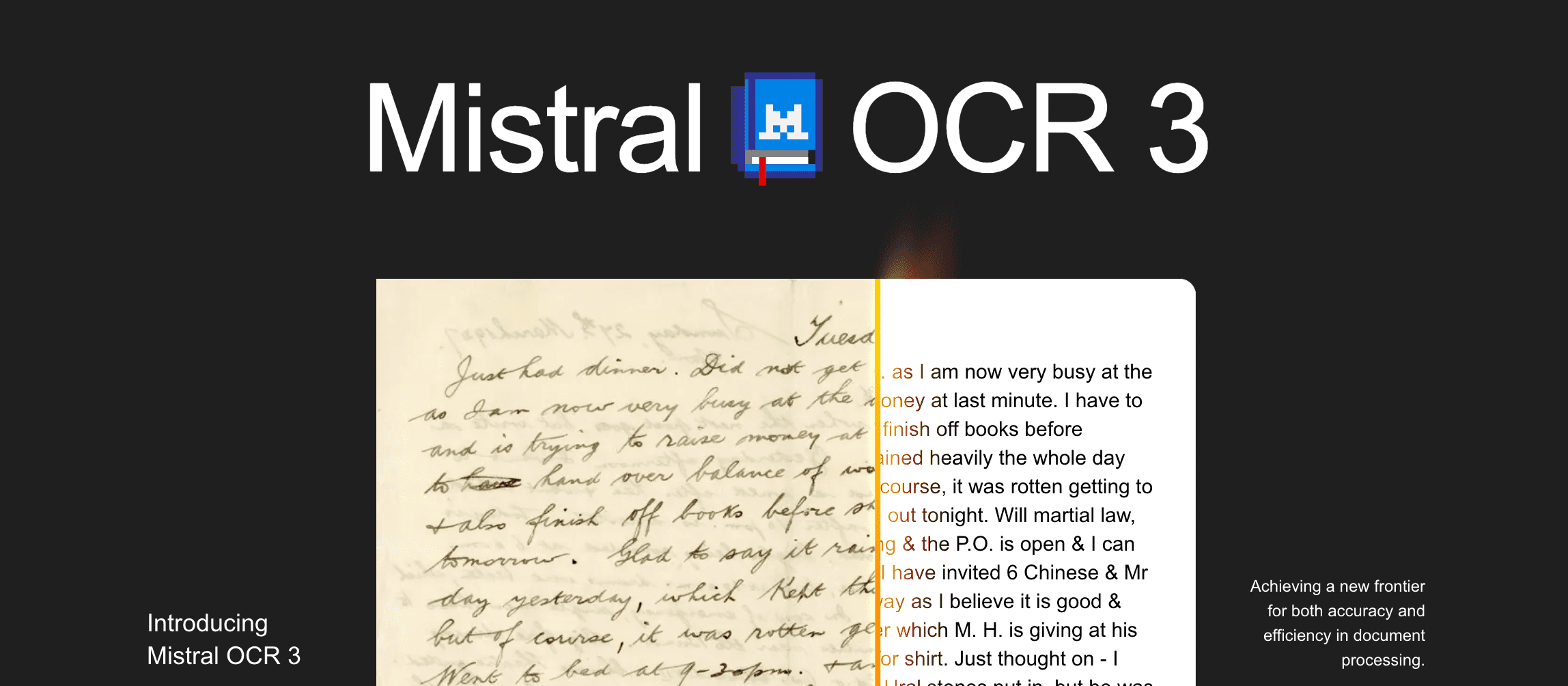
Overview
OCR 3 was released in December 2025 for forms, handwriting, low-quality scans, technical documents, and complex tables. Developers can call the OCR API with the fixed model ID mistral-ocr-2512, while nontechnical users can test documents in Mistral Studio’s Document AI interface.
The model preserves reading order and document hierarchy, can separate headers and footers, reconstruct tables as Markdown or HTML, and extract interleaved text and images. Structured annotation requests add a user-defined JSON schema for document-level or image-level fields.
OCR 3 remains supported for existing integrations and production workloads, but it is no longer Mistral’s newest OCR model. The mistral-ocr-latest alias now points to OCR 4.1, which adds paragraph-level bounding boxes, structural block labels, and confidence scores. New projects should benchmark OCR 4.1; existing OCR 3 pipelines should pin mistral-ocr-2512 instead of relying on the moving alias.
Use cases
The strongest fit depends on the job you need the product to complete, not the size of its feature list.
Keep a stable, lower-priced production model while validating quality, output changes, and cost before migrating to OCR 4.1.
Extract labels, boxes, printed values, handwriting, receipts, invoices, compliance forms, and other mixed-layout content.
Turn reports, manuals, archives, and scientific or technical PDFs into Markdown and images for search, RAG, or agent context.
Request typed JSON fields for invoices, applications, receipts, or document classifications after defining and validating a schema.
Capabilities
Returns page-level Markdown that preserves headings, paragraphs, lists, equations, and reading order more effectively than plain text OCR.
Produces inline or separate Markdown tables and HTML tables with merged-cell structures using colspan and rowspan.
Targets cursive writing, handwritten notes over printed content, form boxes, labels, and dense layouts.
Is designed to tolerate skew, compression artifacts, low DPI, distortion, and background noise better than earlier OCR generations.
Returns embedded images and their positions alongside surrounding text for multimodal document pipelines.
Can separate repeated headers and footers from main content and return link information instead of flattening everything into the body.
Supports JSON object or JSON schema output for document- and image-level annotations at the annotated-page rate.
Processes asynchronous high-volume jobs outside real-time rate limits, with up to 100,000 requests per batch.
Offers a drag-and-drop Document AI experience in Mistral Studio and a sales-led self-hosting option for stricter data requirements.
Process
Step 1
Use mistral-ocr-2512 for a stable OCR 3 integration; benchmark OCR 4.1 for new work and never assume mistral-ocr-latest still means OCR 3.
Step 2
Include every document type, language, scan quality, table pattern, handwriting style, and failure case that matters in production.
Step 3
Provide a supported uploaded file, public URL, or Base64 input and split very large documents into traceable chunks when needed.
Step 4
Choose Markdown or HTML table handling, header and footer extraction, image inclusion, page selection, and any annotation schema.
Step 5
Use real-time requests for interactive jobs and the Batch API for large asynchronous backfills with retry-safe identifiers.
Step 6
Check page counts, missing sections, field types, totals, table shape, reading order, links, image references, and parse errors.
Step 7
Send high-risk, unreadable, incomplete, or contradictory results to a person or a second extraction method before taking action.
Step 8
Track field-level accuracy, document failure rate, latency, cost, model version, drift, retention, and downstream corrections.
Cost
OCR 3 is priced by processed page: $2 per 1,000 standard OCR pages or $3 per 1,000 annotated pages. Its launch documentation states that Batch API processing reduced standard OCR to $1 per 1,000 pages. Mistral’s current Free plan includes $10 per month in API credits, subject to the organization’s displayed limits. OCR 4.1 is newer and more expensive at $4 per 1,000 OCR pages or $5 per 1,000 Document AI pages.
$10/month included
Limited Mistral API usage for testing under the Free organization plan.
$2 / 1,000 pages
Text, layout, table, hyperlink, and embedded-image extraction with mistral-ocr-2512.
$3 / 1,000 pages
OCR plus schema-driven structured document or image annotations.
$4 OCR or $5 Document AI / 1,000 pages
Current successor with native blocks, structural labels, bounding boxes, and confidence scores.
Pricing checked . Check current pricing at the source ↗
Assessment
Compare
The right alternative depends on the specific output, workflow, controls and budget your project requires.
Business Operations
Mistral OCR 4.1 is the direct successor and adds paragraph blocks, structural labels, bounding boxes, and confidence scores.
Explore Mistral OCR 4.1 →Business Operations
DeepSeek OCR 2 is an open-source alternative for teams willing to operate their own model and evaluate its document-tokenization approach.
Explore DeepSeek OCR 2 →Business Operations
GLM-OCR is another document-understanding option for teams comparing multilingual extraction quality, deployment paths, and pricing.
Explore GLM-OCR →Questions
Mistral OCR 3 is a managed document-extraction model that converts PDFs and images into Markdown, tables, hyperlinks, embedded images, and optional schema-structured annotations.
Yes. Mistral lists OCR 3 as active and supported for existing integrations and production workloads, although OCR 4.1 is now the recommended newer model.
Standard OCR costs $2 per 1,000 pages and annotated extraction costs $3 per 1,000 pages. The OCR 3 launch page lists standard Batch API processing at $1 per 1,000 pages.
Use mistral-ocr-2512 to pin OCR 3. The mistral-ocr-latest alias now points to OCR 4.1 and should not be used when exact OCR 3 behavior is required.
OCR 4.1 adds native paragraph-level bounding boxes, structural block labels, and page-, block-, or word-level confidence scores. OCR 3 is cheaper at its standard rate and remains supported.
Yes. It can return tables as Markdown or HTML, including merged-cell structures. Complex outputs still need checks for missing rows, wrong cell associations, and incorrect totals.
It is specifically designed to improve cursive, handwritten fields, and notes layered over printed forms, but handwriting accuracy varies and should be measured on real samples.
Yes. Annotations can use JSON object or JSON schema output. The schema constrains format, not the truth of extracted values.
Mistral’s current OCR platform documents PDF, PNG, JPG/JPEG, TIFF, BMP, GIF, and WEBP uploads, with a 512 MB maximum uploaded file size.
Mistral offers a self-hosting option through an enterprise engagement for stricter privacy or classified-data requirements. OCR 3 is not presented as an open-weight public download.
Bottom line
Mistral OCR 3 remains attractive for established pipelines that value its low $2-per-1,000-page price and stable 2512 model ID. It should now be treated as a supported compatibility choice, not the automatic starting point. New projects should compare OCR 4.1’s higher standard price with its block structure, bounding boxes, and confidence scores; regulated or financial workflows should choose based on field-level accuracy and review requirements, not the headline benchmark.
Visit Mistral OCR 3 website ↗
Microsoft Copilot: Is your ai companion across microsoft 365 for writing, summarizing, and automating work.
Claude Marketplace - Anthropic's enterprise hub for buying Claude-powered partner tools
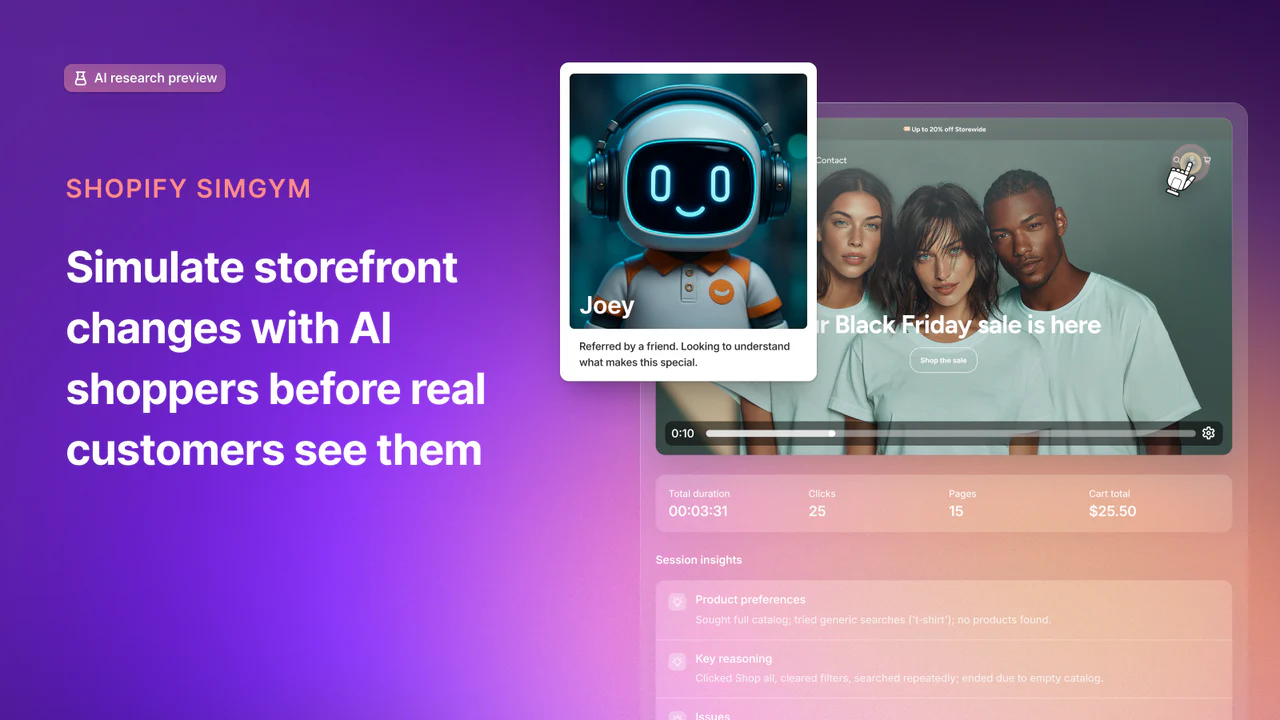
Shopify SimGym - Simulate buyer behavior with AI shoppers and gain the confidence of high traffic brands before launch.

Voxtral TTS - Mistral's voice cloning model for building multilingual AI speech agents

Get access to all our AI courses, hundreds of real-world AI use cases, live expert-led workshops, an exclusive network of AI early adopters, and more.
Get unlimited access to all of our current & upcoming industry-specific AI courses for the duration of your subscription.
To keep up with the rapid pace of AI, our team publishes AI implementation guides daily. Our library contains 300+ practical use cases to automate real-world work.
Join weekly, live, interactive sessions with industry leaders who are at the forefront of AI for hands-on implementation guidance and exclusive insights.
Network with an exclusive community of AI-first professionals who are working smarter with AI. Learn how early adopters are using AI in their work and businesses.