Bot-free meeting capture
Record from a phone or Mac without adding a visible note-taking participant to the call.
Independent tool overview
Minutes AI is a meeting and audio note-taking app that records or imports audio, produces speaker-labeled transcripts and turns them into structured notes.
Visit the official Minutes site ↗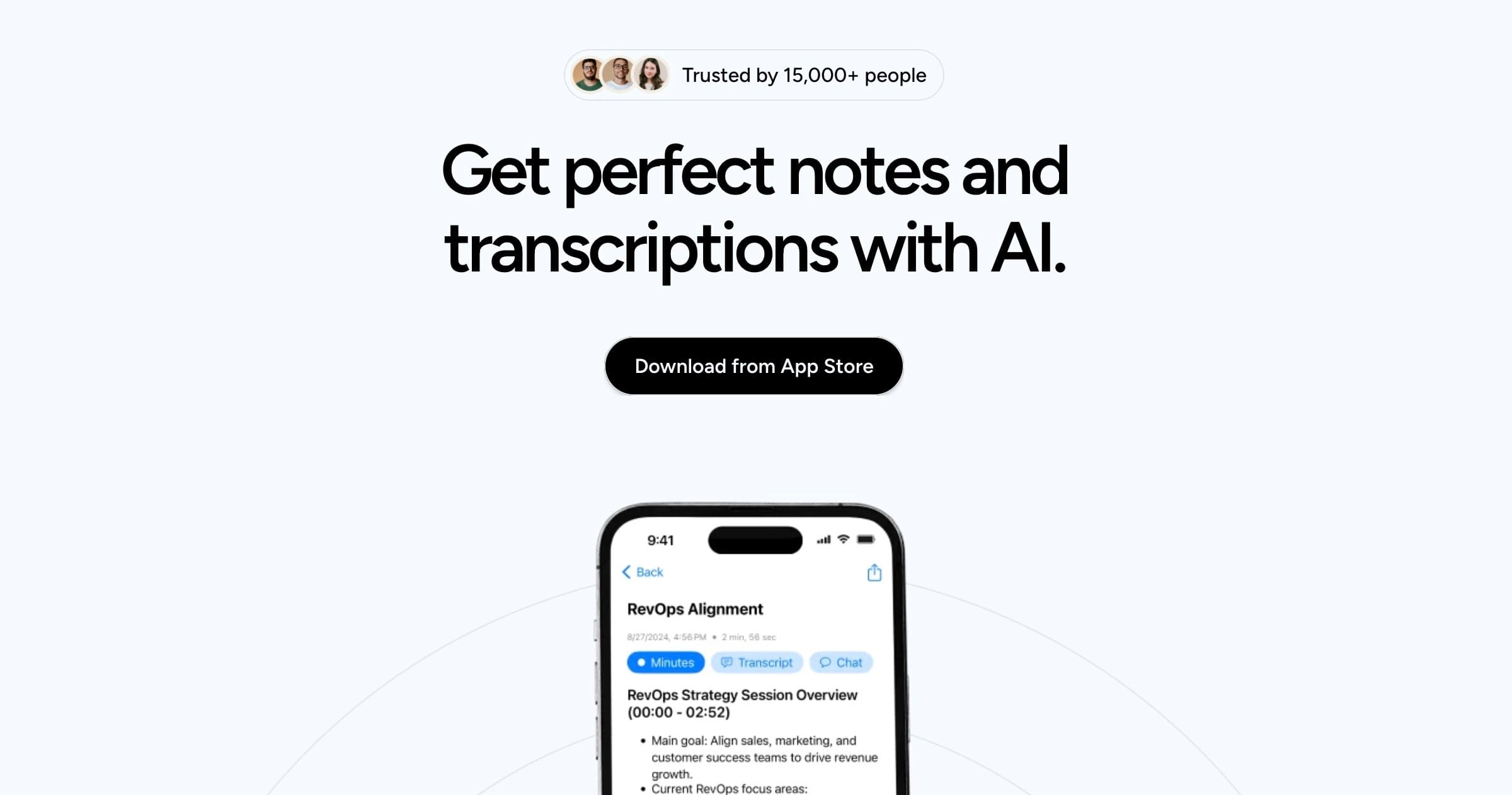
Overview
Minutes AI is designed for professionals who want a transcript and usable notes without inviting a meeting bot. The mobile apps record through the device microphone, while the Mac app can capture device audio and sync with a calendar.
After processing, Minutes creates a word-for-word transcript with speaker labels, formatted notes and key points. Users can search the recording, ask questions about it, replay the source audio and export results as a PDF, email or text.
It also accepts existing audio and video files or a YouTube link, making it useful beyond live meetings. Accuracy still depends on audio quality, overlapping speakers, accents and specialized vocabulary, so names, figures, commitments and quotations need review.
Use cases
The strongest fit depends on the job you need the product to complete, not the size of its feature list.
Record from a phone or Mac without adding a visible note-taking participant to the call.
Turn long recordings into a searchable transcript, structured notes and key points.
Process supported audio or video files and YouTube links that were recorded earlier.
Capabilities
Captures audio from mobile microphones or Mac device audio for later transcription and notes.
Produces a replayable transcript with speaker labels and searchable words or topics.
Organizes key information into headings, bullet points and a summary.
Answers questions about the recording and can extract action items or referenced details.
Accepts common formats including MP3, MP4, M4A, WAV and WebM, plus YouTube links.
Shares results as formatted PDFs, emails and text from the app.
Process
Step 1
Tell participants that audio will be recorded and confirm the applicable consent and company rules.
Step 2
Capture the session live or upload a supported file or YouTube link.
Step 3
Correct names, terminology, figures and speaker labels while replaying the source audio.
Step 4
Export only after the owner confirms decisions, action items and any sensitive content.
Cost
The apps are free to download and include in-app purchases. The US App Store currently lists Unlimited Access purchases at $14.99 and $99.99 without identifying their billing periods on the public web listing; confirm the exact term in the app before subscribing. Enterprise pricing is by inquiry.
$0
Install and evaluate the app before choosing an Unlimited Access purchase.
$14.99 or $99.99
The US App Store lists both purchase amounts but does not label the corresponding terms on its public page.
Contact sales
Minutes provides an inquiry form for organizations seeking a team or enterprise plan.
Pricing checked . Check current pricing at the source ↗
Assessment
Compare
The right alternative depends on the specific output, workflow, controls and budget your project requires.
Business Operations
A meeting assistant with calendar workflows, integrations and broader team-focused automation.
Explore Fireflies AI →Project Management
A mature transcription and meeting-notes platform with live collaboration features.
Explore Otter.ai →Project Management
A bot-free meeting notebook that enhances a user's own notes with captured meeting context.
Explore Granola →Questions
It records or imports audio, creates a speaker-labeled transcript, formats notes and lets users search, replay or ask questions about the recording.
Its published workflow uses the mobile microphone or Mac device audio, so it can capture a meeting without adding a visible participant.
The app is free to download but offers paid Unlimited Access through in-app purchases. Confirm current limits, billing period and renewal terms before subscribing.
The vendor lists MP3, MP4, MPEG, MPGA, M4A, WAV and WebM, and also supports importing a YouTube link.
Minutes says it is SOC 2 compliant and supports permanent deletion. Organizations should still review its privacy policy, app-store disclosures, retention terms and internal approval requirements.
Use them as a draft. Replay the audio and verify names, figures, decisions, quotations and owners before distributing an official record.
Bottom line
Minutes AI is compelling for people who want a simple, bot-free recording workflow and polished notes on mobile or Mac. The core experience is clear, but buyers should verify in-app pricing and organizations should perform a privacy review before using it for sensitive conversations.
Visit Minutes website ↗
Get access to all our AI courses, hundreds of real-world AI use cases, live expert-led workshops, an exclusive network of AI early adopters, and more.
Get unlimited access to all of our current & upcoming industry-specific AI courses for the duration of your subscription.
To keep up with the rapid pace of AI, our team publishes AI implementation guides daily. Our library contains 300+ practical use cases to automate real-world work.
Join weekly, live, interactive sessions with industry leaders who are at the forefront of AI for hands-on implementation guidance and exclusive insights.
Network with an exclusive community of AI-first professionals who are working smarter with AI. Learn how early adopters are using AI in their work and businesses.


