Lesson planning
Drafting a visual sequence of concepts before an educator checks standards, sources and prerequisites.
Independent tool overview
MindMatrix is EverLearns' AI mind-map generator for turning a topic into a visual hierarchy. It launched in 2024 as a free public tool for educators, students and content creators and now sits behind EverLearns account sign-in. EverLearns also supports mind maps as interactive elements inside AI-generated courses, alongside lessons, quizzes and flashcards. The generator remains reachable, but its standalone limits, export formats and exact current price are not publicly documented without an account. EverLearns' current official materials list free curriculum generation plus Starter at $9/month, Hobby at $29/month and Creator at $99/month; its merchant storefront confirms the $9 Starter offer but shows signs of a broader product transition. Treat every generated map as an editable outline, verify each relationship against sources and keep a portable backup.
Visit the official MindMatrix site ↗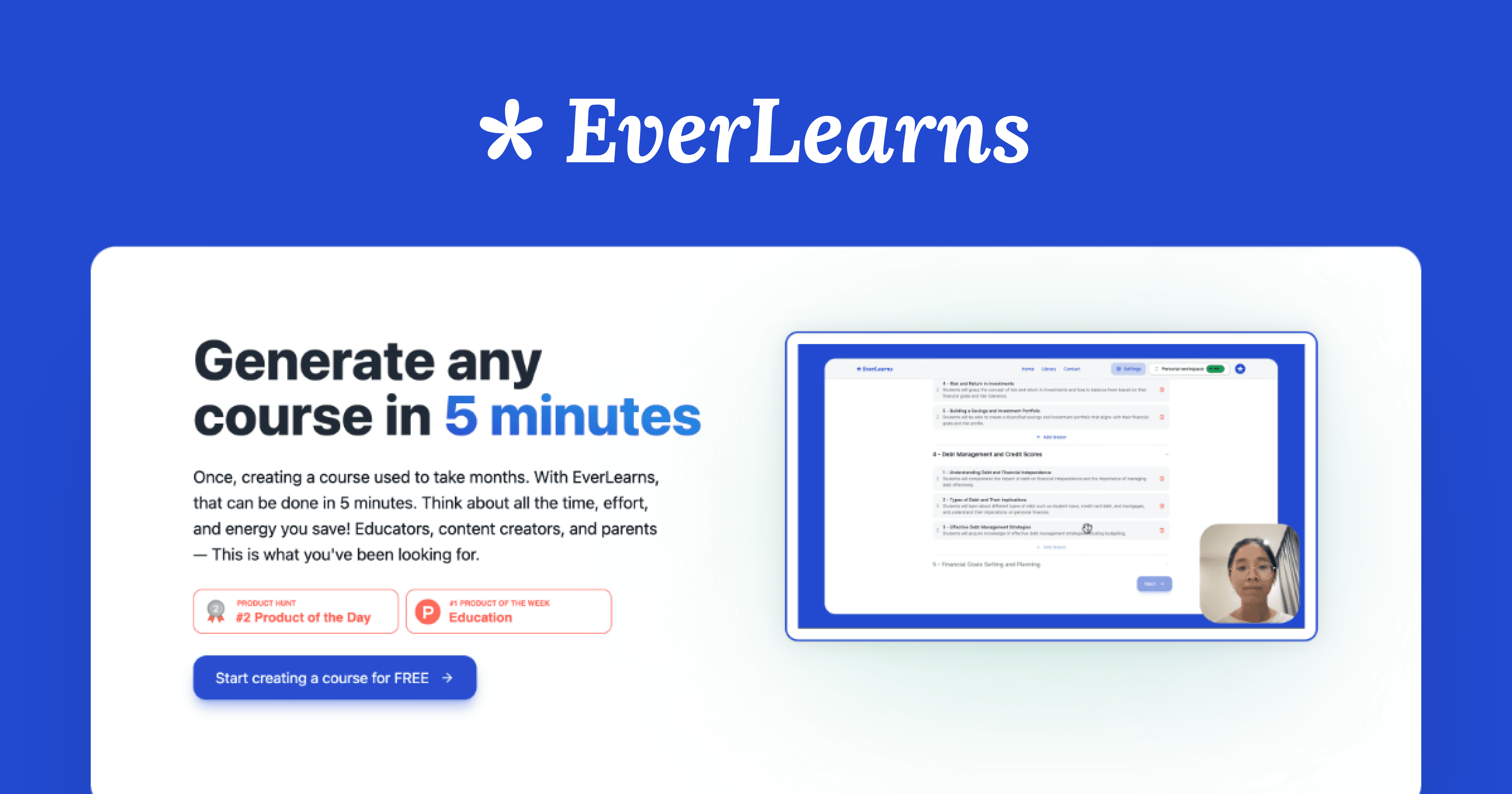
Overview
MindMatrix is the name used for EverLearns' AI mind-map generator, originally launched in June 2024 as a free tool for organizing and visualizing complex topics.
The current MindMatrix destination remains online but redirects visitors to EverLearns sign-in. This indicates an active account-gated workflow rather than the former open public generator.
Historical product descriptions say a user supplies a topic and receives an automatically organized visual map with editable concepts and branches. The intended audiences include educators, students, creators and people planning projects.
EverLearns' official documentation also lists mind maps as interactive elements inside its broader AI course builder, together with generated lessons, quizzes and flashcards.
The visual hierarchy is useful for brainstorming, curriculum structure, study review and content planning. It is not evidence that the proposed categories, dependencies or facts are correct.
A mind map naturally compresses nuance. Generated branches can invent a relationship, mix causes with examples, flatten disagreement or omit an important exception, so the user must verify every node against primary or assigned sources.
For teaching, the map should support learning rather than replace it. Add citations, distinguish facts from interpretations and have an educator review age suitability, bias, accessibility and curriculum alignment.
The standalone generator's exact current limits, supported inputs, collaboration behavior and export formats are not published on an accessible current product page. Test those details before adopting it for a class or team.
EverLearns' official pricing documentation lists free curriculum generation, Starter at $9/month, Hobby at $29/month and Creator at $99/month. Its active Lemon Squeezy storefront confirms Starter at $9 to $90 and a $5/month AI-credit top-up, but does not identify a separate MindMatrix price.
The broader EverLearns storefront now includes Quinnsy and Everlyn offers, suggesting an evolving product family. Avoid assuming an older MindMatrix feature or price will remain unchanged, and export work after each important session.
Use cases
The strongest fit depends on the job you need the product to complete, not the size of its feature list.
Drafting a visual sequence of concepts before an educator checks standards, sources and prerequisites.
Turning a known topic into branches for review, then annotating the map with source-backed corrections.
Exploring modules, subtopics and interactive elements inside the wider EverLearns course workflow.
Breaking a broad article, video or presentation idea into candidate sections.
Creating an early hierarchy of workstreams, dependencies and open questions before formal planning.
Capabilities
Builds a visual hierarchy from a short subject or idea.
Groups related concepts into branches to reduce blank-page work.
Historical product descriptions present nodes and branches as customizable rather than final.
Turns a course or lesson topic into a format designed for visual review.
Official docs list mind maps alongside quizzes and flashcards in generated courses.
EverLearns can draft modules and lessons around the same topic, then export or publish a course.
EverLearns says courses can be generated in other languages, although current standalone map language support is not separately documented.
Process
Step 1
Choose brainstorming, study review, curriculum planning or project scoping so the hierarchy has a clear standard.
Step 2
Include audience, depth, timeframe and desired branch types instead of entering one vague subject.
Step 3
Do not upload student records, client information, copyrighted course packs or confidential work without authorization and clear data terms.
Step 4
Treat the result as a candidate outline rather than an authoritative concept map.
Step 5
Separate categories, examples, causes, effects, chronology and prerequisites instead of accepting every AI connection.
Step 6
Compare definitions, dates, claims and relationships with primary sources or assigned materials.
Step 7
Include counterexamples, uncertainty, competing theories and exceptions that a compact map may hide.
Step 8
Use readable text, sufficient contrast, logical reading order and a text outline for people who cannot use the visual map.
Step 9
Confirm the actual file formats, legibility and editability before relying on the tool for a class or project.
Step 10
Save a text outline, image or other supported export after meaningful edits because access and product packaging are changing.
Cost
MindMatrix does not currently publish a separate standalone price or usage limit on a public page; the route requires EverLearns sign-in. EverLearns' accessible official documentation lists free curriculum generation, Starter at $9/month, Hobby at $29/month and Creator at $99/month. The active official merchant storefront lists EverLearns Starter at $9 to $90 and an AI-credit top-up at $5/month, while Hobby and Creator offers appear under the Quinnsy name. Confirm the signed-in plan, mind-map entitlement, billing interval and cancellation terms before paying.
No public standalone price
The current generator route requires sign-in and does not expose its exact free allowance or plan requirement publicly.
$9/month or $90 storefront option
Entry course-building plan in the official documentation and active merchant storefront.
$29/month in official docs
Mid-tier course-creation allowance; the current storefront presents a related Quinnsy Hobby offer.
$99/month in official docs
Higher-volume course plan; the current storefront presents a related Quinnsy Creator offer.
$5/month
Separate recurring item listed by the official EverLearns merchant storefront.
Pricing checked . Check current pricing at the source ↗
Assessment
Compare
The right alternative depends on the specific output, workflow, controls and budget your project requires.
Educators
A dedicated AI mind-mapping product with broader input and export workflows to compare directly.
Explore Mapify →Students
Better when the map and related explanations should stay grounded in a deliberately selected source collection.
Explore Gemini Notebook (formerly NotebookLM) →Content Creator
Better for turning prose into presentation-ready visual concepts rather than building only a learning hierarchy.
Explore Napkin AI →Design
Better for manually refining a visual into a polished shareable asset after the information architecture is settled.
Explore Canva AI (Magic Studio) →Business Operations
A flexible alternative for generating a source-linked outline or Mermaid-style map before moving into a diagram editor.
Explore ChatGPT →Questions
MindMatrix is EverLearns' AI mind-map generator for organizing a topic into a visual hierarchy.
Yes, its EverLearns route remains active as of August 31, 2026, but it now requires account sign-in rather than opening as the original public tool.
It launched as a free generator, but the current sign-in-gated page does not publish an exact free allowance or plan requirement. Verify inside the account before relying on that historical promise.
Official documentation lists Starter at $9/month, Hobby at $29/month and Creator at $99/month. The current merchant storefront confirms Starter at $9 to $90 and shows related Quinnsy plans, so confirm the product and billing interval at checkout.
EverLearns' official documentation lists mind maps as interactive course elements alongside quizzes and flashcards.
Not reliably enough to accept without review. Verify every factual node and connection against primary or assigned sources and add missing uncertainty or counterexamples.
Only after checking accuracy, curriculum fit, age suitability, representation and accessibility. Provide citations and a text alternative.
The current public materials do not clearly document standalone map export formats. Test export and editability in the account before building a long-term workflow.
Avoid student records, health information, private client or employer data, copyrighted teaching material without permission and anything that cannot safely be processed in a cloud AI account.
The storefront appears to serve an evolving product family. Because the public documentation still uses EverLearns names, confirm exactly which service, limits and migration terms a purchase covers.
Bottom line
MindMatrix remains a useful concept: generate a visual skeleton quickly, then use human judgment to correct and teach from it. The current implementation is harder to recommend without qualification because the former free public workflow is now sign-in-gated and the exact entitlement, export behavior and product-family pricing are not transparently documented. Use it for low-sensitivity drafts, verify every relationship, maintain an accessible text version and export frequently. For source-grounded study or a stable professional workflow, compare Mapify or NotebookLM before committing.
Visit MindMatrix website ↗
Get access to all our AI courses, hundreds of real-world AI use cases, live expert-led workshops, an exclusive network of AI early adopters, and more.
Get unlimited access to all of our current & upcoming industry-specific AI courses for the duration of your subscription.
To keep up with the rapid pace of AI, our team publishes AI implementation guides daily. Our library contains 300+ practical use cases to automate real-world work.
Join weekly, live, interactive sessions with industry leaders who are at the forefront of AI for hands-on implementation guidance and exclusive insights.
Network with an exclusive community of AI-first professionals who are working smarter with AI. Learn how early adopters are using AI in their work and businesses.


.png)