Creators scaling presenter-led content
Train a reusable avatar and produce scripts, voice, captions, B-roll, music, and layouts without filming every post.
Independent tool overview
Argil is an AI video workspace for turning prompts, scripts, articles, products, and reference media into avatar videos, ads, short social clips, and multi-scene stories. Its current product reaches beyond its original AI-clone pitch, combining custom or licensed avatars with voice tools, product interaction, generative video models, captions, B-roll, music, layouts, and automation.
Visit the official Argil site ↗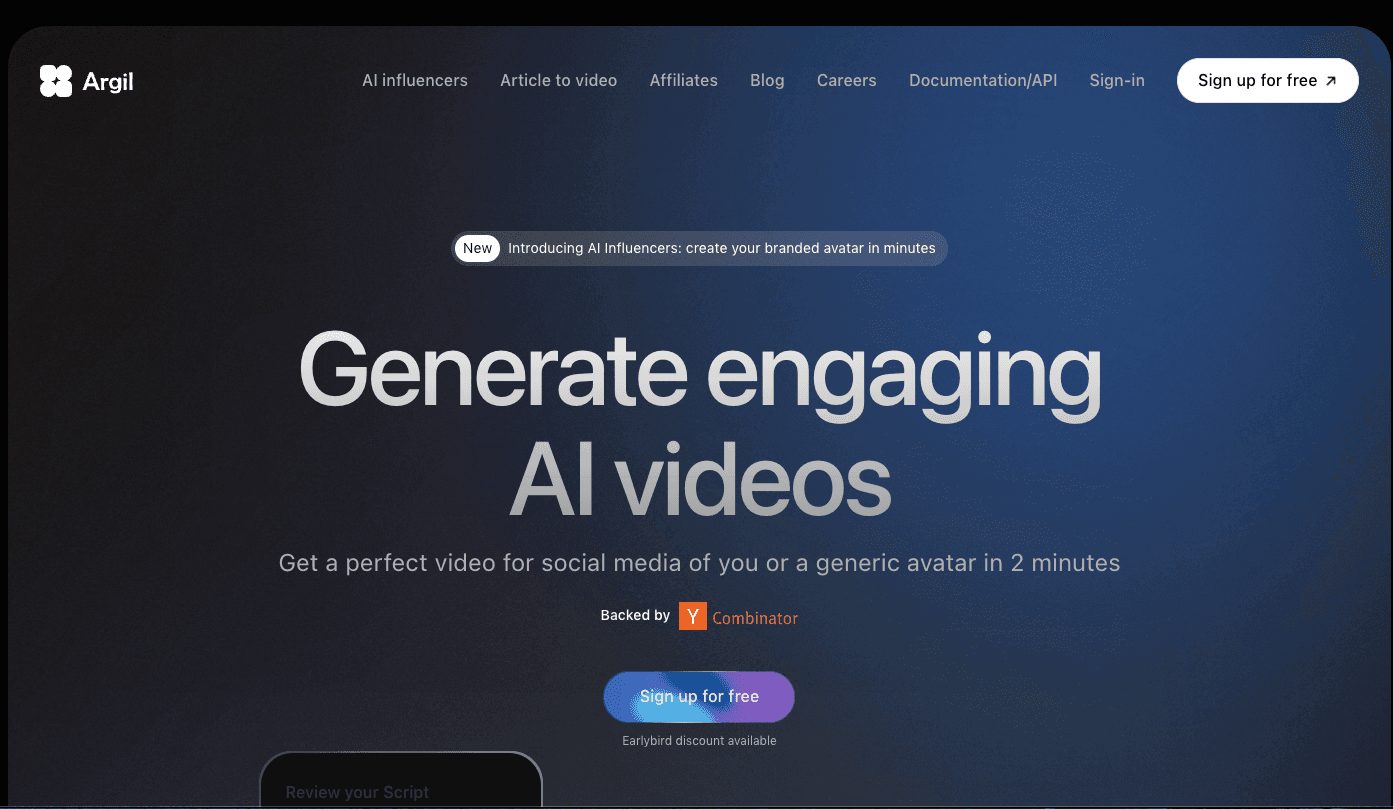
Overview
Argil is designed for creators and marketing teams that want to produce presenter-led or cinematic social video without recording and editing every version manually. You can train a personal avatar, use Argil's licensed or generated avatars, write or import a script, and assemble a publishable video inside one workflow.
The newer Story workflow can turn one prompt into a multi-scene clip with separate camera directions, timing, actions, sound, and reference media. Argil currently documents Story videos of up to 15 seconds, with as many as six scenes, and supports both portrait and landscape output.
Other workflows cover article-to-video, product presentations, an avatar physically interacting with a product, motion transfer, image animation, and avatar actions using integrated models such as Kling, Veo, Hailuo, and Nano Banana. The exact model list and credit cost can change, so the estimate shown inside the app matters more than older tutorials.
Argil also provides an API, webhooks, asset management, subtitle export, external voice-provider syncing, and a Make integration. That makes it more useful for repeatable content pipelines than a single-purpose talking-avatar generator.
Use cases
The strongest fit depends on the job you need the product to complete, not the size of its feature list.
Train a reusable avatar and produce scripts, voice, captions, B-roll, music, and layouts without filming every post.
Build product presentations, visual demonstrations, UGC-style ads, and scenes where an avatar holds or uses a product.
Turn a prompt and references into a short multi-scene sequence with editable shots, camera movement, timing, and sound.
Use the API, webhooks, Make integration, uploaded assets, and subtitle exports in a repeatable production pipeline.
Capabilities
Create a personal avatar from training footage, build generated avatars, or use Argil's licensed public avatars for scripted video.
Create visual variations, copy the look of a reference image, transfer movement from video, and generate avatar actions.
Break one prompt into editable scenes with individual actions, camera directions, timing, reference media, and optional sound.
Create product visuals, presenter videos, and generated interactions where an avatar appears to hold or use an item.
Use generated voices, clone or transform a voice, adjust delivery, and connect supported external voice providers.
Add captions, B-roll, music, visual assets, transitions, split-screen layouts, and different avatar positions in the same project.
Access a changing selection of image and video models through Argil instead of moving assets between separate generation tools.
Create and manage avatars, voices, videos, assets, webhooks, and subtitles programmatically or through Make.
Process
Step 1
Start with an avatar video, article, product, source image, existing audio, or a Story prompt.
Step 2
Select an approved avatar and voice, then upload any product images, first frames, style references, or reusable assets.
Step 3
Write or generate the script, or let Story split a narrative prompt into editable shots with timing and camera direction.
Step 4
Choose the model and format, generate the media, then add captions, B-roll, layouts, music, and transitions.
Step 5
Check identity consent, disclosure requirements, factual and product claims, lip-sync, visual continuity, source rights, and platform policy.
Cost
Argil's live pricing page currently lists Pro at $10 per month with 400 monthly credits and Business at $20 per month with 800 monthly credits. Yearly billing advertises two months free. Monthly subscription credits do not stack, and usage varies by model and action. Some older Argil documentation and blog posts still show retired plan names and much higher prices, so use the live checkout and in-app credit estimate as the source of truth.
$10/month
For individual creators and small teams testing Argil's current model catalog.
$20/month
Adds collaboration and advanced production controls.
Custom
For organizations needing governance, onboarding, connectors, and volume pricing.
Pricing checked . Check current pricing at the source ↗
Assessment
Compare
The right alternative depends on the specific output, workflow, controls and budget your project requires.
Content Creator
A creator-focused option for recording, editing, dubbing, and AI-generated social video, especially on mobile.
Explore Captions →Marketing
A stronger fit for established business-avatar workflows, localization, interactive avatars, and broad enterprise adoption.
Explore LiveAvatar by HeyGen →Marketing
Better suited to structured training, internal communications, governed brand templates, and enterprise learning content.
Explore Synthesia →Content Creator
A useful alternative when the priority is turning ideas into complete social posts and managing a short-form publishing workflow.
Explore revid.ai →Questions
Argil creates avatar-led videos, product content, social clips, image animations, and short multi-scene stories from prompts, scripts, articles, audio, and reference media.
As of August 29, 2026, Argil's live pricing page lists Pro at $10 per month for 400 credits and Business at $20 per month for 800 credits. Enterprise pricing is custom, and annual billing advertises two months free.
Some older documentation and blog posts still describe retired Classic, Pro, and Scale plans. The live pricing page and the checkout inside the app are the better sources for current plan cost and credit allowances.
Argil supports personal avatar training and several voice options, including cloned or connected voices. Only create an avatar or voice when the represented person has given informed permission.
Story turns a narrative prompt into an editable sequence of scenes with camera directions, actions, timing, reference media, and optional sound. Argil currently documents Story output of up to 15 seconds and as many as six scenes.
The current pricing page says monthly subscription credits are non-stacking. Extra-credit rules and model costs can differ, so confirm the in-app estimate before a large batch.
Yes. Argil documents an API for avatars, voices, videos, assets, subtitles, and webhooks, plus a Make integration.
It can be used commercially, but the creator must verify consent, disclosure rules, trademarks and copyright, factual claims, product behavior, and platform policies. Synthetic output should be reviewed before it is published.
Bottom line
Argil is most compelling for creators and small marketing teams that want one workspace for avatar-led video, product content, and short narrative scenes. Its live $10 and $20 plans make it unusually inexpensive to test, but buyers should estimate real credit consumption with their preferred models and should not rely on older pricing articles. The production breadth is strong; identity consent, disclosure, visual QA, product-claim accuracy, and Argil's unusually long published deletion window deserve careful review.
Visit Argil website ↗.avif)
Auphonic: Automatic Audio Post Production
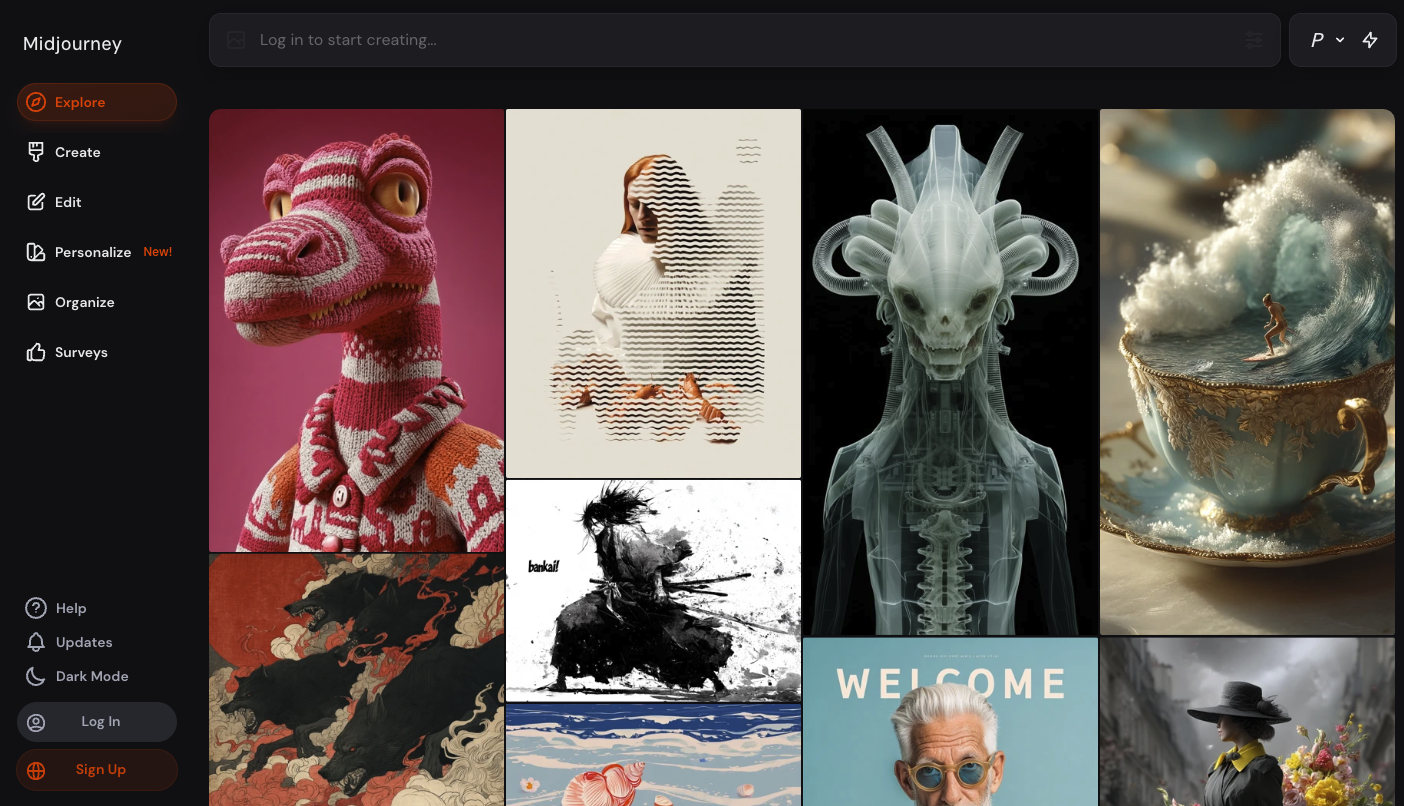
Midjourney: Is a leading ai art generator that creates stunning visuals from imaginative prompts.

Descript: Is an all-in-one ai-powered video and podcast editing tool with transcription and voice cloning.

Luma Labs: Uses ai to generate photorealistic 3d environments and videos from text or camera input.

Get access to all our AI courses, hundreds of real-world AI use cases, live expert-led workshops, an exclusive network of AI early adopters, and more.
Get unlimited access to all of our current & upcoming industry-specific AI courses for the duration of your subscription.
To keep up with the rapid pace of AI, our team publishes AI implementation guides daily. Our library contains 300+ practical use cases to automate real-world work.
Join weekly, live, interactive sessions with industry leaders who are at the forefront of AI for hands-on implementation guidance and exclusive insights.
Network with an exclusive community of AI-first professionals who are working smarter with AI. Learn how early adopters are using AI in their work and businesses.