Brand teams
Keep references and guidelines in workspace context so campaigns start from shared approved material.
Independent tool overview
Creative production agent that plans, generates, edits, and reuses brand context.
Visit the official Krea Agents site ↗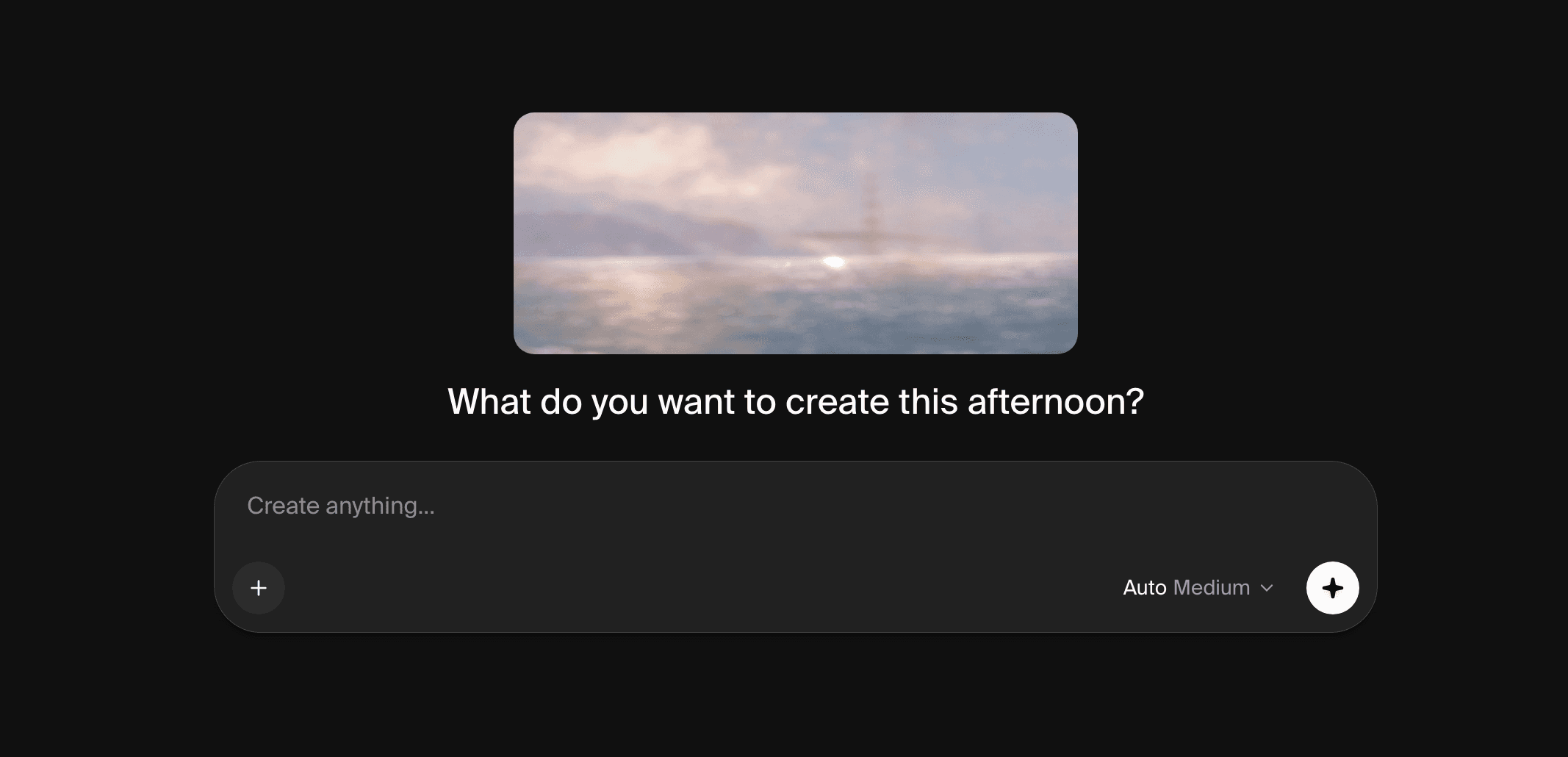
Overview
Krea Agent turns a creative brief into a sequence of image or video tasks inside Krea. Its official guide describes planning, generation across models, iteration, a context library, reusable written skills, and connected apps. The visible agent workspace offers templates for product shoots, posters, explainers, video reels, and other deliverables. It is a creative workflow layer around Krea's models and compute balance, not a new single image model.
Krea's September guide calls the agent a beta and says direct access was included on Max, Business, Creator Max, and Enterprise, with access codes for other plans. Its live pricing page also shows Krea Agent in the plan comparison, so eligibility may be evolving. Generations use normal compute units rather than a separate agent fee. Before promising access to a team, sign in or confirm with Krea, and estimate the particular image/video model mix because unit consumption varies.
Use cases
The strongest fit depends on the job you need the product to complete, not the size of its feature list.
Keep references and guidelines in workspace context so campaigns start from shared approved material.
Brief a multi-asset campaign and refine outputs through the attached media editor.
Use documented skills and integrations to make a repeatable creative process easier to share.
Learn by doing
Explore the latest step-by-step AI guides from The Rundown University.
Capabilities
The agent interprets a brief and iterates across generation models toward a deliverable.
Session, personal, and workspace files hold references, outputs, and persistent preferences.
Built-in and custom written workflows can preserve a preferred production method.
Krea documents connections including Figma and Slack, with availability and permissions depending on account.
The agent can revise generated material using annotations and editing instructions.
Process
Step 1
Confirm that the current plan or access code enables the beta agent in the account.
Step 2
Upload brand guidelines, product imagery, and examples to the right context level.
Step 3
State audience, format, copy, visual constraints, and acceptance criteria.
Step 4
Inspect each asset, request targeted changes, and save reusable steps as a skill when useful.
Cost
Krea states that Agent generations consume the normal compute-unit balance, with no separate agent bill. The live pricing page lists a $0 Free tier and paid Pro, Max, Business, and Enterprise options; the agent beta guide describes narrower default access than the comparison table, so confirm eligibility before purchasing a plan.
$0/month
Baseline compute allocation; agent eligibility should be checked in-account.
Pro $35/month; Max varies by allocation
Individual paid compute plans.
Business from $160/month; Enterprise custom
Team context and administration options.
Pricing checked . Check current pricing at the source ↗
Assessment
Compare
The right alternative depends on the specific output, workflow, controls and budget your project requires.
Content Creator
Consider a specialized model for controlled image edits rather than a multi-step agent.
Explore Ideogram 4.5 →Content Creator
Consider a focused video-generation and editing platform.
Explore Runway Creative →Design
Consider creation within Adobe tools and workflows.
Explore Adobe Firefly →Questions
No. It is a creative agent that plans and iterates using Krea’s models and tools.
Krea describes personal memory plus shared workspace context for brand guidelines and reference files.
The official beta guide lists Max and higher as included, while the live pricing comparison has broader Agent language. Check the signed-in account before relying on access.
Krea says Agent generations use standard compute units rather than a separate agent charge.
Bottom line
Krea Agent is promising for teams that need a repeatable visual production process, especially when context and skills matter as much as one image. Resolve the current beta entitlement in your account, then test a representative campaign and measure units per approved asset.
Visit Krea Agents website ↗
Get access to all our AI courses, hundreds of real-world AI use cases, live expert-led workshops, an exclusive network of AI early adopters, and more.
Get unlimited access to all of our current & upcoming industry-specific AI courses for the duration of your subscription.
To keep up with the rapid pace of AI, our team publishes AI implementation guides daily. Our library contains 300+ practical use cases to automate real-world work.
Join weekly, live, interactive sessions with industry leaders who are at the forefront of AI for hands-on implementation guidance and exclusive insights.
Network with an exclusive community of AI-first professionals who are working smarter with AI. Learn how early adopters are using AI in their work and businesses.