Songwriters
Generate drafts or explore alternate sections while retaining human control over lyrics and arrangement.
Independent tool overview
Suno v6 is a generation of music models inside Suno: the precise flagship and exploratory wild model require paid plans, while v6-mini is available to everyone.
Visit the official Suno v6 site ↗
Overview
Suno introduced v6 in September 2026 with three modes. The flagship v6 aims at tighter adherence to a musical brief; v6-wild deliberately explores less predictable ideas; v6-mini offers a faster route for all users, including the Free tier. The announcement describes editing one section or lyric without recreating an entire song, combining elements from several sources, sampling and isolating parts, and starting from text, audio, images or video. Exact feature availability and credit cost should be confirmed in the live workspace because the model rollout and prior-model retirement are ongoing.
Suno says the v6 models were developed with music-industry partners and describes screening uploaded audio and lyrics for unauthorized use. That is not a blanket license to upload another artist’s recording, imitate a performer, or commercially exploit every output. Suno’s plan and usage-rights terms distinguish free creations from paid-plan creations. For any release, advertising use or distribution, check the active terms, the rights in source material and the rules of the distribution platform. Sound quality and genre adherence also need human listening, not just a prompt result.
Use cases
The strongest fit depends on the job you need the product to complete, not the size of its feature list.
Generate drafts or explore alternate sections while retaining human control over lyrics and arrangement.
Use v6-mini to prototype a theme before a paid-model refinement.
Try v6-wild for unexpected textures and v6 for a more specified final direction.
Learn by doing
Explore the latest step-by-step AI guides from The Rundown University.
Capabilities
Choose precise v6, exploratory v6-wild or faster v6-mini according to the task and plan.
Describe a targeted change while attempting to preserve the rest of a track.
Combine permitted source elements such as vocals and drums in a new request.
Use written, audio or visual references to direct a composition.
The launch describes sampling, isolation and beat building in one workflow.
Process
Step 1
Use original or licensed lyrics, recordings and references; document any collaborators or performers.
Step 2
Prototype with v6-mini, then choose v6 for control or v6-wild for experimentation if the paid plan permits.
Step 3
Listen critically for structure, pronunciation, copied-sounding passages and technical artifacts.
Step 4
Check the plan under which the song was generated, current download and commercial-use rules, and distributor policies.
Cost
The official model help confirms v6 and v6-wild for Pro/Premier and v6-mini for all users. Suno’s pricing page sets plan charges and credits, which can vary by monthly versus annual checkout and region. The model is not priced as a separate standalone subscription; check the current plan card and credit cost before purchase.
Free, limited credits
Includes access to v6-mini.
Paid subscription
Unlocks v6 and v6-wild with a larger credit allowance.
Higher paid subscription
Adds more creation capacity and eligible features.
Pricing checked . Check current pricing at the source ↗
Assessment
Compare
The right alternative depends on the specific output, workflow, controls and budget your project requires.
Content Creator
See the parent Suno platform entry for the broader editor and account model.
Explore Suno AI →Content Creator
Compare another generative-audio model, particularly for sound effects and music use cases.
Explore Stable Audio 3.0 →Content Creator
Compare StepFun’s broader audio suite if speech and live conversation also matter.
Explore StepAudio 3 →Questions
Free users can access v6-mini. Suno lists the flagship v6 and v6-wild for Pro and Premier subscribers.
It is the less predictable v6 option intended for exploration, rather than strict adherence to a detailed brief.
Suno’s launch says v6 supports plain-language changes to a section or individual lyric while preserving other parts.
Rights depend on the current terms, the plan and the source material. Verify all three before distribution rather than assuming every output is cleared.
Bottom line
Suno v6 is strongest as a rapid song ideation and revision tool. Start with a rights-cleared brief, compare the three modes for the actual genre and workload, and budget by the credits consumed to reach an acceptable result rather than by one successful demo.
Visit Suno v6 website ↗
Google's Nano Banana image editor built into Docs and Slides

Krea's creative agent with memory, style skills, and Slack/Figma hookups
Google's new speech-to-text model that edits out filler words
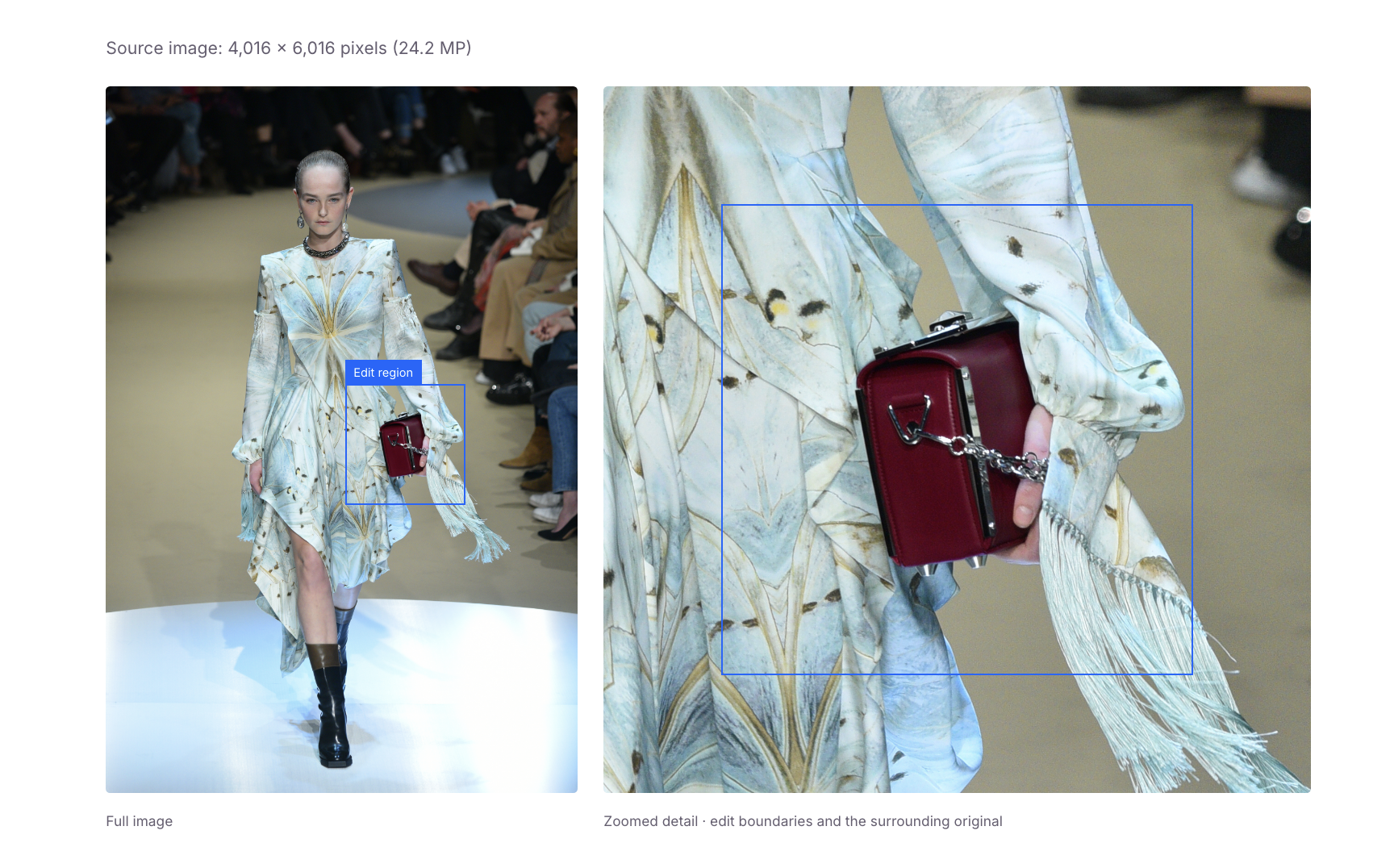
Ideogram's new AI image editing model that holds up through repeated changes

Get access to all our AI courses, hundreds of real-world AI use cases, live expert-led workshops, an exclusive network of AI early adopters, and more.
Get unlimited access to all of our current & upcoming industry-specific AI courses for the duration of your subscription.
To keep up with the rapid pace of AI, our team publishes AI implementation guides daily. Our library contains 300+ practical use cases to automate real-world work.
Join weekly, live, interactive sessions with industry leaders who are at the forefront of AI for hands-on implementation guidance and exclusive insights.
Network with an exclusive community of AI-first professionals who are working smarter with AI. Learn how early adopters are using AI in their work and businesses.


