Workspace-based marketing teams
Teams that produce campaign graphics, social assets and presentation visuals while collaborating in Docs, Slides and Drive.
Independent tool overview
Google Pics is an AI image creation and precision-editing app built into Google Workspace, with object-level edits, text changes, collaboration and direct Docs and Slides integration.
Visit the official Google Pics site ↗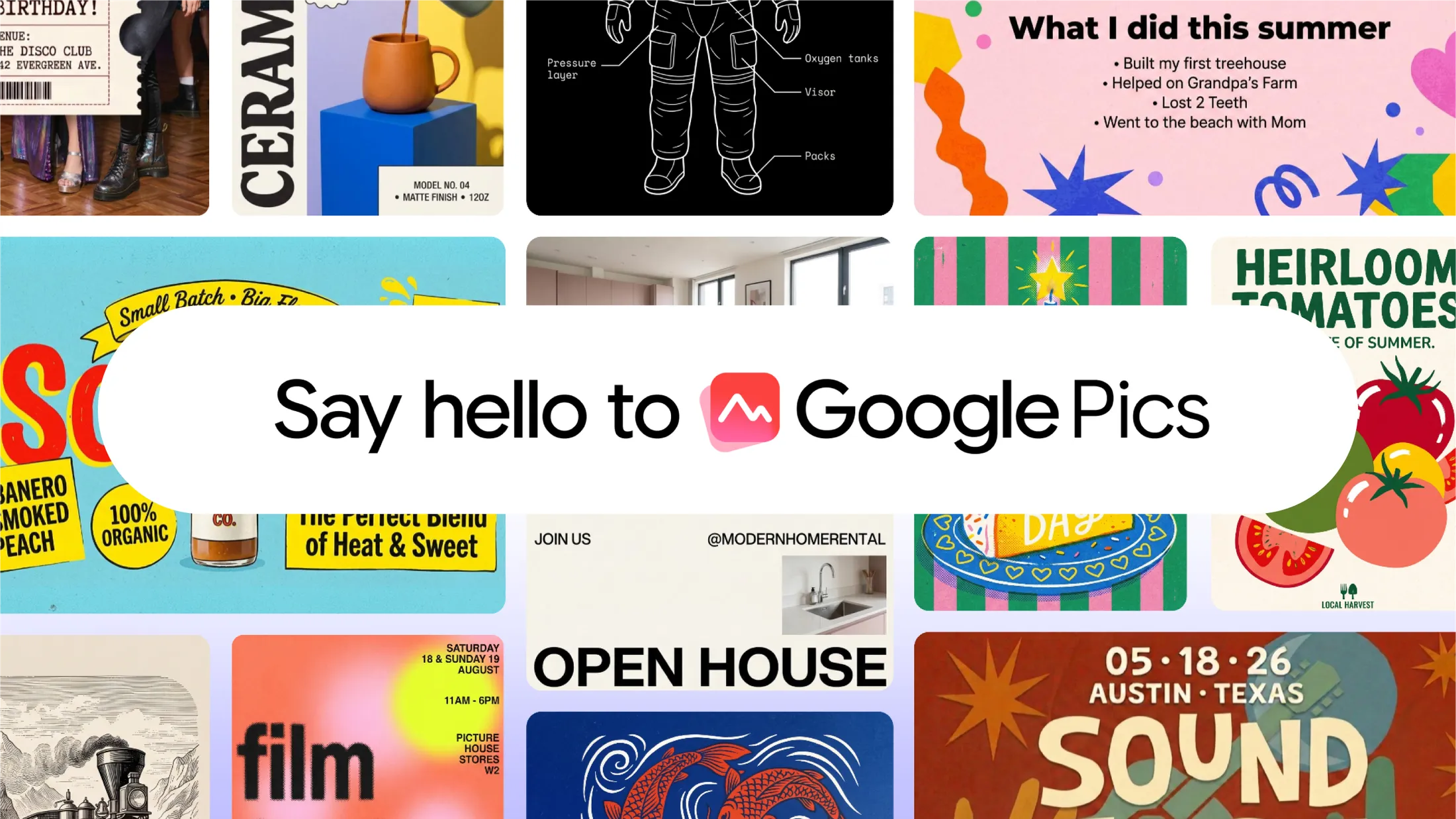
Overview
Google Pics combines prompt-based image generation with targeted editing controls. Users can start from a prompt or import an image, isolate objects, revise text, translate in-image copy, resize or upscale the result and compare multiple generated options.
Pics is available as a standalone Workspace product at pics.new and is being integrated into Docs, Slides and Drive. It inherits familiar Workspace sharing and collaboration patterns, making it especially relevant to teams already creating documents and presentations in Google’s ecosystem.
Use cases
The strongest fit depends on the job you need the product to complete, not the size of its feature list.
Teams that produce campaign graphics, social assets and presentation visuals while collaborating in Docs, Slides and Drive.
People who need to generate or refine useful visuals without learning a professional layer-based image editor.
Teams that need to edit or translate text inside images while preserving the surrounding design.
Product, event and brand teams exploring mockups, backgrounds, print ideas or multiple visual directions from one prompt.
Capabilities
Creates several visual options from a description so users can choose a direction before refining the result.
Isolates an individual object for targeted changes without intentionally rebuilding the entire image.
Changes, reformats or translates text elements inside an image while aiming to preserve the surrounding visual treatment.
Reformats images for web, social, print or digital use and supports upscaling to 2K or 4K output.
Can process several requested edits and lets users revert changes that do not fit the intended result.
Supports link sharing and collaborative editing, with Pics files stored and opened through Google Drive.
Lets eligible users send an image into Pics’ editing tools from Docs or Slides without rebuilding the workflow in a separate creative suite.
Process
Step 1
Start at pics.new, select an image in Docs or Slides, or open a supported image from Google Drive as the integrations roll out.
Step 2
Describe the visual you want or bring in an existing file from a computer, Google Drive or Google Photos.
Step 3
Select objects or text, request precise changes, adjust the format and compare alternatives rather than repeatedly starting over.
Step 4
Share the Pics file with teammates, review the generated result and move the approved visual into the destination document or campaign.
Cost
Google Pics does not have a separate standalone price in Google’s launch materials. It is included with specified Google Workspace, Google AI and education subscriptions, so buyers should evaluate the plan they already have or need.
Included with Business Standard or Plus
Access for eligible business customers as the product rolls out.
Included with Enterprise Standard or Plus
Access for eligible enterprise Workspace customers.
Included with Google AI Pro or Ultra
Personal-plan access for eligible Google AI subscribers.
Pricing checked . Check current pricing at the source ↗
Assessment
Compare
The right alternative depends on the specific output, workflow, controls and budget your project requires.
Design
Choose Canva AI when you need a broader template, layout, presentation and social-content suite beyond image editing alone.
Explore Canva AI →Design
Choose Adobe Firefly when Adobe’s creative ecosystem, generative controls and professional asset workflow are the stronger fit.
Explore Adobe Firefly →Design
Choose ChatGPT Images 2.0 when conversational image iteration inside ChatGPT matters more than native Google Workspace collaboration.
Explore ChatGPT Images 2.0 →Questions
Google Pics is an AI image generation and precision-editing app from Google Workspace. It can create images, edit objects and text, resize or upscale output and support team collaboration.
Google’s launch materials do not list a separate free plan or standalone price. Pics is included with specified Google AI, Workspace business, enterprise and education subscriptions.
At launch, Google listed Business Standard, Business Plus, Enterprise Standard and Enterprise Plus, along with Google AI Pro, Google AI Ultra and Google AI Pro for Education.
Yes. Users can import an image, isolate objects, modify or translate in-image text, crop it, upscale it and apply multiple edits.
Yes. Google launched Docs and Slides integration so eligible users can select an image and open Pics editing tools without switching to a separate workflow.
Yes. Google says Pics supports familiar Workspace sharing and collaboration, including link sharing and creating or opening Pics files in Drive.
No. This is an independent editorial overview based on Google’s official product and Workspace launch materials; The Rundown has not completed a controlled hands-on comparison for this page.
Bottom line
Google Pics is most attractive to teams that already pay for an eligible Google plan and want faster image creation and targeted editing inside Docs, Slides and Drive. Its object, text and collaboration controls address practical business-visual workflows without a separate creative handoff. Canva AI and Adobe Firefly remain stronger comparisons for broader design-suite needs, while access and rollout timing should be confirmed before a team standardizes on Pics.
Visit Google Pics website ↗
Google's new speech-to-text model that edits out filler words

Suno's new models created in collaboration with the music industry
fal's MiniMax H3 remixed video model tuned for speed and quality

Krea's creative agent with memory, style skills, and Slack/Figma hookups

Get access to all our AI courses, hundreds of real-world AI use cases, live expert-led workshops, an exclusive network of AI early adopters, and more.
Get unlimited access to all of our current & upcoming industry-specific AI courses for the duration of your subscription.
To keep up with the rapid pace of AI, our team publishes AI implementation guides daily. Our library contains 300+ practical use cases to automate real-world work.
Join weekly, live, interactive sessions with industry leaders who are at the forefront of AI for hands-on implementation guidance and exclusive insights.
Network with an exclusive community of AI-first professionals who are working smarter with AI. Learn how early adopters are using AI in their work and businesses.