Small omnichannel support teams
Unify website, email, social, and messaging conversations without buying a large enterprise help-desk package.
Independent tool overview
Hoory AI is an omnichannel customer-support platform that combines a shared team inbox, live chat, AI assistants, chatbot flows, a help center, contact management, automation, reporting, and human handoff.
Visit the official Hoory site ↗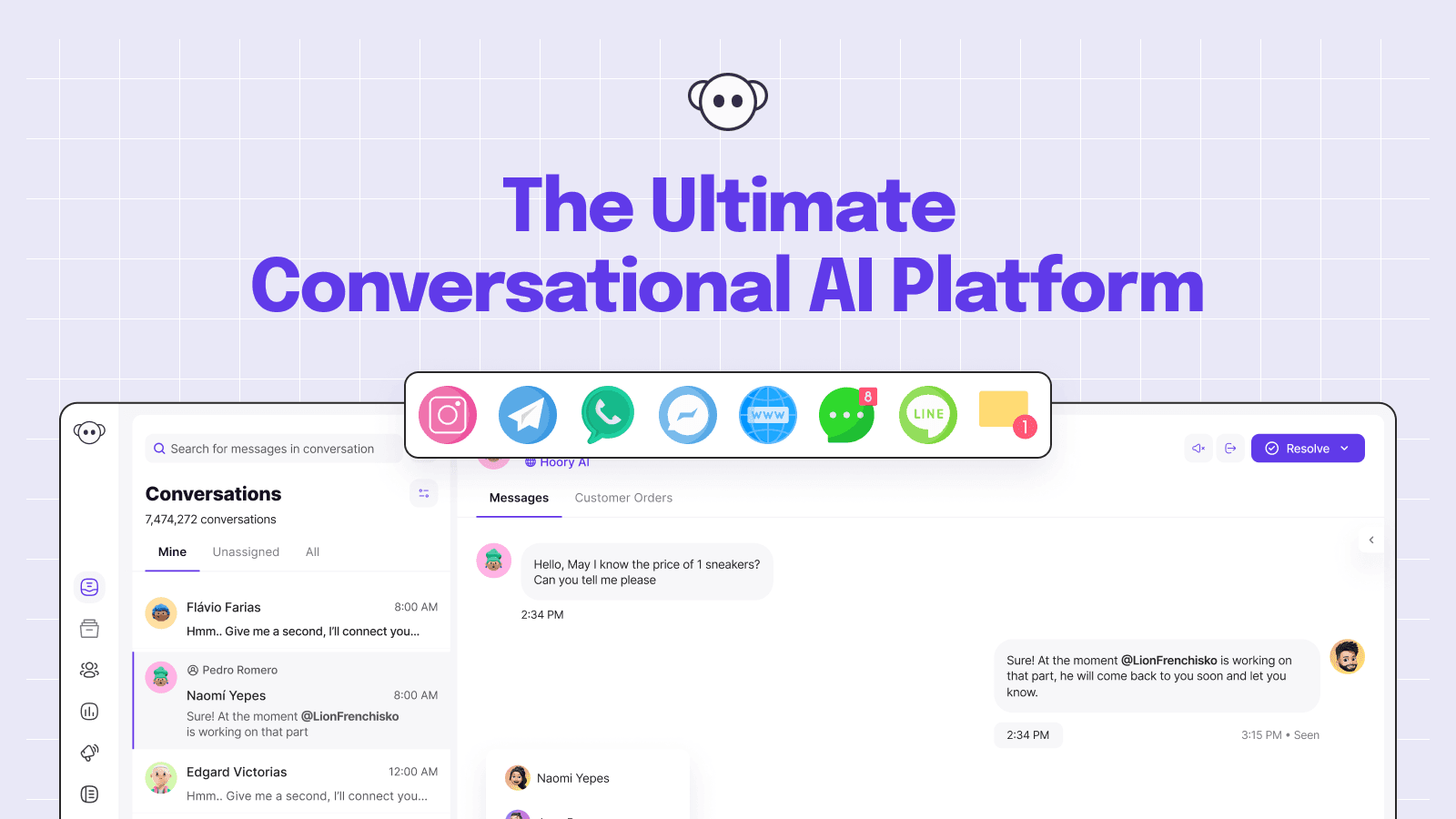
Overview
Hoory brings customer messages from a website, email, Facebook, Messenger, WhatsApp, Telegram, SMS, X/Twitter, Line, direct links, and API-connected sources into one support workspace. Teams can assign, label, comment on, and respond to conversations without switching among channel inboxes.
An AI assistant can be trained with plain or rich text to answer supported questions and transfer a conversation to a person when needed. The surrounding product adds a customizable website widget, pre-chat forms, canned responses, macros, routing, business hours, contact records, public help-center articles, analytics, and developer integrations.
Pricing combines a per-user or per-agent subscription with usage-based AI. Every plan allows unlimited human-managed conversations but includes only a set number of AI-handled conversations; additional AI conversations cost $0.40 each. That makes automation volume, not just agent count, central to the total cost.
Use cases
The strongest fit depends on the job you need the product to complete, not the size of its feature list.
Unify website, email, social, and messaging conversations without buying a large enterprise help-desk package.
Let an AI assistant answer grounded recurring questions and hand account-specific or uncertain cases to a person.
Use separate shared channels, assistants, labels, assignments, business hours, and widgets for distinct audiences or workflows.
Combine inbox work, contacts, help-center content, automations, reporting, CSAT, macros, and API connections.
Capabilities
Consolidates supported web, email, social, messaging, SMS, direct-link, and API conversations into one queue.
Answers from business-provided plain or rich text, with the number of separate assistants determined by the plan.
Transfers an automated conversation to a support agent so exceptions and sensitive requests can continue with context.
Embeds on multiple domains with configurable colors, greetings, reply expectations, forms, file uploads, emoji, avatars, and business hours.
Publishes rich-text support articles in a customizable portal with multilingual and basic SEO features on paid team plans.
Uses assignments, queues, labels, private notes, mentions, canned replies, slash commands, macros, bulk actions, and chat takeovers.
Creates customer profiles, segments, notes, custom attributes, labels, filters, views, imports, and merged records.
Tracks conversation traffic, agent activity, resolution, first-response time, CSAT, labels, channels, and team performance.
Connects external systems through webhooks, dashboard apps, an API channel, and configurable application integrations.
Process
Step 1
List each customer entry point, queue, response target, responsible team, business hours, and escalation path.
Step 2
Size the required agents, shared channels, assistants, help center, reporting, and expected AI conversation volume.
Step 3
Begin with a website widget or support email before adding social, messaging, SMS, and custom API sources.
Step 4
Write current, source-owned answers with exclusions, effective dates, and escalation instructions rather than importing unreviewed marketing copy.
Step 5
Define what the assistant may answer, which data it can access, when it must identify itself, and when it must transfer to a person.
Step 6
Exercise ambiguous questions, unsupported languages, account changes, refunds, abuse, attachments, outages, and failed handoffs.
Step 7
Review early automated conversations, corrections, transfers, resolution quality, CSAT, privacy requests, and channel delivery.
Step 8
Track AI credits and overages while regularly updating source content, regression tests, macros, routing, and permissions.
Cost
Hoory’s monthly plans range from $6 to $42 per user or agent. Human-managed conversation volume is listed as unlimited, but AI assistance uses conversation credits: plans include 50 to 300 full AI-handled conversations and charge $0.40 for each additional one. Hoory also shows a yearly billing option, but current annual amounts should be confirmed at checkout.
$6 per user/month
Entry plan for an individual managing a few shared support channels.
$16 per agent/month
Small-team plan adding more channels, a second assistant, help center, and multilingual support.
$26 per agent/month
Growing-team plan with additional queues, assistants, and included automation volume.
$42 per agent/month
Highest public plan for larger support operations.
Pricing checked . Check current pricing at the source ↗
Assessment
Compare
The right alternative depends on the specific output, workflow, controls and budget your project requires.
Business Operations
Intercom Copilot is a better fit for teams already using Intercom that mainly want AI assistance for human support representatives.
Explore Intercom Copilot →Business Operations
ChatBotKit provides a more developer-oriented path to custom AI chatbots without adopting Hoory’s full omnichannel inbox.
Explore ChatBotKit →Business Operations
Voiceflow is stronger for teams prioritizing visual conversational-agent design and custom chat or voice experiences.
Explore Voiceflow →Questions
Hoory is an omnichannel customer-support platform with a shared inbox, live chat, AI assistants, chatbot tools, help center, contact management, automation, reporting, and human handoff.
Monthly prices are $6 per user for Personal, $16 per agent for Startup, $26 per agent for Team, and $42 per agent for Business.
Each plan includes 50 to 300 AI conversation credits. One credit represents one full conversation handled by an AI assistant, and additional conversations cost $0.40 each.
The plan table lists unlimited human-managed and outbound email conversations. AI-handled conversations remain limited by included credits and overage billing.
Hoory lists website chat, direct links or QR codes, email, Facebook, Messenger, WhatsApp, Telegram, SMS, X/Twitter, Line, and API-connected channels.
Yes. Human handoff is a documented AI-assistant feature, and the inbox supports assignments, takeovers, internal notes, and routing.
Yes. Startup and higher plans list a customizable public Help Center with rich-text articles, multilingual support, and SEO features.
Hoory advertises a free trial rather than a permanent public free tier. Its terms say a trial can convert to the paid product unless canceled in time.
Yes. Hoory’s privacy policy lists the OpenAI API as backend infrastructure and says it can process data communicated while using the service.
Pilot one channel, test real support scenarios, inspect handoffs and reporting, review the data-processing terms, and model both agent seats and AI overage charges at expected volume.
Bottom line
Hoory is a credible option for a small or midsize team that wants an omnichannel inbox and support automation at a lower base seat price than many enterprise suites. Its published plans are easy to compare, but the real economics depend on AI conversation volume: an overage rate of $0.40 can dominate the bill. Run a channel-limited pilot, define AI session boundaries, audit the data flow, and confirm that handoffs and knowledge updates work before moving high-risk support cases into automation.
Visit Hoory website ↗
Get access to all our AI courses, hundreds of real-world AI use cases, live expert-led workshops, an exclusive network of AI early adopters, and more.
Get unlimited access to all of our current & upcoming industry-specific AI courses for the duration of your subscription.
To keep up with the rapid pace of AI, our team publishes AI implementation guides daily. Our library contains 300+ practical use cases to automate real-world work.
Join weekly, live, interactive sessions with industry leaders who are at the forefront of AI for hands-on implementation guidance and exclusive insights.
Network with an exclusive community of AI-first professionals who are working smarter with AI. Learn how early adopters are using AI in their work and businesses.


