Self-hosted GUI-agent research
Run a compact vision-language model behind an internal agent loop while controlling infrastructure and screen data.
Independent tool overview
Holo 2 is H Company's downloadable vision-language model family for web, desktop, and mobile computer-use agents. Its 4B and 8B checkpoints are Apache-2.0, while the 30B and 235B models are restricted to noncommercial use without a separate agreement.
Visit the official Holo 2 site ↗
Overview
Holo 2 is a model family for developers building agents that understand a screen, locate interface elements, decide on a next action, and operate across web, desktop, and mobile environments. It is a model component, not a ready-made consumer automation app.
The original release included 4B, 8B, and 30B-A3B variants based on Qwen3-VL. H Company later added a 235B-A22B checkpoint and an agentic localization technique that can refine coordinates over several steps for high-resolution interfaces.
Holo 2 combines UI localization with multi-step navigation. It can be used inside a ReAct-style agent loop, served through vLLM as an OpenAI-compatible endpoint, or integrated through H Company's public cookbook. Thinking mode is enabled by default in the documented vLLM setup.
Licensing depends on the checkpoint. The 4B and 8B weights are Apache-2.0 and can support commercial self-hosting. The 30B-A3B and 235B-A22B repository metadata and release materials identify CC BY-NC 4.0 or research-only, noncommercial terms; commercial users must contact H Company.
Holo 2 weights remain available, but Holo 3 and Holo 3.1 are the current generation. New production projects should benchmark Holo 3.1 first for broader model sizes, local quantizations, current API support, and newer cross-platform robustness.
Use cases
The strongest fit depends on the job you need the product to complete, not the size of its feature list.
Run a compact vision-language model behind an internal agent loop while controlling infrastructure and screen data.
Convert a screenshot and target description into coordinates for clicking buttons, fields, links, and other interface elements.
Compare the same model family across browser, Ubuntu desktop, and Android automation tasks.
Test 4B or 8B computer-use models before committing to a larger model or a hosted proprietary agent.
Capabilities
Targets browser, desktop, and mobile interfaces rather than being limited to one operating environment.
Predicts click coordinates from screenshots and descriptions of the intended interface element.
Offers compact 4B and 8B variants plus mixture-of-experts 30B-A3B and 235B-A22B checkpoints.
Uses generated reasoning tokens to plan navigation and grounding steps; the cookbook documents a dedicated Holo 2 reasoning parser for vLLM.
Can iteratively refine a predicted location over multiple steps, which H Company says improves difficult high-resolution grounding.
The official vLLM guide exposes Holo 2 through a local chat-completions endpoint for integration with existing clients.
Hugging Face checkpoints and official notebooks cover local deployment, localization, and API-shaped inference.
The models inherit Qwen3-VL architectures, allowing use with inference frameworks that support those model families.
Process
Step 1
Start with 4B or 8B for commercial-friendly experimentation; treat 30B and 235B as noncommercial unless H Company grants written rights.
Step 2
Use test accounts, synthetic data, restricted network access, isolated storage, and reversible tasks before connecting real systems.
Step 3
Follow the H Company vLLM guide, use the required reasoning parser, set image and context limits, and confirm GPU precision support.
Step 4
Expose only the click, type, scroll, wait, navigate, and answer operations needed for the task instead of arbitrary machine control.
Step 5
Require confirmation before purchases, messages, credential use, data changes, submissions, downloads, or other consequential actions.
Step 6
Measure end-to-end success, wrong clicks, recovery, retries, latency, token use, and unsafe actions on the exact apps and screen sizes you support.
Step 7
Benchmark the current generation before shipping because newer checkpoints add broader deployment options and current hosted-API support.
Cost
Holo 2 weights can be downloaded without a software fee, but licenses and operating costs differ. The 4B and 8B checkpoints use Apache-2.0. The 30B-A3B and 235B-A22B checkpoints are noncommercial without separate permission. Self-hosters pay for GPUs, storage, bandwidth, monitoring, and engineering. H Company's current public API pricing applies to Holo 3.1, not Holo 2.
$0 software license
Downloadable Apache-2.0 checkpoints suitable for research and commercial self-hosting.
Noncommercial
Downloadable research checkpoints whose public metadata restricts commercial use.
Custom
Organizations needing restricted checkpoints, enterprise support, or current hosted products should contact H Company.
Pricing checked . Check current pricing at the source ↗
Assessment
Compare
The right alternative depends on the specific output, workflow, controls and budget your project requires.
Agents
Choose Holo 3.1 for H Company's current computer-use family, including newer small models, local quantizations, stronger cross-platform robustness, and current API support.
Explore Holo3.1 →Agents
Choose Holo 3 when you want H Company's newer 35B or 122B agent models and the documented hosted Models API.
Explore Holo 3 →Agents
Choose Gemini Computer Use when a managed Google model and API are preferable to self-hosting open weights.
Explore Gemini Computer Use →Questions
Yes. The Holo 2 model collection and official cookbook remain available. It is now a previous-generation family, while H Company focuses current hosted products and new releases on Holo 3 and Holo 3.1.
The weights are publicly available, but the licenses differ. Holo 2 4B and 8B use Apache-2.0. The 30B-A3B and 235B-A22B checkpoints are noncommercial without separate permission.
No. It supplies visual understanding, localization, reasoning, and action predictions. Developers still need an agent loop, screenshot capture, input controls, sandbox, permissions, validation, approvals, and recovery logic.
Start with 4B or 8B for permissive licensing and lower infrastructure requirements. Evaluate larger checkpoints only for research or after obtaining commercial rights, and compare every option with Holo 3.1.
There is no software charge to download the weights. Self-hosting costs depend on GPU time, storage, bandwidth, engineering, monitoring, and task length. Restricted checkpoints may require a separate commercial agreement.
Older cookbook examples show an H Company API pattern, but the current public Models API is centered on Holo 3 and Holo 3.1. Do not treat current Holo 3 pricing as Holo 2 pricing.
Localization identifies where an interface element is on the screen. Navigation decides which action should happen next across a multi-step task. Holo 2 was trained for both roles.
Not by itself. Production use needs sandboxed environments, minimal permissions, approved domains and actions, test accounts, audit logs, human confirmation for consequential steps, and continuous evaluation on the real applications.
Bottom line
Holo 2 remains useful for research and for teams that specifically want a compact, self-hosted computer-use model with Apache-licensed 4B or 8B weights. It should not be the default for a new deployment without comparison: Holo 3.1 is newer, better aligned with H Company's current tooling, and available in more deployment formats. Whatever model wins, the surrounding sandbox, permissions, validation, and approval design will matter more than a leaderboard score.
Visit Holo 2 website ↗
Kimi K2 Thinking - Moonshot AI's open-source thinking agent
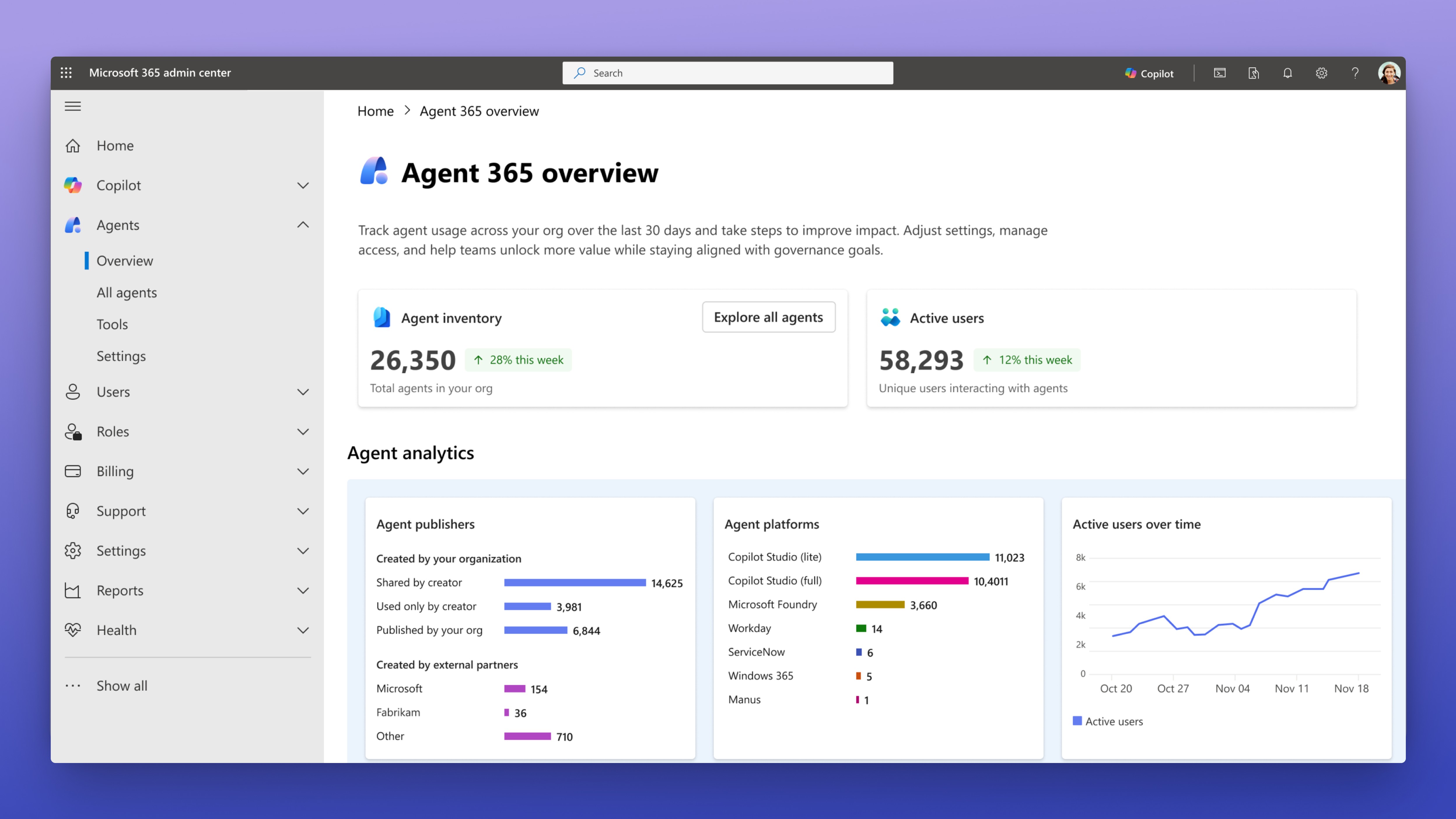
Agent 365 - Microsoft's platform for managing, securing, and governing AI agents, with capabilities like agent registry, performance analytics, and more.
Parallel Search - Web search tool built from the ground up for AI agents

Lux - OpenAGI's fast, cost-effective computer-use model that tops industry benchmarks

Get access to all our AI courses, hundreds of real-world AI use cases, live expert-led workshops, an exclusive network of AI early adopters, and more.
Get unlimited access to all of our current & upcoming industry-specific AI courses for the duration of your subscription.
To keep up with the rapid pace of AI, our team publishes AI implementation guides daily. Our library contains 300+ practical use cases to automate real-world work.
Join weekly, live, interactive sessions with industry leaders who are at the forefront of AI for hands-on implementation guidance and exclusive insights.
Network with an exclusive community of AI-first professionals who are working smarter with AI. Learn how early adopters are using AI in their work and businesses.