Fast business-document drafts
Generate a structured report, proposal, brief, resume or internal memo without starting from a blank page.
Independent tool overview
Genspark AI Docs is a document creation agent that turns prompts and source material into formatted rich-text or Markdown documents, then supports conversational editing, manual changes, version save points and export.
Visit the official Genspark AI Docs site ↗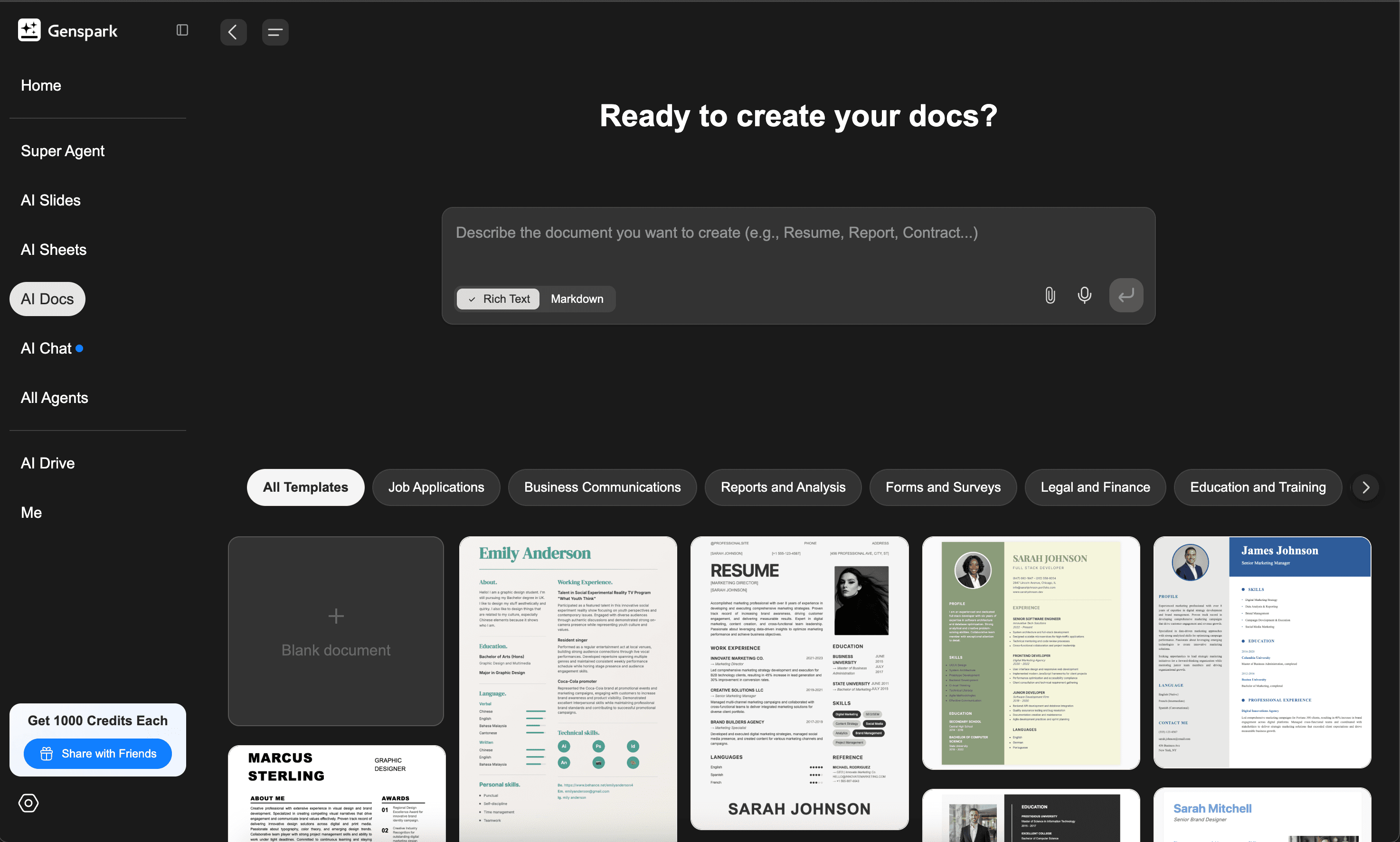
Overview
Genspark AI Docs is the document-focused agent inside Genspark's broader AI workspace. It can draft reports, resumes, menus, project documentation and other formats from instructions or uploaded material, applying structure and visual formatting during generation.
The editor supports two distinct modes: Rich Text for visually formatted business documents and Markdown for technical or content-first work. Users can revise selected passages with AI, edit directly, convert between formats and export to HTML, Word or PDF.
AI Docs is useful for producing a strong first draft and layout quickly, but it is not a reason to skip editorial control. Sources, legal language, numbers, claims, Word conversion and final pagination all need review before a document is published or sent to a client.
Use cases
The strongest fit depends on the job you need the product to complete, not the size of its feature list.
Generate a structured report, proposal, brief, resume or internal memo without starting from a blank page.
Work in Markdown with headings, links, images, tables and code-oriented structure, then convert or export when needed.
Turn an existing file, profile, image or set of notes into a more polished and organized document.
Reuse project context across AI Docs, Slides, Sheets and other agents inside the same Genspark Hub or workspace.
Capabilities
Creates a complete first draft with headings, sections and formatting from a natural-language request.
Choose a visual editing surface for business documents or Markdown for technical and structure-focused writing.
Select a passage and ask the agent to rewrite, expand, shorten, translate or change its tone without regenerating the whole document.
Directly change text, styling, links, images and tables after the AI draft is generated.
AI and manual changes create version snapshots that can be previewed and rolled back.
Starts from templates spanning applications, business communication, reports, legal and finance, marketing and events.
Accepts uploaded material and images so the generated document can reflect existing content or visual direction.
Share a project link or download the result as HTML, Word or PDF for delivery outside Genspark.
Process
Step 1
Specify who the document is for, the decision or action it should support, required sections, tone, length and source constraints.
Step 2
Provide approved facts, examples, brand guidance and source documents instead of asking the agent to invent missing business context.
Step 3
Choose Rich Text or Markdown and ask for an outline, then a complete document with explicit placeholders for unknown information.
Step 4
Use targeted AI edits for specific passages and manual edits for precise wording, numbers, citations and layout.
Step 5
Open the Word, PDF or HTML output in its destination format and check pagination, typography, links, tables and images before sharing.
Cost
AI Docs is included within Genspark rather than sold separately. Usage draws from the account's Genspark credits, which reset on the plan schedule and vary with context, conversation depth and model choice. Annual plans are billed upfront but issue credits monthly.
$0
Basic workspace access with a small daily credit refresh.
$24.99/month or $239.99/year
Full workspace access for regular creators.
$249.99/month or $2,399.99/year
High-volume plan for studios and power users.
Pricing checked . Check current pricing at the source ↗
Assessment
Compare
The right alternative depends on the specific output, workflow, controls and budget your project requires.
Consulting
Choose Gamma when web-native, visual storytelling and presentation-style documents are the priority.
Explore Gamma →Project Management
Choose Notion AI when the document should remain part of a collaborative knowledge base and project workspace.
Explore Notion AI →Design
Choose Canva AI when brand design, visual assets and polished page composition matter more than Markdown or technical documentation.
Explore Canva AI →Questions
It is Genspark's document creation and editing agent for generating formatted Rich Text or Markdown documents from prompts and source material.
Yes. Genspark documents export to Word, PDF and HTML. Inspect the downloaded file because complex formatting can change during conversion.
Yes. Users can create and edit in Markdown, switch between Markdown and Rich Text, and preserve the main content hierarchy during conversion.
AI Docs does not have a separate price. Genspark Plus is $24.99 monthly or $239.99 annually with 10,000 monthly credits; Pro is $249.99 monthly or $2,399.99 annually with 125,000 monthly credits. A limited Free plan is also available.
No. Subscription credits reset at the start of each billing cycle and unused monthly credits do not carry forward.
Save Points let users preview and roll back to earlier document states. Genspark warns that changes made after the restored version are lost and cannot be recovered, so export important branches first.
Not automatically. Review the document for factual accuracy, source attribution, tone, legal risk and export formatting before publishing or sending it.
Bottom line
Genspark AI Docs is a capable first-draft and document-production tool for users who want one prompt to produce both structure and presentation. Rich Text, Markdown, targeted edits and real exports make it more useful than a chat response pasted into a document. Its value is strongest inside the broader Genspark workspace, but credit economics and the need for fact and layout review remain real constraints.
Visit Genspark AI Docs website ↗
Veo 3 - Google's SOTA video generation model

Marey - A filmmaker-focused AI video model trained exclusively on licensed content that gives directors granular control over scenes

Co-STORM - Write Wikipedia-like articles from scratch based on AI search
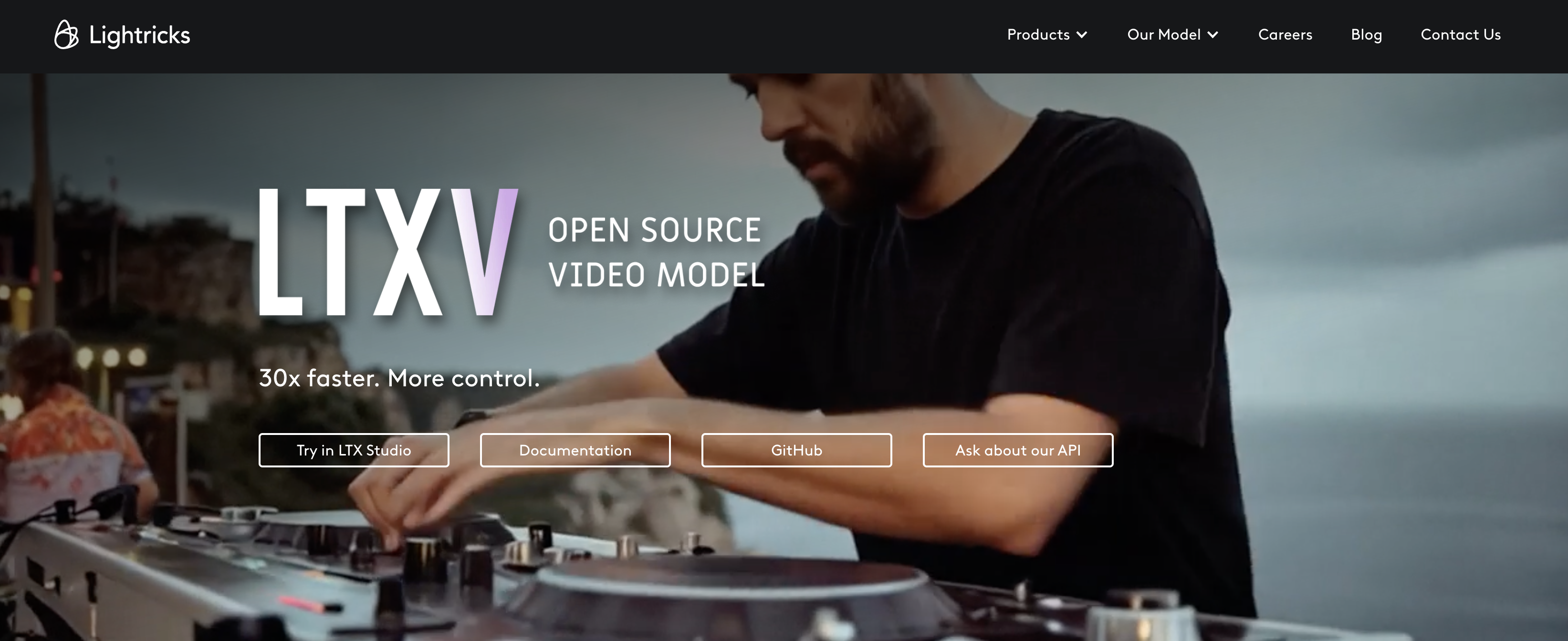
LTXV - Lighttrick's open-source video model with 60-second outputs and real-time streaming

Get access to all our AI courses, hundreds of real-world AI use cases, live expert-led workshops, an exclusive network of AI early adopters, and more.
Get unlimited access to all of our current & upcoming industry-specific AI courses for the duration of your subscription.
To keep up with the rapid pace of AI, our team publishes AI implementation guides daily. Our library contains 300+ practical use cases to automate real-world work.
Join weekly, live, interactive sessions with industry leaders who are at the forefront of AI for hands-on implementation guidance and exclusive insights.
Network with an exclusive community of AI-first professionals who are working smarter with AI. Learn how early adopters are using AI in their work and businesses.