Short cinematic concepts
Turn a detailed shot description into a polished visual-and-audio clip for previsualization, mood exploration, and creative pitching.
Independent tool overview
Veo 3.1 is Google's current Veo video-generation family for short cinematic clips with native audio, portrait or landscape output, image guidance, frame control, and video extension.
Visit the official Veo 3.1 site ↗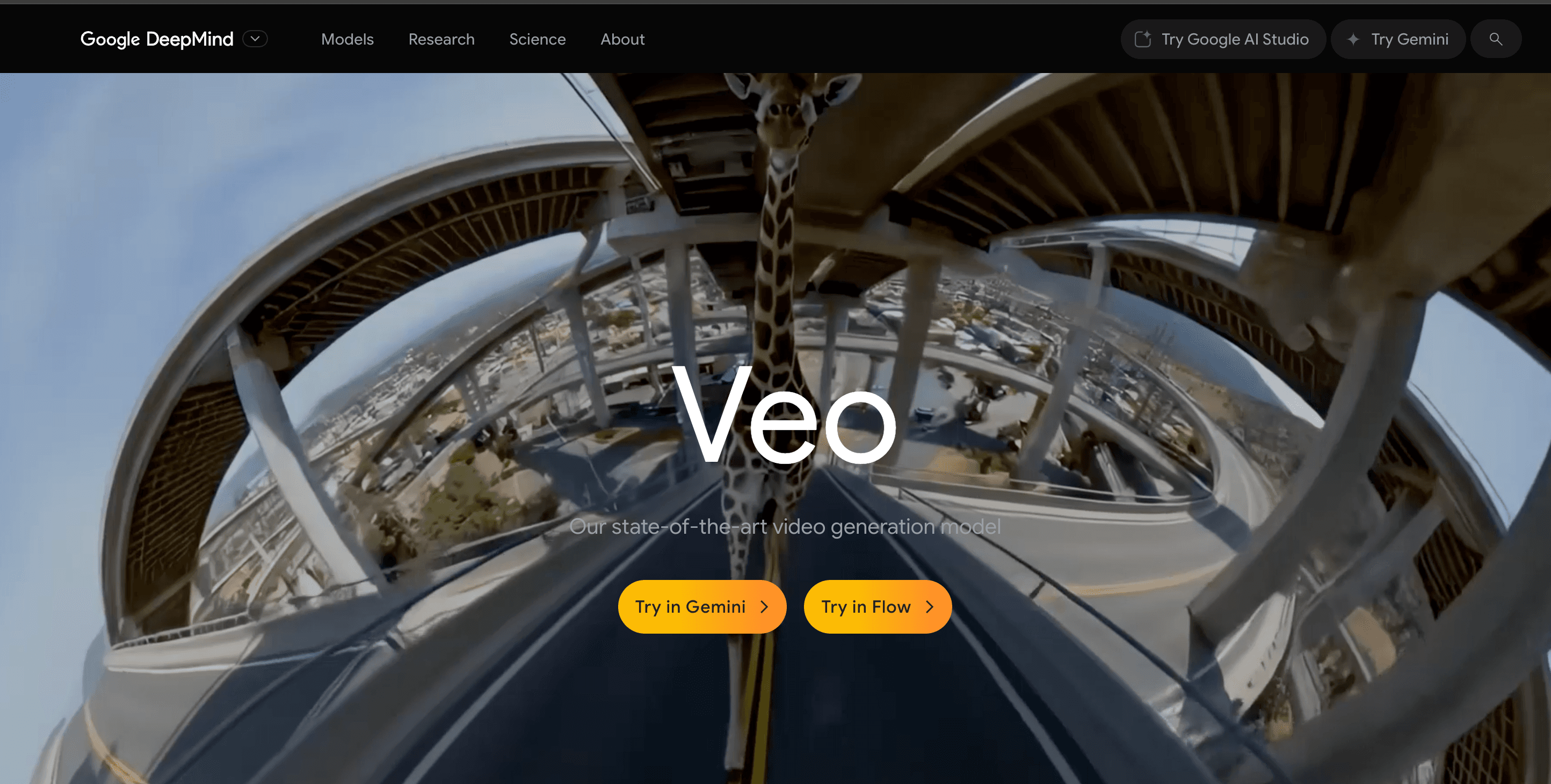
Overview
Veo 3.1 is the current successor to Veo 3, Google's first broadly available video model with native synchronized audio. It creates 4-, 6-, or 8-second clips from text or images in landscape or portrait format, with 720p, 1080p, and—on supported variants—4K output. It can use first and last frames, reference images for a person, character, product, or style, and extensions of prior Veo clips, making it useful for concept shots, ads, social creative, storyboards, product visuals, and cinematic experiments.
The original Gemini API models `veo-3.0-generate-001` and `veo-3.0-fast-generate-001` were retired on June 30, 2026, so new integrations should use Veo 3.1 or Google's newer default video model where appropriate. Google now recommends Gemini Omni Flash for general conversational video generation and editing, while Veo 3.1 remains relevant for scene extension, explicit last-frame control, reference-image direction, and existing Veo workflows. Access and capabilities differ across Google Flow, the Gemini API, and Vertex AI, so users should confirm the active model, resolution, credit cost, and launch stage before each production workflow.
Use cases
The strongest fit depends on the job you need the product to complete, not the size of its feature list.
Turn a detailed shot description into a polished visual-and-audio clip for previsualization, mood exploration, and creative pitching.
Use reference images to guide the appearance of a product, character, scene, or style across a generated shot.
Generate portrait or landscape creative, test several prompts and variants, and use Fast or Lite models when iteration volume matters more than maximum quality.
Define both a starting and ending frame when a shot must move between two planned visual states.
Continue compatible Veo-generated clips in seven-second increments for longer sequences while preserving the preceding action and visual context.
Capabilities
Creates visuals together with ambient sound, effects, music cues, and spoken dialogue described in the prompt.
Generates a shot from a detailed scene description including subject, action, setting, camera, lighting, style, and audio direction.
Animates a supplied starting image while following prompt guidance for motion, camera behavior, atmosphere, and sound.
Interpolates a shot between defined opening and closing images for more deliberate composition and transitions.
Uses up to three images to guide the identity or appearance of a person, character, product, or visual ingredient in supported Veo 3.1 variants.
Extends eligible Veo-generated videos by seven seconds at a time, up to 20 extensions and a combined maximum described as 148 seconds.
Supports 16:9 and 9:16 aspect ratios for widescreen, mobile, and social-video use cases.
Offers Lite, Fast, and Standard or Quality choices across access surfaces, trading cost and generation speed against resolution and output quality.
Supports higher-resolution output on applicable models; 1080p and 4K generations require eight-second duration, while Lite tops out at 1080p.
Provides a creative interface for prompting, ingredients, frames, extensions, scene building, asset management, and direct YouTube handoff.
Runs asynchronously through the Gemini API and is also available in Vertex AI with access, quota, model IDs, and launch stages that differ by platform.
Embeds an invisible watermark in Veo-generated video so Google tools can help identify AI-generated content.
Screens prompts and outputs and applies checks intended to reduce harmful content, privacy, copyright, and memorization risks.
Process
Step 1
Use Flow for hands-on creative work, the Gemini API for application workflows, or Vertex AI when Google Cloud governance, quota, and deployment controls are required.
Step 2
Select Veo 3.1 Lite, Fast, or Quality based on feature compatibility, resolution, iteration speed, and cost; do not start new work on retired Veo 3.0 API IDs.
Step 3
Write a prompt with subject, action, environment, camera framing and movement, lighting, style, timing, dialogue, sound effects, and ambience rather than trying to direct an entire film at once.
Step 4
Supply a starting image, first and last frames, or up to three reference images when composition or subject identity must be more controlled.
Step 5
Create several candidates, inspect frame consistency, physics, text, faces, dialogue, lip sync, audio, and brand accuracy, then keep only outputs that pass review.
Step 6
Use compatible extensions or Flow scene tools to build continuity, then finish timing, transitions, color, audio, captions, disclosure, and rights review in an editor.
Cost
Veo pricing depends on access method. Google Flow uses per-generation credits, while the Gemini API bills by successful output second with separate Lite, Fast, and Standard rates. Flow gives non-subscribers 50 daily credits; paid Google AI plans include monthly credits, and extra credits can be purchased in supported regions. Rates and credit costs can change, so verify the selected model in Flow or the official API pricing page before a large run.
50 credits/day
Daily credits for non-subscribers to try Veo 3.1 Lite, Fast, and Quality generations in Flow.
$0.05/sec 720p · $0.08/sec 1080p
Lowest-cost Gemini API Veo variant for short video with audio.
$0.10–$0.30/sec
Faster paid API generation for higher-volume creative and application workflows.
$0.40/sec · $0.60/sec 4K
Highest-priced Gemini API Veo quality tier.
Pricing checked . Check current pricing at the source ↗
Assessment
Compare
The right alternative depends on the specific output, workflow, controls and budget your project requires.
Content Creator
Runway Gen-4.5 is a strong creative-production alternative with its own motion, consistency, editing, and filmmaking workflow; compare controllability, audio, clip economics, and editing needs.
Explore Runway Gen-4.5 →Content Creator
Hailuo AI is worth comparing for fast text- and image-to-video iteration, especially when broad consumer access and lower-cost experimentation matter.
Explore Hailuo AI →Content Creator
LTX Studio is better suited when the priority is planning and assembling a larger story with scripts, shots, characters, and timelines rather than calling one video model directly.
Explore LTX Studio →Questions
The original `veo-3.0-generate-001` and Fast Gemini API models were retired on June 30, 2026. The Veo product continues as Veo 3.1 through Flow, Gemini API preview models, and supported Vertex AI model versions.
Gemini API prices range from $0.05 per second for 720p Lite to $0.60 per second for 4K Standard. Google Flow uses credits, including 50 free daily credits for non-subscribers and monthly allocations with Google AI plans.
Yes. Audio is always on for the documented Veo 3.1 API variants and can include dialogue, ambience, sound effects, and other cues, though speech quality and synchronization can still fail.
A base generation can be four, six, or eight seconds. Certain features and higher resolutions require eight seconds. Compatible Veo clips can be extended in seven-second increments under documented limits.
Yes. It supports both 16:9 landscape and 9:16 portrait output, although feature compatibility can vary by model and access surface.
Veo 3.1 can use up to three reference images to guide a person, character, product, or style. This improves direction but does not guarantee perfect identity, logo, or detail consistency.
Lite is the cheapest, Fast prioritizes speed and volume, and Standard or Quality targets stronger output at a much higher cost. Resolution, extension, reference, and Flow feature support differ, so check the active model before generating.
Google recommends Gemini Omni Flash as the default for general video generation and conversational editing. Veo 3.1 remains useful when you need Veo scene extension, explicit first/last-frame control, reference-image direction, or compatibility with an existing Veo pipeline.
Yes. Google says Veo-generated videos contain an invisible SynthID watermark. Flow may also apply or offer visible watermarking depending on plan and region.
Bottom line
Veo 3.1 remains one of Google's most capable shot-generation options when native audio and explicit creative controls matter. Reference images, first-and-last-frame interpolation, portrait output, extensions, and clear API rates make it practical for disciplined production experiments. The key is to treat the model as a shot generator, not a finished-film button: plan for multiple attempts, manual editing, rights review, audio cleanup, provenance, and model migration. New API work should use current Veo 3.1 IDs—or evaluate Gemini Omni Flash first—rather than the retired Veo 3.0 models this page originally covered.
Visit Veo 3.1 website ↗
Co-STORM - Write Wikipedia-like articles from scratch based on AI search

Genspark AI Docs - an agentic creator allowing users to generate and edit a variety of document times via natural language prompts.

HeyGen Video Agent - Create video content with scripts, actors, edits, and more

Marey - A filmmaker-focused AI video model trained exclusively on licensed content that gives directors granular control over scenes

Get access to all our AI courses, hundreds of real-world AI use cases, live expert-led workshops, an exclusive network of AI early adopters, and more.
Get unlimited access to all of our current & upcoming industry-specific AI courses for the duration of your subscription.
To keep up with the rapid pace of AI, our team publishes AI implementation guides daily. Our library contains 300+ practical use cases to automate real-world work.
Join weekly, live, interactive sessions with industry leaders who are at the forefront of AI for hands-on implementation guidance and exclusive insights.
Network with an exclusive community of AI-first professionals who are working smarter with AI. Learn how early adopters are using AI in their work and businesses.