Early product exploration
Generate several interface directions before committing design and engineering time to one concept.
Independent tool overview
Galileo AI became Google Stitch after its acquisition by Google. The current Google Labs product turns text, images, code, and design files into high-fidelity interfaces, interactive prototypes, and developer-ready exports.
Visit the official Galileo AI site ↗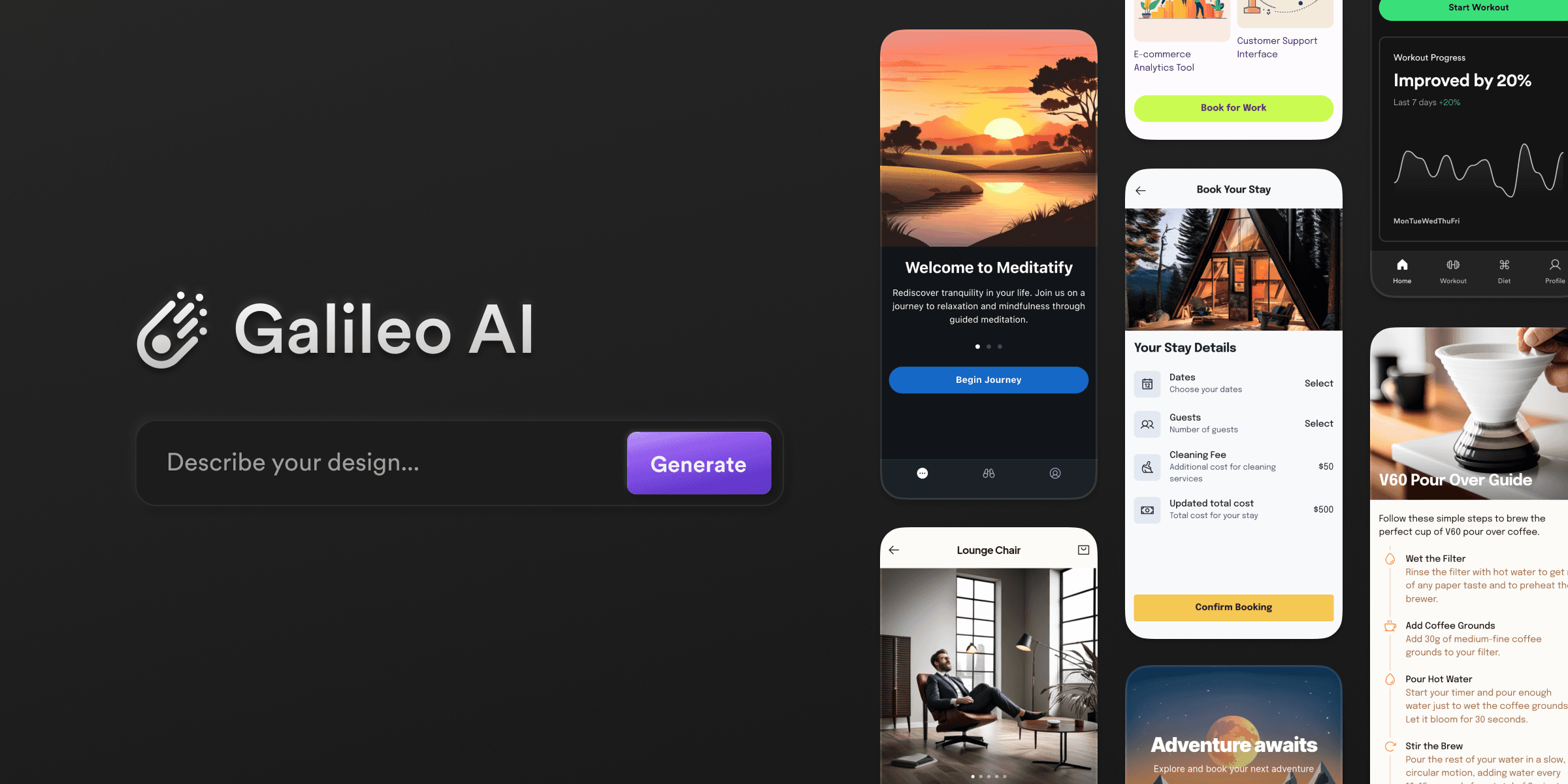
Overview
Galileo AI is no longer a separate product or subscription. Google acquired the company, and its founders introduced Stitch as the next generation of the same mission: making interface design accessible through generative AI. The original Galileo website now opens Stitch.
Stitch began as a prompt-and-image tool for generating mobile and desktop UI designs plus front-end code. Google has since expanded it into an AI-native infinite canvas where teams can add text, images, code, and design files as context, explore multiple directions, and connect screens into interactive flows.
The current Stitch Agent can respond to text or voice, stream changes onto the canvas, critique a design, generate alternatives, and keep track of parallel ideas. It is a design exploration and handoff tool rather than a complete application backend.
Stitch can extract a design system from a website and import or export rules through DESIGN.md. It also connects to development workflows through its MCP server and SDK, AI Studio, Google Antigravity, front-end code exports, and publishing through Netlify.
Google continues to describe Stitch as an experimental Google Labs product. That makes it appealing for rapid ideation, but teams should preserve editable source files, verify export quality, and avoid depending on an experimental workflow as the only record of a production design system.
Use cases
The strongest fit depends on the job you need the product to complete, not the size of its feature list.
Generate several interface directions before committing design and engineering time to one concept.
Turn a product brief, screenshot, or rough wireframe into a shareable flow that stakeholders can react to.
Extract visual rules from a reference site or move agent-friendly design guidance between projects with DESIGN.md.
Move an approved direction toward Figma, front-end code, AI Studio, Antigravity, MCP-connected tools, or a published preview.
Capabilities
Keeps prompts, visual references, code, generated screens, and alternate directions together in one spatial workspace.
Accepts written or spoken requests and can interview the user, critique work, or apply design changes in real time.
Uses screenshots, sketches, and rough wireframes as context for a new digital interface.
Shows work as it develops and lets the user steer a direction before the full generation finishes.
Connects screens, previews flows, and can generate logical next screens from an interaction.
Extracts styles from a URL and imports or exports reusable design rules through DESIGN.md.
Moves generated work toward Figma, front-end code, Google AI Studio, Antigravity, and other connected developer tools.
Exposes Stitch capabilities to compatible agent and development workflows instead of limiting work to the visual editor.
Process
Step 1
Start with the user, problem, conversion or task objective, required screens, content, and constraints—not only a visual style.
Step 2
Bring a wireframe, existing code, approved brand assets, or a reference design you have permission to use.
Step 3
Generate meaningfully different layouts and interaction patterns before polishing colors, spacing, and component details.
Step 4
Connect screens and test navigation, loading, empty, error, permission, and mobile states instead of judging one ideal screen.
Step 5
Use approved tokens, accessibility rules, components, content patterns, and DESIGN.md guidance to reduce one-off output.
Step 6
Inspect Figma layers or generated code for semantics, responsiveness, accessibility, dependencies, and maintainability.
Step 7
Validate the workflow with representative users and have developers estimate integration before treating the prototype as a build specification.
Cost
Google does not publish a separate Stitch subscription price. The product is accessible through Google Labs with a Google account, while capacity, model access, and experimental limits can change. Figma, Netlify, Google AI plans, Antigravity, and other connected services may have their own plans and charges.
No separate price listed
The current Google Labs design experience is available through a Google account without a public Stitch checkout page.
Separate
Downstream design, coding, hosting, model, and collaboration products retain their own commercial terms.
Pricing checked . Check current pricing at the source ↗
Assessment
Compare
The right alternative depends on the specific output, workflow, controls and budget your project requires.
Design
Choose Figma AI when the priority is a mature collaborative design system, production design files, and an established designer workflow.
Explore Figma AI →Design
Choose Vercel v0 when you want prompt-to-interface generation that moves quickly into a React and Vercel development workflow.
Explore Vercel v0 →Design
Choose Relume when the main job is planning marketing-site sitemaps, wireframes, and component-based web design.
Explore Relume →Questions
Galileo AI continues through Google Stitch rather than as a separate product. Google acquired Galileo AI, migrated users to Stitch, and the original Galileo website now opens the current Google Labs experience.
Stitch is an AI-native UI design canvas that turns text, voice, images, wireframes, code, and design files into interface concepts, interactive prototypes, design-system guidance, and developer exports.
Google does not list a separate Stitch subscription price. Access and usage are governed through the Google Labs experience, and limits or future packaging can change.
It can generate front-end code and connect to developer tools, but the result remains a starting point. Engineers should review accessibility, state management, security, dependencies, responsiveness, performance, and maintainability.
Google's official Stitch launch materials describe a paste-to-Figma workflow alongside front-end code export. Teams should confirm the current export options in their account because the experimental product changes quickly.
DESIGN.md is an agent-friendly Markdown file for moving design rules into or out of a Stitch project so a team can reuse visual and component guidance across tools.
Stitch can design screens, prototype flows, export code, and connect to build tools. A production app still needs backend logic, authentication, data storage, testing, deployment, monitoring, security, and ongoing maintenance.
It is best for designers, founders, product managers, and front-end developers who need rapid interface exploration and a clearer bridge from concept to prototype or implementation.
Bottom line
Galileo AI's move into Google Stitch is a meaningful upgrade rather than a simple rename. Stitch is strongest as a rapid design-and-prototyping partner that helps teams explore more directions and move a chosen concept toward real development. Keep human design judgment, accessibility review, user testing, and code review in the loop, and preserve source artifacts outside an experimental product.
Visit Galileo AI website ↗
Get access to all our AI courses, hundreds of real-world AI use cases, live expert-led workshops, an exclusive network of AI early adopters, and more.
Get unlimited access to all of our current & upcoming industry-specific AI courses for the duration of your subscription.
To keep up with the rapid pace of AI, our team publishes AI implementation guides daily. Our library contains 300+ practical use cases to automate real-world work.
Join weekly, live, interactive sessions with industry leaders who are at the forefront of AI for hands-on implementation guidance and exclusive insights.
Network with an exclusive community of AI-first professionals who are working smarter with AI. Learn how early adopters are using AI in their work and businesses.


