Multi-model experimentation
Compare multiple image and video models without opening separate accounts for every provider.
Independent tool overview
Flux-AI.IO is a third-party, browser-based creative platform that bundles AI image generation, image editing, video generation, and utility tools behind one credit system.
Visit the official Flux site ↗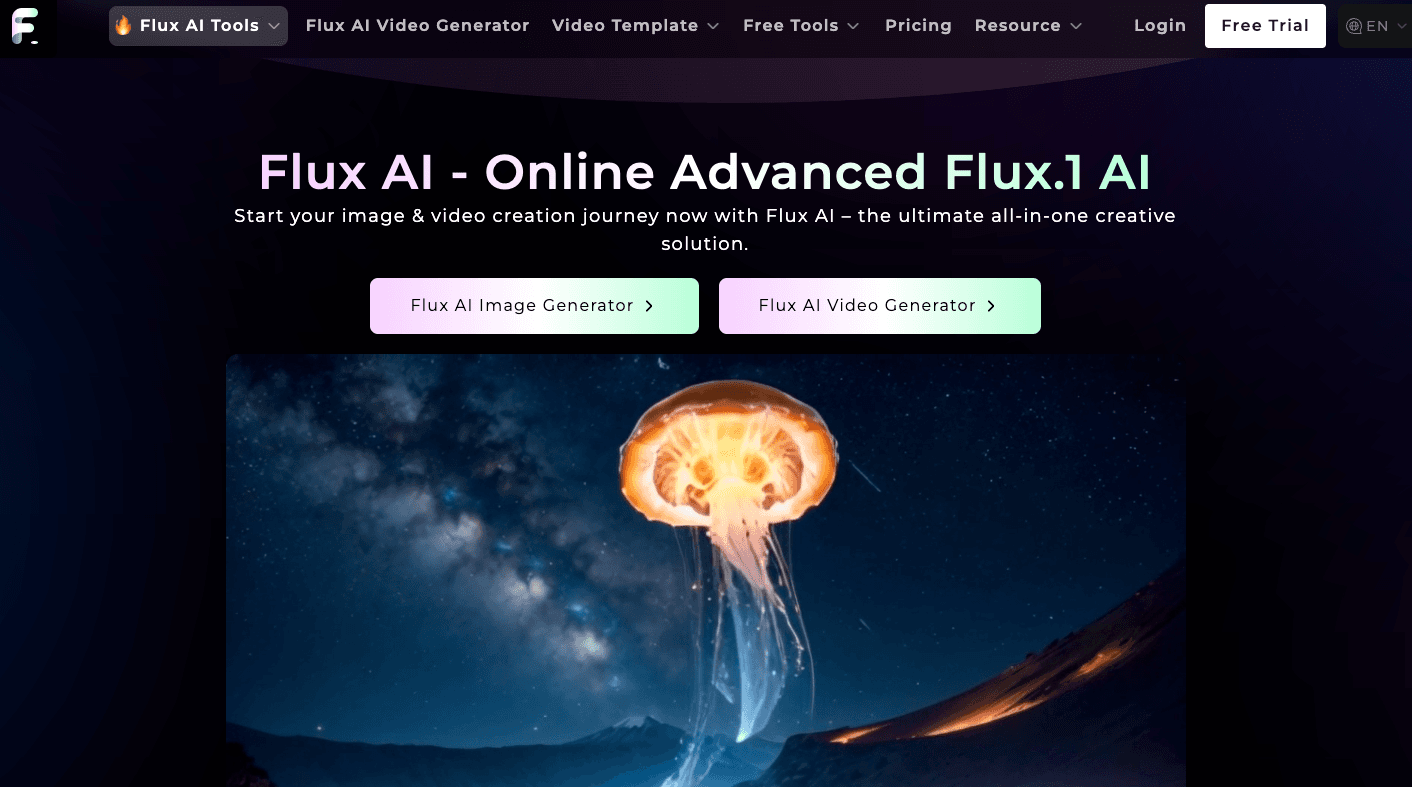
Overview
Flux-AI.IO is an all-in-one visual generation service for creating and editing images and videos in a web browser. It offers text-to-image, image-to-image, text-to-video, image-to-video, and a large catalog of narrowly focused tools such as background removal, product photography, virtual try-on, avatars, restoration, and upscaling.
Despite the name, this listing covers the platform at flux-ai.io rather than Black Forest Labs itself. The service provides access to FLUX-family models alongside models from other providers, including Seedream, Nano Banana, Qwen, Recraft, Ideogram, Imagen, Kling, Hailuo, and Runway-related workflows listed on its site.
The platform is easiest to understand as a multi-model creative storefront: users buy credits, choose a model or task-specific workflow, submit a prompt or source media, and download the result. That breadth is convenient, but model costs, data handling, and commercial-use conditions deserve review before using it for sensitive or high-stakes production work.
Use cases
The strongest fit depends on the job you need the product to complete, not the size of its feature list.
Compare multiple image and video models without opening separate accounts for every provider.
Generate images, short clips, avatars, posters, memes, and stylized transformations from simple prompts.
Create product photography, virtual try-on concepts, backgrounds, and product-to-video assets.
Use focused workflows for restoration, object removal, colorization, inpainting, upscaling, and background changes.
Buy a one-time credit pack instead of committing to a conventional monthly creative suite.
Capabilities
Generate visuals with multiple FLUX variants and other image models from a written prompt.
Transform source images, restyle compositions, inpaint areas, change backgrounds, and remove unwanted objects.
Create clips from text or images and access model-specific video workflows from one platform.
Choose guided tools for avatars, headshots, virtual try-on, product photography, cartoons, posters, and themed effects.
Restore old photos, colorize black-and-white images, upscale files, and convert common image formats.
Access a changing catalog that spans FLUX, Seedream, Nano Banana, Qwen, Imagen, Recraft, Ideogram, and video models.
Paid packs advertise private generation and longer history than the free tier.
Paid packs advertise commercial rights, subject to the platform terms and the rights attached to the selected model and source material.
Process
Step 1
Register to receive the current new-user credit allowance and access account-based generation history.
Step 2
Select image, video, editing, restoration, product, avatar, or another task-specific tool.
Step 3
Compare the available models and check the listed credit charge because costs vary substantially by model and resolution.
Step 4
Write a prompt and, where supported, upload a source image or video for transformation.
Step 5
Set the available style, format, quality, or model-specific controls before generating.
Step 6
Spend credits to create the asset, inspect the result, and iterate if necessary.
Step 7
Export the selected result and confirm that your input, chosen model, and intended use satisfy applicable licensing and platform terms.
Cost
Flux-AI.IO currently displays free access plus four one-time credit packs. Each paid pack includes one month of premium access; the displayed pricing page says purchased credits are valid for 100 days. Model charges range widely, so the number of outputs depends on the tools used.
$0
Limited entry tier for testing the platform.
$9.99 one time
Small paid pack for occasional image or video work.
$19.99 one time
Mid-size pack for more frequent experimentation.
$49.99 one time
Larger pack for ongoing creative production.
$99.99 one time
Largest currently displayed credit pack.
Pricing checked . Check current pricing at the source ↗
Assessment
Compare
The right alternative depends on the specific output, workflow, controls and budget your project requires.
Content Creator
Choose Krea for a more design-centered creative workspace with real-time visual generation and editing.
Explore Krea →Design
Choose Ideogram when typography, posters, logos, and text rendering are the main priority.
Explore Ideogram →Design
Choose Adobe Firefly for tighter Creative Cloud integration and enterprise-oriented commercial workflows.
Explore Adobe Firefly →Content Creator
Choose Runway for a deeper professional video-generation and editing environment.
Explore Runway Creative →Questions
Flux-AI.IO is a third-party web platform that bundles AI image generation, editing, video creation, and utility tools from multiple model families behind a shared credit system.
No. This listing covers flux-ai.io, a separate multi-model creative platform. Black Forest Labs develops the FLUX model family and operates its own official properties.
The site currently advertises 40 credits for new users, 20 credits for daily check-ins, selected FLUX generations, and five uses of free tools per day. Free access uses a shared queue and 15-day history.
The current pricing page lists one-time packs at $9.99 for 4,000 credits, $19.99 for 10,000, $49.99 for 26,000, and $99.99 for 56,000. Each includes one month of premium access.
There is no single number because charges vary by model and task. The current image list ranges from low-cost utilities at a few credits to advanced generation and editing workflows that cost 100 credits or more per output.
Yes. The platform lists text-to-video, image-to-video, video-to-video, product-to-video, effects, and access to multiple video model workflows.
Paid packs advertise commercial rights, but users should still confirm the terms for the chosen underlying model and make sure they own or have permission to use all source material.
Paid packs advertise private generations. However, the privacy policy says user inputs may be transferred to designated third-party AI processors, so confidential or regulated material requires additional review.
The current pricing page says credits in the displayed one-time packs are valid for 100 days, while premium feature access lasts one month from payment.
Bottom line
Flux-AI.IO is useful when breadth matters more than a tightly focused professional workflow: it puts many current image and video models plus practical editing utilities behind one account. Start with the free credits, compare output quality and per-generation cost, and review the data and licensing terms before uploading sensitive assets or buying a large pack.
Visit Flux website ↗
Gemini: Is google’s advanced ai model for search, productivity, coding, and creative tasks.

Voice Design V3 - Create any voice you can imagine with a prompt

Luma Labs: Uses ai to generate photorealistic 3d environments and videos from text or camera input.

Higgsfield Soul - A new “high-aesthetic” photo model with advanced realism and 50+ presets for easy style optimization

Get access to all our AI courses, hundreds of real-world AI use cases, live expert-led workshops, an exclusive network of AI early adopters, and more.
Get unlimited access to all of our current & upcoming industry-specific AI courses for the duration of your subscription.
To keep up with the rapid pace of AI, our team publishes AI implementation guides daily. Our library contains 300+ practical use cases to automate real-world work.
Join weekly, live, interactive sessions with industry leaders who are at the forefront of AI for hands-on implementation guidance and exclusive insights.
Network with an exclusive community of AI-first professionals who are working smarter with AI. Learn how early adopters are using AI in their work and businesses.