The Rundown AI homepage

Independent tool overview

FLUX 3 Image for precise layouts

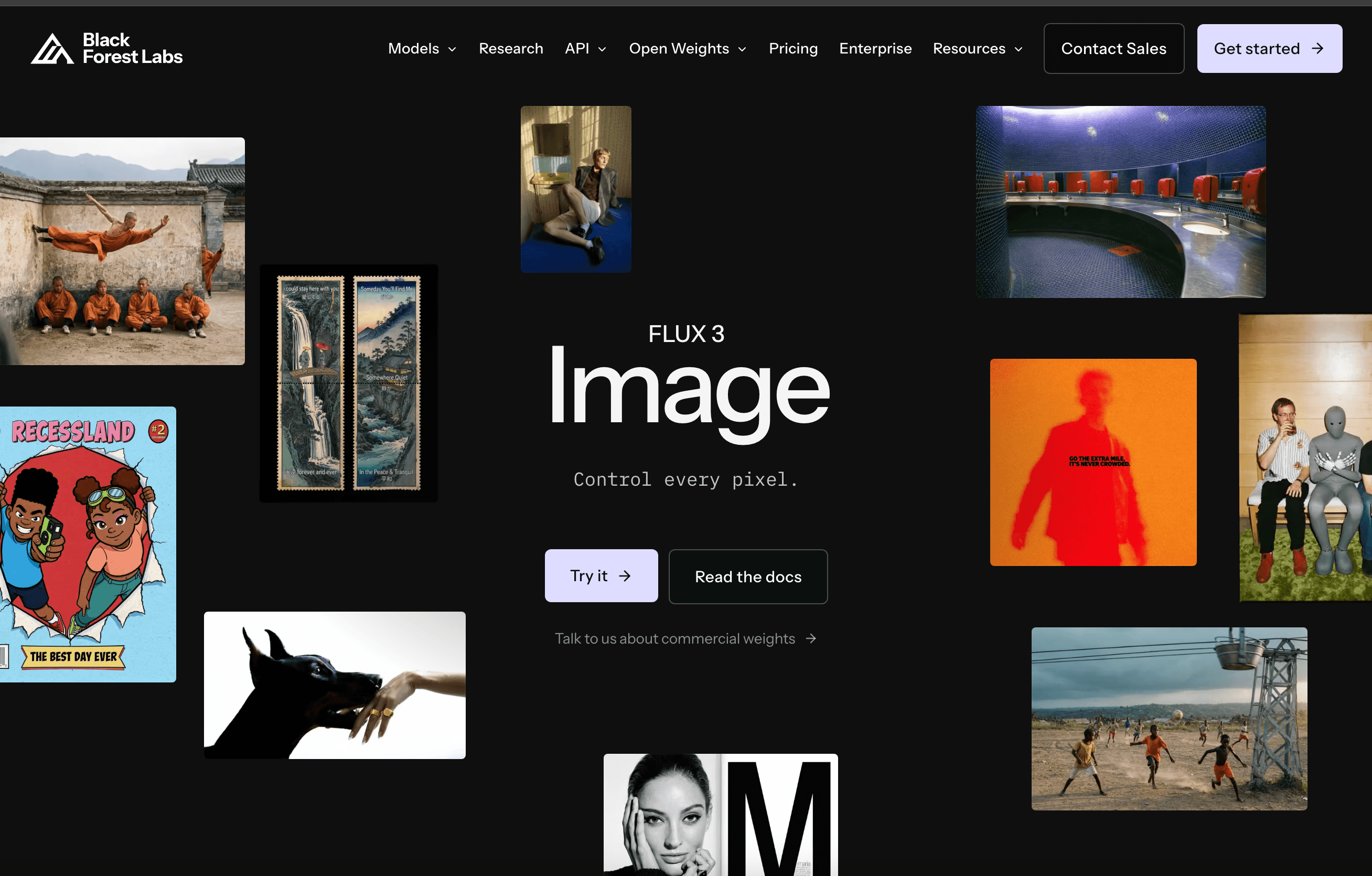
FLUX 3 Image is Black Forest Labs’ image synthesis and editing model with optional layout control. Creators can describe an overall scene and specify bounding boxes for important elements, then use similar controls for focused edits. It is available through BFL’s Playground and API, with pay-as-you-go prices based on output resolution.

Visit the official FLUX 3 Image site ↗
FLUX 3 Image product preview
Developer
Black Forest Labs
Core use
Image generation and editing
Layout
Optional bounding boxes
Access
Playground and API
Billing
Per completed image by resolution

Overview

What FLUX 3 Image is

A conventional prompt can describe a poster, but exact placement of its title, product and background objects can be difficult to control. FLUX 3 Image adds a layout method: place each important element in a bounding box on a normalized canvas and describe what belongs there. Black Forest Labs’ model page says people can draw these boxes in the Playground or pass a layout prompt to the API. Boxes are optional, so ordinary text-to-image remains available for briefs that do not need a rigid composition.

The same product supports image-to-image work and targeted editing. A team can use a reference, change one selected region or rearrange parts of a scene without intentionally rebuilding everything else. This makes it relevant to advertising layouts, editorial graphics and product variations where a consistent frame matters. The model page shows examples of typography and composed scenes, but a published example is not proof that every requested word, product shape or brand element will survive a revision. Outputs still require visual inspection, especially for rights-sensitive likenesses, logos and exact copy.

BFL charges per completed image, with rates varying by selected resolution rather than a subscription seat. The launch’s 50% introductory price ended October 8, 2026; the official list-price schedule begins at $0.041 for 768-by-768 generation and rises to $0.607 at 4K. Reference images and prompts were described as included at no extra charge in the pricing notes. API and Playground use the model under BFL terms; teams seeking high volume or private weights should discuss enterprise arrangements rather than assume FLUX.2 self-serve licenses automatically cover FLUX 3 Image. Keep this image product separate from the wider FLUX 3 video and action research programs.

Use cases

Who FLUX 3 Image is best for

The strongest fit depends on the job you need the product to complete, not the size of its feature list.

Creative and marketing teams

Build controlled layouts for posters, campaigns and product imagery.

Design-tool developers

Expose composition and targeted-edit controls in an application.

Production artists

Iterate image variants while keeping a deliberate overall scene structure.

Capabilities

Core FLUX 3 Image features

1

Bounding-box composition

Assign important objects or text to defined regions before generation.

2

Focused edits

Target selected parts of an existing image instead of rewriting the entire scene.

3

Reference-led creation

Supply source images to guide visual direction under the model’s request limits.

4

Resolution choice

Select output tier from draft-sized images through 4K finals.

Process

How the FLUX 3 Image workflow works

  1. Step 1

    Plan the frame

    Choose aspect ratio and mark the elements that need explicit placement.

  2. Step 2

    Generate a draft

    Use a prompt alone or pair it with boxes and reference images.

  3. Step 3

    Inspect and revise

    Check copy, object fidelity and composition before ordering higher-resolution finals.

Cost

FLUX 3 Image pricing and free plan

BFL lists pay-as-you-go image pricing. The launch promotion ended October 8, so post-promotion list rates are used here. Enterprise terms require contact with sales.

768 × 768

$0.041/image

List rate for the smallest published FLUX 3 Image resolution tier.

  • Text-to-image and image-to-image share the rate
  • No seat subscription required

1K to 2K

$0.048–$0.10/image

Intermediate list rates increase with selected resolution.

  • 1K: $0.048; 1.5K: $0.07; 2K: $0.10
  • Check current published rates before scale use

4K

$0.607/image

High-resolution list rate for final image work.

  • Billed per completed image
  • Enterprise volume terms may differ

Pricing checked . Check current pricing at the source ↗

Assessment

FLUX 3 Image strengths and limitations

Where it stands out

  • Explicit spatial guidance is useful for layouts that text prompts frequently misplace.
  • Focused editing can reduce repeated reconstruction of an entire composition.
  • Per-image published rates support straightforward draft-versus-final cost planning.

What to consider

  • Text, identity and object detail still need human visual approval.
  • 4K final generations cost much more than draft-resolution images.
  • Public self-hosting rights for this exact image model should not be inferred from FLUX.2 licenses.

Compare

FLUX 3 Image alternatives

The right alternative depends on the specific output, workflow, controls and budget your project requires.

Content Creator

FLUX.2

Compare the preceding FLUX model family for different image generation needs.

Explore FLUX.2 →

Design

Ideogram 4.0

Compare another model when typography and design output are the main criteria.

Explore Ideogram 4.0 →

Questions

FLUX 3 Image FAQs

Are bounding boxes required?

No. BFL says ordinary prompts work; boxes are an optional control for placement or targeted edits.

Is FLUX 3 Image billed by seat?

BFL’s public API pricing is pay-as-you-go by completed image and selected resolution.

Did the launch discount continue after October 8?

No. The pricing page described a 50% introductory window ending October 8, 2026; list prices apply after that period.

Bottom line

Our FLUX 3 Image verdict

FLUX 3 Image offers a practical step toward art direction inside image generation. Bounding boxes make it easier to communicate a layout without leaving all placement to prose, and the edit controls may save iterations. Evaluate it on a real campaign or product brief with exact placement, wording and reference requirements. Draft at a cheaper tier, approve the composition, then decide whether the higher-resolution rate produces enough final-value improvement.

Visit FLUX 3 Image website ↗

Last reviewed . Desk review of Black Forest Labs’ model page, pricing schedule and FLUX 3 overview on October 11, 2026. No images were generated or edited; visual-performance statements are vendor claims.

Sources reviewed: FLUX 3 Image model · BFL pricing · FLUX 3 research overview

The Rundown University

AI training for the future of work.

Get access to all our AI courses, hundreds of real-world AI use cases, live expert-led workshops, an exclusive network of AI early adopters, and more.

AI Courses

Get unlimited access to all of our current & upcoming industry-specific AI courses for the duration of your subscription.

Daily Guides

To keep up with the rapid pace of AI, our team publishes AI implementation guides daily. Our library contains 300+ practical use cases to automate real-world work.

Workshops

Join weekly, live, interactive sessions with industry leaders who are at the forefront of AI for hands-on implementation guidance and exclusive insights.

Community

Network with an exclusive community of AI-first professionals who are working smarter with AI. Learn how early adopters are using AI in their work and businesses.