Extended implementation work
Use Composer 2.5 when an agent needs to inspect a repository, edit multiple files, run commands, and iterate through a longer task.
Independent tool overview
Composer 2.5 is Cursor's current fast, cost-efficient coding-agent model for sustained software tasks. It remains available across Cursor, but it is positioned around speed and value rather than as the company's flagship intelligence model.
Visit the official Composer 2.5 site ↗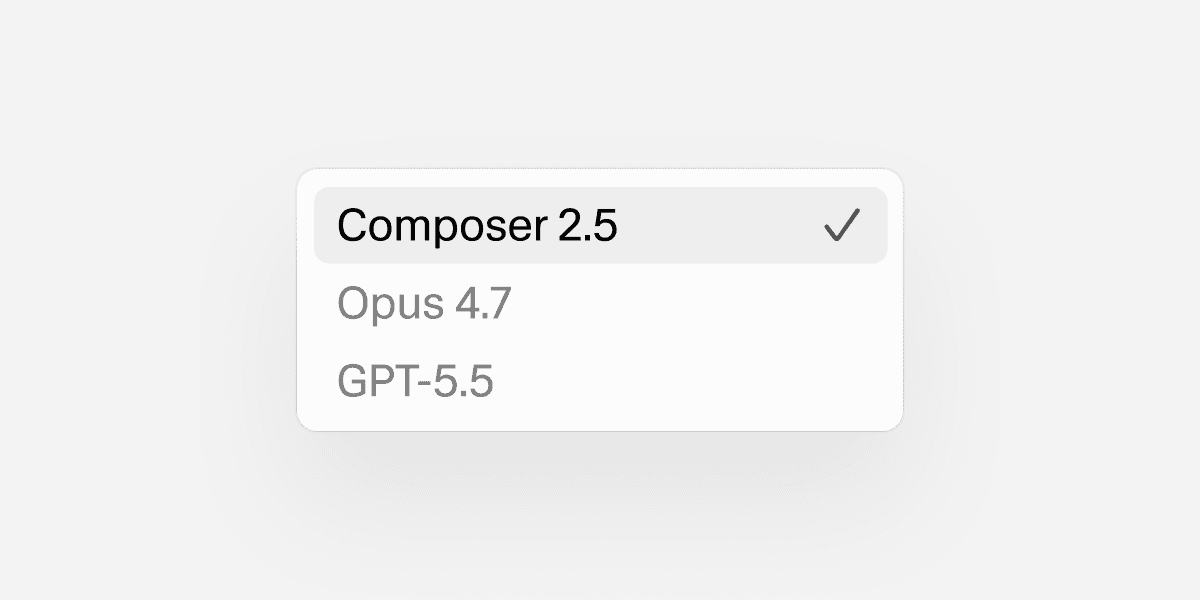
Overview
Composer 2.5 is Cursor's proprietary coding-agent model for longer software tasks. Cursor says it improves sustained work, complex instruction following, communication, and effort calibration over Composer 2. The model is built on Moonshot AI's Kimi K2.5 and further trained by Cursor with targeted textual feedback and substantially more synthetic tasks.
The model runs inside Cursor rather than as a standalone general-purpose API. In Cursor it can search a repository, read files and images, edit code, run shell commands, browse the web, control a browser, generate images, ask follow-up questions, and retrieve project rules. That integration is the main reason to choose it over calling the underlying base model directly.
Composer 2.5 remains a current option in Cursor's model catalog as of this review. Cursor positions Composer as the fast, cost-efficient choice for long-running agents, while also offering other frontier models. Buyers should therefore evaluate it for the speed, price, and Cursor workflow—not assume it is automatically the strongest model for every coding problem.
Use cases
The strongest fit depends on the job you need the product to complete, not the size of its feature list.
Use Composer 2.5 when an agent needs to inspect a repository, edit multiple files, run commands, and iterate through a longer task.
The Standard mode is priced well below the Fast variant and is useful when completion quality matters more than lowest latency.
It fits teams already relying on Cursor's repository context, rules, browser, terminal, and agent interfaces.
Capabilities
Cursor trained Composer 2.5 to stay on task through longer coding sessions, follow complex instructions, and communicate progress more reliably.
The model can search, read, edit, run shell commands, browse, use screenshots, generate images, ask questions, and fetch Cursor rules.
Standard prioritizes cost efficiency, while Fast uses the same model at a higher token rate for lower latency.
The model supports a 200,000-token context window for prompts, code, tool results, and conversation history.
Composer is available through Cursor's desktop editor, web and mobile agents, command-line interface, and agent SDK.
Process
Step 1
Give Composer a clear outcome, relevant constraints, and any repository rules or tests it must preserve.
Step 2
Use Standard for economical long runs; choose Fast only when the latency benefit justifies its much higher token price.
Step 3
Composer can search the codebase, edit files, execute commands, and use browser tools while working toward the requested result.
Step 4
Inspect the diff, test output, terminal actions, and any security-sensitive changes before merging or deploying.
Cost
Composer 2.5 usage draws from Cursor's model allowance or on-demand usage. Standard and Fast have separate token rates, and Cursor subscriptions provide access to a shared model pool rather than a dedicated Composer-only quota.
$0.50 input / $0.20 cache read / $2.50 output per 1M tokens
The cost-efficient mode for routine and long-running agent work.
$3 input / $0.50 cache read / $15 output per 1M tokens
The lower-latency version of Composer 2.5 and Cursor's default Composer mode.
$20 per month
The entry paid Cursor plan with access to the shared model pools.
$60 per month
A higher-usage individual plan.
$200 per month
Cursor's high-usage individual plan.
Pricing checked . Check current pricing at the source ↗
Assessment
Compare
The right alternative depends on the specific output, workflow, controls and budget your project requires.
Agents
Choose the open-weight base model when you want broader deployment options outside Cursor.
Explore Kimi K2.5 →Consumer
Consider Anthropic's current cost-effective coding model when model intelligence and a broader provider ecosystem matter more than Composer's Cursor-specific tuning.
Explore Claude Sonnet 5 →Coding
Choose OpenAI Codex for a coding-agent workflow that spans the Codex app, CLI, IDE integrations, cloud tasks, and SDK.
Explore Codex →Questions
Yes. Cursor's current model documentation still lists Composer 2.5 with Standard and Fast modes. No official Composer successor was listed when this review was checked.
Standard costs $0.50 per million input tokens, $0.20 per million cache-read tokens, and $2.50 per million output tokens. Fast costs $3, $0.50, and $15 respectively. Usage can draw from an included Cursor plan allowance or on-demand billing.
Cursor says Composer 2.5 is built on Moonshot AI's Kimi K2.5 and then post-trained with Cursor's software-engineering tasks and feedback.
Cursor lists a 200,000-token context window for Composer 2.5.
Not necessarily. Cursor describes Composer as a fast, cost-efficient model for long-running agents and also offers other frontier models. The best choice depends on task difficulty, speed, and budget.
With Privacy Mode enabled, Cursor says customer code is not used for training by Cursor or model providers. With Privacy Mode disabled, Cursor may store and use code data and prompts to improve and train its AI features.
Bottom line
Composer 2.5 is a strong default for developers who want an economical, deeply integrated Cursor agent that can keep working through multi-step implementation tasks. Standard mode is the clearest value; Fast should be reserved for work where lower latency is worth a sixfold token-rate increase. Teams handling sensitive code should enforce Privacy Mode and still review every file and command the agent touches.
Visit Composer 2.5 website ↗
Claude Security - Anthropic's code vulnerability scanner with scheduled scans, patches, and Jira/Slack export, now in public beta

Antigravity 2.0 - Google's standalone desktop app for orchestrating parallel agents

Qwen3.6-27B - Alibaba's open-source 27B model that beats its 397B predecessor on coding benchmarks

Devin Desktop - Cognition's Windsurf rebrand for managing all your coding agents in a single platform

Get access to all our AI courses, hundreds of real-world AI use cases, live expert-led workshops, an exclusive network of AI early adopters, and more.
Get unlimited access to all of our current & upcoming industry-specific AI courses for the duration of your subscription.
To keep up with the rapid pace of AI, our team publishes AI implementation guides daily. Our library contains 300+ practical use cases to automate real-world work.
Join weekly, live, interactive sessions with industry leaders who are at the forefront of AI for hands-on implementation guidance and exclusive insights.
Network with an exclusive community of AI-first professionals who are working smarter with AI. Learn how early adopters are using AI in their work and businesses.