Continuing project ownership
Users who want an agent to maintain context and make progress across multiple conversations.
Independent tool overview
ChatGPT Dot is an always-on agent in ChatGPT that can keep making progress between conversations using its own computer, memory, and connected apps.
Visit the official ChatGPT Dot site ↗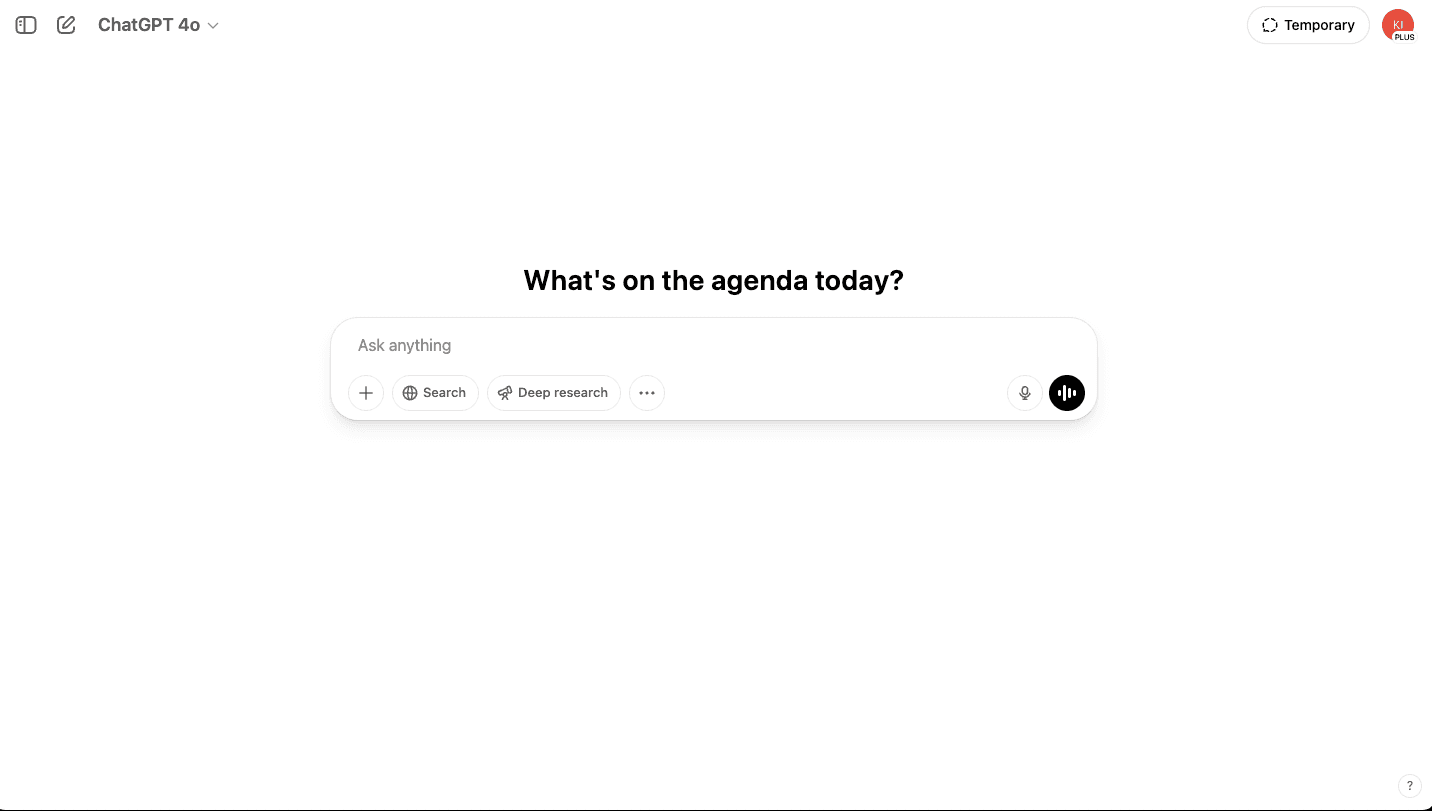
Overview
A dot is designed around continuing ownership of a project rather than one isolated prompt. Users give it a goal and context, then review its work, adjust direction, manage connected apps, and decide what it can do without approval.
OpenAI is rolling dots out gradually to eligible paid plans and regions. A dot can research, create content, improve an app, and interact with connected systems, so teams should begin with narrow access, review-first controls, and non-sensitive tasks while they learn its behavior.
Use cases
The strongest fit depends on the job you need the product to complete, not the size of its feature list.
Users who want an agent to maintain context and make progress across multiple conversations.
Projects such as presentations, content pipelines, and software improvements that can be divided into inspectable tasks.
Capabilities
Runs work in its own computer environment and can use connected apps under the permissions the user grants.
Starts with ChatGPT memory and learns from goals, feedback, and continuing project work.
Lets the user decide what the dot can do independently, review results, change direction, or pause it.
Process
Step 1
Use desktop web or the desktop app, name the dot, and give it one clear project goal.
Step 2
Add the minimum apps and project information required, then set review-first permissions.
Step 3
Inspect completed work, approve consequential actions, give feedback, and pause or narrow access when needed.
Cost
OpenAI says the first dot is included at no extra cost with eligible ChatGPT Pro or Business Premium plans. Enterprise, Edu, and Healthcare access is an admin-enabled beta; regional and rollout restrictions apply. No separate standalone Dot price was published in the reviewed documentation.
No separate price verified
OpenAI says the first dot is included at no extra cost with eligible ChatGPT Pro or Business Premium plans. Enterprise, Edu, and Healthcare access is an admin-enabled beta; regional and rollout restrictions apply. No separate standalone Dot price was published in the reviewed documentation.
Pricing checked . Check current pricing at the source ↗
Assessment
Compare
The right alternative depends on the specific output, workflow, controls and budget your project requires.
Agents
Choose Agent Builder for an existing OpenAI agent-building workflow.
Explore Agent Builder →Agents
Choose ChatGPT Agent for a consumer-facing agent that can research and act with connected tools.
Explore ChatGPT Agent →Questions
ChatGPT Dot is an always-on agent in ChatGPT that can keep making progress between conversations using its own computer, memory, and connected apps.
Users who want an agent to maintain context and make progress across multiple conversations. Projects such as presentations, content pipelines, and software improvements that can be divided into inspectable tasks.
OpenAI says the first dot is included at no extra cost with eligible ChatGPT Pro or Business Premium plans. Enterprise, Edu, and Healthcare access is an admin-enabled beta; regional and rollout restrictions apply. No separate standalone Dot price was published in the reviewed documentation.
Bottom line
ChatGPT Dot is a substantial agent product for ongoing projects, not merely a ChatGPT interface label. It is best introduced with a narrow goal, minimal connected access, and review-first rules until its output and action boundaries are predictable.
Visit ChatGPT Dot website ↗
Package repeatable instructions, resources, templates, and scripts for ChatGPT and Codex.
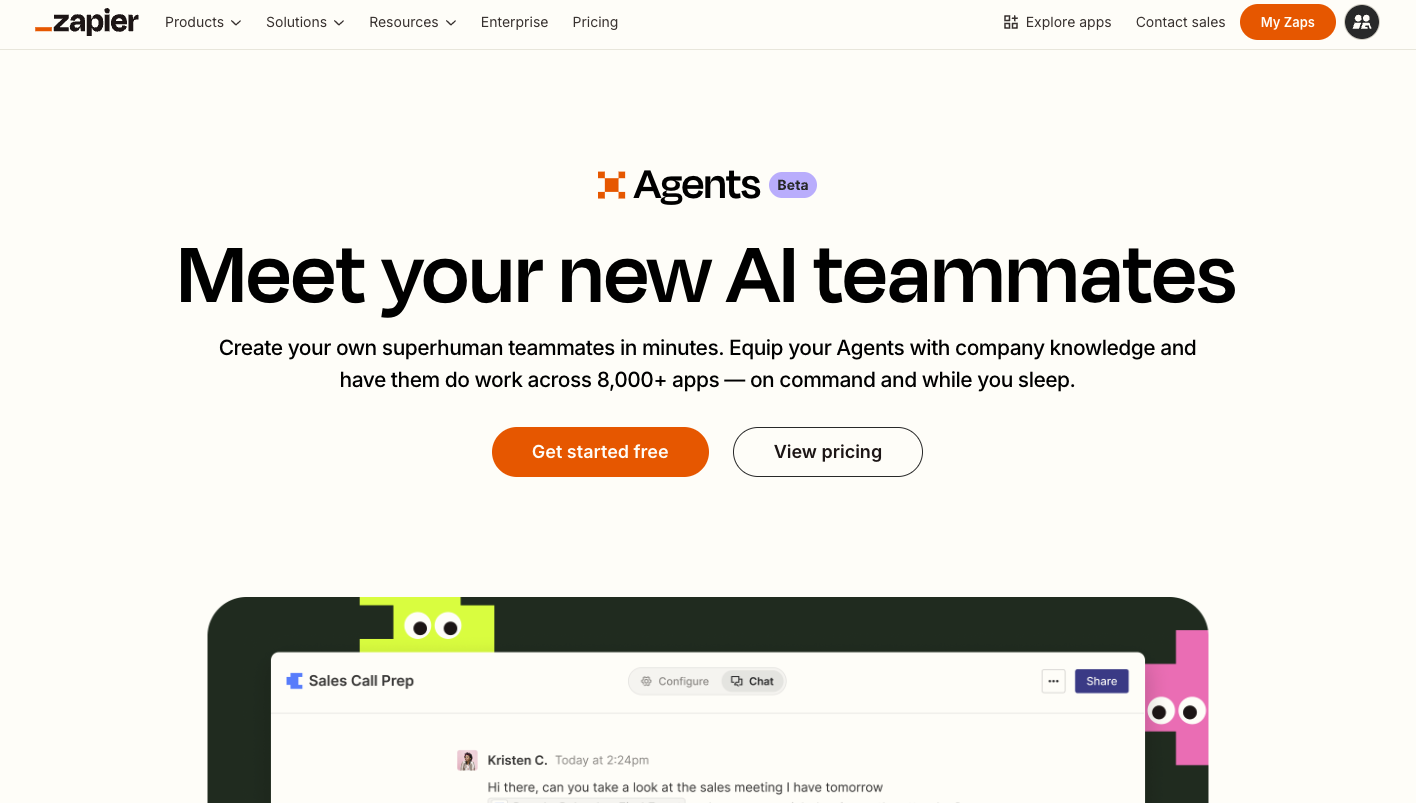
Zapier Agents: Let you delegate tasks to ai-powered agents that run workflows across apps and services.
Assign Claude tasks from a phone and have them run through the Claude desktop app, local files, apps, and tools.
.avif)
Payman: AI That Pays You for Your Work

Get access to all our AI courses, hundreds of real-world AI use cases, live expert-led workshops, an exclusive network of AI early adopters, and more.
Get unlimited access to all of our current & upcoming industry-specific AI courses for the duration of your subscription.
To keep up with the rapid pace of AI, our team publishes AI implementation guides daily. Our library contains 300+ practical use cases to automate real-world work.
Join weekly, live, interactive sessions with industry leaders who are at the forefront of AI for hands-on implementation guidance and exclusive insights.
Network with an exclusive community of AI-first professionals who are working smarter with AI. Learn how early adopters are using AI in their work and businesses.