Local and private music generation
Run the model on compatible local hardware when projects or source recordings should not be uploaded to a closed consumer service.
Independent tool overview
ACE-Step 1.5 is an open-source music foundation model that can generate complete stereo songs from prompts and lyrics, edit existing audio, separate tracks, analyze musical attributes, and train small LoRA adaptations on local hardware.
Visit the official Ace-Step-1.5 site ↗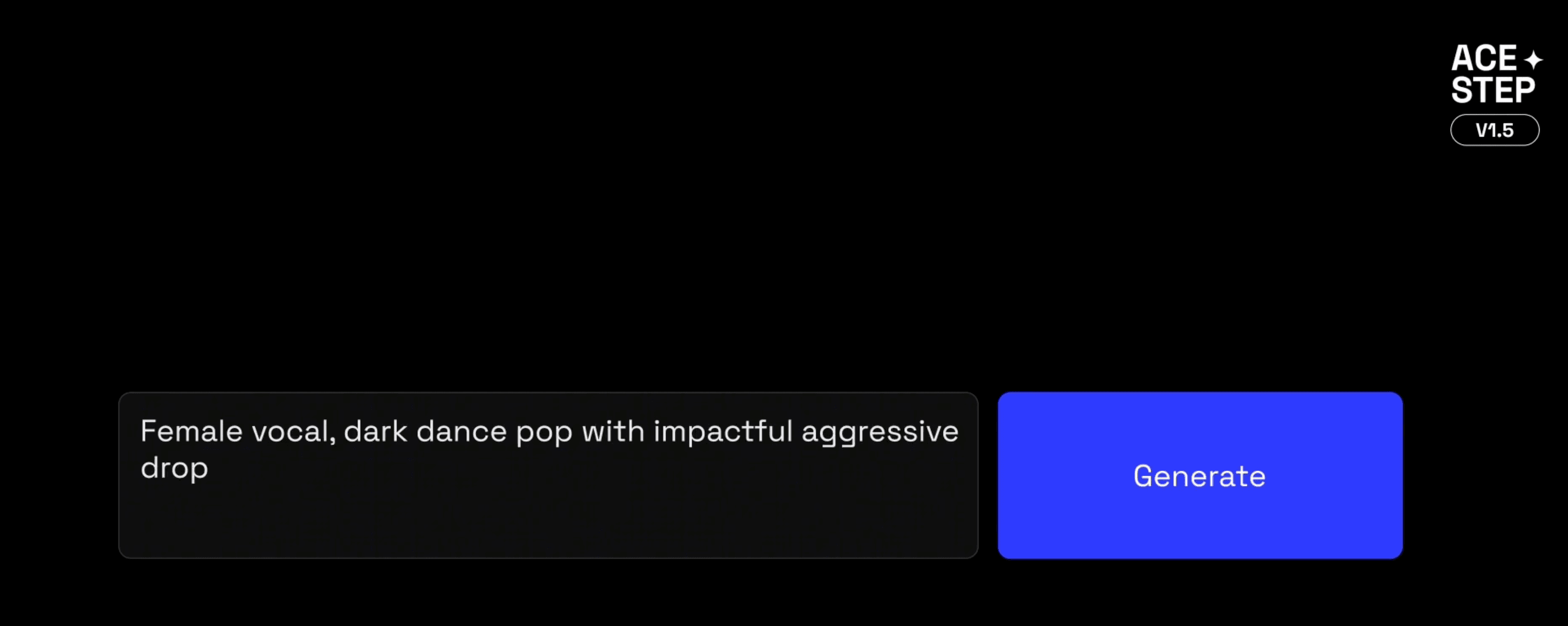
Overview
ACE-Step 1.5 is built for people who want more control over AI music generation than a closed, browser-only service usually provides. It can create 48 kHz stereo songs from text and optional lyrics, supports more than 50 languages, and handles durations from roughly 10 seconds to 10 minutes. The broader toolkit includes reference-audio conditioning, covers, repainting, track separation, vocal-to-accompaniment generation, multi-track work, audio analysis, and local LoRA training.
The tradeoff is that this is a model and developer project, not a polished all-in-one music business. Setup, checkpoint selection, hardware configuration, generation parameters, editing, mixing, and rights review remain the user's responsibility. The standard release can run with less than 4 GB of VRAM when offloading is enabled, while larger XL checkpoints require substantially more memory. It is a strong choice for technical musicians and researchers, but a hosted tool such as Suno or Udio will be easier for someone who only wants to type a prompt and receive a finished song.
Use cases
The strongest fit depends on the job you need the product to complete, not the size of its feature list.
Run the model on compatible local hardware when projects or source recordings should not be uploaded to a closed consumer service.
Control lyrics, duration, style, musical metadata, checkpoints, seeds, inference settings, and downstream editing in a reproducible workflow.
Generate complete pieces ranging from short clips to tracks of about 10 minutes rather than limiting every output to a brief loop.
Use repainting, cover generation, reference audio, track separation, vocal-to-background-music, and multi-track tools alongside generation.
Train a LoRA from a small, properly licensed dataset to study a consistent sound without retraining the full foundation model.
Build custom interfaces, batch pipelines, research tools, or creative applications around open weights and documented inference code.
Capabilities
Create a complete piece from a style prompt, optional lyrics, duration, and musical parameters.
The official pipeline produces stereo audio at a 48 kHz sample rate for music-focused workflows.
Generate material from roughly 10 seconds to 10 minutes, covering samples, cues, and full song structures.
The project reports support for lyrics in more than 50 languages.
Official documentation describes more than 1,000 instruments and styles that can be expressed through prompting.
Use an authorized audio reference to guide the generated result while retaining control over the prompt and other inputs.
Transform an input performance or composition into a new rendition, subject to the rights attached to the source material.
Regenerate a selected portion of an existing track instead of rebuilding the entire song for a local correction.
Separate material and work with vocal, accompaniment, or multi-track components in more involved production workflows.
Analyze attributes such as BPM, key or scale, time signature, captions, and lyric timestamps.
Adapt the model from a small collection of authorized songs; the project documents an example using eight songs in about an hour on an RTX 3090.
Choose among Base, SFT, Turbo, language-model, LoRA, and newer 4B XL variants according to quality, speed, memory, and control needs.
The project documents options for NVIDIA CUDA, Apple silicon, AMD, and Intel environments, although performance and setup vary.
Generate multiple candidates in one run to compare interpretations and reduce the cost of serial experimentation.
Process
Step 1
Decide whether to use a hosted interface or install the open-source project locally for privacy, customization, and deeper control.
Step 2
Select a standard or XL model based on available VRAM, system memory, desired speed, and whether CPU offloading is acceptable.
Step 3
Follow the official setup for the operating system and accelerator, download the required weights, and test a small known-good generation.
Step 4
Enter the genre, instrumentation, mood, arrangement, vocal direction, language, lyrics, duration, and optional musical metadata.
Step 5
Compare seeds, prompts, checkpoints, and inference settings rather than treating the first render as a final master.
Step 6
Repaint weak sections, separate or replace tracks, refine lyrics and timing, then assemble the preferred structure in an audio workstation.
Step 7
Mix and master the audio, document the model and source inputs, and confirm that lyrics, references, samples, voices, and training data are authorized for the intended use.
Cost
ACE-Step 1.5's code and model are available under the MIT license, so there is no software subscription for local use. Real cost depends on the hardware, electricity, storage, setup time, and any hosted compute or third-party interface selected.
Free software
Download and run ACE-Step 1.5 on compatible hardware under the MIT license.
Free software; higher compute cost
Run the newer 4B XL checkpoints for additional model capacity.
Provider-specific
Use a hosted ACE-Step interface or rent GPU compute instead of maintaining a local environment.
Pricing checked . Check current pricing at the source ↗
Assessment
Compare
The right alternative depends on the specific output, workflow, controls and budget your project requires.
Content Creator
Suno provides a simpler hosted workflow for generating complete songs without installing or maintaining a local model.
Explore Suno AI →Content Creator
Udio is another consumer-friendly hosted option for prompt-based song creation and iterative extension.
Explore Udio →Content Creator
Stable Audio 3.0 is an alternative music and sound-generation model ecosystem for creators comparing model access and production workflows.
Explore Stable Audio 3.0 →Questions
ACE-Step 1.5 is an open-source AI music foundation model for generating complete songs and working with existing audio through tools such as reference conditioning, covers, repainting, separation, analysis, and local adaptation.
The official code and model are available under the MIT license without a software subscription. You still pay for local hardware and electricity or any cloud GPU and third-party service you choose.
Yes. Local operation is one of its main advantages. The standard project can run with less than 4 GB of VRAM when offloading is enabled, although speed and system-memory use depend on the computer and checkpoint.
Official documentation describes a generation range of approximately 10 seconds to 10 minutes.
Yes. Lyrics are optional, and the project reports support for more than 50 languages. Generated vocals and timing still need human review.
They are different checkpoints and model families. Base emphasizes flexible generation and editing, SFT is instruction-tuned, Turbo favors speed, and the newer 4B XL variants offer greater model capacity while requiring more memory. Use the current official model guide to match a checkpoint to the task and hardware.
The project supports local LoRA training from a small music collection. Only use recordings, compositions, performances, voices, and metadata you own or have permission to use, and test the result carefully before release.
The MIT license is permissive for the software and model, but it does not guarantee that every input or output is commercially cleared. Commercial use requires a separate review of source rights, references, lyrics, voices, samples, contracts, platform terms, and applicable law.
It is better suited to local control, open customization, checkpoint selection, and technical production workflows. Suno and Udio are generally easier for people who prefer a polished hosted interface and do not want to manage models or hardware.
Bottom line
ACE-Step 1.5 is one of the more capable open options for technically comfortable music creators: it offers long-form stereo generation, local privacy, editing tools, multiple checkpoints, and small-dataset adaptation without a subscription. Its value comes with real operational responsibility. Expect setup and production work, choose hardware and checkpoints carefully, and treat rights clearance as part of the workflow—not something the model license solves for you.
Visit Ace-Step-1.5 website ↗
Eleven v3 - ElevenLabs’ most expressive AI voice model, now commercially available

Kling 3.0 - Kling's new AI video model with upgraded consistency, realism 15 second clips, native audio, and more
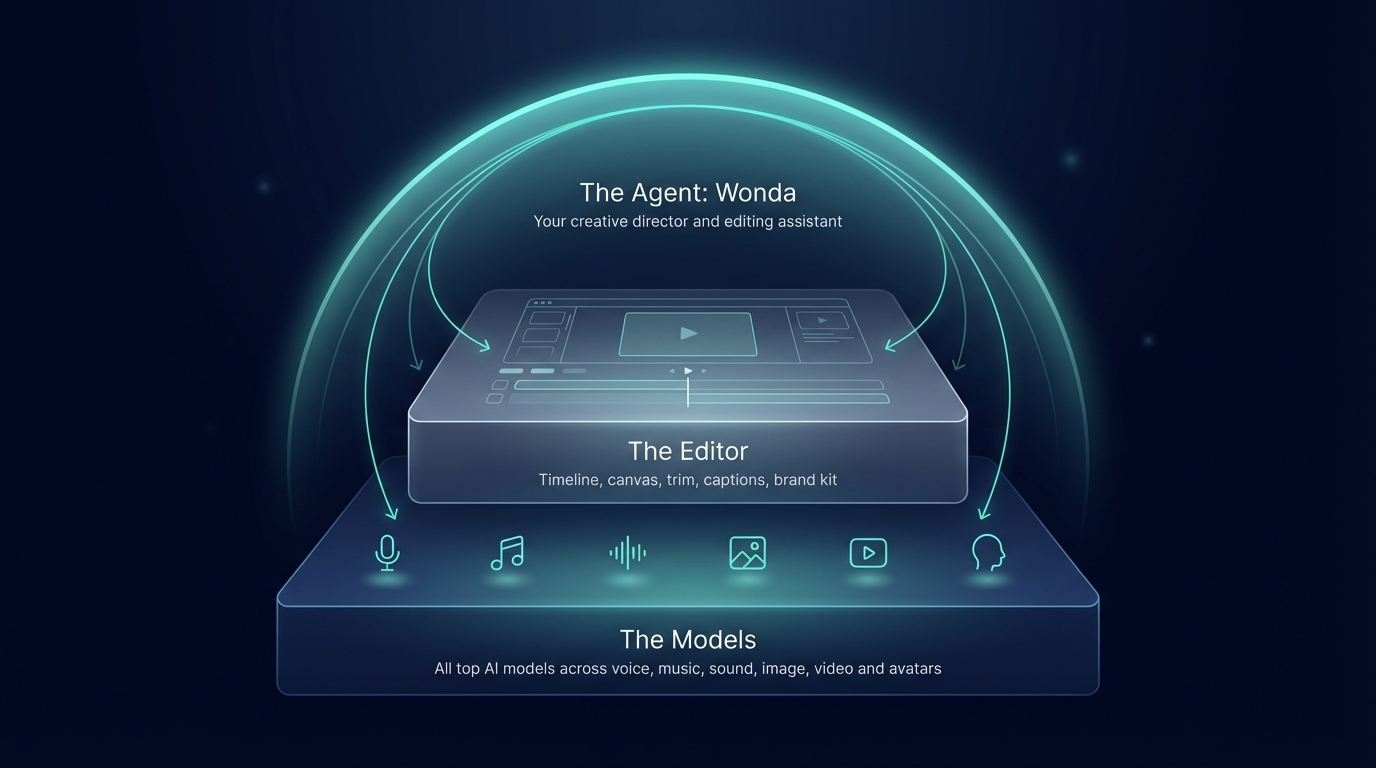
Wonda - Wondercraft's AI agent for video editing and creative direction

Krea Realtime - Krea's real-time, long-form AI video generation model

Get access to all our AI courses, hundreds of real-world AI use cases, live expert-led workshops, an exclusive network of AI early adopters, and more.
Get unlimited access to all of our current & upcoming industry-specific AI courses for the duration of your subscription.
To keep up with the rapid pace of AI, our team publishes AI implementation guides daily. Our library contains 300+ practical use cases to automate real-world work.
Join weekly, live, interactive sessions with industry leaders who are at the forefront of AI for hands-on implementation guidance and exclusive insights.
Network with an exclusive community of AI-first professionals who are working smarter with AI. Learn how early adopters are using AI in their work and businesses.