Live concept exploration
Direct a visual stream in real time and discover compositions or transitions without waiting on full clips.
Independent tool overview
Krea Realtime is Krea's interactive video-generation experience built around a 14-billion-parameter autoregressive model. It streams frames as they are created, lets users change prompts during generation, and is designed for fast exploration and live visual direction rather than one-shot final rendering.
Visit the official Krea Realtime site ↗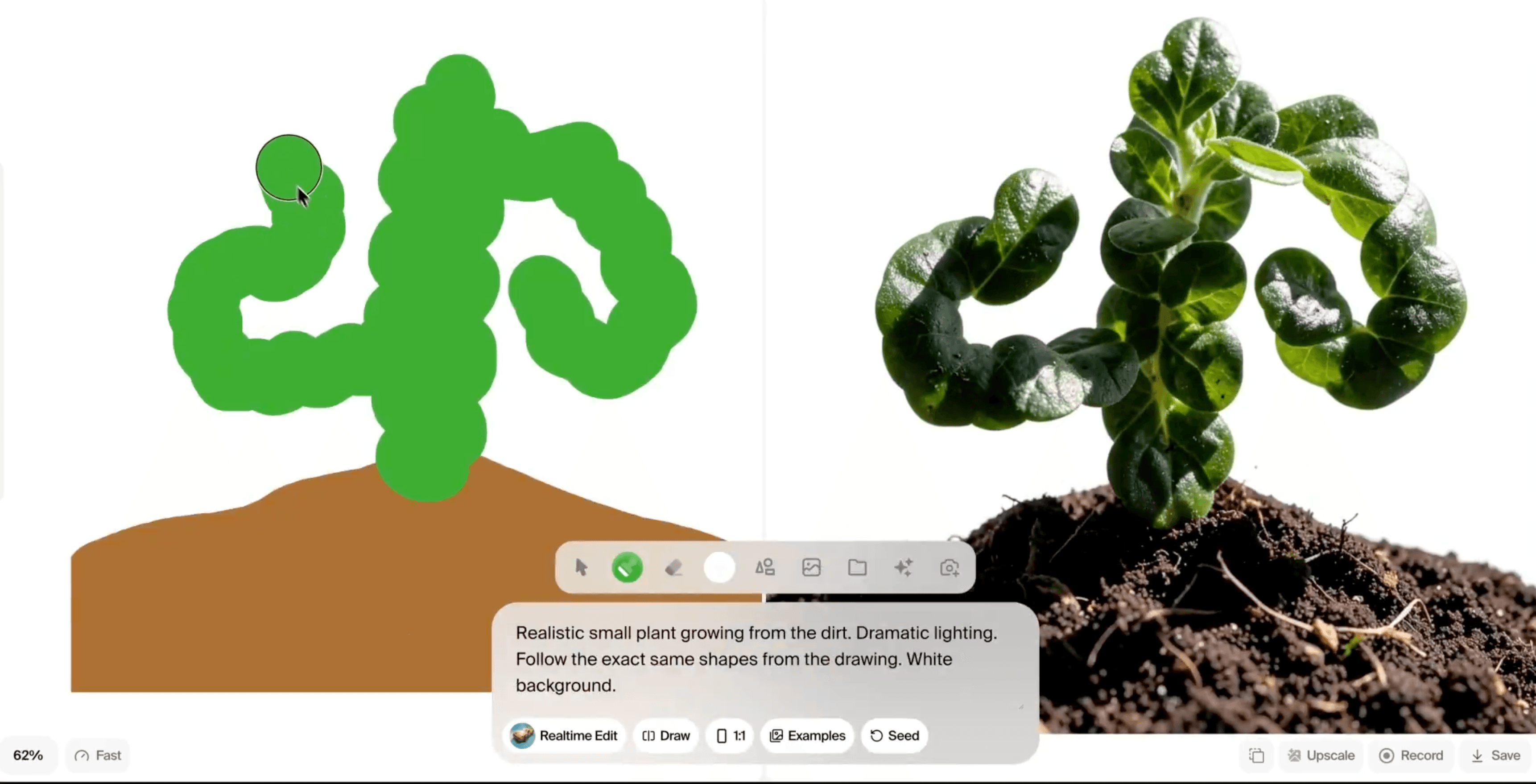
Overview
Krea Realtime changes the normal text-to-video workflow by making generation interactive. Instead of waiting for a complete clip, users can see frames arrive, redirect the prompt, and restyle or transform the stream while it is running.
The underlying Krea Realtime 14B model was distilled from Wan 2.1 14B using the Self-Forcing technique. Krea reports first frames in as little as one second and 11 frames per second on a single NVIDIA B200 using four inference steps; those are vendor test conditions, not a guarantee for every account or self-hosted GPU.
The model and the broader Krea creative suite should not be confused. The hosted Realtime experience is part of Krea's app plans, while developers can also inspect and self-host the released inference code and weights under a noncommercial, share-alike license.
Realtime responsiveness comes with tradeoffs. Krea's own research documents error accumulation, repetitive motion, mode collapse, weaker complex camera movement, and better results from long prompts that explicitly describe motion.
Use cases
The strongest fit depends on the job you need the product to complete, not the size of its feature list.
Direct a visual stream in real time and discover compositions or transitions without waiting on full clips.
Test subjects, movement, atmosphere, and visual style before committing to slower production renders.
Use the released WebSocket streaming implementation as a technical starting point for noncommercial experiments.
Capabilities
Frames arrive during generation instead of only after a complete video has rendered.
Users can change the written direction while the stream is running to guide subject, scene, or motion.
Existing video streams can be transformed and edited interactively.
The model generates successive frame blocks and uses cache-management techniques to extend beyond a short fixed clip.
The released implementation supports generation from prompts as well as transformations driven by video input.
Krea publishes model weights, offline sampling tools, and a WebSocket-based streaming server for self-hosted research and experimentation.
Process
Step 1
Describe the subject, action, camera behavior, environment, lighting, and pace; Krea says detailed motion descriptions work better than short captions.
Step 2
Use the first seconds to judge composition, identity, motion, and whether the scene is drifting.
Step 3
Change one part of the prompt at a time so the model can transition without losing all visual continuity.
Step 4
Treat promising streams as concepts, then choose a higher-control workflow when continuity, exact timing, or final-delivery quality matters.
Cost
Krea includes full access to real-time models on its Free plan. Paid app plans add more monthly compute and commercial-use rights, while the downloadable model is licensed for noncommercial use and requires substantial GPU infrastructure. Krea's separate API balance is not included in app-plan compute.
$0/month
A trial tier with daily compute and full access to Krea's real-time models.
$9/month
Entry paid plan for commercial work and broader creative-tool access.
$35/month
Higher-compute plan with the complete hosted video model catalog and workflow tools.
$105/month
High-usage individual plan with expanded concurrency and relaxed generations.
$200/month
Shared workspace for growing teams.
$0 license fee for eligible noncommercial use
Inference code and weights are available under CC BY-NC-SA 4.0, with hardware and operations paid separately.
Pricing checked . Check current pricing at the source ↗
Assessment
Compare
The right alternative depends on the specific output, workflow, controls and budget your project requires.
Content Creator
Use the main Krea page when you need the full creative suite rather than a model-specific realtime overview.
Explore Krea →Content Creator
Consider Runway Gen-4.5 when final cinematic clip quality and production controls matter more than live prompt steering.
Explore Runway Gen-4.5 →Content Creator
Consider Hailuo AI for a more conventional short-form text-to-video and image-to-video workflow.
Explore Hailuo AI →Questions
Krea Realtime is an interactive AI video experience powered by Krea Realtime 14B. It streams generated frames, allows prompt changes during generation, and supports realtime restyling and video transformation.
Yes. Krea's Free plan lists full access to real-time models with 100 compute units per day. Paid plans provide more compute and, beginning with Basic, commercial-use rights.
Yes for uses allowed by its license. Krea publishes weights and inference code under CC BY-NC-SA 4.0, recommends an NVIDIA GPU with at least 40GB of VRAM, and notes roughly 30GB of checkpoint storage.
Not under the repository's published CC BY-NC-SA 4.0 license, which is noncommercial. Businesses should use Krea's commercial hosted plans or obtain separate permission rather than assume the downloadable model grants commercial rights.
Krea's own technical report identifies error accumulation, repetitive motion, mode collapse, weaker complex camera motion, and poorer results from short prompts. Long detailed prompts with explicit motion generally work better.
Bottom line
Krea Realtime is one of the more distinctive AI video ideation tools because the user can direct the result while it is being generated. It is best used for fast visual exploration, live creative experiments, and motion studies; teams producing final client work should still plan for continuity review, higher-control generation, editing, and rights checks.
Visit Krea Realtime website ↗
Kling 3.0 - Kling's new AI video model with upgraded consistency, realism 15 second clips, native audio, and more
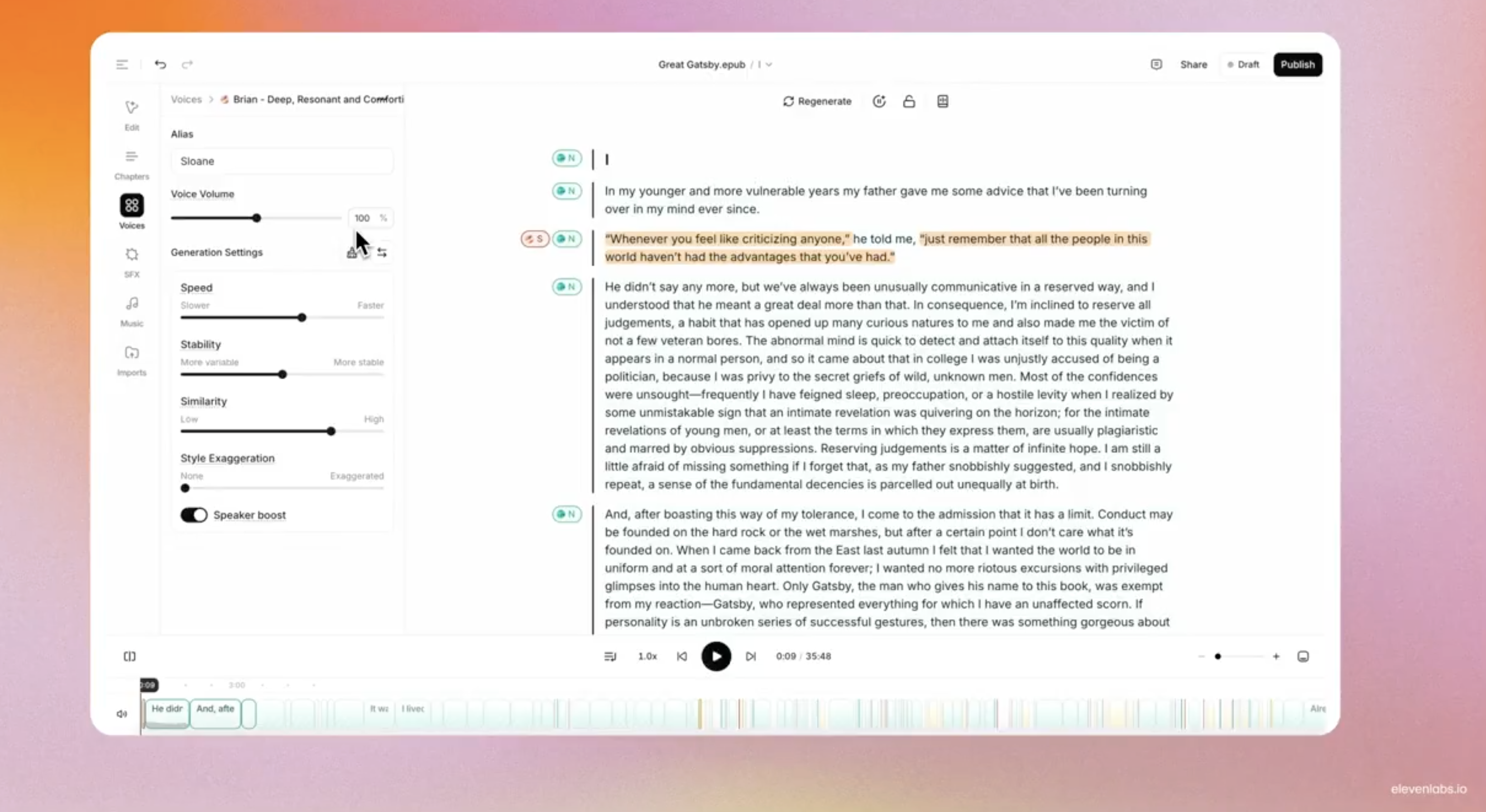
Audiobooks - ElevenLab's full production suite powered by AI-generated narration for authors to streamline audiobook creation and distribution.

Ace-Step-1.5 - Powerful open-source AI music generation model that creates songs in under two seconds.

Replit Animation - Create professional animated videos from text prompts with Replit's Agent

Get access to all our AI courses, hundreds of real-world AI use cases, live expert-led workshops, an exclusive network of AI early adopters, and more.
Get unlimited access to all of our current & upcoming industry-specific AI courses for the duration of your subscription.
To keep up with the rapid pace of AI, our team publishes AI implementation guides daily. Our library contains 300+ practical use cases to automate real-world work.
Join weekly, live, interactive sessions with industry leaders who are at the forefront of AI for hands-on implementation guidance and exclusive insights.
Network with an exclusive community of AI-first professionals who are working smarter with AI. Learn how early adopters are using AI in their work and businesses.