High-volume video applications
The per-second API price suits products that generate many short clips and can tolerate a cost-optimized model.
Independent tool overview
Veo 3.1 Lite is Google's lowest-cost Veo video model for high-volume text-to-video and image-to-video generation with native audio. It runs in Google Flow and the paid Gemini API, but its capabilities differ by surface and it does not support 4K output.
Visit the official Veo 3.1 Lite site ↗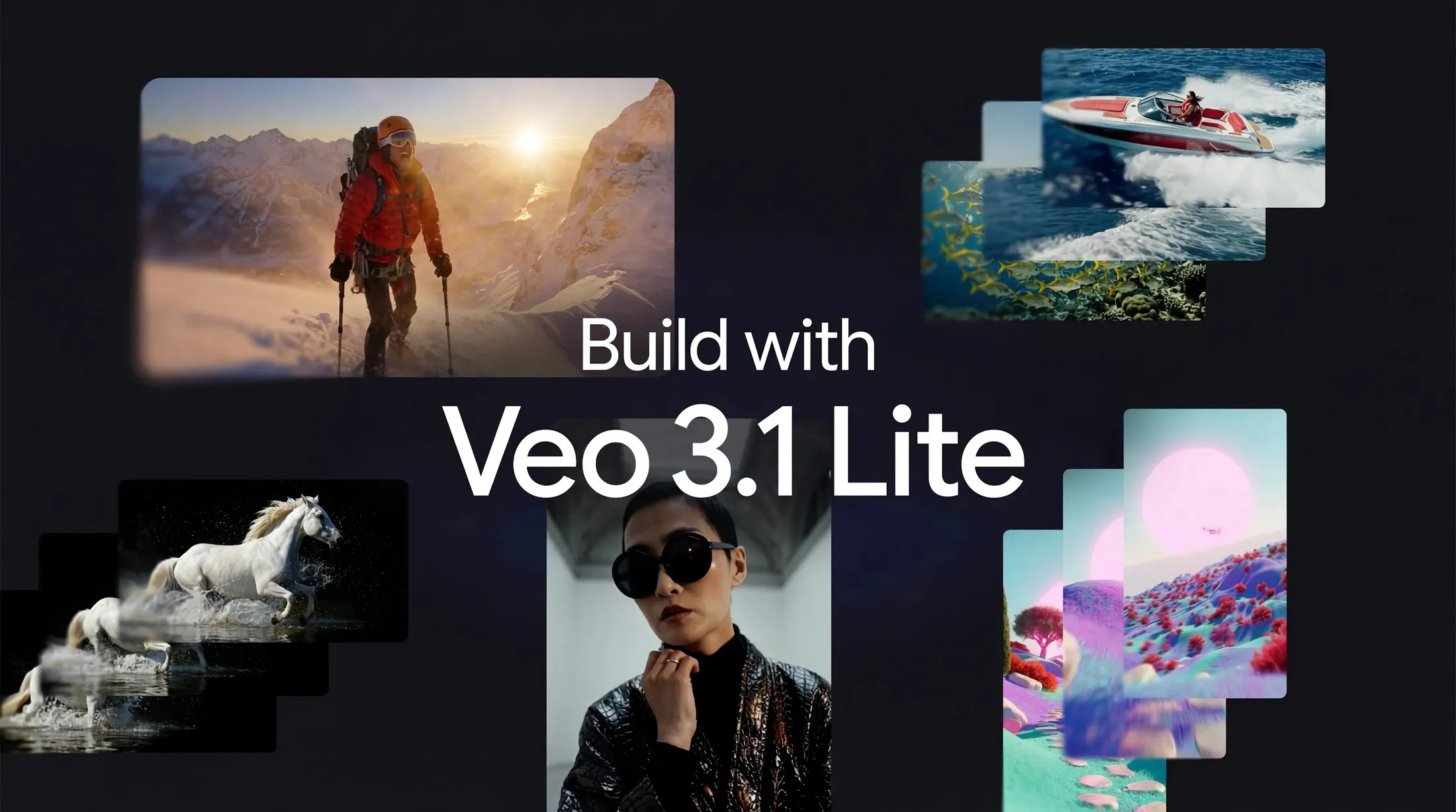
Overview
Veo 3.1 Lite is the cost-optimized member of Google's Veo 3.1 video family. It is designed for developers and creators who need many short clips more than the highest available fidelity. The model generates four-, six-, or eight-second landscape or portrait videos with native audio at 24 frames per second.
In the Gemini API, Lite accepts text or an initial image and supports first-and-last-frame interpolation. It outputs 720p at $0.05 per second or 1080p at $0.08 per second; 1080p requires an eight-second generation. The API model is still labeled Preview, has no free API tier, and does not support 4K, video input, extension, or the separate reference-images parameter.
Google Flow exposes a different feature set. Its current help page lists text-to-video, first-frame and first-plus-last-frame generation, eight-second Ingredients or References, and extension of eligible eight-second Veo 3.1 clips. Flow also says Veo 3.1 Lite does not support video-to-video editing. Teams should therefore document the exact surface they use instead of assuming a feature shown in Flow exists in the Gemini API.
Lite is attractive for ad variants, social concepts, storyboards, game assets, and video-enabled applications where cost controls matter. It still has the normal failure modes of generative video: inconsistent identity and objects, broken physics, weak text, incoherent speech, missed prompt details, safety blocks, and expensive iteration at scale. Every clip needs visual, audio, rights, and disclosure review.
Use cases
The strongest fit depends on the job you need the product to complete, not the size of its feature list.
The per-second API price suits products that generate many short clips and can tolerate a cost-optimized model.
Teams can test multiple hooks, scenes, product contexts, orientations, and audio treatments before producing a final asset.
Native 9:16 output and four-, six-, or eight-second durations fit short vertical concepts and motion tests.
Text, a starting frame, or first-and-last frames can establish a shot's composition, motion, and transition before filming.
Google Flow currently uses Lite for extending eligible eight-second Veo 3.1 generations, even though API extension is not supported.
Capabilities
A written prompt can define subject, action, setting, camera, lighting, visual style, dialogue, effects, and ambient sound.
An initial image anchors the first frame and visual identity while the prompt describes the movement and audio.
Two supplied images can constrain the opening and closing composition of a generated transition.
The Gemini API version generates video and audio together, including prompted dialogue, sound effects, and ambience.
Developers can choose four, six, or eight seconds and pay according to the generated duration.
Both 16:9 and 9:16 aspect ratios are supported for horizontal and vertical delivery.
The default resolution is available across the supported four-, six-, and eight-second lengths.
Full-HD generation is available for eight-second clips at a higher per-second API price.
Google Flow supports image ingredients or references with Lite for eight-second video generations.
Flow can use Lite to extend eligible eight-second Veo 3.1 Lite, Fast, or Quality clips.
The Gemini API provides an asynchronous generation workflow for building video into products, pipelines, and batch jobs.
Google embeds SynthID in Veo-generated video so supported verification tools can identify Google AI-generated content.
Process
Step 1
Use Flow for a visual filmmaking workspace and its current ingredients or extension features; use the API for programmatic 720p and 1080p generation.
Step 2
Estimate the number of variants, duration, resolution, retries, and successful outputs before launching a batch.
Step 3
Describe one subject, one primary action, one setting, and one camera idea that can plausibly fit within four to eight seconds.
Step 4
Separate the shot, camera, light, style, dialogue, effects, and ambience so each requirement is explicit.
Step 5
Anchor product appearance, composition, color, or character design with an owned or licensed image instead of relying entirely on text.
Step 6
Test motion, prompt adherence, and audio at the lower API rate before paying for an eight-second 1080p result.
Step 7
Adjust only the subject, action, camera, reference, or audio instruction so the effect of each change is understandable.
Step 8
Check identity, anatomy, objects, physics, logos, text, continuity, lip sync, pronunciation, background audio, and unexpected content.
Step 9
Keep the prompt, model ID, settings, source rights, review record, and AI disclosure with the exported asset.
Cost
The paid Gemini API charges $0.05 per generated second for 720p Veo 3.1 Lite and $0.08 per second for 1080p; 4K is unsupported. In Google Flow, a Lite generation costs 10 credits for non-Ultra users and 5 for Ultra users. Non-subscribers currently receive 50 free Flow credits per day, while paid Google AI plans include monthly credit pools that do not roll over.
$0.05 per second
The lowest-cost programmatic Veo 3.1 option with native audio.
$0.08 per second
Full-HD output for finalized Lite generations.
50 credits per day
A no-subscription allowance for trying Veo models in Flow.
200-25,000 credits per month
Monthly Flow allowances vary by Google AI Plus, Pro, and Ultra level.
$0.10-$0.60 per second
Veo 3.1 Fast and Standard trade higher cost for additional resolution or model capability.
Pricing checked . Check current pricing at the source ↗
Assessment
Compare
The right alternative depends on the specific output, workflow, controls and budget your project requires.
Content Creator
Google's higher-capability sibling for teams that need the broader Veo 3.1 feature set or 4K output and can accept higher cost.
Explore Veo 3.1 →Content Creator
OpenAI's video model is an alternative for creators comparing prompt-driven audiovisual generation outside Google's ecosystem.
Explore Sora 2 →Content Creator
Runway's cinematic video model is an alternative for teams that value a dedicated creative-production platform and its surrounding controls.
Explore Runway Gen-4.5 →Questions
Veo 3.1 Lite is Google's cost-optimized Veo video model for high-volume short video generation with native audio in Flow and the paid Gemini API.
The Gemini API costs $0.05 per generated second at 720p and $0.08 at 1080p. Flow charges 10 credits per Lite generation for non-Ultra users and 5 for Ultra users.
The Gemini API has no free tier for Lite. Google Flow currently gives eligible non-subscribers 50 free credits per day, and a Lite generation costs 10 credits.
Lite generates four-, six-, or eight-second clips. In Flow, eligible eight-second Veo 3.1 clips can currently be extended using Lite.
Yes. Native audio is always on in the Gemini API and can include prompted dialogue, sound effects, and ambience.
Yes, but the Gemini API documentation limits 1080p Lite output to an eight-second duration. It costs $0.08 per generated second.
No. Use a higher Veo tier or a supported Flow upscaling workflow when 4K is required.
Yes. The Gemini API supports an initial image and first-plus-last-frame generation. Flow also supports frame-based and eight-second ingredient workflows.
No general video-to-video editing is supported. Flow can extend eligible eight-second Veo 3.1 clips with Lite, but the Gemini API does not expose Lite video extension.
They are separate product surfaces with different integrations and release paths. Always check the current Flow help or Gemini API table for the exact workflow being built.
Google says videos generated by Veo include the imperceptible SynthID watermark and can be checked with supported SynthID verification tools.
It can be cost-effective for high-volume workflows, but the API is still Preview. Production teams need retry budgets, output review, rights controls, monitoring, and a fallback for safety or audio failures.
Bottom line
Veo 3.1 Lite is compelling when video volume and unit economics matter: a 720p eight-second API clip costs $0.40 with native audio, and Flow makes experimentation cheaper still. It is not simply Veo 3.1 at a lower price. The missing 4K, Preview status, surface-specific capabilities, and likely retry burden mean teams should benchmark accepted-output cost on their own prompts before choosing it over Fast or Standard.
Visit Veo 3.1 Lite website ↗
Phota Studio - Phota's personalized photo editing and generation model that preserves your identity across edits

VOID - Neflix's open-source AI video editing model that erases objects while rewriting the physics associated with them

LTX-2.3 - Lightricks' open-source video engine upgrade with sharper detail, native vertical, and cleaner audio

MAI Image 2 - Microsoft AI's image model with upgraded photorealism and creativity

Get access to all our AI courses, hundreds of real-world AI use cases, live expert-led workshops, an exclusive network of AI early adopters, and more.
Get unlimited access to all of our current & upcoming industry-specific AI courses for the duration of your subscription.
To keep up with the rapid pace of AI, our team publishes AI implementation guides daily. Our library contains 300+ practical use cases to automate real-world work.
Join weekly, live, interactive sessions with industry leaders who are at the forefront of AI for hands-on implementation guidance and exclusive insights.
Network with an exclusive community of AI-first professionals who are working smarter with AI. Learn how early adopters are using AI in their work and businesses.