Photorealistic creative
Generate portraits, environments, cinematic scenes, and commercial imagery with attention to lighting, skin tone, material, and texture.
Independent tool overview
MAI-Image-2 was Microsoft's first MAI image model to combine strong photorealism, commercial-design quality, and reliable in-image text with broad Copilot and Foundry distribution. It remains an available text-to-image API, but it is no longer the newest model in the family: MAI-Image-2.5 adds image editing and stronger quality, while MAI-Image-2.6 is the newest preview model as of this review.
Visit the official MAI-Image-2 site ↗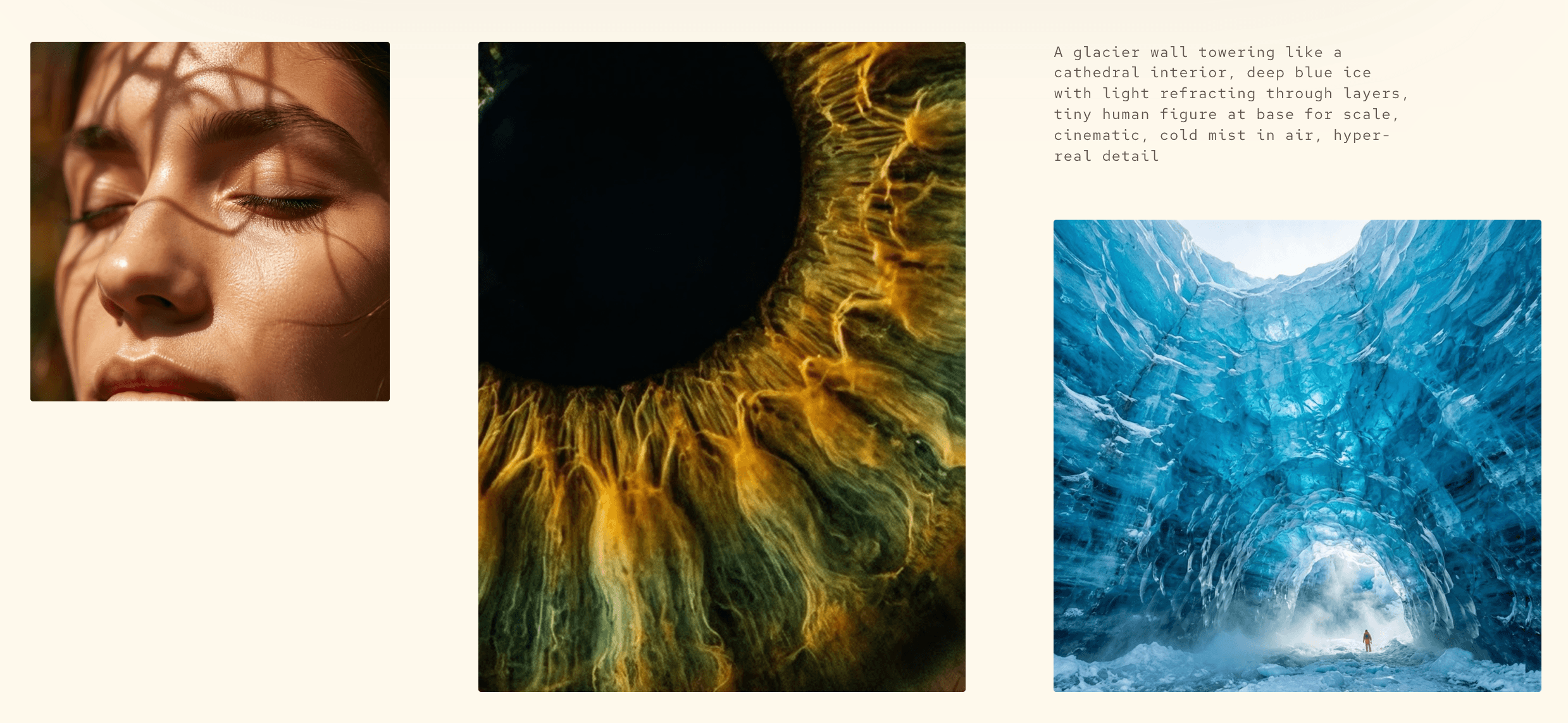
Overview
Microsoft launched MAI-Image-2 in March 2026 as a general-purpose, diffusion-based text-to-image model built for photorealistic scenes, portraits, product imagery, marketing assets, posters, diagrams, slides, and other designs where composition and embedded text matter. The model was trained with input from photographers, designers, and visual storytellers, and Microsoft emphasized natural lighting, skin tones, lived-in environments, and detailed creative direction.
For developers, MAI-Image-2 is available through Microsoft Foundry as a managed text-to-image endpoint. It accepts English text prompts with up to 32,000 tokens and returns one PNG. Both dimensions must be at least 768 pixels and the total image area cannot exceed 1,048,576 pixels, equivalent to 1024×1024; a portrait size such as 768×1365 is valid because the limit applies to total pixels.
The family has moved quickly. MAI-Image-2-Efficient reduced output-token cost and increased throughput for scale. MAI-Image-2.5 and its Flash variant added image-to-image editing, localized changes, identity consistency, and higher quality. MAI-Image-2.6 is now available in the MAI Playground and in private preview on Foundry. New projects should compare the family members rather than choosing MAI-Image-2 solely from its launch ranking.
Use cases
The strongest fit depends on the job you need the product to complete, not the size of its feature list.
Generate portraits, environments, cinematic scenes, and commercial imagery with attention to lighting, skin tone, material, and texture.
Create product concepts, campaign images, visual layouts, and brand-adjacent compositions through the Foundry API or Microsoft product integrations.
Produce posters, diagrams, slide graphics, labels, and other compositions where readable text is part of the image.
Use a managed Azure endpoint, Microsoft identity or API-key authentication, regional deployment options, and Foundry governance controls.
Capabilities
MAI-Image-2 was tuned for natural light, accurate skin tones, realistic textures, and environments that feel physically grounded.
The model improved Microsoft's ability to render poster typography, signs, labels, diagrams, infographics, and slide-oriented text from a prompt.
Long prompts can specify subjects, environment, composition, lighting, style, color, mood, and typography within a 32,000-token context window.
Developers set width and height with a 768-pixel minimum for each dimension and a 1,048,576 total-pixel ceiling.
A managed endpoint accepts a deployment name, prompt, width, and height, authenticating through Microsoft Entra ID or an API key and returning one PNG.
MAI-Image-2-Efficient lowers output cost; 2.5 and 2.5 Flash add editing; 2.6 is the newest higher-quality model but remains a private preview on Foundry.
Process
Step 1
Use MAI-Image-2 for an established text-to-image endpoint, Efficient for lower-cost scale, 2.5 for production editing, or evaluate 2.6 only under preview-appropriate risk controls.
Step 2
Specify subject, environment, composition, camera or illustration style, lighting, materials, palette, aspect ratio, and exact required text.
Step 3
Change one instruction at a time, log the prompt and model version, and compare quality, latency, safety filtering, and cost across representative samples.
Step 4
Inspect typography, anatomy, identity, trademarks, product details, cultural cues, and factual visual claims; use human design review for sensitive or brand-critical work.
Cost
MAI-Image-2 has usage-based Microsoft Foundry pricing rather than a standalone subscription: $5 per million text input tokens and $33 per million image output tokens. MAI-Image-2-Efficient keeps the same text-input rate and lowers image output to $19.50 per million tokens. Newer 2.5 models have separate generation and editing rates. Consumer access through Copilot, Bing, PowerPoint, or the Playground follows those products' own availability and plan rules.
$5/M text input + $33/M image output tokens
The established high-quality text-to-image model available through Microsoft Foundry.
$5/M text input + $19.50/M image output tokens
A faster, lower-cost production variant for volume-oriented generation.
$5/M text input + $8/M image input + $47/M image output tokens
A newer high-fidelity model for text-to-image and precise image editing.
$1.75/M text input + $1.75/M image input + $19.50/M image output tokens
The lower-cost, faster 2.5 variant for scalable generation and editing.
Private preview
The newest higher-quality family member, currently available in Playground and Foundry private preview.
Pricing checked . Check current pricing at the source ↗
Assessment
Compare
The right alternative depends on the specific output, workflow, controls and budget your project requires.
Design
A focused image-generation product known for typography, graphic design, prompt-driven creation, and an accessible creative interface.
Explore Ideogram →Design
A Google ecosystem alternative for high-quality text-to-image generation through Gemini API and Google AI Studio.
Explore Imagen 4 →Design
A stronger fit when generated assets must flow directly into Adobe's editing, design, brand, and enterprise creative workflows.
Explore Adobe Firefly →Questions
MAI-Image-2 is Microsoft's English text-to-image model for photorealistic, product, marketing, brand, poster, diagram, and other creative generation. It is available as a managed Microsoft Foundry API and has also powered Microsoft product experiences.
No. MAI-Image-2.5 and 2.5 Flash added higher quality and image editing in June 2026. MAI-Image-2.6 became available in the MAI Playground and Foundry private preview in August 2026.
Microsoft lists MAI-Image-2 at $5 per million text input tokens and $33 per million image output tokens. Actual cost per image depends on the generated output tokens and any surrounding Azure usage.
The API requires both width and height to be at least 768 pixels and caps total area at 1,048,576 pixels. That equals 1024×1024, but non-square sizes such as 768×1365 can fit within the same total-pixel limit.
The original MAI-Image-2 Foundry model is text-to-image only. Use MAI-Image-2.5 or 2.5 Flash when the workflow needs a JPEG or PNG input and localized image editing.
Microsoft offers the limited-preview MAI Playground in supported markets. Developers can deploy available family members through Microsoft Foundry, while Microsoft products such as Copilot, Bing, PowerPoint, and OneDrive may expose selected models under their own plan and rollout rules.
It includes data, prompt, output, and product-level safety mitigations, but every output still needs brand, legal, factual, and visual review. Microsoft notes risks involving unexpected content, public figures, protected material, and other common image-generation failures.
Bottom line
MAI-Image-2 remains a capable and clearly documented Microsoft Foundry option for English text-to-image workloads, particularly photorealistic and commercial creative. Its historical importance is real, but the current buying decision belongs at the family level. Choose 2-Efficient for cost, 2.5 or 2.5 Flash for editing and newer quality, and treat 2.6 as a preview until Microsoft makes its production terms and availability clear.
Visit MAI-Image-2 website ↗
VOID - Neflix's open-source AI video editing model that erases objects while rewriting the physics associated with them

Avatar V - HeyGen's new AI avatar model that generates studio-quality, hyperrealistic videos from a 15-second clip
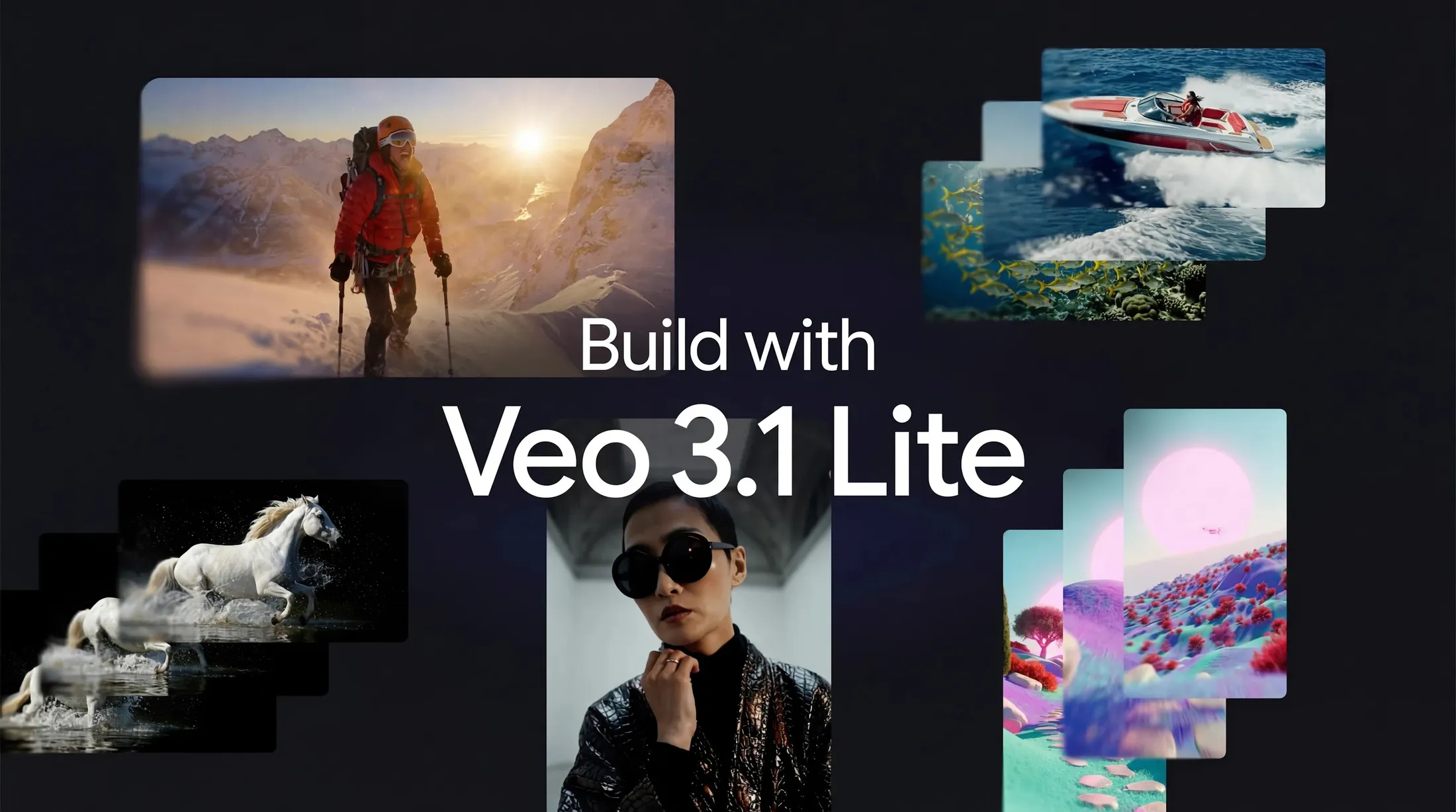
Veo 3.1 Lite - Google's new budget-friendly video generation mode
HeyGen CLI - Agent-first tool for generating and shipping videos from the terminal

Get access to all our AI courses, hundreds of real-world AI use cases, live expert-led workshops, an exclusive network of AI early adopters, and more.
Get unlimited access to all of our current & upcoming industry-specific AI courses for the duration of your subscription.
To keep up with the rapid pace of AI, our team publishes AI implementation guides daily. Our library contains 300+ practical use cases to automate real-world work.
Join weekly, live, interactive sessions with industry leaders who are at the forefront of AI for hands-on implementation guidance and exclusive insights.
Network with an exclusive community of AI-first professionals who are working smarter with AI. Learn how early adopters are using AI in their work and businesses.