Recurring operations
Schedule repeatable jobs that gather information, update systems and report exceptions without keeping a laptop open.
Independent tool overview
Unify is an AI-worker platform for delegating cross-app business tasks to persistent assistants that can communicate, run tools, remember context and work on schedules.
Visit the official Unify site ↗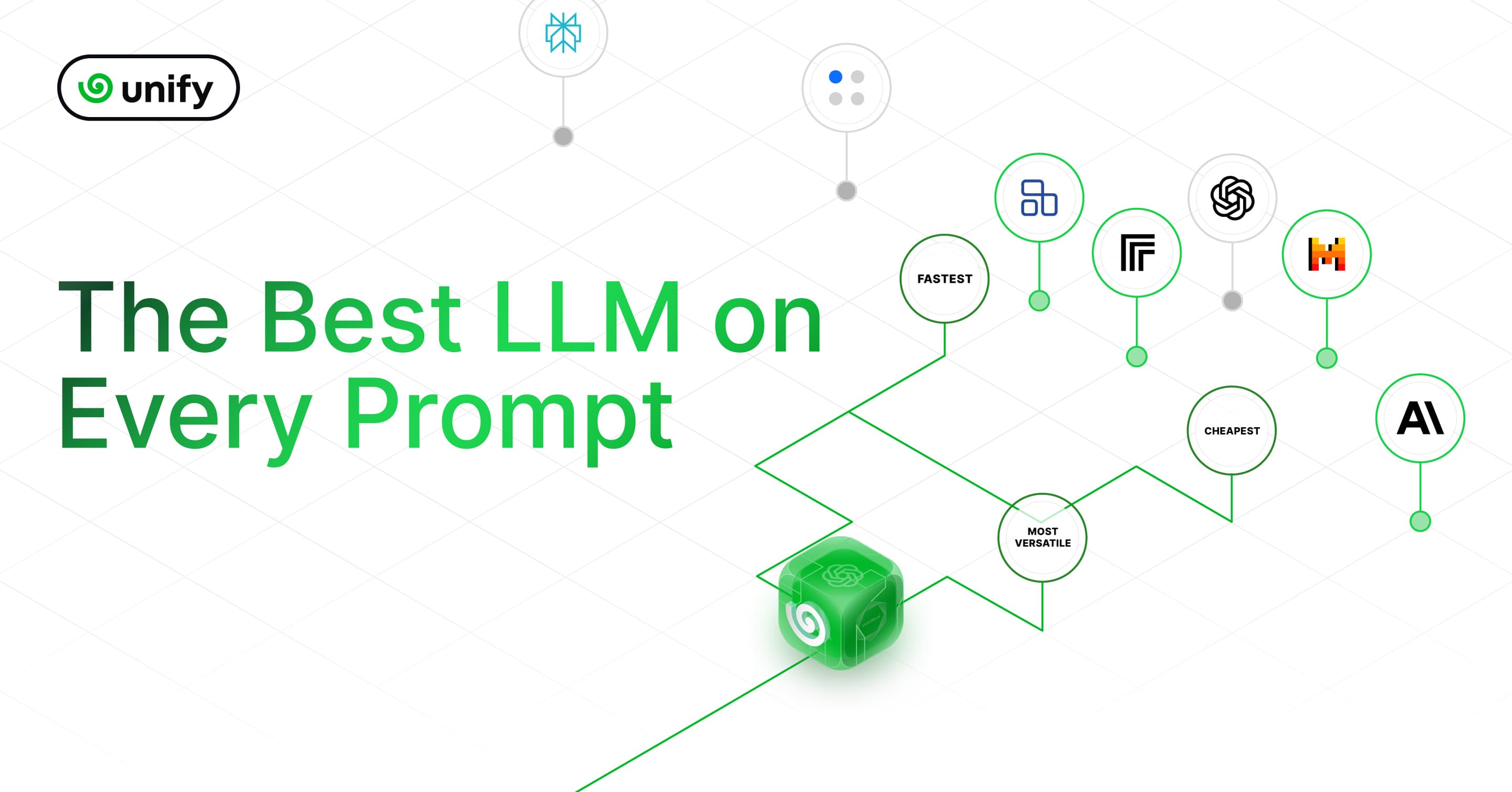
Overview
Unify has evolved substantially from the LLM-routing platform described in this directory's original 2024 listing. Its current product centers on persistent AI assistants, called droids, that work through Slack, Teams, email, SMS, phone and meetings while using connected business applications to complete tasks. The company positions the product as an execution layer around frontier models from providers including Anthropic, OpenAI and Google.
The main appeal is continuity: a team can give a droid a role, connect authorized accounts, teach it a process and schedule recurring work. This is a more ambitious and higher-risk use case than a chatbot, so buyers should test approval controls, permissions, auditability, error recovery and data residency against their own requirements before allowing autonomous actions in production.
Use cases
The strongest fit depends on the job you need the product to complete, not the size of its feature list.
Schedule repeatable jobs that gather information, update systems and report exceptions without keeping a laptop open.
Move work among email, CRM, project management, documents and internal tools under a shared process.
Handle phone, SMS, email or meeting workflows where an assistant must communicate and then take action.
Triage issues, investigate supporting context and open pull requests or tickets with human approval.
Share a workspace credit pool across a group rather than buying a separate subscription for every user.
Capabilities
Creates long-lived assistants with a role, memory and reusable knowledge across separate runs.
Droids can operate through in-app chat, email, Slack, Teams, SMS, WhatsApp and phone-oriented workflows.
The product advertises live calls, phone numbers and participation in Zoom, Meet and Teams calls.
Uses managed integrations plus API and browser-based routes to reach a broad catalog of business software.
Runs tasks on a recurring schedule or in response to events such as incoming email or a webhook.
Carries structured context about people, decisions and prior work across runs and channels.
Can pause sensitive side effects, such as sending mail or pushing code, for human approval.
Unify says credentials are stored in a vault and injected during tool execution rather than exposed to the model.
Provides a REST API for sending messages to an assistant and polling asynchronous results.
Process
Step 1
Start with a measurable workflow that has clear inputs, outputs, owners and failure conditions.
Step 2
Define its role, expected deliverable, escalation rules and the decisions it must leave to people.
Step 3
Authorize only the accounts, apps and scopes needed for the job rather than granting broad workspace access.
Step 4
Walk through representative cases, including missing data, conflicting instructions and unavailable systems.
Step 5
Require approval for outbound messages, code changes, payments, record deletion and other consequential actions.
Step 6
Track completion accuracy, interventions, cost per completed task and recovery from partial failures before expanding scope.
Cost
Unify uses shared workspace credits rather than per-seat pricing. The public configurator showed a Team example at $75 per month for 30,000 credits, with free starter credits and custom Enterprise terms. Credit consumption varies materially by task complexity.
$0 to start
Starter credits are available on signup without a card and expire after the introductory period.
From $75/month shown
Shared workspace credits with every standard feature and no per-seat charge.
Custom
Contracted plan for higher-volume or regulated deployments.
Pricing checked . The previously reviewed pricing source is no longer available.
Assessment
Compare
The right alternative depends on the specific output, workflow, controls and budget your project requires.
Business Operations
A close alternative for building AI employees that handle communication and multi-step business work.
Explore Lindy →Business Operations
Better for teams that prefer a visual, no-code canvas for explicit AI automation flows.
Explore Gumloop →Agents
Builds agents on top of Zapier's established app-automation ecosystem.
Explore Zapier Agents →Agents
A general autonomous-agent option for delegating research and computer-based tasks.
Explore Manus →Questions
Unify now offers persistent AI assistants, called droids, that communicate through team channels, use connected applications, remember prior work and run scheduled or triggered tasks.
Its original 2024 positioning emphasized routing prompts across models and providers. The current official site focuses on AI workers and cross-app execution, although routing among frontier models remains part of the underlying platform.
Unify offers free starter credits and workspace-based paid credits with no per-seat fee. On August 30, 2026, the public configurator showed a Team example of 30,000 credits for $75 per month; Enterprise pricing is custom.
Unify advertises managed connections across common business apps, plus direct API calls and browser use for systems without a supported connector. Depth and permissions vary, so validate each required integration.
It can run scheduled and event-triggered tasks, but consequential workflows should use approvals, exception reporting and independent checks before being trusted unattended.
Unify states that customer conversations, files and integration data are not used to train shared models and that model providers operate under no-training terms for its traffic. Confirm contractual terms for your deployment.
The public security page says a SOC 2 Type I attestation is in place and a Type II audit is in progress. It also lists ISO 27001 as in progress.
Unify's public materials are currently inconsistent on this point: one page says EU by default, while its sub-processor update says the hosted data plane consolidated to Google Cloud us-central1 in July 2026. Obtain the intended region in writing before purchase.
Bottom line
Unify is most compelling for teams that want an AI worker to carry a job across communication channels and business systems, not merely generate an answer. Its combination of memory, schedules, integrations and approval gates is useful, but the product should earn autonomy through a narrow proof of concept with measured accuracy, cost and failure recovery.
Visit Unify website ↗
Get access to all our AI courses, hundreds of real-world AI use cases, live expert-led workshops, an exclusive network of AI early adopters, and more.
Get unlimited access to all of our current & upcoming industry-specific AI courses for the duration of your subscription.
To keep up with the rapid pace of AI, our team publishes AI implementation guides daily. Our library contains 300+ practical use cases to automate real-world work.
Join weekly, live, interactive sessions with industry leaders who are at the forefront of AI for hands-on implementation guidance and exclusive insights.
Network with an exclusive community of AI-first professionals who are working smarter with AI. Learn how early adopters are using AI in their work and businesses.