Local AI image creators
Users who want their models and generations on their own hardware instead of relying only on a hosted service.
Independent tool overview
Stability Matrix is a free desktop package manager and inference interface for installing, updating and organizing multiple local Stable Diffusion tools and shared model files.
Visit the official Stability Matrix site ↗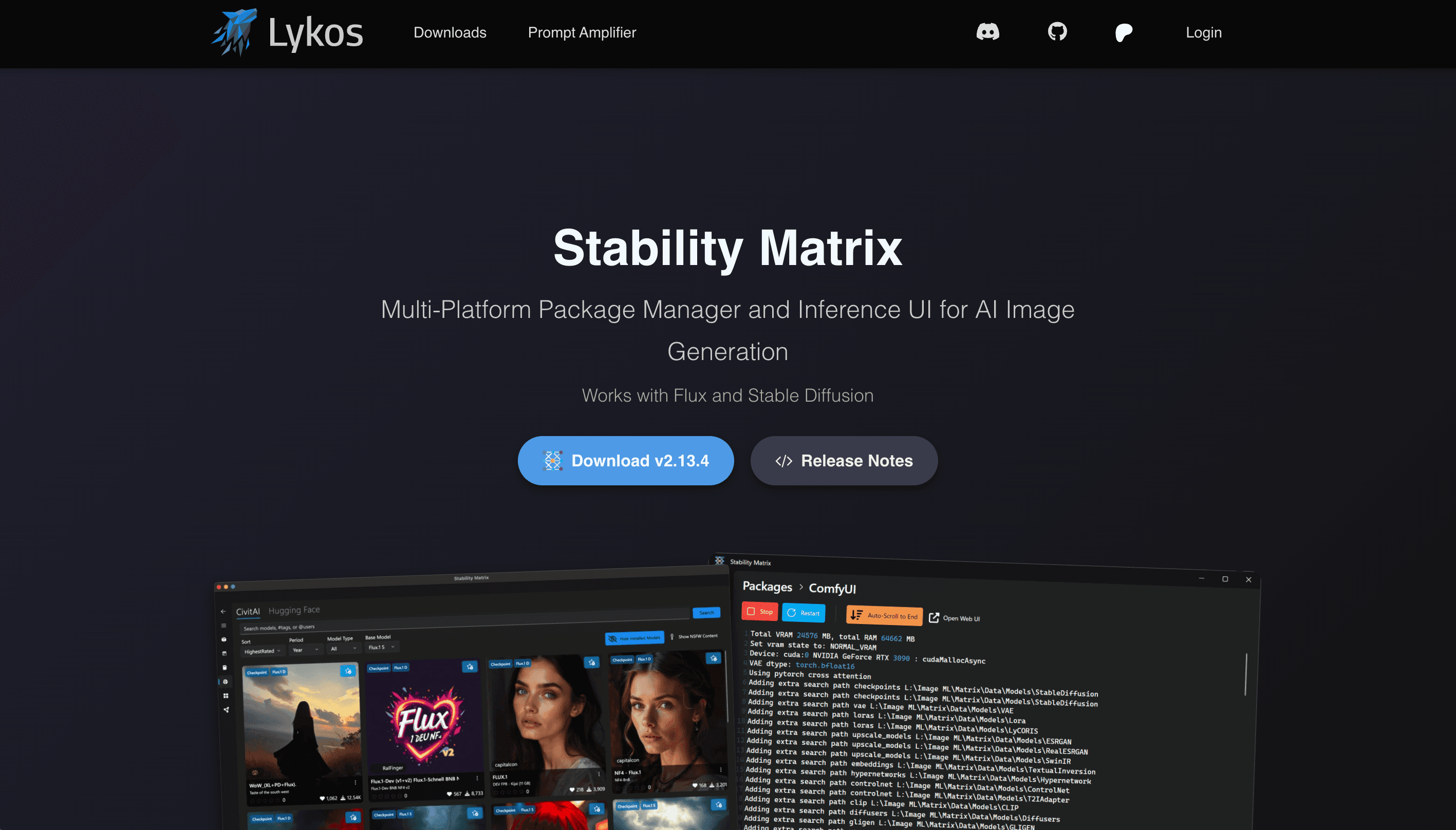
Overview
Stability Matrix gives local generative-image users one place to install and launch packages such as ComfyUI, Automatic1111 variants, SD.Next, Fooocus, InvokeAI and training utilities. It bundles the supporting Python and Git dependencies, keeps package environments separate and can share checkpoints across installations to reduce duplicate model storage.
It also includes its own tabbed Inference interface, a model browser for CivitAI and Hugging Face, checkpoint metadata tools, a gallery and portable data-directory support. The tradeoff is that this remains a local technical stack: users need suitable hardware, large amounts of storage and enough troubleshooting skill to manage drivers, packages, custom extensions and model licenses safely.
Use cases
The strongest fit depends on the job you need the product to complete, not the size of its feature list.
Users who want their models and generations on their own hardware instead of relying only on a hosted service.
People comparing or maintaining ComfyUI, WebUI variants, Fooocus, InvokeAI and related packages.
Advanced users avoiding duplicate checkpoint files across several local generation applications.
Capabilities
Installs, updates, launches and removes a long list of supported local image-generation interfaces and training tools.
Bundles Python and Git and manages package-specific environments rather than requiring a single global setup.
Lets compatible packages reuse the same model files and associated metadata.
Finds and imports models from CivitAI or Hugging Face, including previews and model-type placement.
Provides tabbed projects, syntax-aware prompting, reusable layouts, gallery state loading and generation metadata.
Keeps application data alongside the program so a setup can be moved to another drive or compatible computer.
Process
Step 1
Check the operating-system build, GPU backend, available VRAM, disk space and model requirements before downloading packages.
Step 2
Download only from the Lykos site or verified GitHub releases, then choose the recommended stable channel and hardware backend.
Step 3
Install a single interface, generate a test image and confirm the model directory before expanding the setup.
Step 4
Save project files and configuration, and review custom extensions or models before executing third-party code.
Cost
Stability Matrix's stable desktop application and source code are free. Lykos offers optional paid memberships that support development and unlock perks such as Preview or Dev update channels, early features and expanded hosted-feature allowances; membership prices are shown on the Lykos checkout.
Free
The core local package manager, model tools and Inference interface.
Optional paid support
Membership that funds development and adds supporter benefits.
Pricing checked . Check current pricing at the source ↗
Assessment
Compare
The right alternative depends on the specific output, workflow, controls and budget your project requires.
Coding
Choose Pinokio for a broader local application launcher that is not limited to image-generation packages.
Explore Pinokio →Content Creator
Choose Krea AI for a hosted creative interface when local package, driver and model management are unwanted.
Explore Krea →Content Creator
Choose ChatGPT Images for browser-based generation and editing when ease of access matters more than controlling a local stack.
Explore ChatGPT Images →Questions
Stability Matrix is a cross-platform desktop package manager and inference interface for installing, updating and organizing local Stable Diffusion applications and models.
Yes. The stable application and its source code are free. Optional Lykos memberships support development and add benefits such as Preview and Dev update channels.
The official project lists ComfyUI, multiple Automatic1111 and Forge variants, SD.Next, Fooocus variants, InvokeAI, StableSwarmUI and several training or video packages among its supported options.
It manages and downloads models through sources such as CivitAI and Hugging Face, but models remain separate assets with their own licenses, hardware needs and usage restrictions.
Official documentation lists Windows 10 or 11 x64, modern Linux x64 distributions and Apple Silicon Macs, with macOS 12.3 or later recommended.
Bottom line
Stability Matrix is a strong free option for people who already know they want local generation but do not want to hand-build and maintain every Python environment. It simplifies the surrounding machinery without making local AI completely turnkey; hardware compatibility, third-party code, model rights and backups still belong to the user.
Visit Stability Matrix website ↗
Get access to all our AI courses, hundreds of real-world AI use cases, live expert-led workshops, an exclusive network of AI early adopters, and more.
Get unlimited access to all of our current & upcoming industry-specific AI courses for the duration of your subscription.
To keep up with the rapid pace of AI, our team publishes AI implementation guides daily. Our library contains 300+ practical use cases to automate real-world work.
Join weekly, live, interactive sessions with industry leaders who are at the forefront of AI for hands-on implementation guidance and exclusive insights.
Network with an exclusive community of AI-first professionals who are working smarter with AI. Learn how early adopters are using AI in their work and businesses.


