Standardizing agent workflows
Package repeatable engineering, research, writing, review, or operational procedures so agents follow the same playbook.
Independent tool overview
Skills.sh is Vercel's open directory for reusable AI-agent instruction packages, paired with an MIT-licensed CLI that installs skills across Codex, Claude Code, Cursor, and many other agents.
Visit the official Skills site ↗
Overview
Skills.sh helps people discover and install reusable procedural knowledge for AI agents. A skill is usually a folder centered on a SKILL.md file that tells an agent when and how to perform a task; it can also include scripts, references, templates, examples, and assets. The agent sees lightweight metadata first and loads the full instructions when the current task matches.
The directory is best understood as a package ecosystem for agent context, not as an AI model or hosted agent. The open-source skills CLI resolves packages from Git repositories, URLs, or local paths and installs them into the conventions used by supported agents. Community publishing makes the ecosystem useful, but it also creates supply-chain risk: a listed skill can contain flawed instructions or executable code, and inclusion on skills.sh is not a security guarantee.
Use cases
The strongest fit depends on the job you need the product to complete, not the size of its feature list.
Package repeatable engineering, research, writing, review, or operational procedures so agents follow the same playbook.
Keep domain guidance, scripts, references, and templates in a reviewable repository rather than scattered across chat histories.
Search by topic, popularity, publisher, compatible agent, official status, or security-audit information.
Install the same source package into several supported coding agents instead of maintaining a separate copy for every tool.
Capabilities
Browse skills by leaderboard, trending activity, topic, publisher, official designation, audit status, and supported agent.
Install a package into one or more supported agents from GitHub, GitLab, another Git URL, or a local path.
List the skills inside a package and install only named skills instead of copying an entire repository.
Generate a prompt from a skill or launch a supported agent with that skill temporarily without a permanent install.
List, remove, update, initialize, and restore skills, with project-level and global installation scopes.
Bundle public or private skills into shareable packs and add directory metadata for how a repository's skills are presented.
Process
Step 1
Search skills.sh or use the CLI's find command, then inspect the publisher, repository, install activity, license, and audit information.
Step 2
Read SKILL.md and inspect every script, dependency, tool permission, external endpoint, and referenced asset before trusting it.
Step 3
Use a project install for repository-specific workflows or a global install only for skills that should affect work across projects.
Step 4
Try the skill on low-risk tasks, verify the agent follows it correctly, record the source revision, and review changes before updating.
Cost
Browsing skills.sh and using Vercel Labs' MIT-licensed skills CLI do not have a listed subscription fee. Costs can still come from the AI agent, model usage, external APIs, infrastructure, or commercial services invoked by an installed skill.
Free
Public website for discovering skills, packs, topics, and security-audit information.
Free and open source
MIT-licensed command-line tool for installing and managing skills.
Pricing checked . Check current pricing at the source ↗
Assessment
Compare
The right alternative depends on the specific output, workflow, controls and budget your project requires.
Agents
Choose Anthropic's Agent Skills resources when your environment is centered on Claude and you want first-party guidance and examples for that ecosystem.
Explore Agent Skills →Coding
Choose Codex's native skills and repository instructions when you primarily need to extend OpenAI's coding agent rather than browse a cross-agent marketplace.
Explore Codex →Coding
Choose Claude Code's native skills, commands, hooks, and project instructions when you prefer an agent-specific workflow over a shared directory.
Explore Claude Code →Questions
Skills.sh is an open directory for discovering reusable AI-agent skills. Vercel Labs also maintains the skills CLI used to install and manage skill packages across supported agents.
The required file is SKILL.md, which contains metadata and instructions. A package can also include scripts, references, assets, templates, examples, and configuration.
The public directory and MIT-licensed CLI have no listed subscription fee. The AI agent, model, API, or other service used by a skill can still create separate costs.
Not automatically. Skills.sh performs routine audits and exposes audit information, but explicitly says it cannot guarantee every skill's quality or security. Inspect all files and scripts before installation.
The directory uses aggregated anonymous installation telemetry from the CLI. It tracks which skills are installed, not personal information or how a skill is used, according to the official documentation.
Bottom line
Skills.sh is a useful neutral layer for turning repeated prompts and tribal knowledge into portable, version-controlled agent workflows. Its breadth and simple format are real advantages, but teams should apply the same source review, version pinning, least-privilege controls, and testing they would use for any third-party software dependency.
Visit Skills website ↗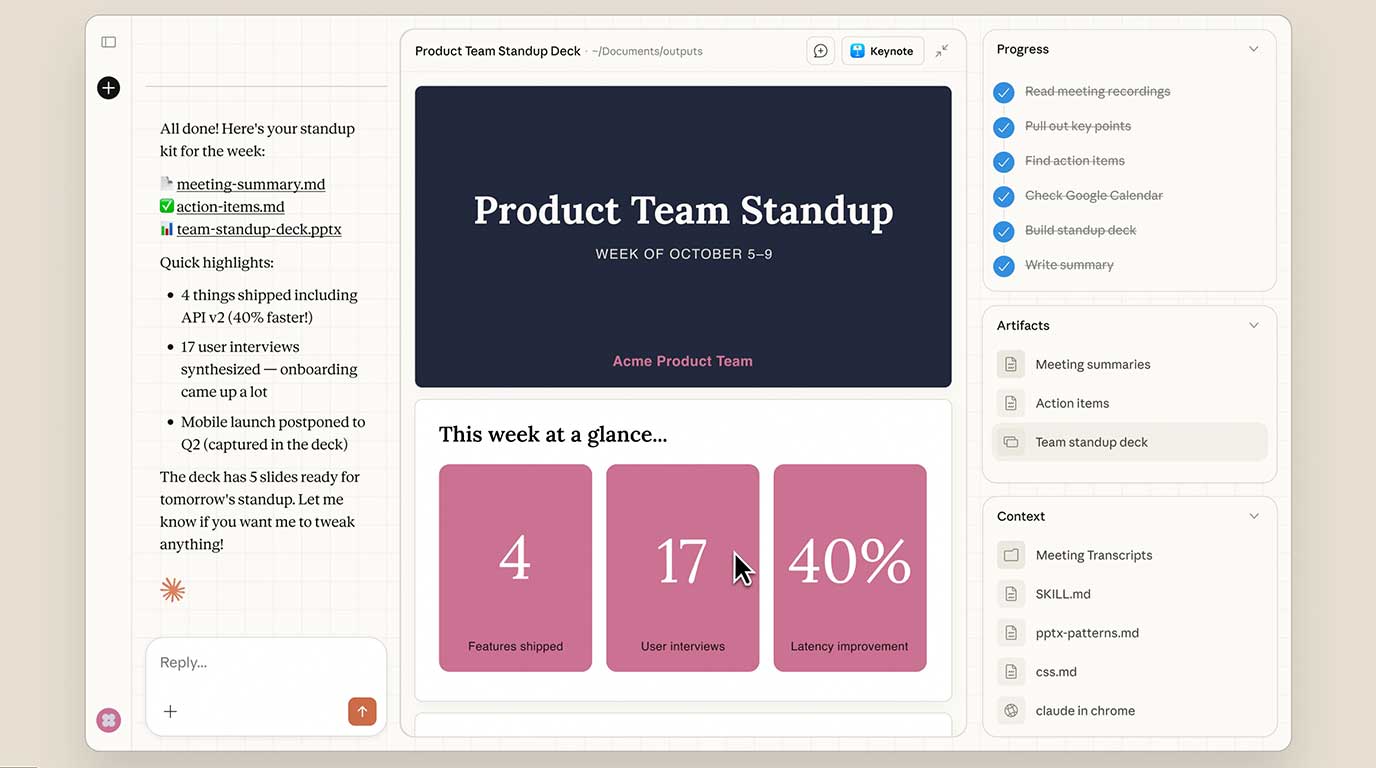
Claude Cowork - Anthropic's new MacOS tool that brings Claude Code's agentic capabilities to everyday tasks
OpenClaw - Agentic AI bot that takes actions for you from Telegram, WhatsApp, or other messaging apps

Grok Voice Agent - Build voice agents that speak dozens of languages, call tools, and search realtime data.

MiniMax Agent - AI assistant with full browser control, expert agent skills, and computer and cloud capabilities

Get access to all our AI courses, hundreds of real-world AI use cases, live expert-led workshops, an exclusive network of AI early adopters, and more.
Get unlimited access to all of our current & upcoming industry-specific AI courses for the duration of your subscription.
To keep up with the rapid pace of AI, our team publishes AI implementation guides daily. Our library contains 300+ practical use cases to automate real-world work.
Join weekly, live, interactive sessions with industry leaders who are at the forefront of AI for hands-on implementation guidance and exclusive insights.
Network with an exclusive community of AI-first professionals who are working smarter with AI. Learn how early adopters are using AI in their work and businesses.