General sound isolation
Separating flexible real-world targets such as traffic, animals, effects, machinery, or ambience without relying on a fixed stem list.
Independent tool overview
SAM Audio is Meta's prompted audio-separation model for isolating a target sound and everything left behind. It supports natural-language, visual, and time-span prompts across speech, music, and general sound, with a public playground and downloadable checkpoints for technical users.
Visit the official SAM Audio site ↗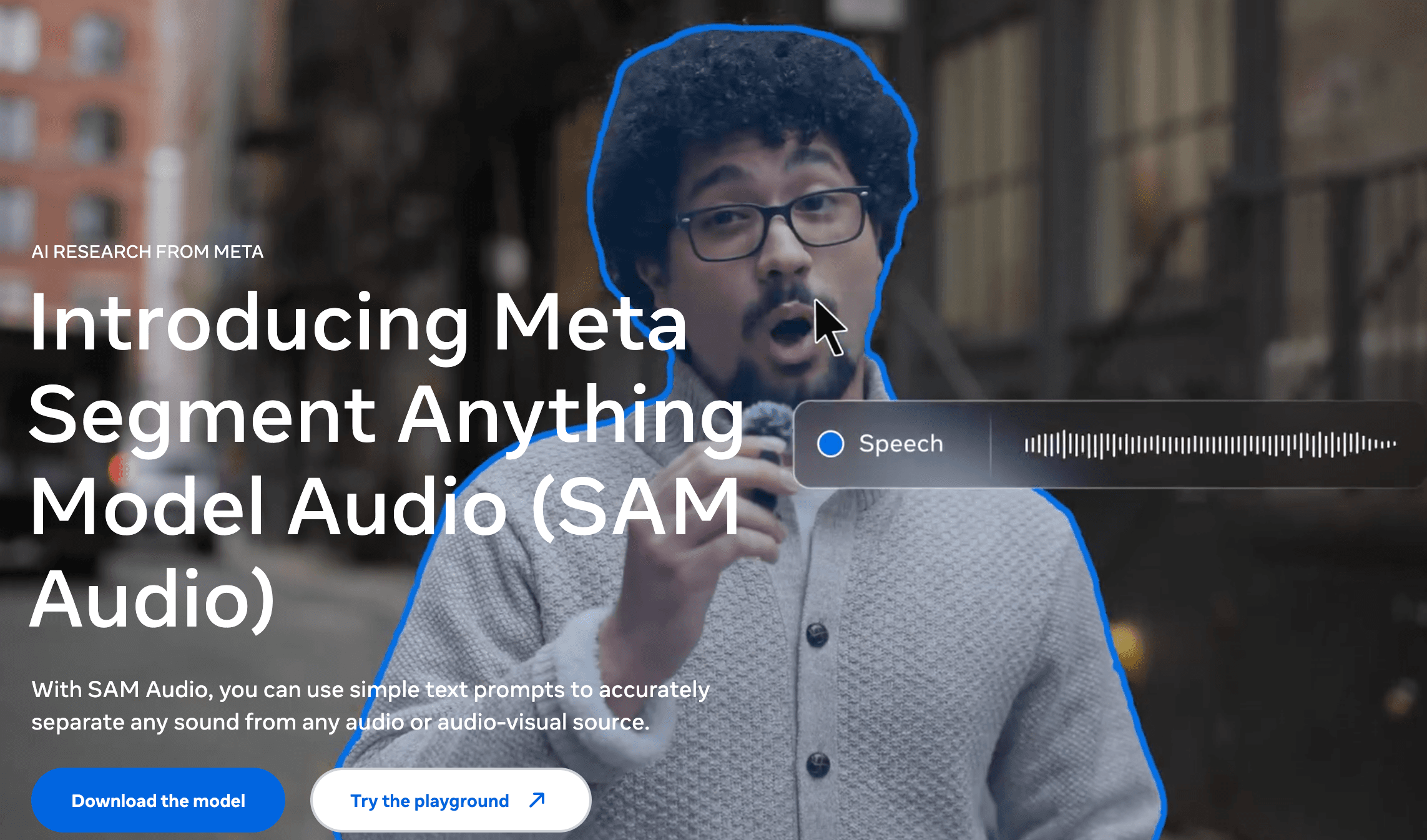
Overview
SAM Audio applies the Segment Anything idea to sound. Give it a mixed audio or audiovisual source and describe a target such as “dog barking,” click the visible source in a video, or mark a time span where the sound appears. The model generates a target stem and a residual stem containing the remainder.
Unlike tools built only for vocals, instruments, or speech cleanup, SAM Audio is intended as a general foundation model. Meta released small, base, and large checkpoints plus variants tuned for target correctness and visual prompting, along with code, research evaluations, and an interactive Segment Anything Playground.
The downloadable version is aimed at developers and researchers. Checkpoint access is gated through Hugging Face, Python 3.11 or later is required, and Meta recommends a CUDA-compatible GPU. It is source-available under Meta's custom SAM License, not a conventional hosted editing subscription.
Use cases
The strongest fit depends on the job you need the product to complete, not the size of its feature list.
Separating flexible real-world targets such as traffic, animals, effects, machinery, or ambience without relying on a fixed stem list.
Testing background-noise and unwanted-event removal with text or time-span prompts.
Exploring instrument, vocal, speaker, and speech separation with one unified model family.
Using a click or visual mask on a sounding object or person in video to guide the extracted audio.
Capabilities
Describe the desired source with a concise noun or verb phrase, such as “man speaking” or “car honking.”
Provide video frames and a mask around a visible sound source to isolate the audio associated with it.
Mark positive time ranges where the target occurs, giving the model a temporal example of the sound to separate.
Each separation returns the isolated target and a complementary track containing everything else.
For text prompts, the model can predict likely target spans before separation, which is useful for intermittent sound events.
Generate multiple separation candidates and choose among them with CLAP, SAM Audio Judge, or ImageBind scoring, trading more compute for potentially better output.
Meta provides small, base, and large models, plus corresponding TV variants focused on target correctness and visual prompting.
Process
Step 1
Start with audio or video you have the right to process, then identify the exact sound, speaker, instrument, or event to isolate.
Step 2
Use a short text description, a visual mask, a time span, or a combination that supplies the clearest evidence.
Step 3
Try the public playground or load an approved checkpoint into Meta's Python inference code on compatible hardware.
Step 4
Listen for missing target detail, bleed, phase changes, and artifacts in both output stems.
Step 5
Adjust span prediction and candidate reranking only when the quality gain justifies additional latency and GPU memory.
Cost
Meta does not publish a paid SAM Audio plan or managed API rate. The playground and downloadable research materials have no listed usage price; self-hosting requires your own compute and acceptance of the custom SAM License.
No price listed
A browser demo for trying SAM Audio on provided or uploaded media.
No Meta license fee listed
Download gated model checkpoints and run inference with Meta's research code under the SAM License.
Not offered
Meta does not list a production SAM Audio API or per-minute hosted price.
Pricing checked . Check current pricing at the source ↗
Assessment
Compare
The right alternative depends on the specific output, workflow, controls and budget your project requires.
Content Creator
Auphonic is a managed production tool for podcast and spoken-word cleanup, leveling, noise reduction, and delivery rather than open-ended source separation.
Explore Auphonic →Content Creator
Descript combines transcript-based audio and video editing with creator-friendly cleanup tools for people who do not want to self-host a research model.
Explore Descript →Marketing
ElevenLabs offers hosted voice and audio tools for production workflows, including a broader commercial platform and API ecosystem.
Explore ElevenLabs →Questions
It isolates a requested sound from mixed audio or video and returns two outputs: the target sound and the residual containing everything else.
Use a short text description, a visual mask on a sound-producing object in video, a marked time span where the sound occurs, or a combination of those signals.
Meta publishes the research code and gated checkpoints without a listed license fee and provides a public playground. You still pay for your own compute, engineering, storage, and any production infrastructure, and use is governed by the SAM License.
Meta does not currently list an official managed SAM Audio API or per-minute price. Developers can run the released checkpoints through the project code after receiving access.
The official repository requires Python 3.11 or later and recommends a CUDA-compatible GPU. Actual memory and speed depend on model size, input, span prediction, and the number of reranking candidates.
Bottom line
SAM Audio is unusually flexible for researchers and product teams that need more than fixed vocal or instrument stems. The playground is the easiest way to test prompt quality, while self-hosting makes sense only for teams comfortable with gated checkpoints, GPU inference, a research-oriented codebase, and Meta's custom license. Production buyers seeking reliable cleanup with support should compare managed audio tools first.
Visit SAM Audio website ↗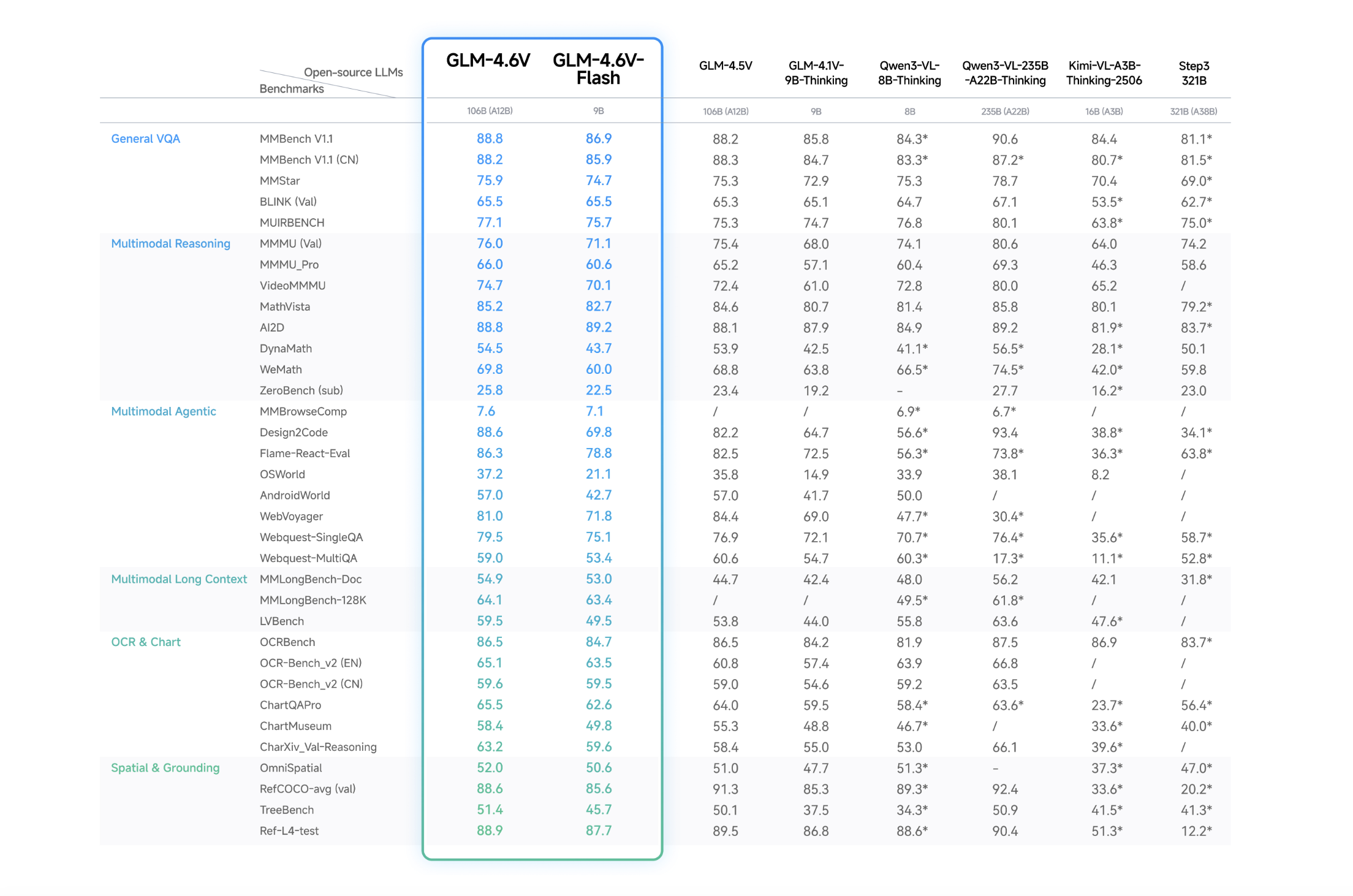
GLM-4.6V - Zhipu AI's open-source multimodal model family with native tool use capabilities

Voxtral Transcribe 2 - A new speech-to-text family for transcription across 13 languages, including an open-weights Realtime model for live transcription.
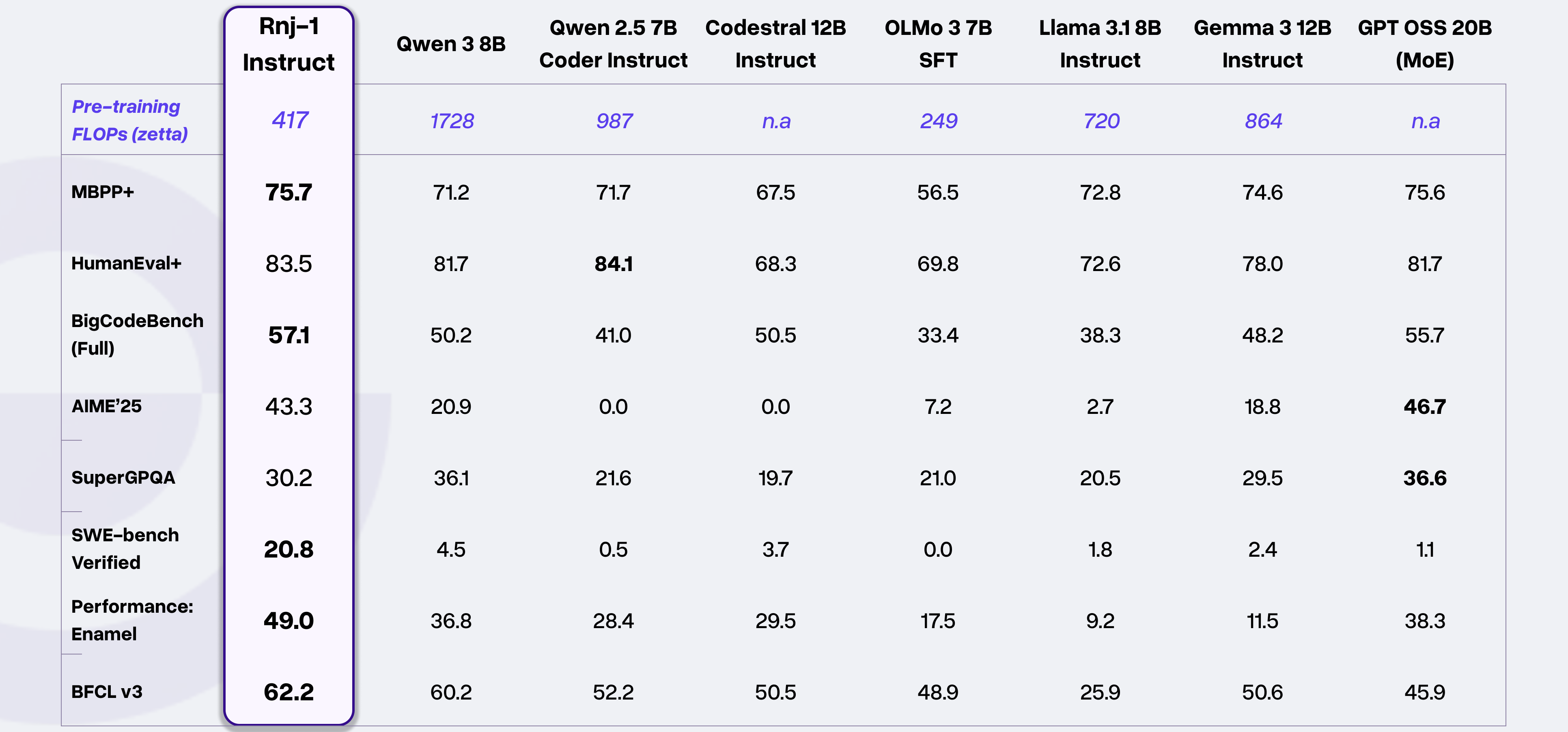
Rnj-1 - Essential AI's open-source 8B parameter model that matches or outperforms similar-sized rivals

Model Council - Perplexity's new tool for querying and synthesizing outputs from multiple models into a single answer

Get access to all our AI courses, hundreds of real-world AI use cases, live expert-led workshops, an exclusive network of AI early adopters, and more.
Get unlimited access to all of our current & upcoming industry-specific AI courses for the duration of your subscription.
To keep up with the rapid pace of AI, our team publishes AI implementation guides daily. Our library contains 300+ practical use cases to automate real-world work.
Join weekly, live, interactive sessions with industry leaders who are at the forefront of AI for hands-on implementation guidance and exclusive insights.
Network with an exclusive community of AI-first professionals who are working smarter with AI. Learn how early adopters are using AI in their work and businesses.