Website-to-content ideation
Use a company or article URL as context for initial derivative content ideas.
Independent tool overview
Automata Content Repurposing is a lightweight web tool that uses a website or topic as the starting point for professional or viral-style content drafts.
Visit the official Automata Content Repurposing site ↗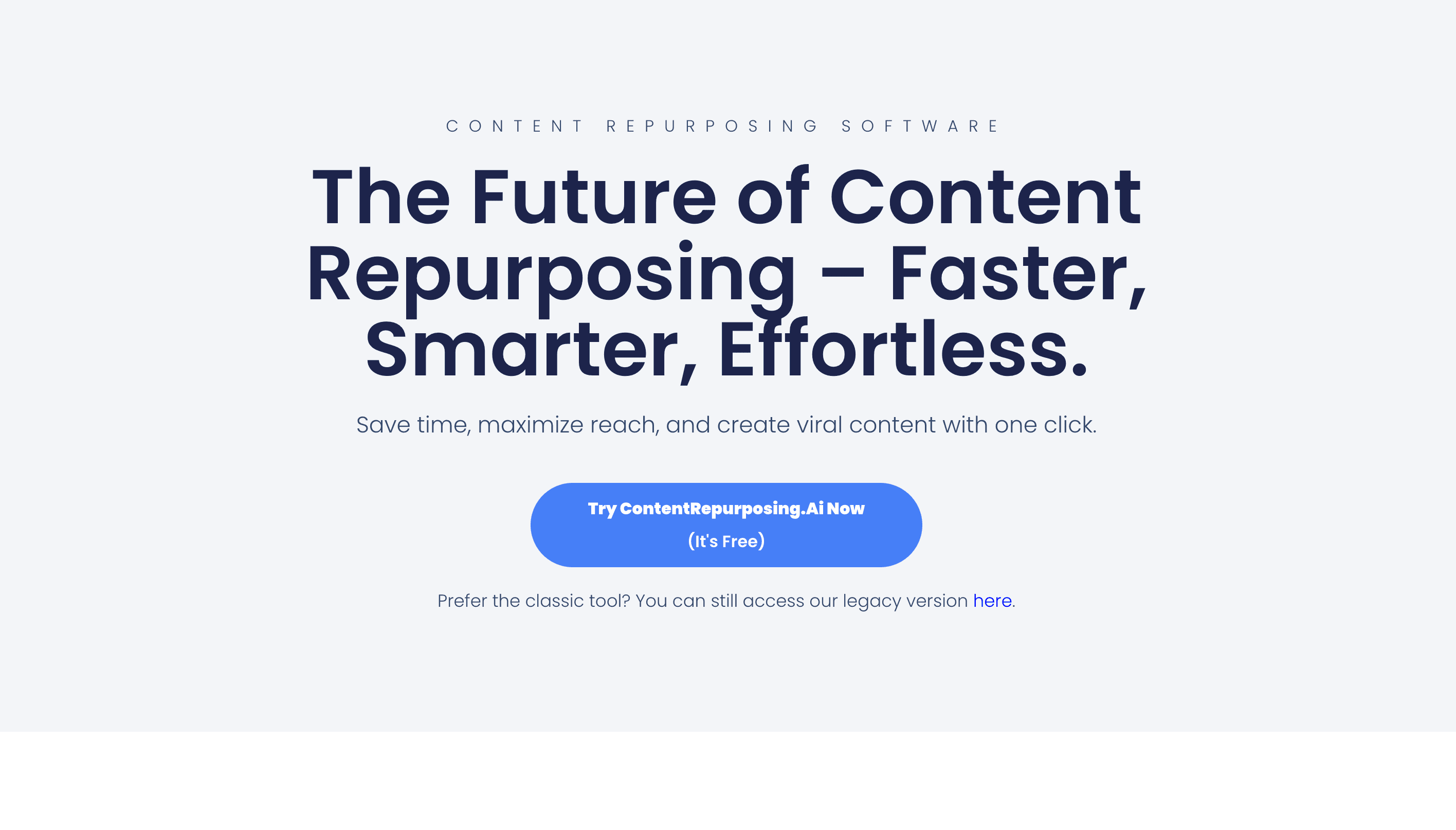
Overview
Automata's currently accessible public tool is a simple content-repurposing generator. Users enter a website or topic, choose a Professional or Viral direction, and ask the app to create derivative content.
Automata previously described a broader marketing platform that could transform blogs, white papers, ebooks, webinars, and podcasts into social posts, landing pages, email copy, and other formats. The current public mini-tool exposes a much narrower workflow and does not clearly document the older platform's publishing, analytics, competitive-insight, or team features.
Despite this page's original slug, the current app is not specifically presented as a video clipping or editing product. Use it for text ideation from a topic or website, and choose a dedicated video repurposer when you need transcript extraction, clip selection, captions, reframing, rendering, or automated publishing.
Use cases
The strongest fit depends on the job you need the product to complete, not the size of its feature list.
Use a company or article URL as context for initial derivative content ideas.
Start from a subject when you need quick professional or attention-oriented angles.
Test the basic value of content repurposing without setting up a large marketing platform.
Generate a rough starting point for an editor who will verify facts, add original insight, and adapt each channel.
Capabilities
Accepts a website address as the source or context for content generation.
Can begin from a subject instead of an existing asset.
Offers a direction intended for more conventional business-oriented output.
Offers a more attention-oriented creative direction, without guaranteeing reach or engagement.
The public page centers on a single input and mode choice rather than a complex setup process.
Process
Step 1
Use an authoritative webpage or a well-defined topic that contains enough substance to support useful derivatives.
Step 2
Choose Professional or Viral based on audience and brand tolerance, not as a promise of performance.
Step 3
Use the result as raw material and identify which claims came from the source versus the model.
Step 4
Check every fact and add examples, data, experience, quotes, or perspective that make the output genuinely useful.
Step 5
Rewrite length, hook, formatting, visuals, link placement, and call to action for each destination.
Step 6
Apply brand, legal, privacy, originality, and editorial checks through your normal approval workflow.
Cost
The current Automata content-repurposing page labels itself free and does not display a paid plan, credit package, or upgrade price. Confirm terms and data handling before submitting private or commercially sensitive material.
Free
Use the website-or-topic generator through the public Automata page.
Pricing checked . Check current pricing at the source ↗
Assessment
Compare
The right alternative depends on the specific output, workflow, controls and budget your project requires.
Content Creator
Choose OpusClip when you need actual long-video clipping, reframing, captions, and short-form exports.
Explore OpusClip →Content Creator
Choose Descript for transcript-based podcast and video editing with deeper production controls.
Explore Descript →Content Creator
Choose StoryChief for a broader collaborative content-distribution workflow across channels.
Explore StoryChief →Questions
It is a lightweight web generator that starts from a website or topic and offers Professional or Viral content directions.
The current public repurposing page labels the experience free and does not display a paid plan or checkout price.
The current public tool does not document video upload, clipping, captioning, reframing, rendering, or publishing. It is better described as a text-oriented website-or-topic generator.
Company materials describe a wider system for turning many marketing assets into social, email, landing-page, and blog content, but those broader capabilities are not documented in the current public mini-tool.
It appears to steer output toward a more attention-oriented style. It does not provide evidence or a guarantee that the content will go viral.
That is not recommended. Verify facts and rights, remove generic claims, add original value, and adapt the draft to the destination and brand.
Avoid doing so unless you have reviewed current privacy, retention, and contractual terms appropriate for the material.
Bottom line
Automata's public repurposing tool is useful as a free, low-friction idea generator from a website or topic. It should no longer be presented as a complete video-repurposing platform. Teams needing real media editing, channel publishing, collaboration, or analytics should use a more fully documented product.
Visit Automata Content Repurposing website ↗
Get access to all our AI courses, hundreds of real-world AI use cases, live expert-led workshops, an exclusive network of AI early adopters, and more.
Get unlimited access to all of our current & upcoming industry-specific AI courses for the duration of your subscription.
To keep up with the rapid pace of AI, our team publishes AI implementation guides daily. Our library contains 300+ practical use cases to automate real-world work.
Join weekly, live, interactive sessions with industry leaders who are at the forefront of AI for hands-on implementation guidance and exclusive insights.
Network with an exclusive community of AI-first professionals who are working smarter with AI. Learn how early adopters are using AI in their work and businesses.


