Podcasts and interviews
Find self-contained questions, answers, arguments, or stories in long conversations and format them for short-form channels.
Independent tool overview
OpusClip is an AI video-repurposing platform that finds moments in long footage, turns them into short or mid-length clips, reframes speakers and action, adds captions, and helps edit or publish the results.
Visit the official OpusClip site ↗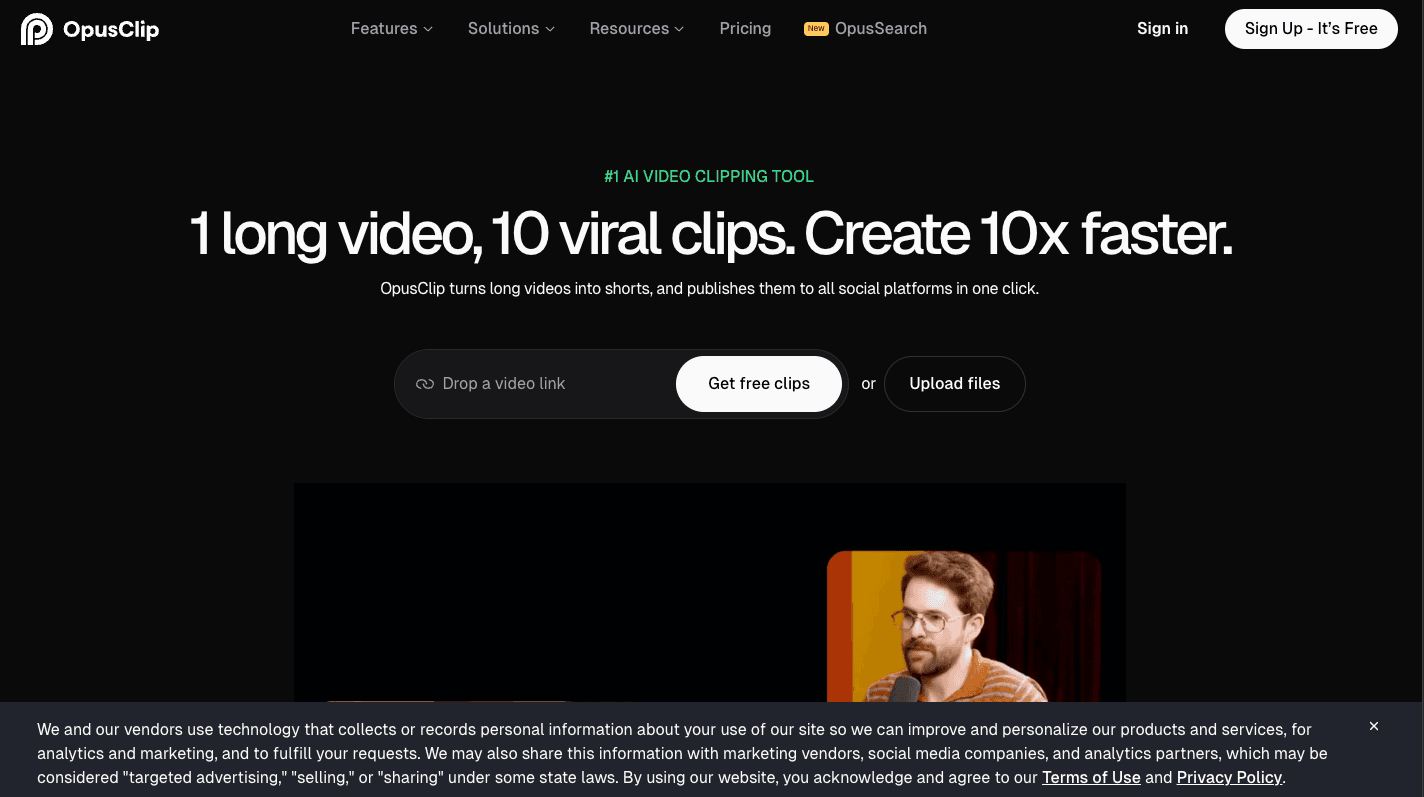
Overview
OpusClip is built for converting existing video into more social-ready outputs with less manual searching and rough-cut work. Its ClipAnything system analyzes visual, audio, text, and sentiment signals, then either proposes clips automatically or follows a natural-language request for a scene, topic, action, character, or highlight.
The platform now extends well beyond automatic clipping. Depending on plan, it includes animated captions, multiple aspect ratios, object tracking, B-roll, speech cleanup, dubbing, brand templates, a browser editor, social scheduling, team workspaces, and XML export to Adobe Premiere Pro or DaVinci Resolve.
OpusClip can reduce the first-pass workload, but a virality score is not a prediction of real reach. Every clip still needs editorial review for context, pacing, caption accuracy, framing, rights, platform fit, and whether an extracted moment fairly represents the source.
Use cases
The strongest fit depends on the job you need the product to complete, not the size of its feature list.
Find self-contained questions, answers, arguments, or stories in long conversations and format them for short-form channels.
Turn recorded videos, livestreams, tutorials, or commentary into a repeatable queue of captioned social clips.
Use brand templates, team workspaces, social scheduling, and professional-editor exports to scale a multi-channel clip workflow.
Capabilities
ClipAnything uses visual, audio, text, and sentiment cues to find moments in talking-head and non-talking footage. Users can accept automatic selections or prompt for specific topics, actions, scenes, or highlight reels.
Track speakers or moving objects and reformat clips for vertical, square, or widescreen layouts. Pro supports 9:16, 1:1, and 16:9, while Free and Starter are limited to 9:16 in the current comparison table.
Generate animated multilingual captions with emoji and keyword highlighting, then use paid-plan editing tools for text-based changes, filler or silence removal, and other cleanup.
Starter includes limited monthly image and stock B-roll, while Pro advertises substantially higher image limits, unlimited stock B-roll, and AI video B-roll powered by Agent Opus.
Paid users can post to social platforms, and Pro adds a scheduler, multiple connected profiles, metadata generation, bulk export, and persistent high-resolution downloads.
Pro includes a two-seat workspace, 100GB of storage, brand templates, shareable projects, and export to Premiere Pro or DaVinci Resolve. Business expands customization, security, support, and API options.
Process
Step 1
Upload footage or import from an authorized account. Confirm that music, guests, third-party clips, and other embedded material can be republished in shortened form.
Step 2
Select automatic clipping for broad discovery or prompt for a defined topic, action, quote, tutorial step, teaser, or highlight. Set a target duration and platform before generation.
Step 3
Watch each clip in context. Reject excerpts that distort the speaker, depend on missing setup, repeat another clip, contain sensitive material, or lack a clear beginning and payoff.
Step 4
Choose the aspect ratio, inspect tracking through cuts, correct names and technical terms, simplify overactive caption styling, and make sure graphics are not cropped.
Step 5
Add the appropriate template, intro or outro, B-roll, music, and speech cleanup. Use generated assets only when they improve the story and their rights fit the destination.
Step 6
Send complex edits to Premiere or Resolve, or schedule approved clips to connected profiles. Track actual retention and conversion instead of treating the internal virality score as the outcome.
Cost
OpusClip uses processing credits and feature gates. Its Pro annual plan supplies the full year's 3,600 credits immediately rather than monthly. Prices and published limits below were checked on August 28, 2026.
$0/month
A recurring evaluation tier for basic watermarked clips.
$15/month
For an individual creator who needs regular watermark-free vertical clips.
$29/month or $174/year
For professional creators, marketers, and small teams needing the broader editing and publishing stack.
Custom pricing
For organizations that need tailored capacity, integrations, controls, and support.
Pricing checked . Check current pricing at the source ↗
Assessment
Compare
The right alternative depends on the specific output, workflow, controls and budget your project requires.
Content Creator
Choose Descript when transcript-based editing, podcast production, recording, and collaborative long-form editing matter more than automated highlight volume.
Explore Descript →Content Creator
Choose CapCut when you want a broad manual and AI-assisted social editor with templates and mobile workflows rather than a clipping-first system.
Explore CapCut →Content Creator
Choose VEED when browser-based recording, general video editing, captions, and team creation are a better fit than automatic long-to-short selection.
Explore VEED →Questions
OpusClip is an AI video-repurposing platform that finds moments in long footage, creates short or mid-length clips, reframes the action, adds captions, and supports editing and publishing.
Yes. OpusClip currently offers 60 credits per month at no charge, with watermarked clips up to 1080p, basic reframing and captions, no editor, and a three-day export window.
As of August 28, 2026, Starter costs $15 per month. Pro is $29 monthly or $174 annually. Business uses custom pricing.
Credits are the plan's processing allowance. Free includes 60 per month and Starter 150 per month. The advertised annual Pro package includes 3,600 credits available immediately, so it should be managed as a yearly pool.
Yes. ClipAnything is designed to analyze visual events, audio, on-screen text, and sentiment, allowing prompts for sports plays, actions, music moments, scenes, and other non-talking footage.
Paid plans can publish to social platforms. Pro adds the social scheduler, multiple connected profiles, and title, description, and hashtag generation. Always review the final post before publishing.
It can automate discovery, rough cuts, captions, reframing, and routine polish, but an editor is still needed for narrative context, brand judgment, rights review, complex timing, and production-quality finishing.
Bottom line
OpusClip is a strong fit when the repeated problem is finding and formatting social clips from a large amount of existing footage. The free plan is adequate for testing selection quality; Starter suits a solo creator focused on vertical clips; Pro is the practical tier for multiple aspect ratios, scheduling, team work, B-roll, and professional-editor handoff. Buy it for throughput, not for a promise of virality, and keep a human review step before every export or post.
Visit OpusClip website ↗.avif)
revid.ai: Create Short Videos in Seconds
.avif)
Morph Studio: Ignite Your Creativity with AI Video Magic
.avif)
Riffusion: Create Mind-Blowing AI-Generated Music

Meta AI: Offers advanced tools like llama and image generation models for developers and researchers.

Get access to all our AI courses, hundreds of real-world AI use cases, live expert-led workshops, an exclusive network of AI early adopters, and more.
Get unlimited access to all of our current & upcoming industry-specific AI courses for the duration of your subscription.
To keep up with the rapid pace of AI, our team publishes AI implementation guides daily. Our library contains 300+ practical use cases to automate real-world work.
Join weekly, live, interactive sessions with industry leaders who are at the forefront of AI for hands-on implementation guidance and exclusive insights.
Network with an exclusive community of AI-first professionals who are working smarter with AI. Learn how early adopters are using AI in their work and businesses.