Product launch clips
Create structured motion graphics for a feature announcement, app launch, or product reveal.
Independent tool overview
Replit Animation uses Replit Agent to build editable React-based motion graphics from a prompt and export them as MP4 video. It is best for explainers and product promos—not photorealistic generative video.
Visit the official Replit Animation site ↗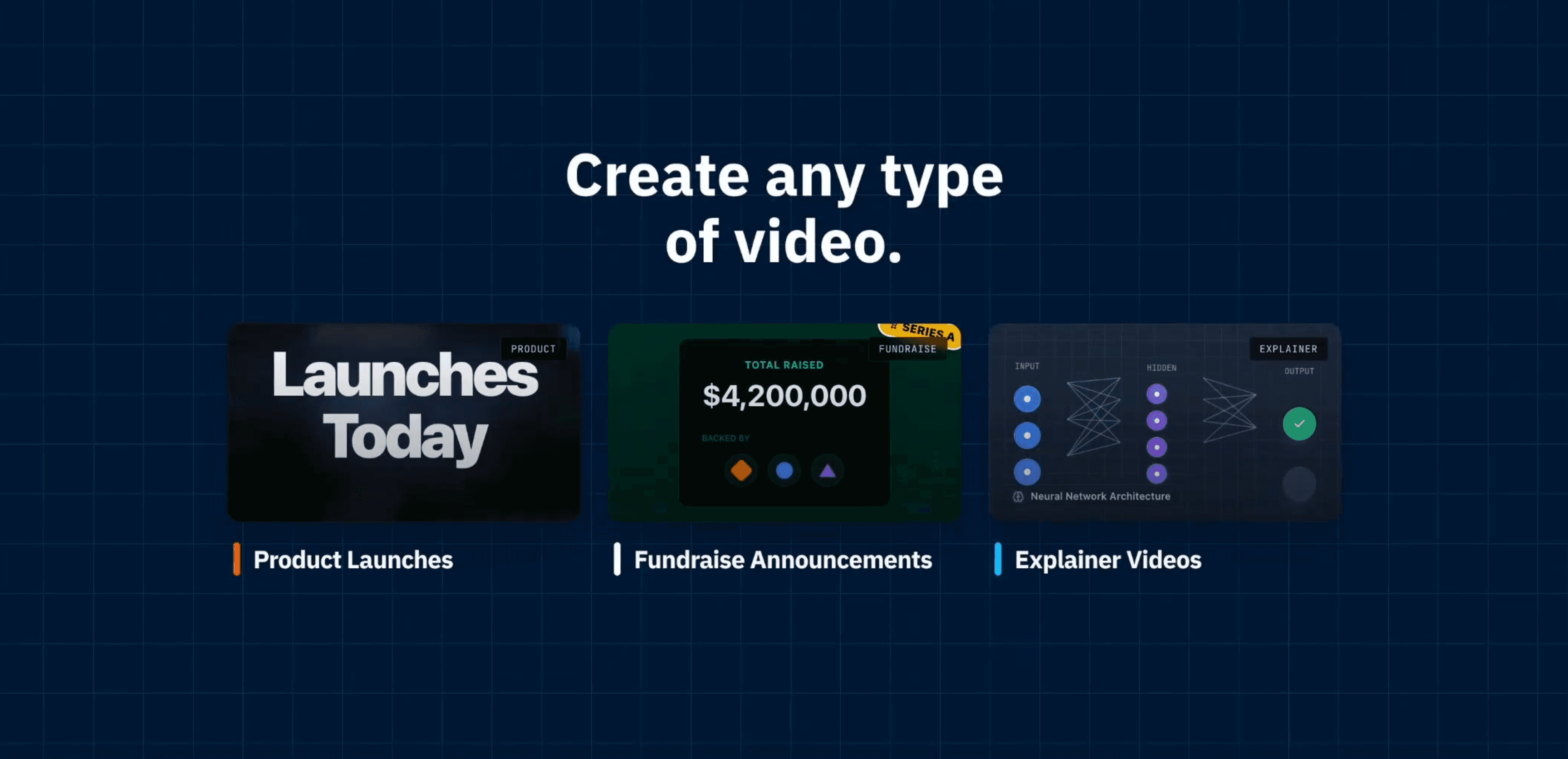
Overview
Replit Animation is an artifact type inside Replit Agent that turns a plain-language brief into programmatic motion graphics. The output is built with React, web-animation libraries, and Replit's custom Agent skills. It is not a text-to-video model like Sora or Runway, and Replit explicitly says it does not use Remotion.
The workflow feels closer to commissioning a small animated website than editing on a traditional video timeline. Agent writes the animation, the preview loops automatically, and you request revisions in chat. Finished work can be exported as an MP4 at 720p or 1080p and 30 or 60 frames per second, or published as a shareable link.
This approach works well for text-led explainers, product launches, landing-page motion, and branded social clips because the animation is structured and repeatable. It is a weaker fit for live-action footage, cinematic realism, frame-level manual editing, or creators who want a conventional scene timeline.
Use cases
The strongest fit depends on the job you need the product to complete, not the size of its feature list.
Create structured motion graphics for a feature announcement, app launch, or product reveal.
Turn a concept or process into a 30–60 second text-and-graphics sequence.
Build branded animated posts for LinkedIn, X, Instagram, and other feeds.
Generate looping hero animations and visual sequences that can also live on the web.
Capabilities
Describe the video in everyday language and Replit Agent selects the animation stack and builds the first version.
Ask Agent to change colors, timing, transitions, scenes, text, images, or creative direction after previewing a result.
An Enhance Prompt option expands the initial brief with instructions tuned for the animation workflow.
Render an MP4 at 720p or 1080p and 30fps or 60fps while continuing to work in Replit.
Animations can include generated images, text overlays, custom transitions, and other code-driven visual elements.
The result can be published as a shareable link in addition to being downloaded as video.
Process
Step 1
Specify the audience, duration, format, brand style, scenes, key text, and call to action.
Step 2
Choose Animation from Replit's artifact menu or let Agent detect that the prompt calls for an animated video.
Step 3
Watch the automatically looping preview and note problems with hierarchy, pacing, copy, and transitions.
Step 4
Request focused changes one at a time; Replit recommends expecting two or three versions for a precise result.
Step 5
Choose resolution and frame rate, render the MP4 server-side, or publish a shareable link.
Cost
Replit does not publish a separate per-video price. Animation work is billed as Replit Agent usage using effort-based pricing, and plan credits also cover other Replit AI and cloud services. Exact cost varies with the work Agent performs.
Free
A limited way to try Replit Agent with daily usage.
$25 monthly or $20/month billed annually
The practical entry plan for regular animation work and full artifact access.
$100 monthly or $95/month billed annually
A higher-capacity plan for frequent builders and teams.
Custom
Organization controls, security features, and custom limits.
Pricing checked . Check current pricing at the source ↗
Assessment
Compare
The right alternative depends on the specific output, workflow, controls and budget your project requires.
Design
Choose Canva when you want a familiar visual editor, templates, and manual control rather than code-generated animation.
Explore Canva AI →Content Creator
Consider InVideo for a more conventional prompt-to-social-video workflow.
Explore Video AI by invideo →Content Creator
Choose Sora for generative scenes and cinematic footage rather than React-based motion graphics.
Explore Sora 2 →Content Creator
Compare Typeframes for another text-led video creation workflow.
Explore Typeframes - Video Creation →Questions
It is a Replit Agent artifact type that creates programmatic motion graphics from a natural-language prompt and lets you revise them through chat.
No. Replit says Animated Videos use React, website animation libraries, and custom Agent skills rather than Remotion.
No. It builds code-driven motion graphics. It can use generated media assets, but it does not synthesize the entire video as photorealistic footage.
It exports MP4 video at 720p or 1080p and either 30fps or 60fps. You can also publish a link to the project.
There is no separate flat animation price. Agent work uses effort-based billing against Replit credits. Core costs $25 monthly or $20 per month billed annually; exact animation usage depends on the work performed.
Replit's current animation guide says all builders, including free users, can use it. Its Starter plan documentation still says non-app artifact types require Core, so free availability may depend on the current rollout or workspace.
Bottom line
Replit Animation is a useful shortcut for clean explainers, product promos, and text-heavy motion graphics—especially for people comfortable directing an agent but not a video timeline. Its code-driven nature is a strength for structured brand work and a hard boundary for anyone expecting cinematic generative footage or precise manual editing. Try it with a tightly scoped brief and monitor Agent spend as you iterate.
Visit Replit Animation website ↗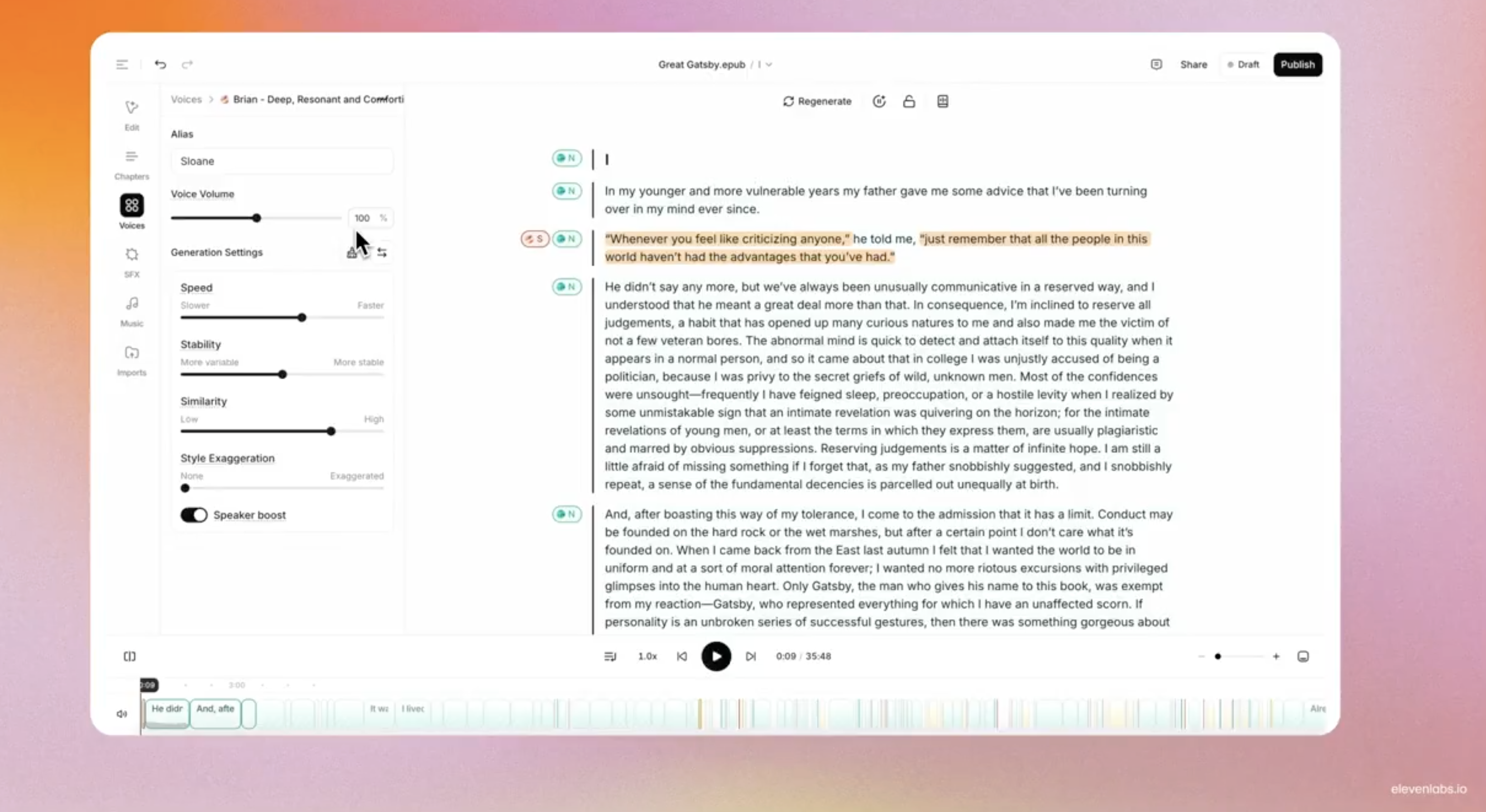
Audiobooks - ElevenLab's full production suite powered by AI-generated narration for authors to streamline audiobook creation and distribution.
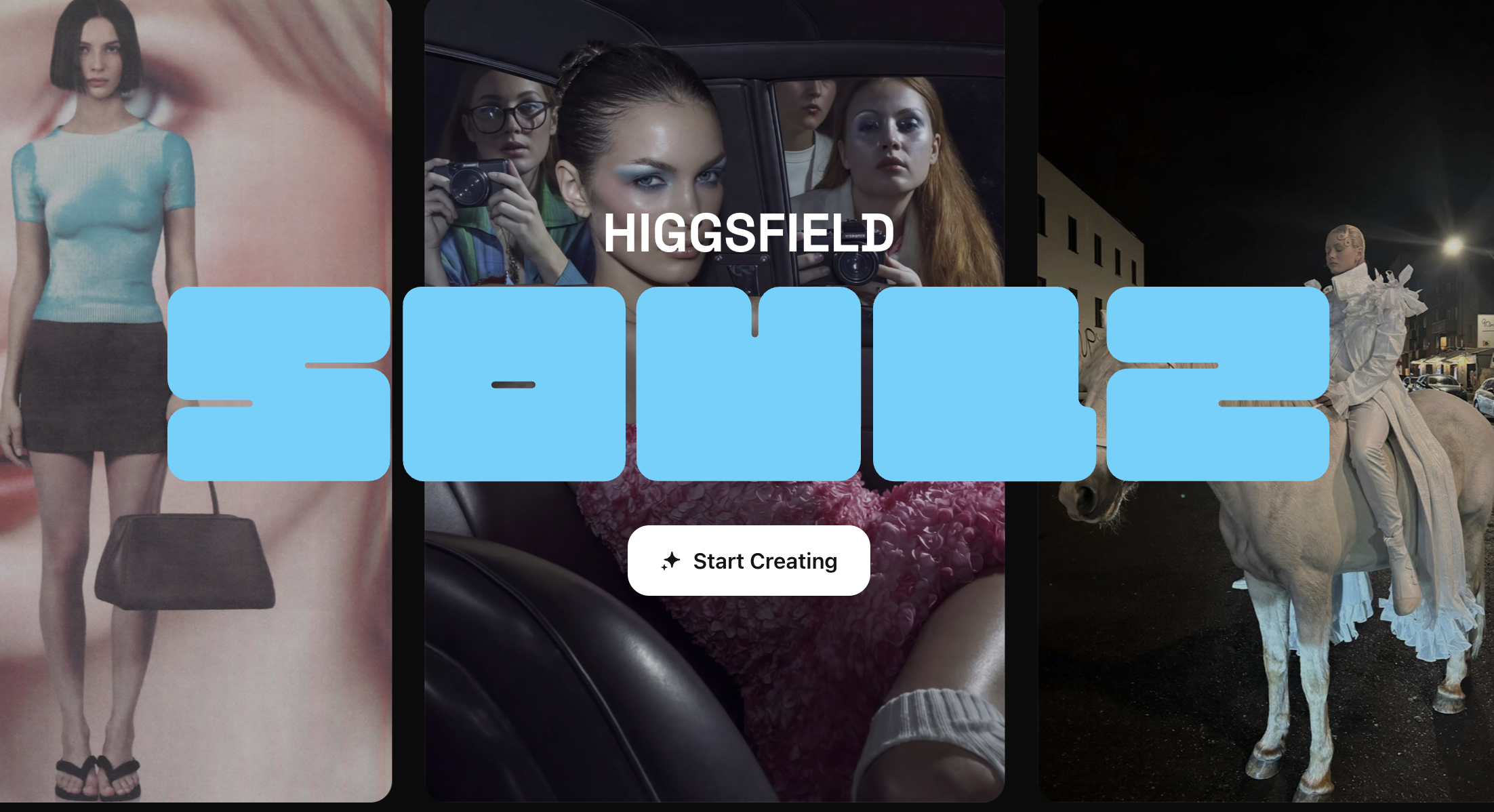
Higgsfield Soul 2.0 - New creative model built for aesthetics, realism, and culture-native generations

Krea Realtime - Krea's real-time, long-form AI video generation model

Nano Banana 2 - Google's new No.1 ranked AI image model at Flash speed and pricing

Get access to all our AI courses, hundreds of real-world AI use cases, live expert-led workshops, an exclusive network of AI early adopters, and more.
Get unlimited access to all of our current & upcoming industry-specific AI courses for the duration of your subscription.
To keep up with the rapid pace of AI, our team publishes AI implementation guides daily. Our library contains 300+ practical use cases to automate real-world work.
Join weekly, live, interactive sessions with industry leaders who are at the forefront of AI for hands-on implementation guidance and exclusive insights.
Network with an exclusive community of AI-first professionals who are working smarter with AI. Learn how early adopters are using AI in their work and businesses.