Large codebase changes
Let an agent search a repository, propose a plan, edit several files, execute commands, and present a reviewable diff.
Independent tool overview
Qoder is an active agentic coding platform spanning a desktop workspace, an AI IDE, autonomous Quest tasks, a CLI, and a JetBrains plugin. It combines multi-file coding agents with codebase indexing, project knowledge, MCP tools, checkpoints, and higher-tier multi-agent workflows. Individual plans run from free to $200 per month, but variable model multipliers and expiring credits make task-level cost tracking essential.
Visit the official Qoder site ↗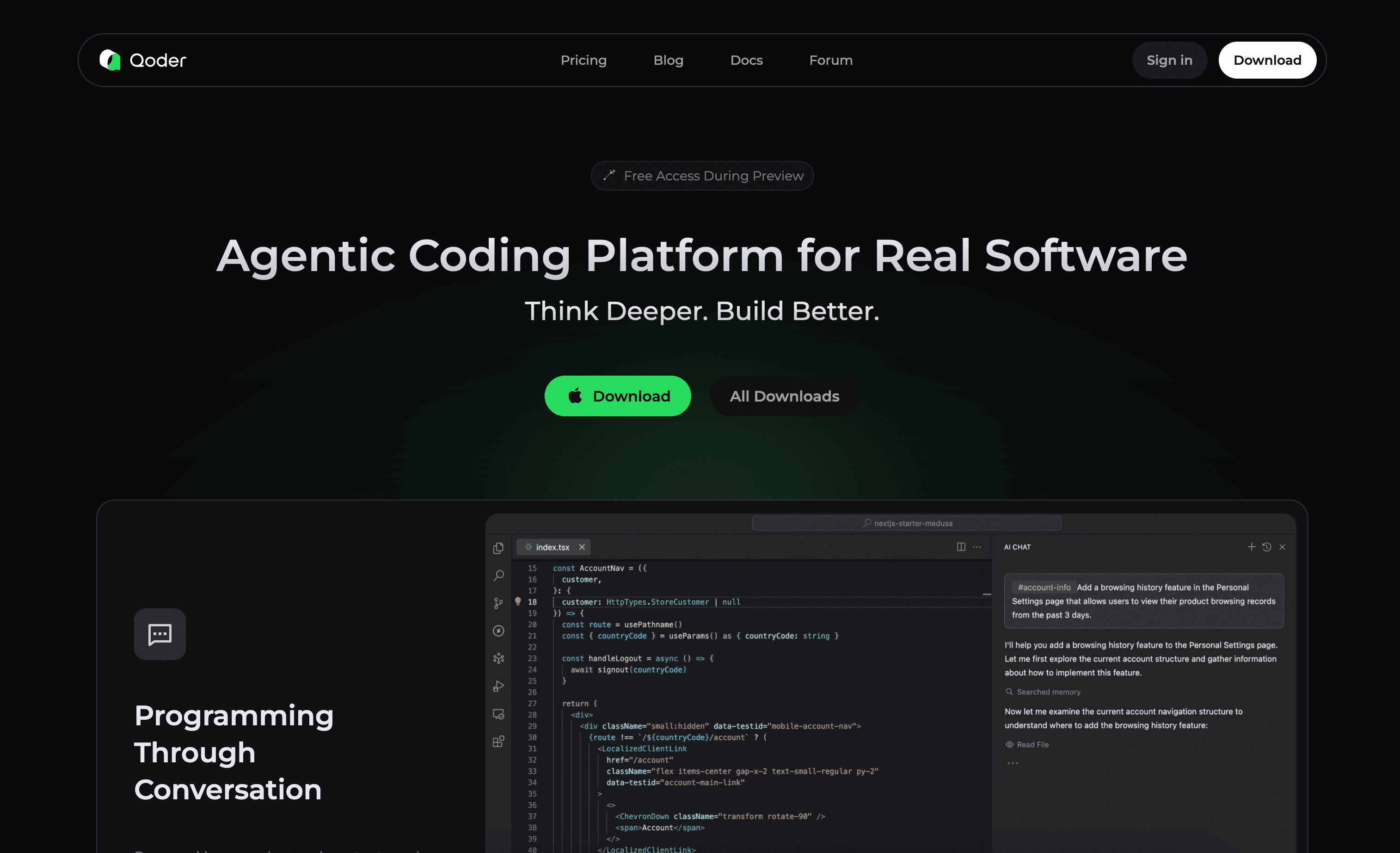
Overview
Qoder now covers two overlapping experiences. Its all-new desktop platform organizes agent tasks into Coding workspaces and General folders, while Qoder IDE keeps completion, Next Edit Suggestions, Ask, Agent, and autonomous Quest beside a traditional editor. The product also offers a terminal CLI and a JetBrains plugin.
For hands-on work, Agent mode searches files, edits multiple files, runs terminal commands, builds to-do plans, connects to MCP services, and records changes for review or rollback. Quest is designed for longer autonomous tasks and can use a spec-driven workflow before implementation. Repo Wiki and Knowledge Cards preserve architectural and business context beyond a single chat.
Qoder is active and expanding into cloud agents, automations, skills, connectors, and multi-agent Experts mode. Those capabilities increase leverage, but they also increase execution and credit risk. Start with approvals enabled, define a narrow workspace, inspect diffs, and run the project's own tests rather than treating an agent completion message as proof.
Use cases
The strongest fit depends on the job you need the product to complete, not the size of its feature list.
Let an agent search a repository, propose a plan, edit several files, execute commands, and present a reviewable diff.
Use Quest to clarify requirements and produce a structured specification before a longer feature, refactor, or bug-fix task.
Use Repo Wiki, Knowledge Cards, project rules, and codebase indexing to preserve architecture and conventions across tasks.
Bring code completion, Ask, Agent, indexing, memory, MCP, checkpoints, and history into supported JetBrains IDEs.
Use Teams or Enterprise for centralized billing, identity controls, privacy settings, SSO, policies, analytics, and audit capabilities.
Capabilities
The new Qoder separates workspace-based Coding tasks from folder-based General work while giving both access to agents and tools.
Code completion, Next Edit Suggestions, inline help, Ask mode, and Agent mode support both small edits and multi-file changes.
Delegates long-running tasks with plans, task boards, progress states, artifacts, prototypes, and spec-driven execution.
Codebase indexing, Repo Wiki, Knowledge Cards, memory, and project rules provide reusable context and architectural guidance.
Agents can search, read and edit files, inspect errors, use the web, run terminal commands, and connect to external MCP services.
Diff review, checkpoints, history, per-file acceptance, and Revert controls help users inspect and undo agent changes.
Higher-tier workflows can break complex requirements into parallel planning, implementation, testing, and quality-review agents.
Use Qoder through its desktop experience, dedicated IDE, command-line interface, or a plugin for JetBrains IDEs.
Process
Step 1
Open only the intended repository or folder, exclude secrets and unrelated files, and configure .qoderignore where needed.
Step 2
Use Ask for explanation, Agent for controlled edits, or Quest for a longer delegated task that benefits from a plan or specification.
Step 3
Describe the expected result, constraints, affected surfaces, test command, and files or behaviors that must remain unchanged.
Step 4
Keep command approvals enabled initially, inspect proposed steps, and grant broader access only when the task genuinely requires it.
Step 5
Review every material diff, run tests and builds, check runtime behavior, and use Revert when the implementation diverges.
Cost
Qoder meters premium chat and agent work in credits. Individual subscriptions reset their included credits each month; unused plan credits expire. Model tier, token use, task complexity, subagents, and cloud runtime can change consumption, so the stated credits are not equivalent to a fixed number of completed features.
$0
For limited completion and basic-model use, with optional bring-your-own-key access.
$20 per month
For daily development with completion and light agent assistance.
$60 per month
For heavier autonomous agent usage.
$200 per month
For frequent long-running and high-credit tasks.
$20 for 1,500 credits
A prepaid top-up available to active Pro, Pro+, and Ultra subscribers.
See current organization quote or checkout
Organizational plans for centralized management, governance, and security controls.
Pricing checked . Check current pricing at the source ↗
Assessment
Compare
The right alternative depends on the specific output, workflow, controls and budget your project requires.
Coding
Choose Cursor for a mature AI-first editor with a large ecosystem and strong interactive coding-agent workflows.
Explore Cursor →Coding
Consider Claude Code for a terminal-first agent with deep repository context and Anthropic model access.
Explore Claude Code →Coding
Use Codex when parallel cloud and local agents, code review, automations, and OpenAI's coding models are the priority.
Explore Codex →Coding
Choose Replit Agent 4 when browser-based building, design, deployment, and collaborative task workflows matter more than a local IDE.
Explore Replit Agent 4 →Questions
Qoder is an agentic coding platform with a desktop workspace, AI IDE, autonomous Quest mode, CLI, and JetBrains plugin. It combines code completion, repository context, multi-file agents, terminal tools, and review controls.
Yes. The Free plan includes limited completions, Next Edit Suggestions, basic-model messages, and BYOK. New eligible users also receive a one-time 14-day Pro trial with 300 credits.
Individual plans cost $20 per month for Pro with 2,000 credits, $60 for Pro+ with 6,000 credits, and $200 for Ultra with 20,000 credits. Active paid subscribers can buy 1,500-credit packs for $20.
No. Included plan credits reset at the end of each subscription period. Add-on packs expire one month after purchase and are non-refundable.
Qoder's documentation says the IDE does not store or share source code. It processes code context for completion and generates embeddings for indexing, with exclusions controlled through .gitignore and .qoderignore.
Quest is a dedicated workspace for delegating long-running development tasks. It can plan, create a specification, edit code, run tools, track progress, produce artifacts, and support rollback.
Yes. Qoder offers a plugin for IntelliJ IDEA, Android Studio, PyCharm, GoLand, CLion, and other JetBrains IDEs version 2020.3 or later, including supported remote-development environments.
Bottom line
Qoder is compelling for developers who want a continuum from completion to autonomous, knowledge-backed agents without committing to a single interaction style. Its review controls and repository context are real strengths. The main purchasing question is credits: run the 300-credit trial on a representative bug fix, refactor, and Quest task, inspect the usage log, and choose a plan from measured monthly consumption rather than the headline feature list.
Visit Qoder website ↗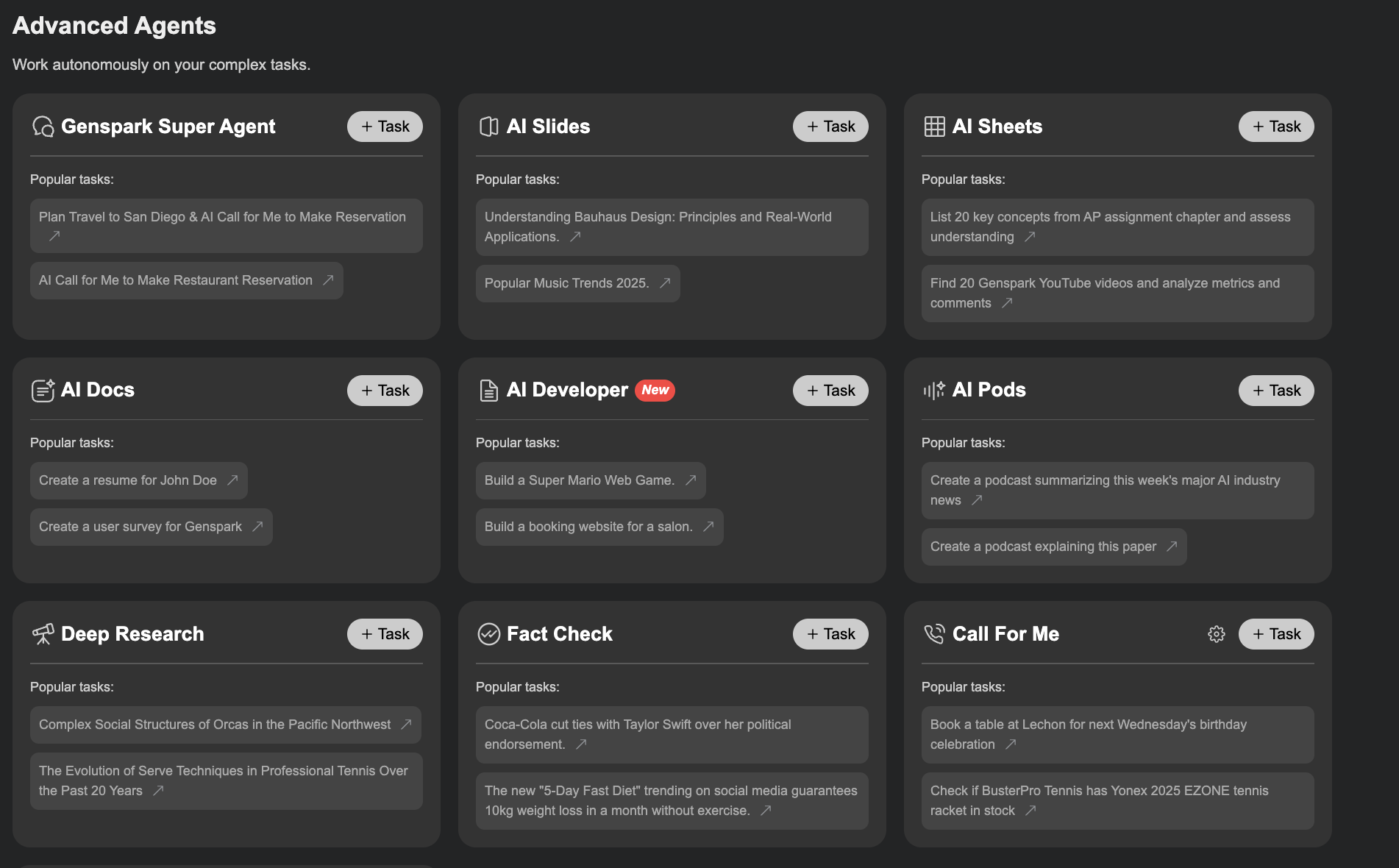
Genspark AI Developer - Build anything without coding knowledge
Grok Code Fast 1 - xAI’s new speedy, SOTA coding model
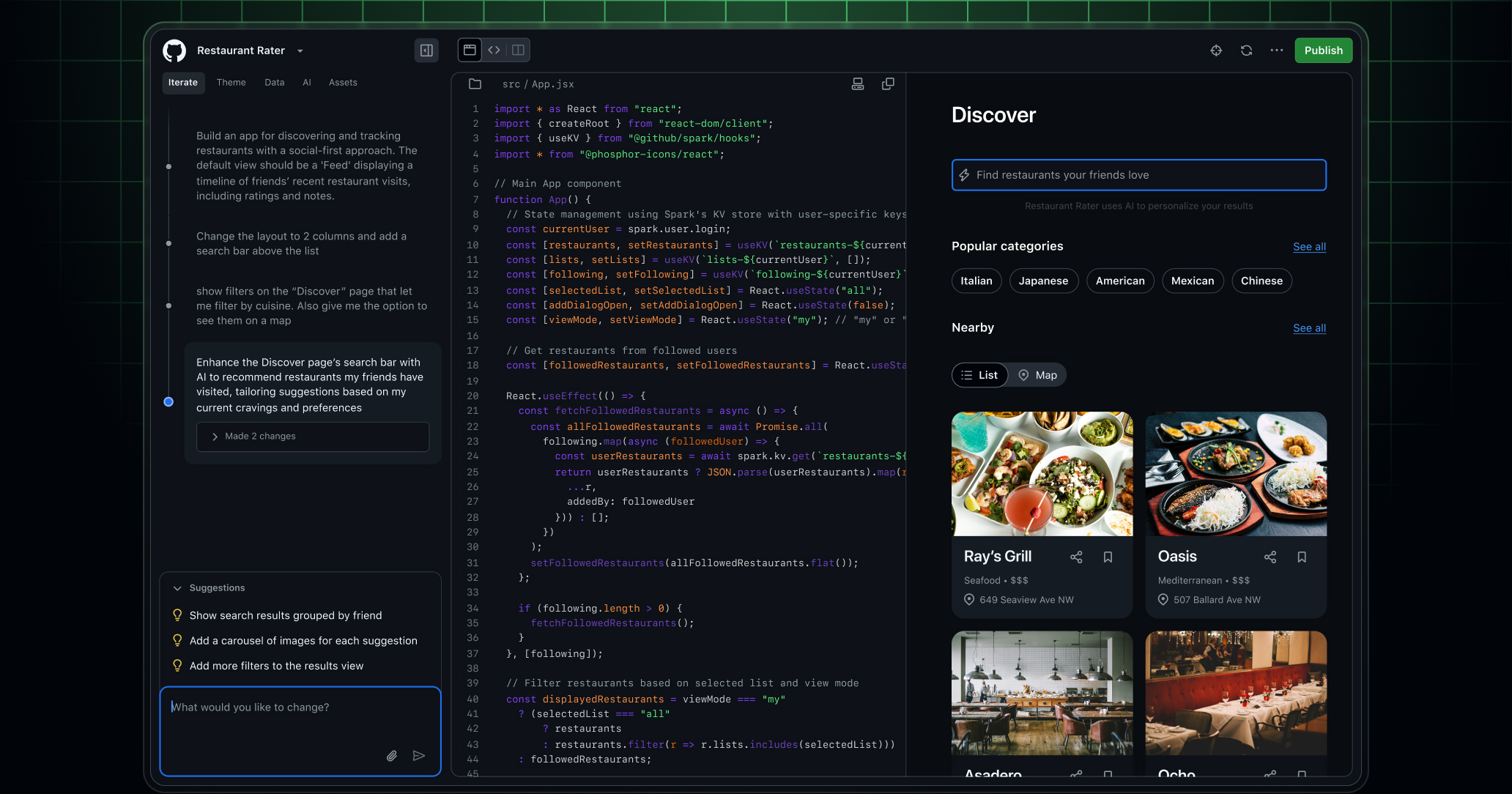
GitHub Spark - Create full-stack apps with natural language prompts

Jules Tools - A Command Line Companion for Google’s Async Coding Agent

Get access to all our AI courses, hundreds of real-world AI use cases, live expert-led workshops, an exclusive network of AI early adopters, and more.
Get unlimited access to all of our current & upcoming industry-specific AI courses for the duration of your subscription.
To keep up with the rapid pace of AI, our team publishes AI implementation guides daily. Our library contains 300+ practical use cases to automate real-world work.
Join weekly, live, interactive sessions with industry leaders who are at the forefront of AI for hands-on implementation guidance and exclusive insights.
Network with an exclusive community of AI-first professionals who are working smarter with AI. Learn how early adopters are using AI in their work and businesses.