Knowledge workers with local files
Analyze, organize, transform, and create deliverables from documents, spreadsheets, PDFs, images, and other files stored in a selected workspace.
Independent tool overview
Kimi Work is Moonshot AI's desktop agent for knowledge workers, combining local-file access, browser automation, office deliverables, plugins, scheduled tasks, and an optional swarm of up to 300 sub-agents.
Visit the official Kimi Work site ↗
Overview
Kimi Work is the Work mode inside Kimi's desktop app for Apple-silicon Macs and Windows PCs. Unlike a standard chat interface, it can operate inside a selected local workspace, organize files, use a browser, run tools, and produce documents, spreadsheets, presentations, reports, and interactive widgets.
Its most distinctive capability is Agent Swarm. For large research or batch-processing jobs, Kimi can coordinate up to 300 sub-agents and more than 4,000 tool calls. Goal mode can keep a clearly defined task moving for up to 24 hours, while projects, skills, plugins, dashboards, and schedules support repeatable work.
Kimi Work launched in beta in June 2026 and is still changing frequently. It is a powerful fit for complex desktop workflows, but users should review file changes, choose permission settings deliberately, and expect usage to draw from a shared Kimi membership credit pool.
Use cases
The strongest fit depends on the job you need the product to complete, not the size of its feature list.
Analyze, organize, transform, and create deliverables from documents, spreadsheets, PDFs, images, and other files stored in a selected workspace.
Combine local source material, web research, subscribed databases, and plugins into reports, presentations, charts, or structured datasets.
Use Agent Swarm when a task can be divided into many independent searches, comparisons, or batch-processing subtasks.
Turn recurring work into skills, plugins, scheduled tasks, live widgets, or dashboards that remain accessible inside the desktop client.
Capabilities
Reads and creates files inside folders you connect, with transparent file-change summaries and rollback support for agent edits.
Can coordinate up to 300 sub-agents and more than 4,000 parallel tool calls for suitable large-scale tasks.
Operates browser tabs associated with a conversation to click, type, navigate, and collect information; the WebBridge plugin can extend browser automation.
Produces and edits reports, documents, spreadsheets, charts, slide decks, websites, and other workspace artifacts.
Runs an iterative loop toward a defined success condition for up to 24 hours, with progress visible and interruptible by the user.
Uses installable skills, curated integrations, professional databases, and personal plugins built for custom services or workflows.
Generates interactive widgets, saves them to persistent dashboards, and can bind live widgets to scheduled or event-driven tasks.
Offers Default, Manual approval, and Fully automatic modes so users can control when sensitive local actions require authorization.
Process
Step 1
Download the current Kimi desktop app on a supported Windows PC or Apple-silicon Mac, sign in, and switch from Chat to Work.
Step 2
Connect only the folder and source files the assignment needs, then select a permission level appropriate to the sensitivity of the work.
Step 3
Describe the desired deliverable, source requirements, format, deadline, and what success should look like. Use Agent Swarm only when parallelism genuinely helps.
Step 4
Watch the execution plan, approve sensitive operations, review citations and calculations, and inspect file diffs before accepting modifications.
Step 5
Turn a proven process into a skill, plugin, scheduled task, widget, or dashboard, while remembering that local schedules require the app and computer to remain running.
Cost
Kimi Work usage draws from the shared credit pool included with Kimi memberships. Official individual pricing is listed in Chinese yuan, and actual consumption varies by model, reasoning effort, task length, and feature. Annual subscriptions offer discounts; enterprise seats are billed annually.
¥49/month
Entry membership for everyday use.
¥99/month
Productivity tier with more capacity and limited parallelism.
¥199/month
Professional tier with Goal mode and higher limits.
¥699/month
Highest individual tier for intensive agent work.
¥4,200/seat/year
Annual team plan starting at two seats.
Pricing checked . Check current pricing at the source ↗
Assessment
Compare
The right alternative depends on the specific output, workflow, controls and budget your project requires.
Agents
Consider Claude Cowork for another desktop agent focused on everyday file and knowledge-work tasks.
Explore Claude Cowork →Consumer
Consider ChatGPT Work if you prefer OpenAI's ecosystem for non-coding agentic work.
Explore ChatGPT Work →Agents
Consider Manus for cloud-based autonomous research and deliverable creation without centering the workflow on a local desktop workspace.
Explore Manus →Questions
Kimi Work is the agent mode in Kimi's desktop app. It can work with selected local folders, operate browser tools, run multi-step tasks, and create documents, spreadsheets, slides, reports, websites, widgets, and other deliverables.
Kimi Work usage consumes credits from eligible Kimi memberships. Kimi publishes individual plans from ¥49 to ¥699 per month, with annual discounts; usage estimates are not fixed task guarantees because actual credit consumption varies.
Yes. You connect a local folder as a workspace, and Kimi Work can read and create files there. Limit access to the files required for the task and use Manual approval for sensitive work.
It offers Default, Manual approval, and Fully automatic permission modes. Default asks before sensitive operations, while Manual approval requires consent before actions. Users should still keep backups and inspect file diffs.
Agent Swarm is a parallel execution mode that can coordinate up to 300 sub-agents and more than 4,000 tool calls for large tasks such as broad research or batch analysis. The system decides how to divide suitable work.
No. Desktop schedules run locally only while the app is open and the computer is awake. Missed triggers are not replayed automatically after the computer wakes or the app reopens.
The official requirements are Windows 10 or later, or an Apple-silicon Mac running macOS 12 or later. Intel Macs can run Kimi Chat but not Kimi Work mode.
No. The web app is designed for chat and cloud-based tasks. Kimi Work is a local desktop agent with folder access, browser control, background code execution, plugins, and local scheduled tasks.
Bottom line
Kimi Work is one of the most ambitious desktop agents for knowledge work, especially when a project combines local files, web research, analysis, and polished office deliverables. Its swarm and long-running modes stand out, but the beta status, credit consumption, platform limits, and power to modify files make careful scoping and review essential.
Visit Kimi Work website ↗
Hermes Desktop - Nous Research's persistent-memory agent as a native desktop app
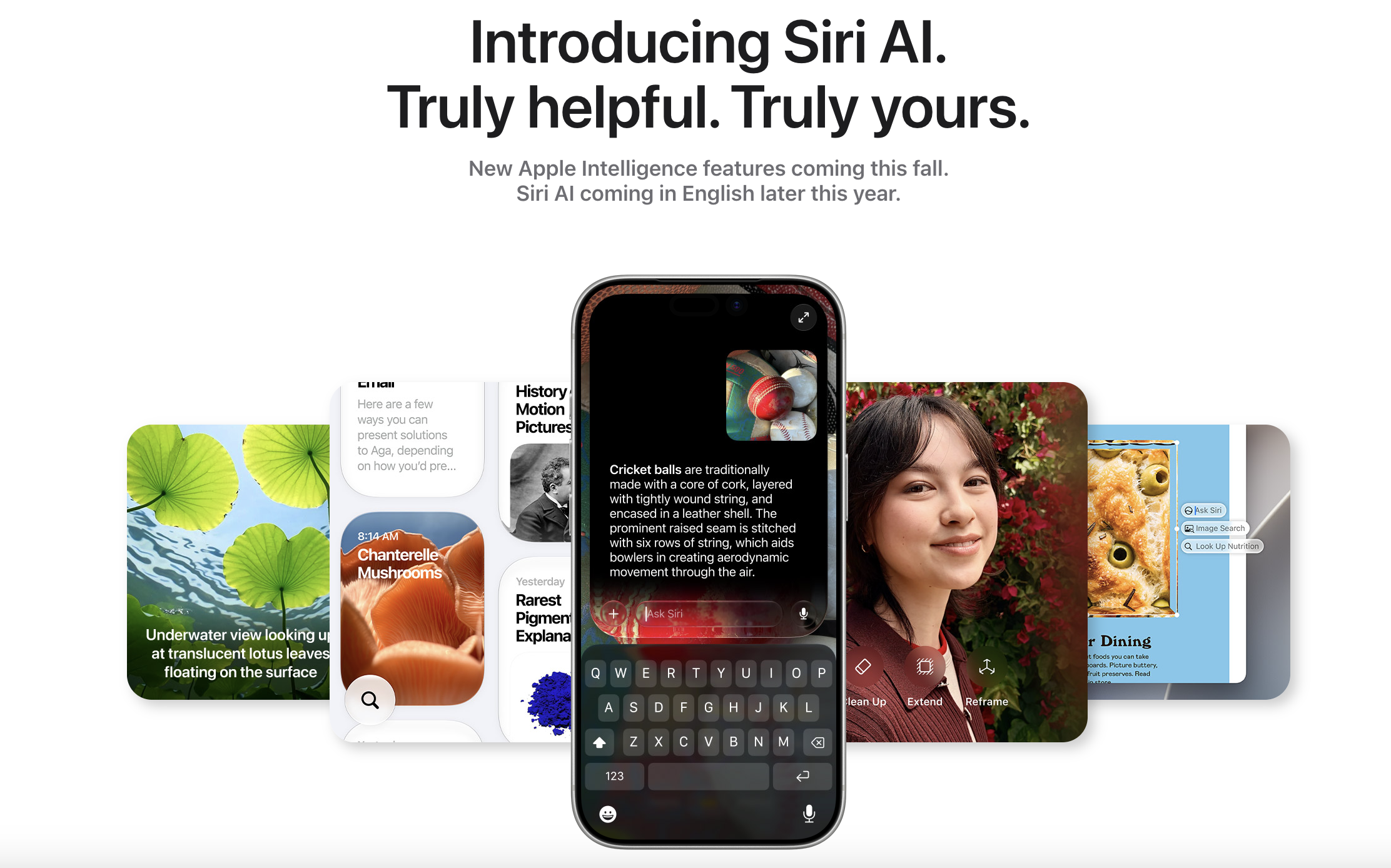
Siri AI - Apple's newly overhauled on-device AI assistant

Holo3.1 - H Company's computer-use model family, now running fully local

Poetic - AI that learns your procedures, then self-heals when apps change

Get access to all our AI courses, hundreds of real-world AI use cases, live expert-led workshops, an exclusive network of AI early adopters, and more.
Get unlimited access to all of our current & upcoming industry-specific AI courses for the duration of your subscription.
To keep up with the rapid pace of AI, our team publishes AI implementation guides daily. Our library contains 300+ practical use cases to automate real-world work.
Join weekly, live, interactive sessions with industry leaders who are at the forefront of AI for hands-on implementation guidance and exclusive insights.
Network with an exclusive community of AI-first professionals who are working smarter with AI. Learn how early adopters are using AI in their work and businesses.