Everyday free assistance
Ask questions, draft content, reason through decisions, analyze uploads, and search the web without a required paid plan.
Independent tool overview
Meta AI is Meta's free consumer assistant across meta.ai, its mobile and Mac apps, WhatsApp, Instagram, Messenger, Facebook, Threads, and Meta glasses. Powered by the Muse Spark model family, it handles chat, web and social search, reasoning, voice, files, image creation, research, presentations, recurring plans, and selected email or calendar tasks. Everyday use is free, though Meta is testing limits and optional subscriptions for compute-intensive features.
Visit the official Meta AI site ↗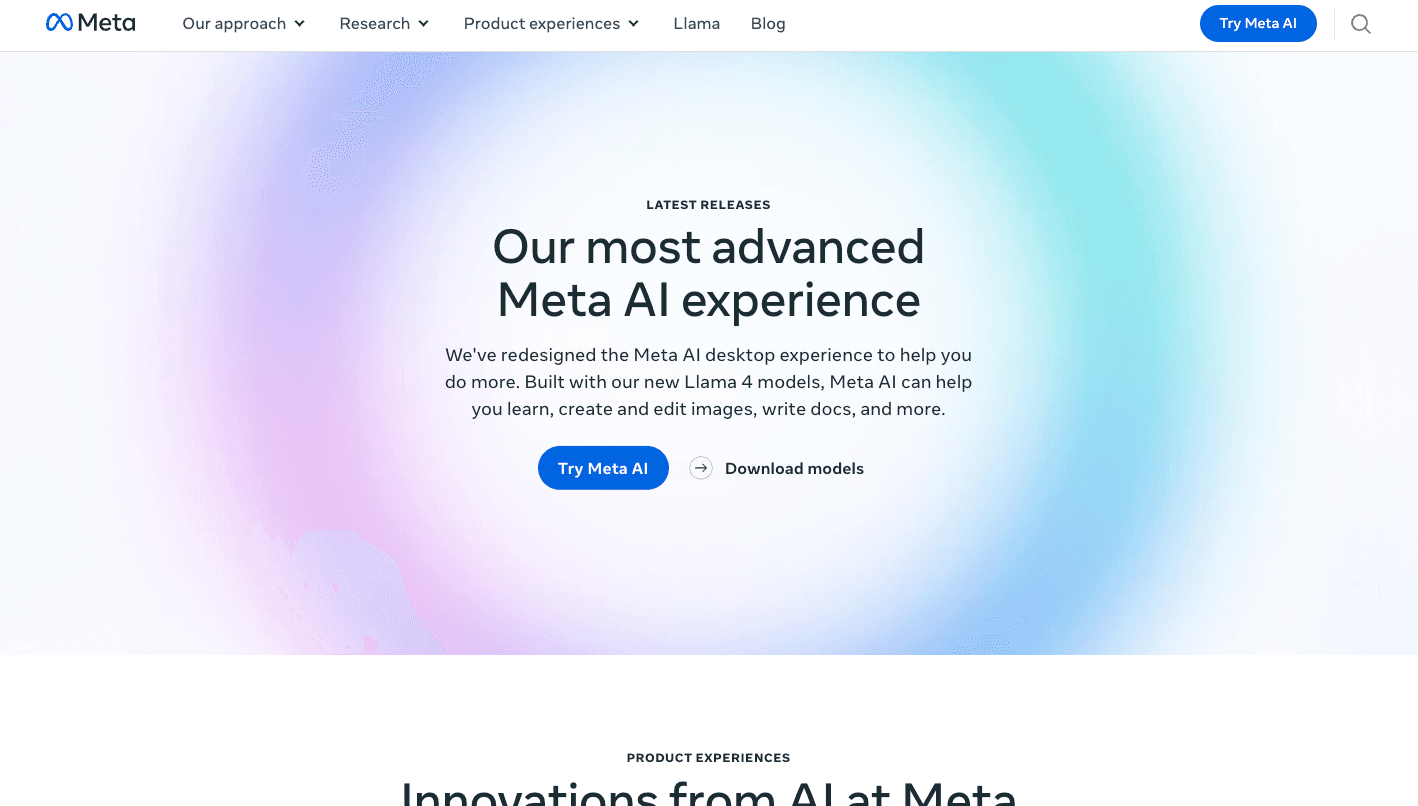
Overview
Meta AI is now a consumer assistant rather than simply a portal for Llama models and AI research. It is embedded in Meta's largest apps and also has dedicated web, mobile, and Mac experiences. That distribution is its clearest advantage: users can ask questions, create media, or plan with AI without leaving the apps where conversations and public social content already live.
The 2026 Muse Spark upgrade added Instant and Thinking modes, stronger multimodal reasoning, web and social context, live camera understanding, natural voice conversations, and image creation with Muse Image. Newer agent features can research across sources, build slides, maintain plans, deliver recurring briefings, and connect to email and calendars in supported markets.
Meta AI's personalization can use memories, profile details, engagement, public posts, and connected Meta accounts to make answers more relevant. That can be useful for shopping and recommendations, but it also creates a privacy tradeoff. Normal AI interactions may improve Meta products and personalize content or ads; Incognito Chat is the separate temporary mode Meta says even it cannot read.
Use cases
The strongest fit depends on the job you need the product to complete, not the size of its feature list.
Ask questions, draft content, reason through decisions, analyze uploads, and search the web without a required paid plan.
Find recommendations and context drawn from public Facebook, Instagram, Threads, Reels, creator, and community content alongside the wider web.
Generate, combine, annotate, restyle, and iteratively edit images with Muse Image across Meta AI and supported social surfaces.
Hold interruptible voice conversations or point a phone or supported glasses at the world for real-time assistance.
Build recurring schedules, research reports, shopping plans, slide decks, and email or calendar summaries where the newest agent features are available.
Capabilities
Switch between faster everyday answers and a deeper reasoning mode for complex, multimodal, or multi-step questions.
Research across the web and surface cited public posts, products, places, creators, and community perspectives from Meta's apps.
In supported markets, Meta AI can make plans, conduct multi-source research, generate slides, create recurring briefings, and continue scheduled tasks.
Connect supported personal services so the assistant can check availability, identify conflicts, and personalize daily briefings and plans.
Generate and edit images conversationally, combine references, sketch requested changes, create text-rich graphics, and use presets.
Talk naturally, interrupt, change topics or languages, and use a camera for real-time questions about what the assistant can see.
Upload several documents or images for comparison, extraction, explanation, charting, and structured analysis.
Start a temporary conversation processed in a protected environment that Meta says it cannot access and that disappears by default.
Process
Step 1
Use meta.ai or the dedicated app for long research and files, a messaging app for quick help, and supported glasses or live AI for hands-free visual questions.
Step 2
Use Incognito Chat for sensitive exploration when available; otherwise assume prompts may be retained, reviewed, and used to improve or personalize Meta products.
Step 3
Specify whether you want a quick answer, cited research, a plan, a slide deck, an image, or an action, and identify which sources or connected apps it may use.
Step 4
Correct scope, tone, assumptions, and source quality while the assistant is researching or building the deliverable.
Step 5
Open citations, confirm dates, check calculations and image details, and review every email, calendar, shopping, health, financial, or account-related action.
Step 6
Remove stale memories, disconnect apps that are no longer needed, revisit Accounts Center and ad controls, and delete normal AI history when appropriate.
Cost
Meta AI is free for everyday use, including ordinary chat and image generation. Meta says it is testing daily or monthly limits on some compute-intensive features. When a user reaches a test limit, an optional subscription may be offered for more usage, but Meta does not publish a universal subscription price or allowance on the public assistant page.
Free
Consumer access through Meta AI and supported Meta apps without a required subscription.
Price shown only to eligible test users
Meta is testing subscriptions for users who hit limits on more compute-intensive features.
Separate developer product
Programmatic access to Muse models is not the same product or billing system as the free Meta AI assistant.
Pricing checked . Check current pricing at the source ↗
Assessment
Compare
The right alternative depends on the specific output, workflow, controls and budget your project requires.
Business Operations
Choose ChatGPT for a mature standalone assistant ecosystem with broader paid power-user features and custom workflows.
Explore ChatGPT →Content Creator
Consider Gemini when Google Search, Workspace, Android, and Google's model ecosystem are the stronger fit.
Explore Gemini →Data Analysis
Use Perplexity when source-first web research and transparent citation workflows matter more than Meta app integration.
Explore Perplexity →Questions
Meta AI is Meta's consumer assistant for questions, reasoning, research, voice, files, image creation, shopping, plans, and selected tasks across Meta's apps and devices.
Yes, Meta AI is free for everyday use. Meta is testing limits and optional subscriptions for some compute-intensive features, but no universal public subscription price is listed.
Meta describes the assistant as powered by its Muse Spark family. Muse Spark 1.1 launched in Thinking mode in July 2026; newer developer releases should not automatically be assumed to replace every consumer surface.
It is available at meta.ai, in iOS and Android apps, a Mac beta, WhatsApp, Instagram, Messenger, Facebook, Threads, and supported Meta AI glasses. Features vary by country and surface.
Yes. Muse Image can generate, combine, and edit images through conversation or direct annotations. Everyday image creation is free, and images include Meta's hidden Content Seal provenance signal.
The newest agent features can connect supported email and calendar services for briefings, availability, and planning in selected markets. Review scopes carefully and verify every action.
Normal chats are not equivalent to private messaging and may improve or personalize Meta products. Incognito Chat is the separate mode Meta says even it cannot read and is not saved by default.
No. Meta AI is the consumer assistant. Llama, Muse models, and the Meta Model API are developer offerings with separate licenses, rules, limits, and pricing.
Bottom line
Meta AI is one of the strongest free choices for people already living in WhatsApp, Instagram, Facebook, Messenger, or Meta's glasses ecosystem. Its social grounding, voice, image tools, and new planning features are differentiated. The cost is a more complicated data relationship: use Incognito Chat for private exploration, limit connected-app permissions, and verify every consequential result. Power users should also expect regional feature gaps and possible paid limits on compute-intensive tools.
Visit Meta AI website ↗
Get access to all our AI courses, hundreds of real-world AI use cases, live expert-led workshops, an exclusive network of AI early adopters, and more.
Get unlimited access to all of our current & upcoming industry-specific AI courses for the duration of your subscription.
To keep up with the rapid pace of AI, our team publishes AI implementation guides daily. Our library contains 300+ practical use cases to automate real-world work.
Join weekly, live, interactive sessions with industry leaders who are at the forefront of AI for hands-on implementation guidance and exclusive insights.
Network with an exclusive community of AI-first professionals who are working smarter with AI. Learn how early adopters are using AI in their work and businesses.
.avif)


